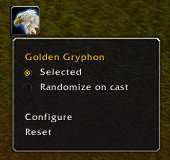
The CastMount button can be dragged to any location on the screen.
Right clicking it brings up the menu
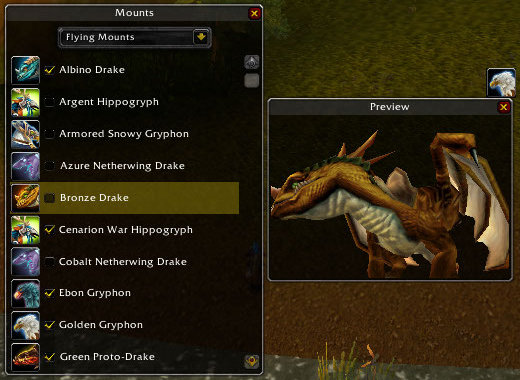
Can't decide of you should leave a mount selected?
Clicking on any mount in the list will show you what it looks like.
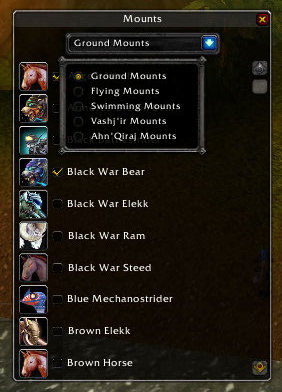
The configure menu option brings up this screen.
You can choose which category of mounts to edit,
and select/deselect them using the check button.
Description
CastMount is a simple interface for selecting and casting player mounts.
To randomly select a mount, mouseover the icon and press alt + ctrl.
Hold in shift to select a ground mount instead of the smart select.
Right click the icon for this short list of options:
- Selected: choose this mount for randomization.
- Randomize on cast: choose a new mount whenever you cast
- Configure: Opens a window listing your mounts by category, a checkbox for selection and a preview window.
- Reset: Resets to default settings.
A key binding can be set in the Key Bindings menu.
CastMount Team