Non-Target AggroView
Displays real-time threat percentages on enemy nameplates with customizable colors, tank mode, and threat rankings.
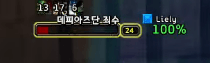
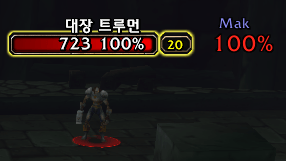
ê°¤ë¬ë¦¬.png
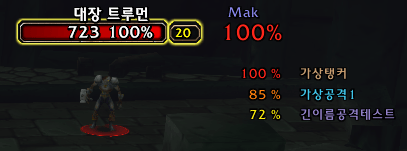
ê°¤ë¬ë¦¬.png
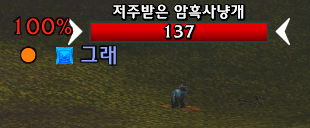
ê°¤ë¬ë¦¬.png
Description
Non-Target Aggro View
Non-Target Aggro View helps you quickly check the aggro and threat status of enemies you are not currently targeting directly on their nameplates.
When fighting multiple enemies at once, you can monitor aggro status, current target information, and dangerous threat situations without constantly switching targets.
Main Features
- Displays Aggro % for non-targeted enemies
- Displays enemy target information with TOD / TOT
- Threat Highlight for quickly identifying dangerous threat states
- HIGH THREAT display for tanks
- Displays HIGH THREAT player name and Aggro %
- Automatic display behavior based on TANK / DPS / HPS role
- Multiple TYPE presets
- Save and apply your own Custom TYPE
- Freely adjust the position, size, and alignment of each display element
- Supports Korean / English / Chinese / Russian / Spanish
Multiple TYPE Presets
Several preset layouts are included so you can quickly choose the display style you prefer.
You can also adjust the position and size of each element and save your own setup as a Custom TYPE.
Settings
Use the following command in-game:
/ta
From the settings window, you can select a TYPE, adjust positions, configure advanced options, and change the language.
See more than just your current target — keep track of the threat situation across all enemies in combat.
Non-Target AggroView Team