NightUI - Unit Frames
- By
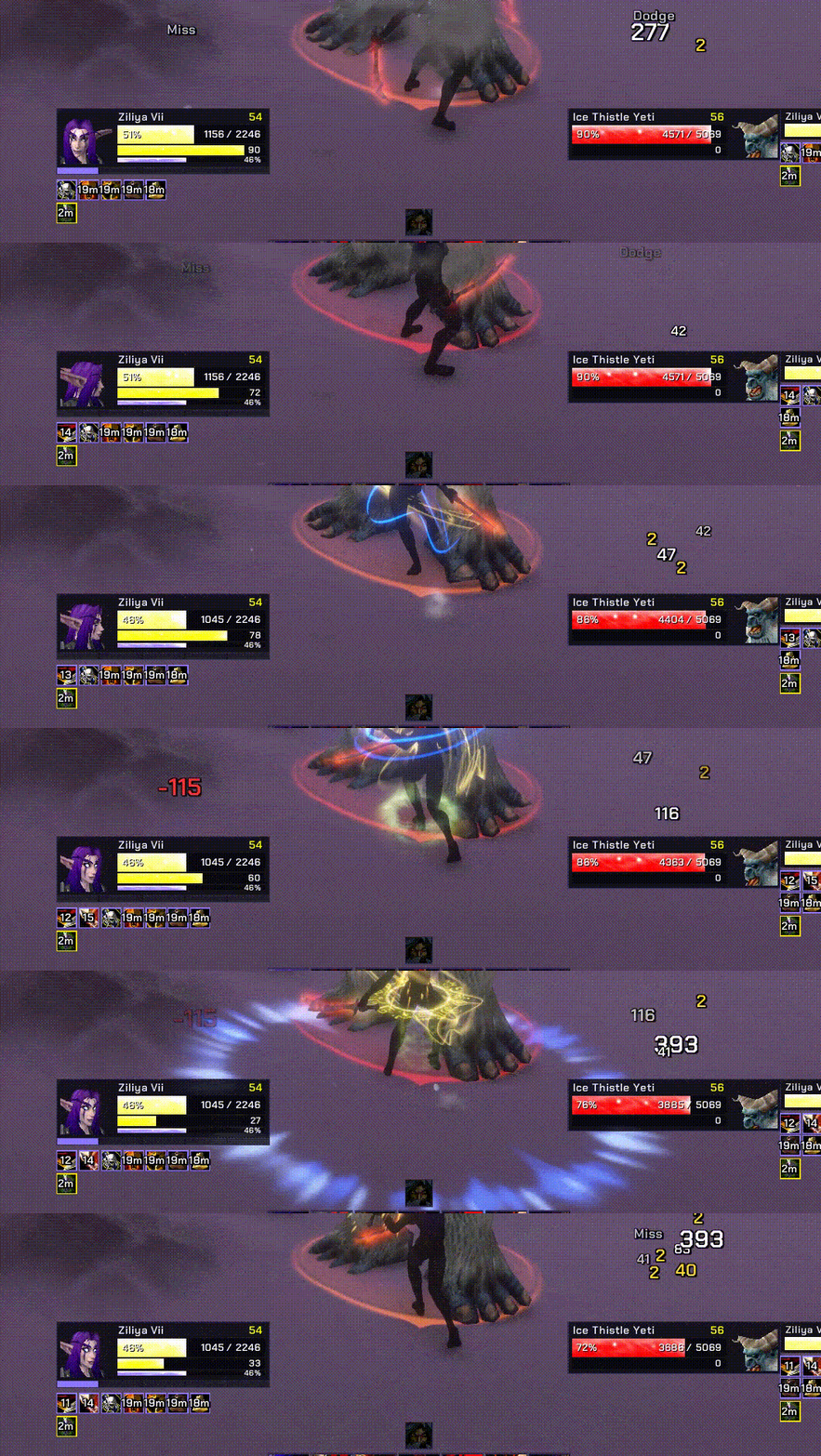
A dark, clean style interface with live settings, NightCC aura timers, combat-safe unit frames and a full in-game config. No reloads needed.

Screenshot 2026-11-22 133821.png
ScreenRecording2026-11-22205953-ezgif.com-optimize.gif
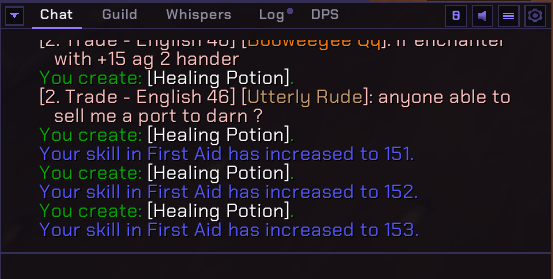
Screenshot 2026-11-22 133830.png
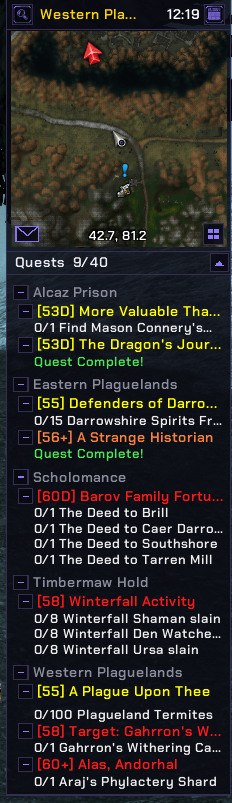
Screenshot 2026-11-22 011948.png
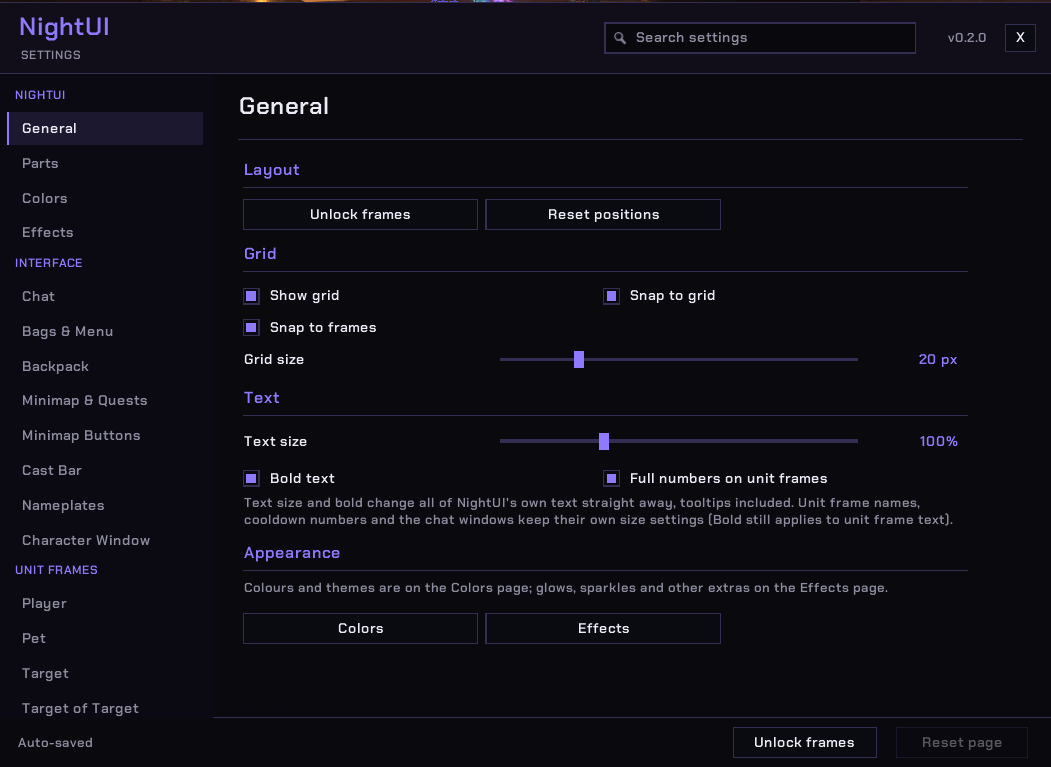
Screenshot 2026-11-22 134339.png
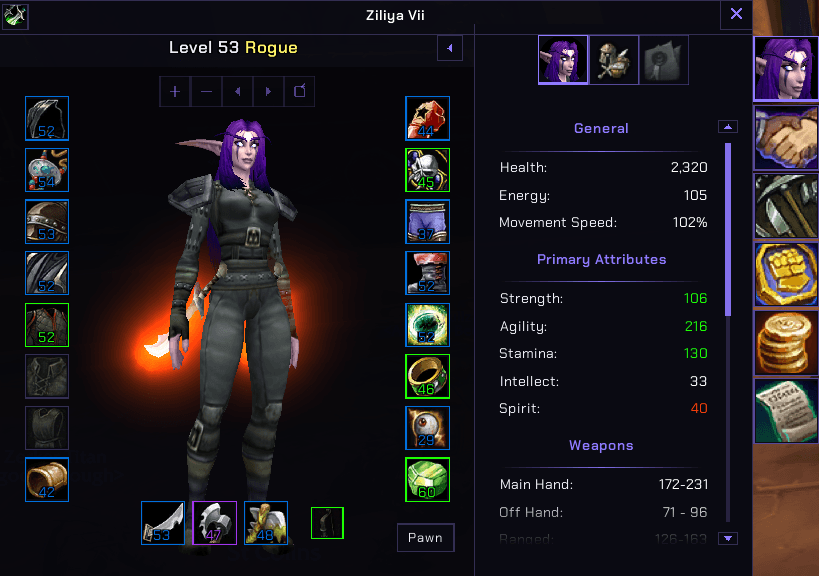
Screenshot 2026-11-22 134400.png
Description
NightUI
A dark, clean interface with live settings, NightCC aura timers and combat-safe unit frames.
NightUI replaces the default interface with a sleek dark look: purple accents, flat bars and the crisp Chakra Petch font. Everything is configured in one searchable settings window, and most changes apply instantly, with no /reload needed.
Features
Unit Frames
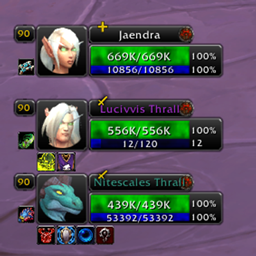
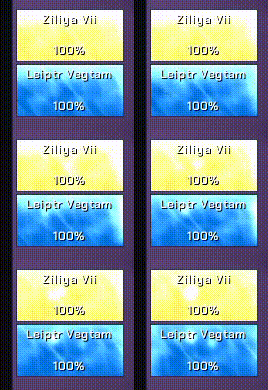
- Player, target, target of target, focus, pet and party frames
- Optional animated health, power and experience bars
- Experience percentage on the player frame
- Class, reaction or custom name colours, with an optional soft name glow
- Full numbers or shortened values
Action Bars and Cast Bar
- Restyled bars and cooldown text
- Every action bar, the stance bar, the pet bar and the cast bar can be moved
NightCC Aura Timers
- Countdown timers on unit frame auras, nameplates and action buttons
- Per-spell size rules and separate scaling for your own buffs and debuffs
- Several time formats and colour styles
Nameplates
- Larger, readable names and cast text
- Class-coloured friendly players
- Target glow
- Optional combo points under your target's nameplate
Chat, Minimap and Quests
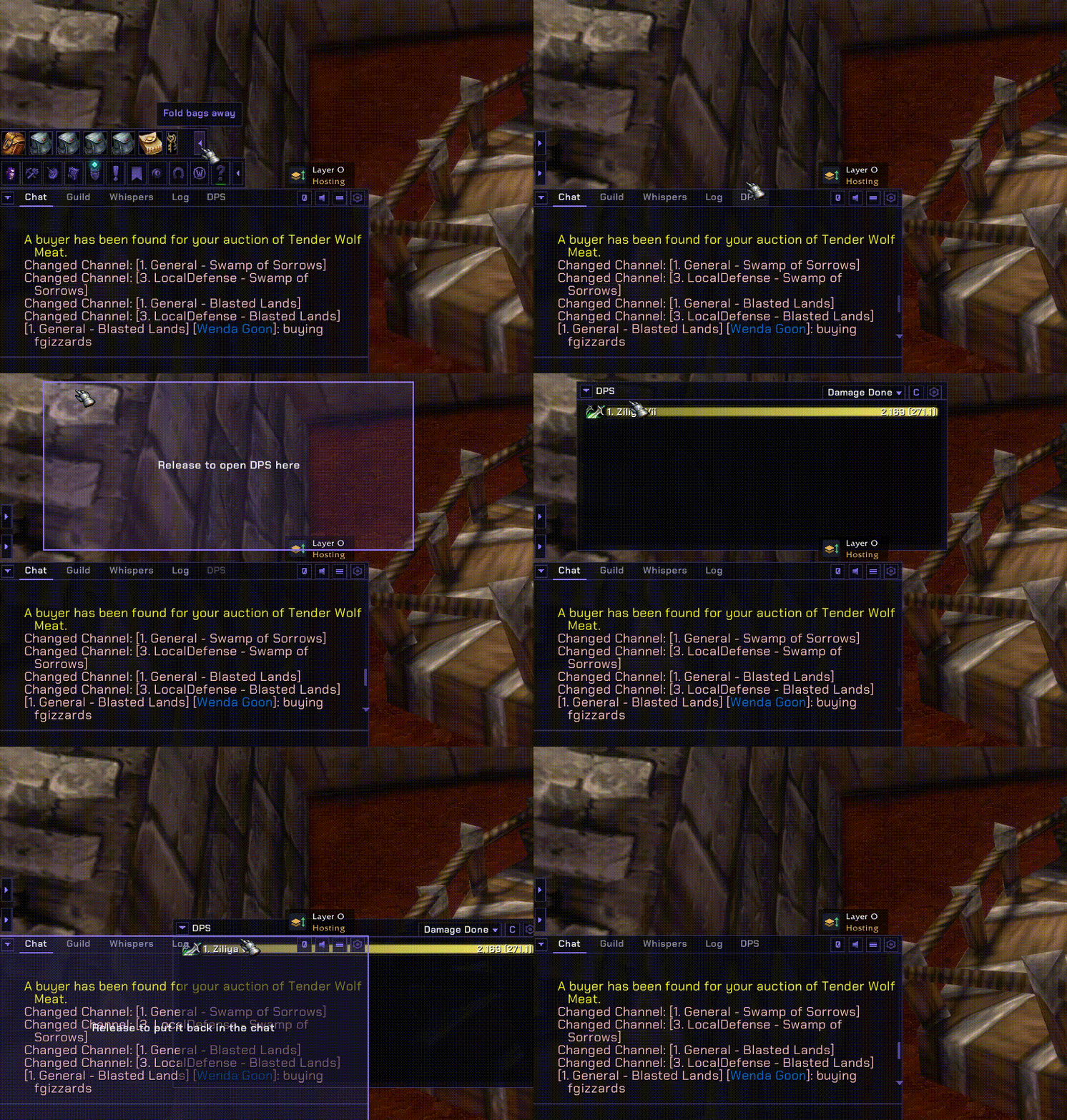
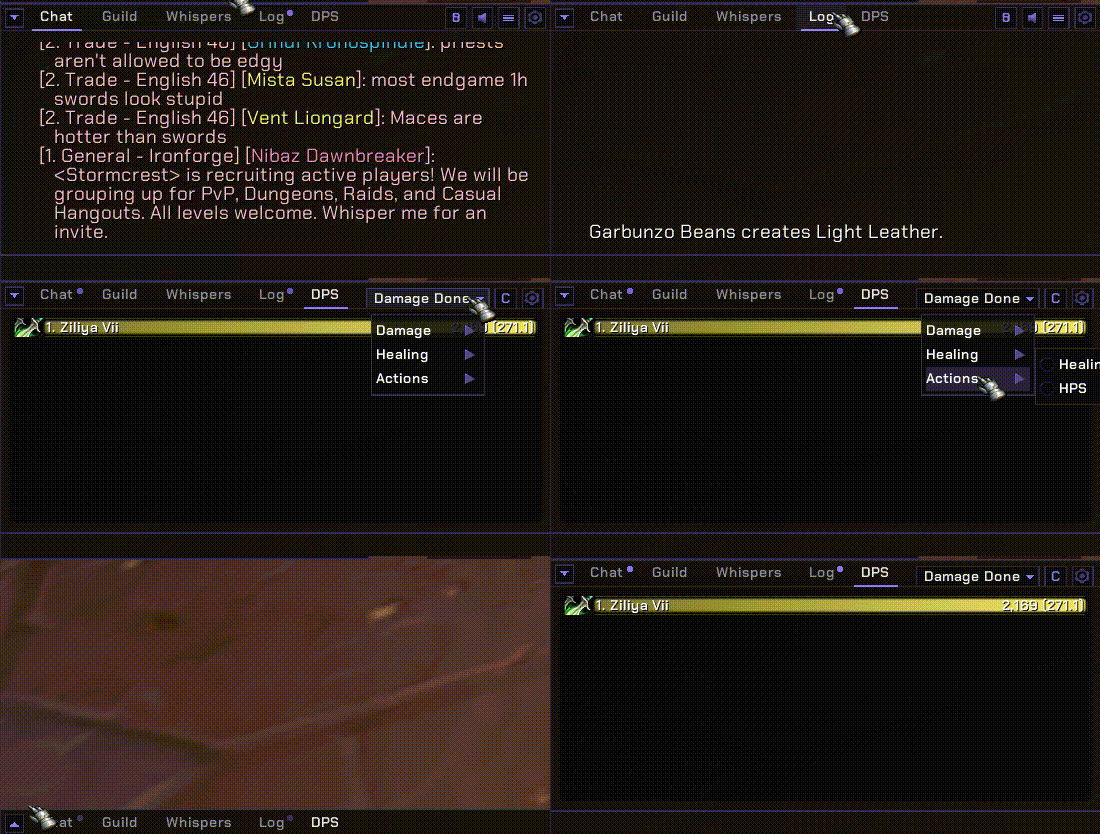
- Chat with a clean tab strip; tabs can open in their own windows
- Square minimap with a header bar
- Foldable quest list
Character Window
- Restyled reputation, skills and statistics pages
- PvP statistics on the Player vs. Player tab
Bags
- Combined bag window with item quality borders
- Item levels and search highlights
Party and Raid Side Menu
- Restyled to match the rest of the interface
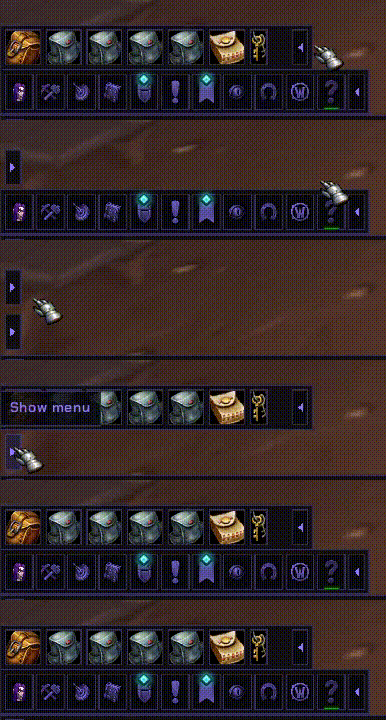
- Slides open and closed, and can be moved
Low Health Warning
- Red screen-edge pulse at the health percentage you choose (20% by default)
- Works in combat
Combat Text
- Floating damage and healing numbers in NightUI's font (optional)
Settings
- Compact pages with search
- Live colours, text size slider and bold text option
- Move mode for repositioning frames
- Every part can be switched back to Blizzard's default
Getting Started
- Type
/nuito open the settings. - Use Unlock frames to move frames around.
- Open the Parts page to turn any part of NightUI on or off.
Combat-Safe
NightUI is built for the newer secret-value API and never reads protected combat values in Lua. Health, auras and combo points are drawn by the game itself, so the interface keeps working in combat without errors or taint.
Bug reports and suggestions are welcome in the comments.
NightUI - Unit Frames Team
Owner