NetStats
- By
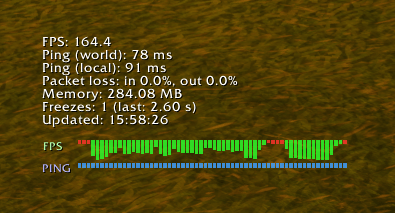
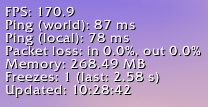
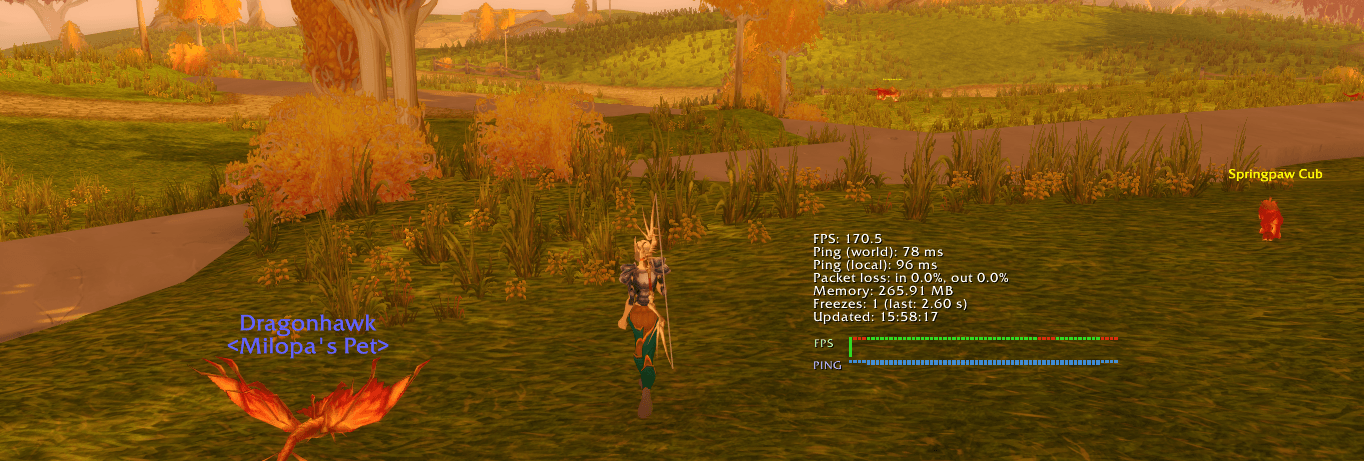
NetStats is a lightweight World of Warcraft addon that displays your current FPS, ping (world and local), packet loss, memory usage, and detects game freezes in a movable, customizable window.
NetStats is a lightweight World of Warcraft addon that displays real-time network and performance statistics in a movable and customizable window.
Main features:
- Shows current FPS (frames per second)
- Displays both world and home ping (latency)
- Monitors packet loss (incoming and outgoing)
- Tracks total addon memory usage
- Detects and counts game freezes (frame drops)
- Supports both English and Russian languages
- Allows easy adjustment of scale and transparency via slash commands
- NEW: You can now hide or show only the graph for a metric (FPS, ping, pinghome) without hiding the text value
- NEW: Graphs are now positioned directly below the "Updated" line and move up dynamically when metrics are hidden
Slash Commands
/netstats— Show or hide the NetStats window./netstats <scale>— Set window scale (10–200, percent). Example:/netstats 120/netstats <scale> <alpha>— Set window scale and transparency (scale: 10–200, alpha: 10–100, percent). Example:/netstats 120 80/netstats <alpha>— Set window transparency only (10–100, percent). Example:/netstats 50/нетстатс— Russian alias for all commands above.
Additional commands:
/netstats show— Show current settings/netstats lockor/netstats unlock— Lock/unlock the window/netstats reset— Reset all settings to default/netstats hide <metric>— Hide a metric (fps, ping, pinghome, packetloss, memory, freezes)/netstats showmetric <metric>— Show a previously hidden metric/netstats hidegraph <graph>— Hide only the graph for a metric (fps, ping, pinghome) but keep the text/netstats showgraph <graph>— Show a previously hidden graph for a metric/netstats showall— Show all metrics and graphs/netstats metrics— List all available metrics
Examples:
/netstats hidegraph fps— Hide only the FPS graph, keep the FPS text/netstats hide ping— Hide both the ping text and its graph/netstats showgraph pinghome— Show the ping home graph if it was hidden
The NetStats Team