Nemesis
- By
Nemesis lets you keep a personal hit-list of rival players and warns you the moment one of them shows up nearby. Built for world PvP, ganker payback, and keeping tabs on that one rogue who will not stop camping you.
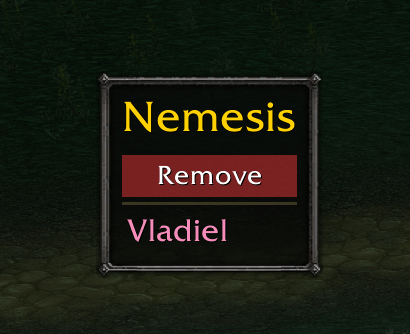
Screenshot 2026-06-13 at 19.56.20.png
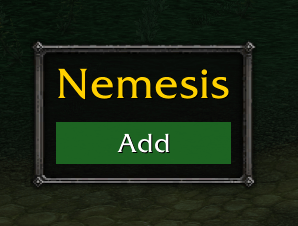
Screenshot 2026-06-13 at 19.56.03.png
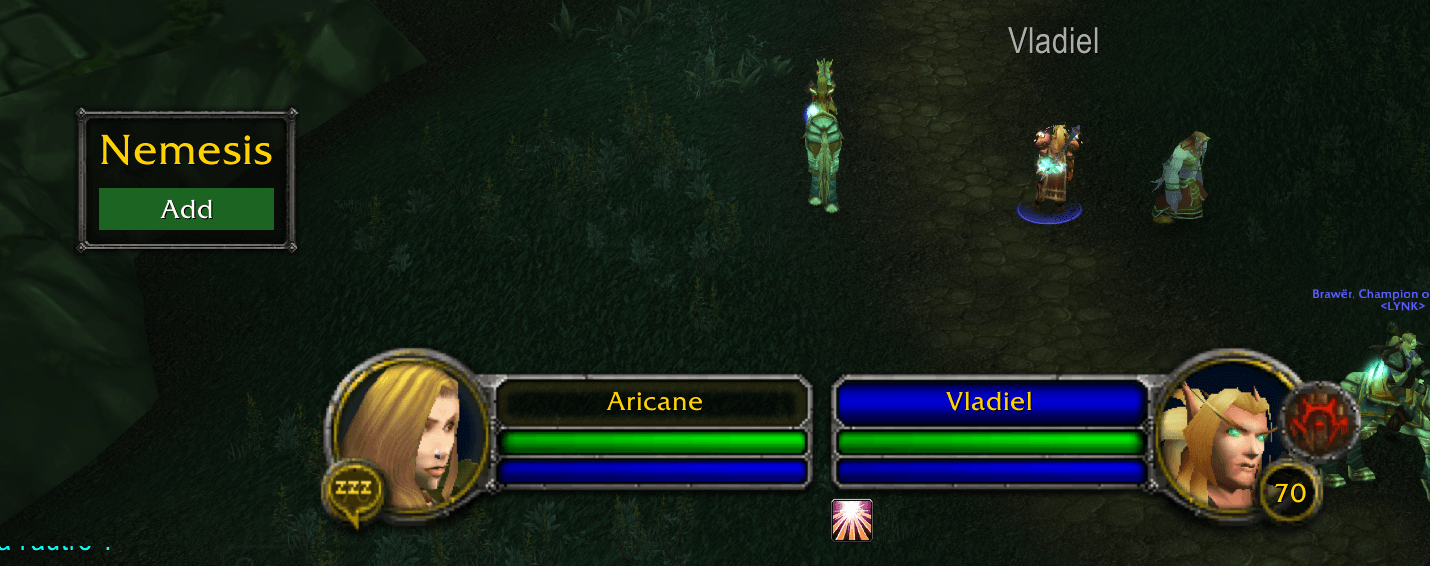
Screenshot 2026-06-13 at 20.00.16.png
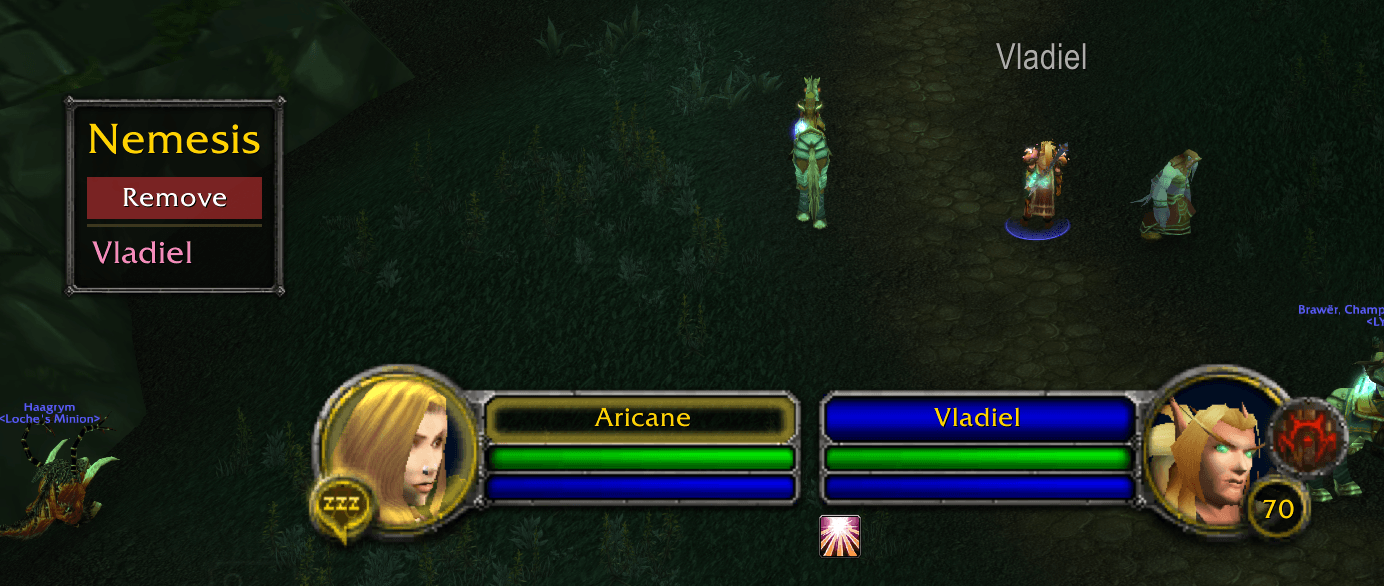
Screenshot 2026-06-13 at 20.00.25.png
Description
Know when your enemies are near.
Nemesis lets you keep a personal hit-list of rival players and warns you the
moment one of them shows up nearby. Built for world PvP, ganker payback, and
keeping tabs on that one rogue who will not stop camping you.
HOW TO USE
1. Target a hostile player.
2. Click Add on the Nemesis panel (green = add, red = remove).
3. When a tracked enemy comes near, their name pops into the list. Click to target.
Move the panel by holding right-click and dragging.
FEATURES
• One-click tracking — target a hostile player and hit Add. Hit it again to remove.
• Live "nearby" list — a clean panel shows every tracked enemy around you, colored
by class. Click a name to instantly target them.
• Catches them four ways — nameplates, your target, your mouseover, and combat log.
• All-in-one panel — add/remove control and the nearby list in one draggable window.
• Remembers everything — your list and window position are saved between sessions.
SLASH COMMANDS
/nem or /nemesis — show help
/nem add — add or remove your current target
/nem remove Name — remove someone by name (or Name-Realm)
/nem list — print your full list
/nem clear — wipe the list
GOOD TO KNOW
WoW does not let addons constantly scan everyone around you — detection relies on
nameplates and combat. For the most reliable alerts, turn on "Always Show
Nameplates" for enemies (or tap the nameplate key, default V).
Works on WoW Classic (TBC Anniversary). Fully open source — bug reports welcome.
The Nemesis Team