NaowhForever.png
NaowhForever2.png
NaowhForever4.png
Description
Naowh Forever
Naowh's companion addon for World of Warcraft Forever.
Your BiS list, a dungeon journal, professions, gear swaps, paladin blessings and a lot of quality of life, all in one window. Built by the NaowhUI team for Forever and nothing else.
Every module starts off. Turn on only what you want. Anything you leave off costs nothing, not even a registered event.
What's inside
Reminders (Coming soon!)
Tells you what to press when a boss ability is about to land, in dungeons and raids, with cooldown presets for your spec. Works on its own, and also works with BigWigs or DBM if you run one.
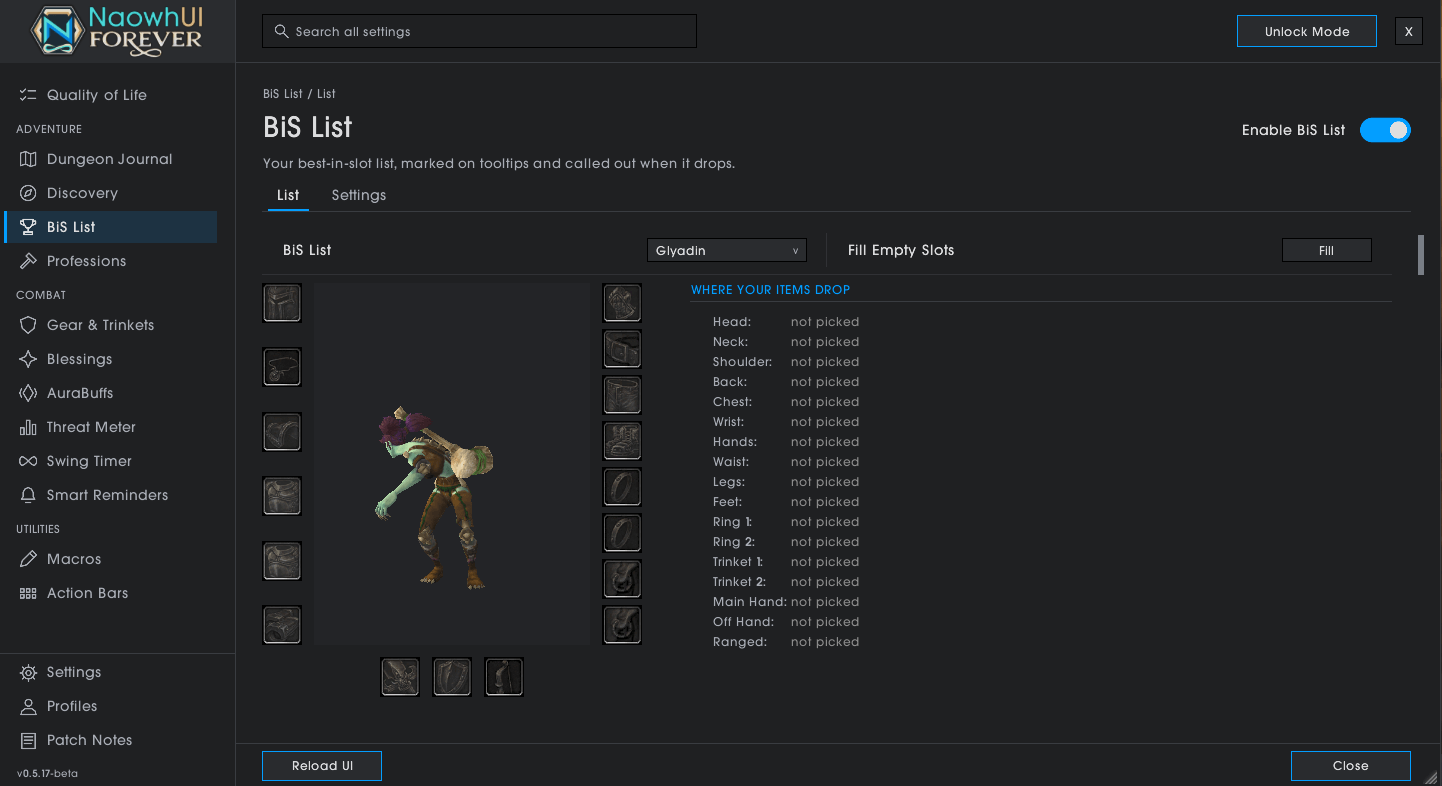
BiS List
Your best-in-slot list on the character sheet, one card per slot with ranked picks for each. Your picks are marked on tooltips and called out when they drop. You can keep several lists per class, switch them per spec, fill empty slots from the rankings, and import or export a list to share it.
Dungeon Journal
Every dungeon on Forever, the new ones too, and the raids:
- each boss in the order you meet them, what it drops and how often, then what the trash drops
- your BiS and upgrades marked, and loot your class can't use hidden
- your quests for the dungeon, each with a waypoint and its quest chain, plus a tracker to keep on screen while you run it
- a tip from Naowh for nearly every boss, and how many times you've killed it
- search every dungeon for an item or a boss, or show only the BiS you're still missing
Open the world map inside a dungeon and it sits right beside it. /nfjournal opens any dungeon.
Professions
Recipes, reagents and crafting in one window, including the recipes you haven't learned yet. Shopping list, reagent counts across bags and bank, favourite recipes, gathering tracking, and an alert when your next rank is ready to train.
Blessings
Paladin blessings by class and player, shared with every paladin in your group who runs the addon. Auto-Assign splits blessings and auras across the paladins in your group, presets save the whole group's plan, and class buttons show at a glance who is missing a blessing or about to lose it.
Gear Sets & Trinkets
Swap equipment sets from a bar, or automatically while you ride or rest. A trinket bar for your on-use trinkets.
Macros
Class, consumable and focus macros, written for you and kept up to date.
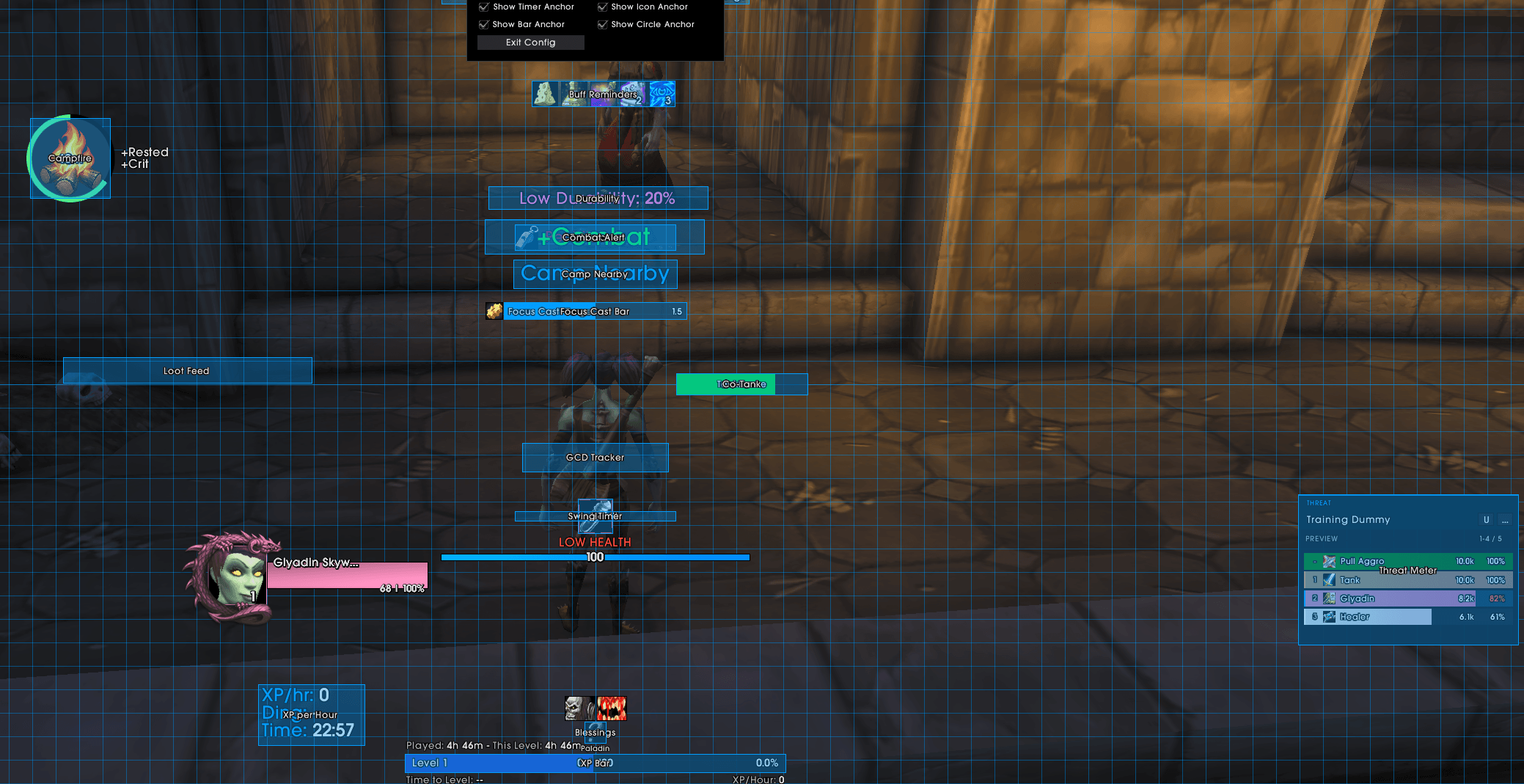
Buffs & Reminders
Buff, consumable and campfire reminders, a low health warning, and poison and dispel alerts.
Threat Meter
Threat on your target for the whole group, and a warning before you pull aggro.
Swing Timer
Your swings from the game's own timer, with marks to help you time around them.
Discovery
The library books you can still find, how many you've handed in toward the Friend of the Library rewards, and who takes them for your faction. Map pins and a sound when you're near one.
Top Bar
Friends, guild, the clock and your addon buttons across the top of the screen.
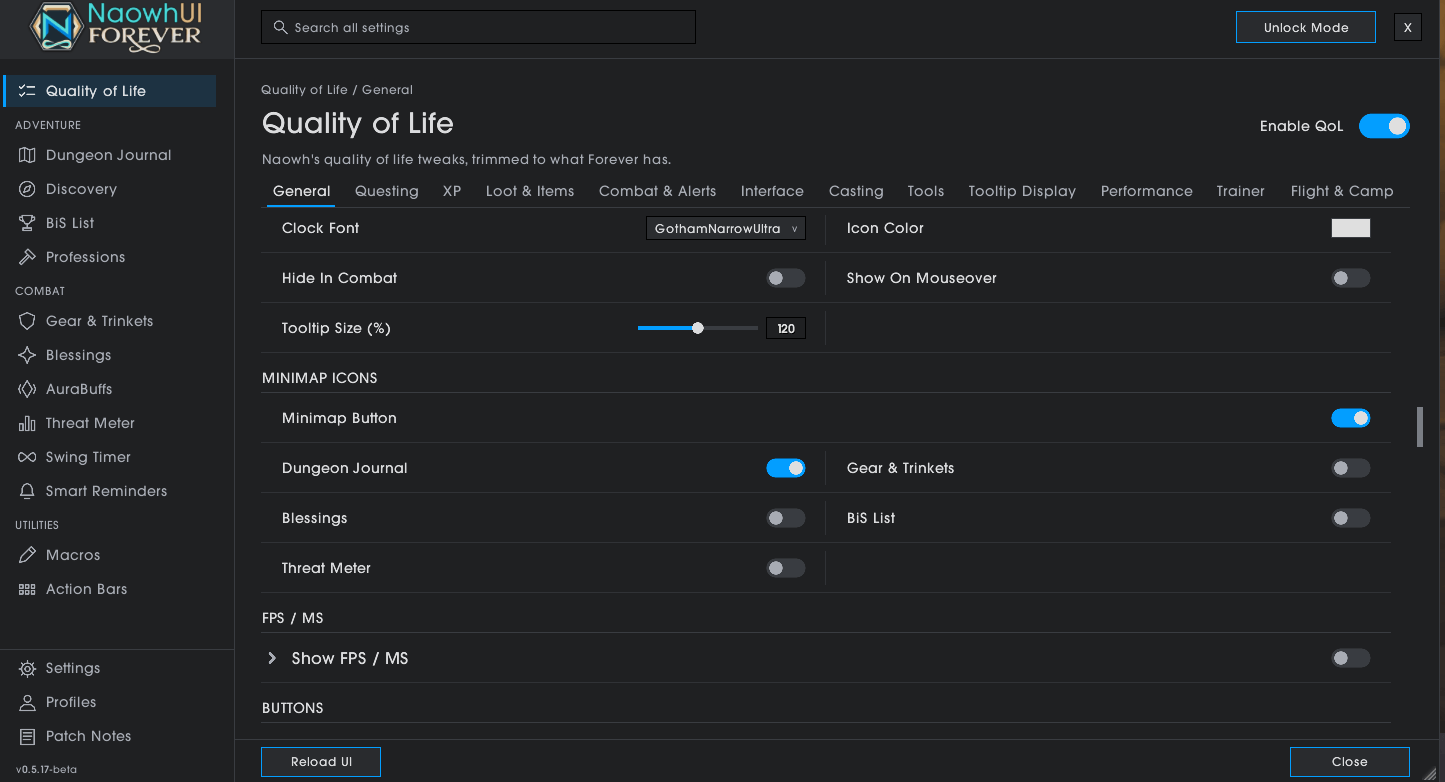
Quality of Life
Too much to list here, but a taste:
- Questing: quest automation, XP bar with level splits and /played at each ding, group XP, talent point reminders
- Loot & bags: loot feed, bag space, restock from vendors, auction prices, mail helpers and alt inventories on tooltips
- Combat: combat timer and alert, crosshair and melee range, mouse ring, GCD tracker, focus cast bar, stealth and durability reminders, co-tank tools
- Travel: flight timer that learns your routes, town maps, death release protection
- Interface: hide UI clutter, FPS and latency, camera and name options, Global Copy (
/copythe text under your mouse) - Trainer popup that tells you when new ranks are ready and swaps them onto your bars
- A 150+ question WoW quiz for long flights and campfires
Profiles
All your settings live in profiles. Switch between them, copy them to another character, or share them with a friend. Settings search finds any option in the window.
Commands
| Command | Opens |
|---|---|
/nf |
The main window (also /naowh) |
/nfbis |
Your BiS list |
/nfjournal |
Dungeon Journal |
/nfgear |
Gear Sets |
/nfbless |
Blessings |
/nfthreat |
Threat Meter |
/nf quiz |
The WoW quiz |
You can also open it from the addon compartment next to the minimap.
Supporter badges
Naowh, the developers, the moderators and Legendary patrons on Naowh's Patreon get the Naowh Forever N next to their name in chat. Hover the name for their card. Every part can be turned off in QoL > Interface > Supporter Badges.
Beta
Naowh Forever is in beta and changing fast. Found a bug or have an idea? Come tell us on Discord.
Naowh Forever Team