
Chroma
- By
Снимок ÑкÑана â 2026-07-26 в 04.51.11.png
Снимок ÑкÑана â 2026-07-26 в 04.51.50.png
Description
Chroma — Role & Debuff Icon Toggles
As of patch 2.5.6, Blizzard rebuilt nameplates and raid frames from the ground up and added native options for class colors, aura icon sizing, and dispel indicators. Chroma used to handle all of that — now it doesn't need to. This is what's left: the two things still missing from the game.
What it does
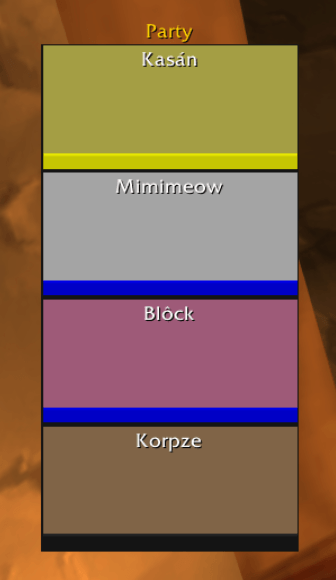
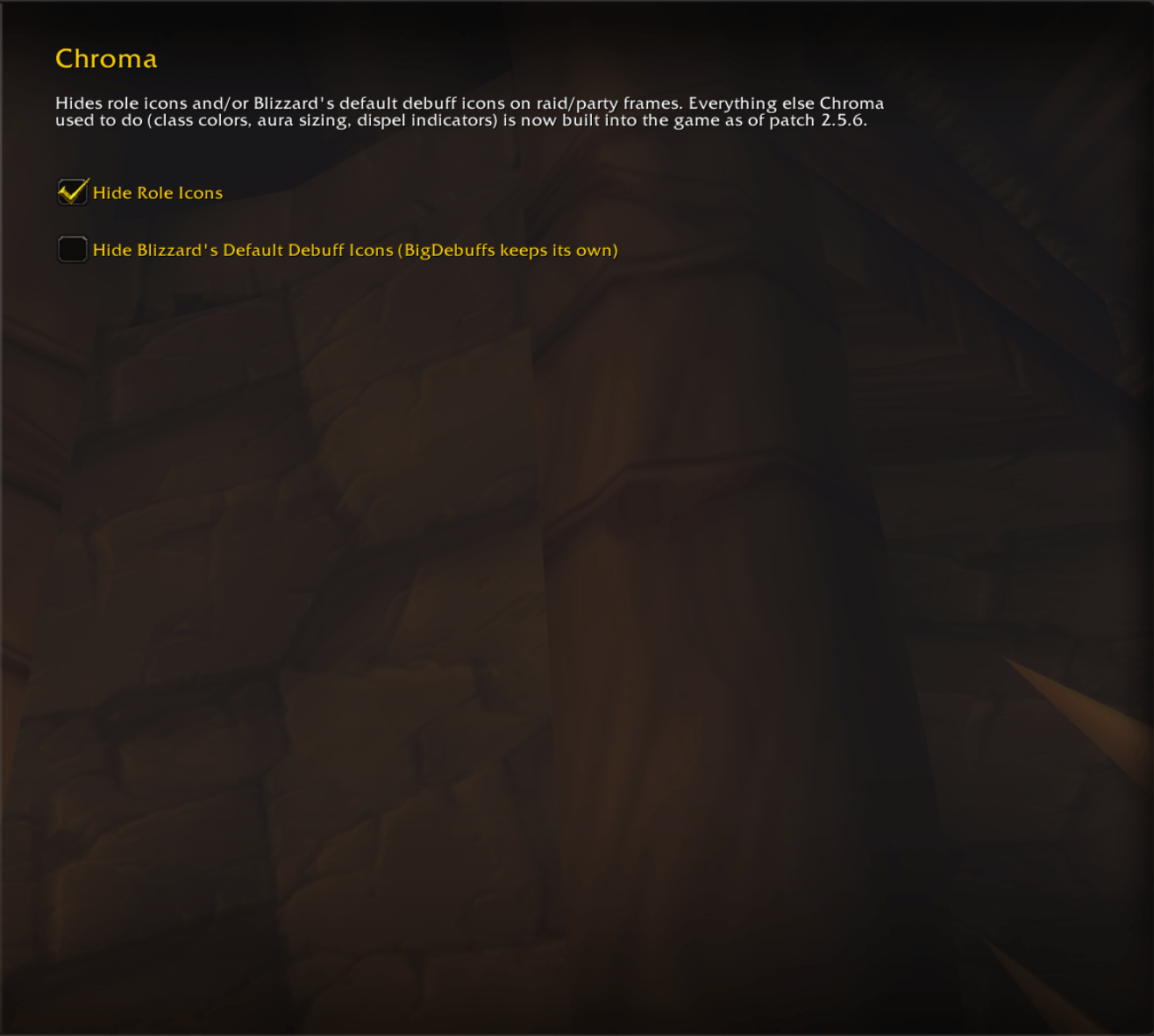
- Hide Role Icons — removes the tank/healer/dps icon from party and raid frames, for anyone who doesn't need it.
- Hide Blizzard's Default Debuff Icons — turns off Blizzard's built-in debuff icons on raid frames. Useful if you run a separate debuff tracker like BigDebuffs and don't want icons doubling up. Blizzard does have its own "Show Debuffs" checkbox in Raid Frames options, but it's currently bugged and resets itself every time you close the options window or reload — this setting is a reliable workaround, not a duplicate.
What it no longer does
If you installed Chroma for class-colored nameplates, buff/debuff icon sizing, or dispel indicator mode — you don't need it for that anymore. All of it is built into the game now:
- Nameplate class colors → Options → Nameplates
- Aura icon size → Edit Mode
- Dispel indicators → Raid Frames options
Settings
Interface → AddOns → Chroma, or /chroma. Settings save automatically. /chroma dump prints diagnostic info about your party/raid frame if something looks wrong.
Compatibility
Burning Crusade Classic Anniversary (2.5.x). No dependencies.
☕ Donations are optional but appreciated:
USDT (TRC20): TSZaeqpb212kpXcoLMD16PMz3ZEq2BgsiH
Chroma Team
