Muleadin
- By
WoWScrnShot_092426_224559.jpg
WoWScrnShot_092426_224711.jpg
WoWScrnShot_092426_224828.jpg
WoWScrnShot_092426_224842.jpg
Description
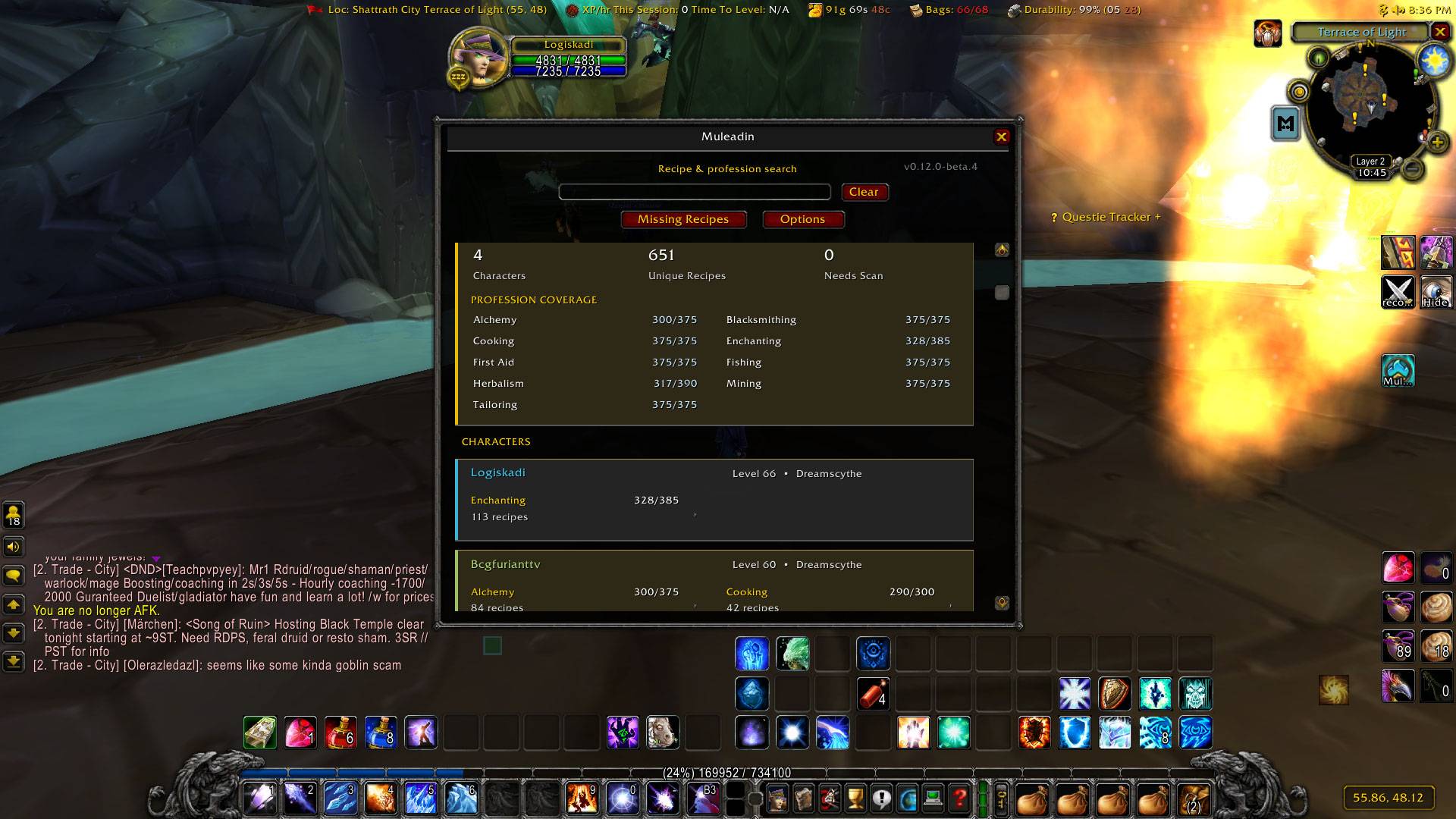
Muleadin remembers profession and recipe knowledge across your characters and turns it into practical, in-game profession intelligence.
Instead of logging through alts, digging through profession windows, or maintaining external notes, Muleadin can tell you who knows a recipe, who can learn it now, what is blocking another character, where a missing recipe comes from, and what your materials are actually used for.
Muleadin keeps actionable results limited to your current realm and faction, so characters elsewhere are never presented as though they can help.
Highlights
- Profession and recipe memory across characters
- Sticky Known protection so stale scans never erase confirmed learned recipes
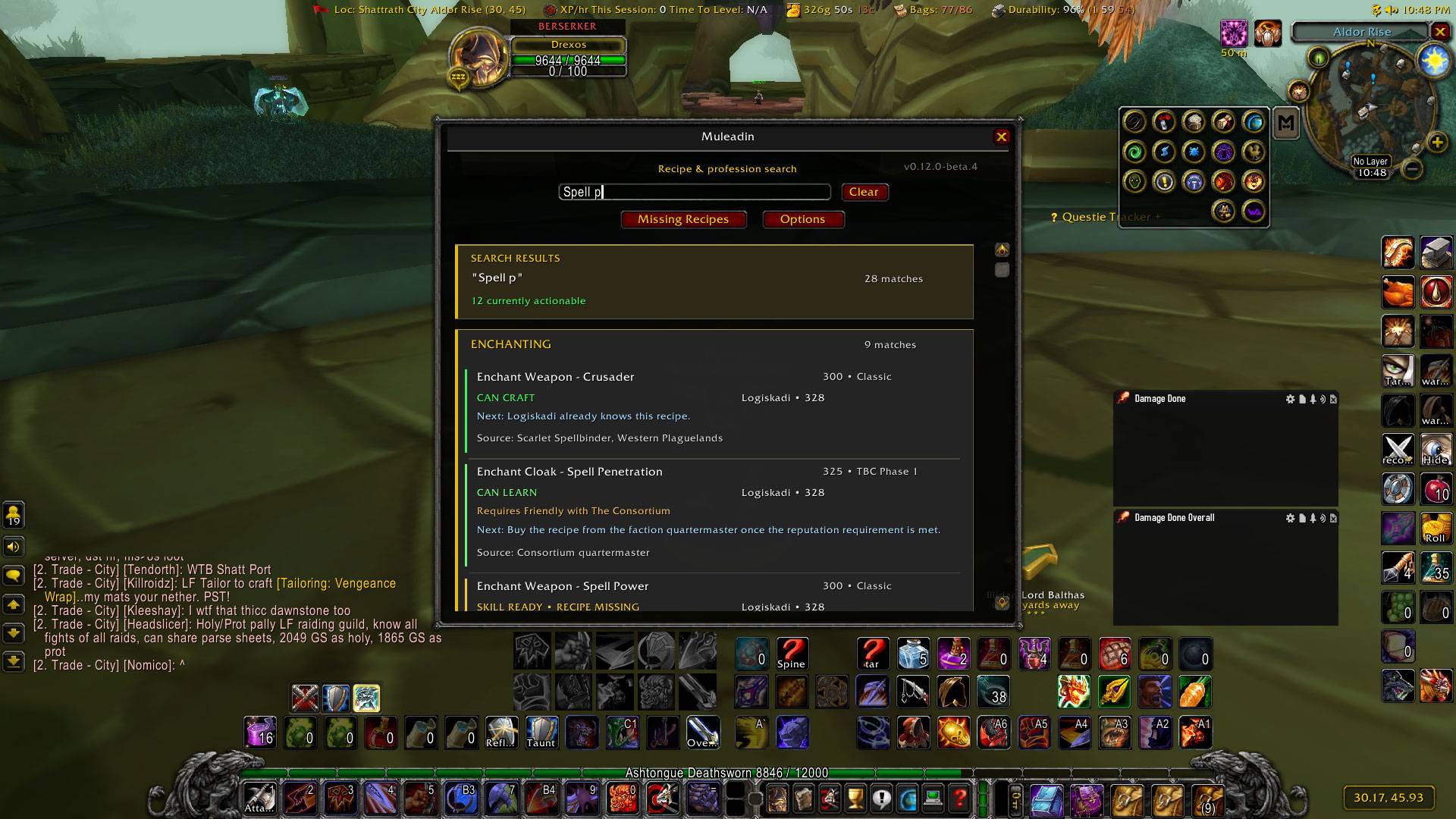
- Known Recipes browser with search, filters, rarity, level, and equipment options
- Missing Recipe Planner with Ready, Reputation, Skill, Refresh, and Future states
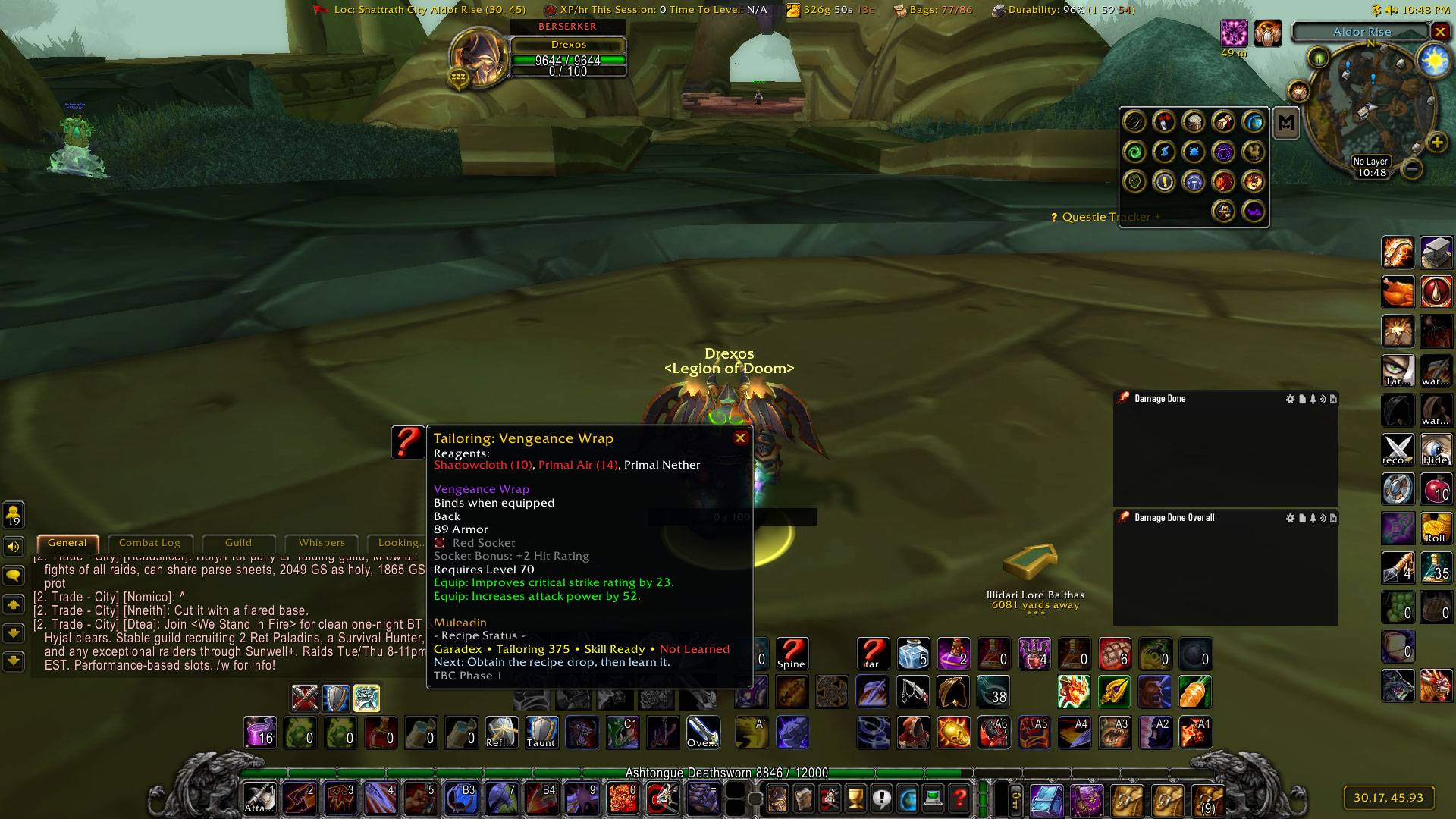
- Detailed recipe acquisition guidance for trainers, vendors, quests, reputation rewards, drops, and special sources
- TBC release-availability awareness so future recipes are not treated as currently obtainable
- Vendor and reputation requirement intelligence
- Profession Snapshots for each saved character
- Gathering profession intelligence and progression guidance
- Crafted-item and enchant ownership intelligence
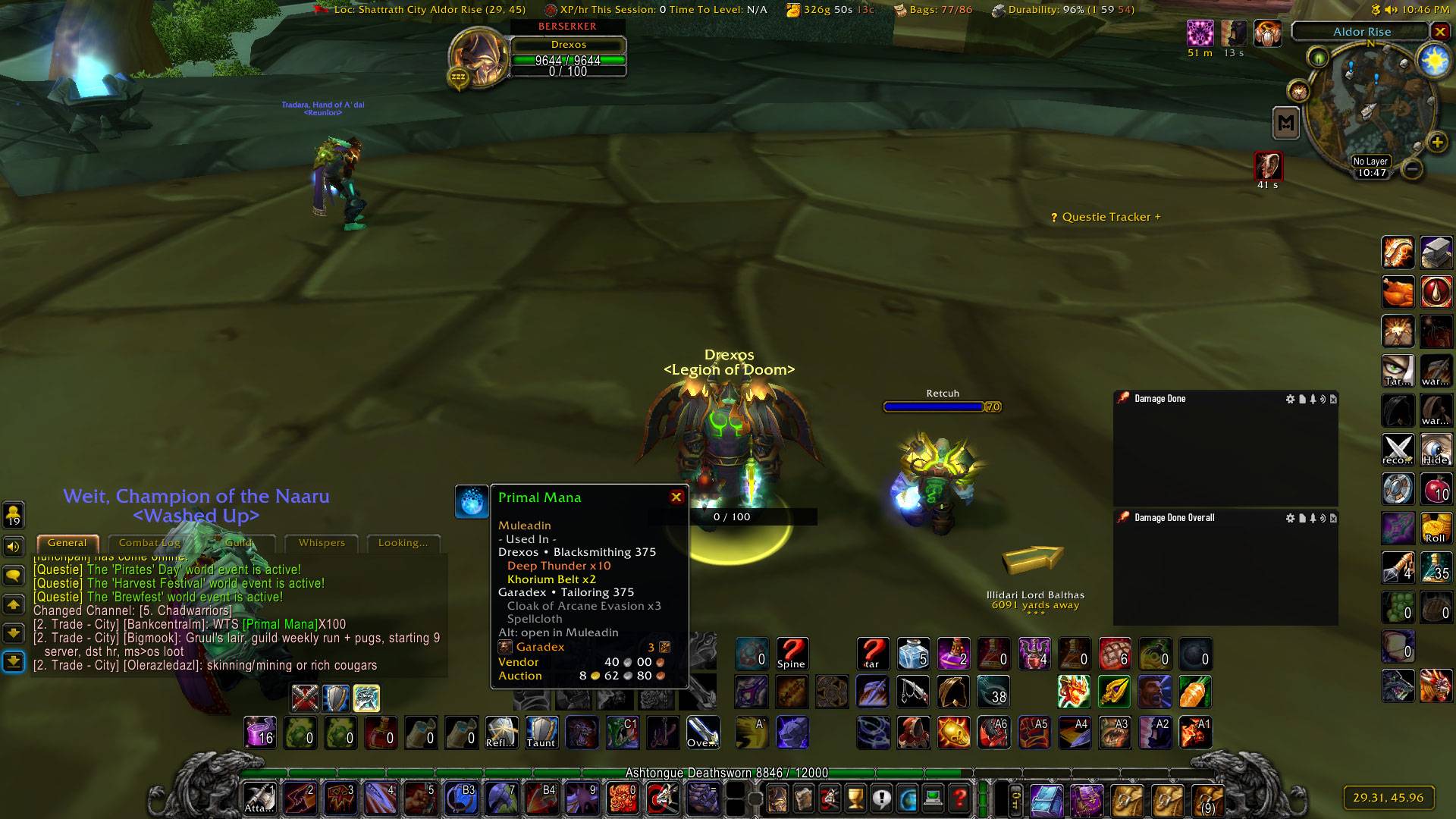
- Used In intelligence for reagents and materials
- Bag and personal-bank usable stock tracking
- Multiple tooltip modes: None, Super Compact, Balanced, and Full
- Ghost Mode for silent automatic scanning
- Realm and faction isolation
- Blizzard-inspired profession interface
- Minimap launcher
- Built-in
/mule doctordiagnostics, data-integrity checks, and safe repair tools
Built for Character-Swappers
Muleadin is designed for players with professions spread across multiple characters. Hover an item, search a recipe, inspect a profession snapshot, or open the Missing Recipe Planner and Muleadin brings your saved profession knowledge together in one place.
It also protects confirmed recipe knowledge between scans, so temporarily incomplete profession data does not make a character appear to have forgotten recipes they previously knew.
Commands
/mule ui
Opens Muleadin.
/mule options
Opens Muleadin settings.
/mule doctor
Runs Muleadin's built-in diagnostics and data-integrity checks.
Dependency
Muleadin requires LibProfessionDB for its complete recipe catalog
The Muleadin Team