


assign-key.png
assign-listening.png
config-window.png
Description
MouseShift turns the extra buttons on your mouse into Shift, Ctrl and Alt.
Hold the button under your thumb, press 2, and the game does whatever you have on Shift-2. No awkward finger stretches, and twice as many keybinds within easy reach of your left hand.
Features
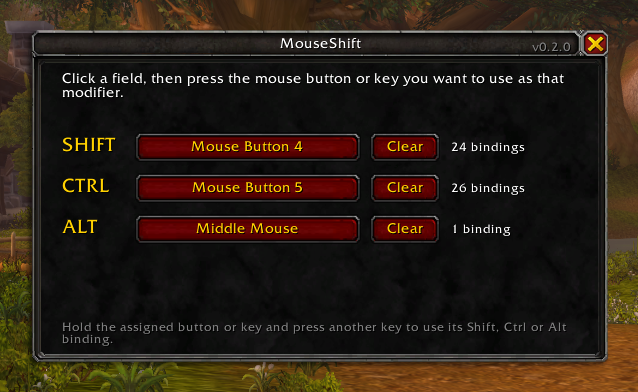
- Use any extra mouse button as Shift, Ctrl or Alt. Use one, two or all three.
- Any keyboard key can be a modifier too. Great for MMO mice whose side buttons send keyboard keys.
- Hold two buttons together for combinations such as Ctrl-Shift.
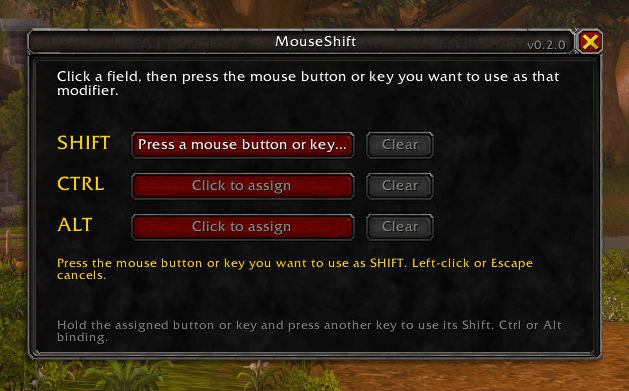
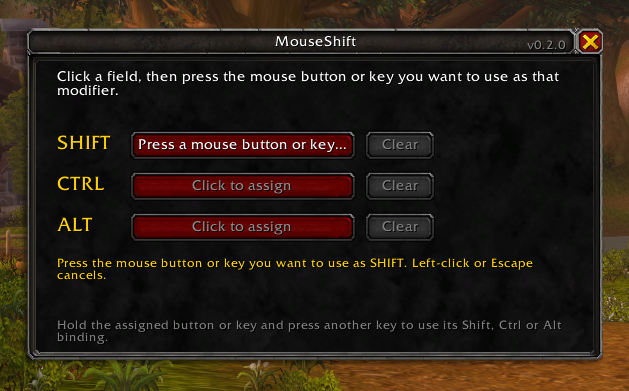
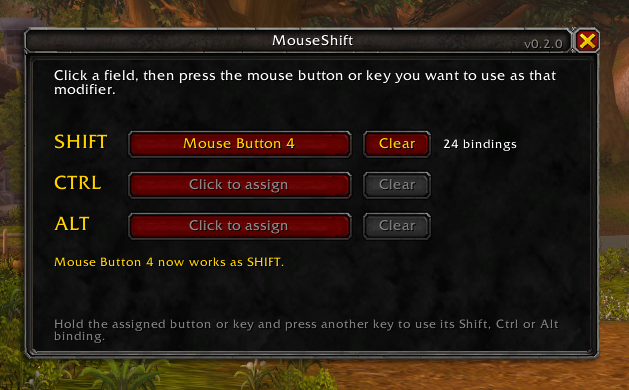
- Assign a button by pressing it. No need to know whether your thumb button is Button 4 or Button 5.
- Works in combat.
- Uses your existing Shift, Ctrl and Alt keybinds. Nothing to rebind.
- Works with the default action bars and with action bar addons such as ElvUI.
- No changes to your interface. One small window, opened only when you need it.
- No external key remapping software needed.
How to use
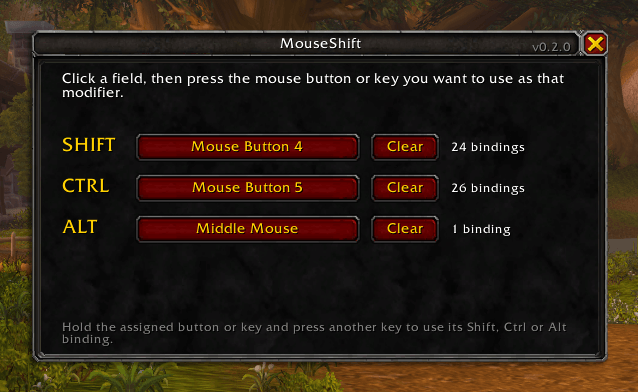
- Type /mouseshift, or open it from the addons button next to the minimap.
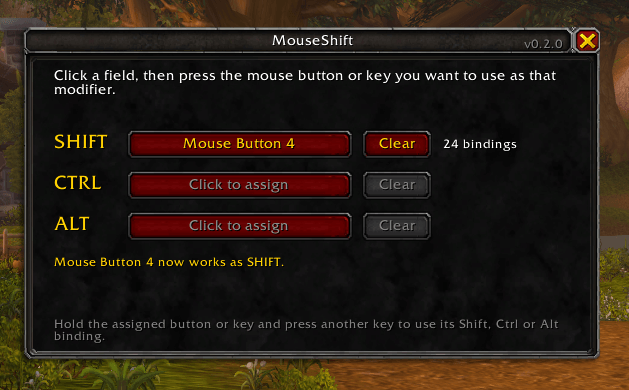
- Click the Shift field, then press the mouse button or key you want to use as Shift. The cursor can be anywhere.
- Do the same for Ctrl and Alt if you want them.
- Close the window. Done.
MMO mice (Razer Naga, Logitech G600, Corsair Scimitar and similar)
The side buttons of these mice usually send keyboard keys (1, 2, 3… or the numpad), not mouse buttons. MouseShift handles them like any other key:
- Click a field and press a side button: it becomes Shift, Ctrl or Alt.
- Or keep the side buttons for spells, and use the middle button or a top button as Shift. Hold it and press a side button for its Shift keybind.
Tip: if your side buttons send the numpad, the real Shift key does not combine well with them. With Num Lock on, Windows turns Shift + Numpad 1 into End, Shift + Numpad 8 into Up and so on. Use Ctrl or Alt with the numpad, or let MouseShift be your Shift: it does not press the real Shift key, so the numpad stays the numpad.
Good to know
- Macros with [mod:shift], [mod:ctrl] or [mod:alt] do not react to MouseShift, because the game does not see a real Shift key. The same applies to action bar paging on a modifier, and to Shift-click in the interface (linking items, click-casting on raid frames).
- The left and right mouse buttons, Escape, Enter and movement keys can never be assigned, so the game stays playable.
- A button or key used as a modifier no longer does its own action while assigned. Clear it and the original keybind comes back.
- Settings can only be changed out of combat. Using MouseShift in combat works normally.
Commands
- /mouseshift opens the settings window
- /mouseshift list shows which keys each layer uses
- /mouseshift reset clears all mouse buttons and keys
Full documentation: GitHub
Found a problem? Report it on GitHub.
Questions and feedback: Discord
Made by Mike Bronka.
MouseShift Team
