Mount Customization Presets
- By
Save, load, and manage account-wide presets for customizable mounts.
MountCustomizationPresets_1.png
MountCustomizationPresets_3.png
Description
Mount Customization Presets
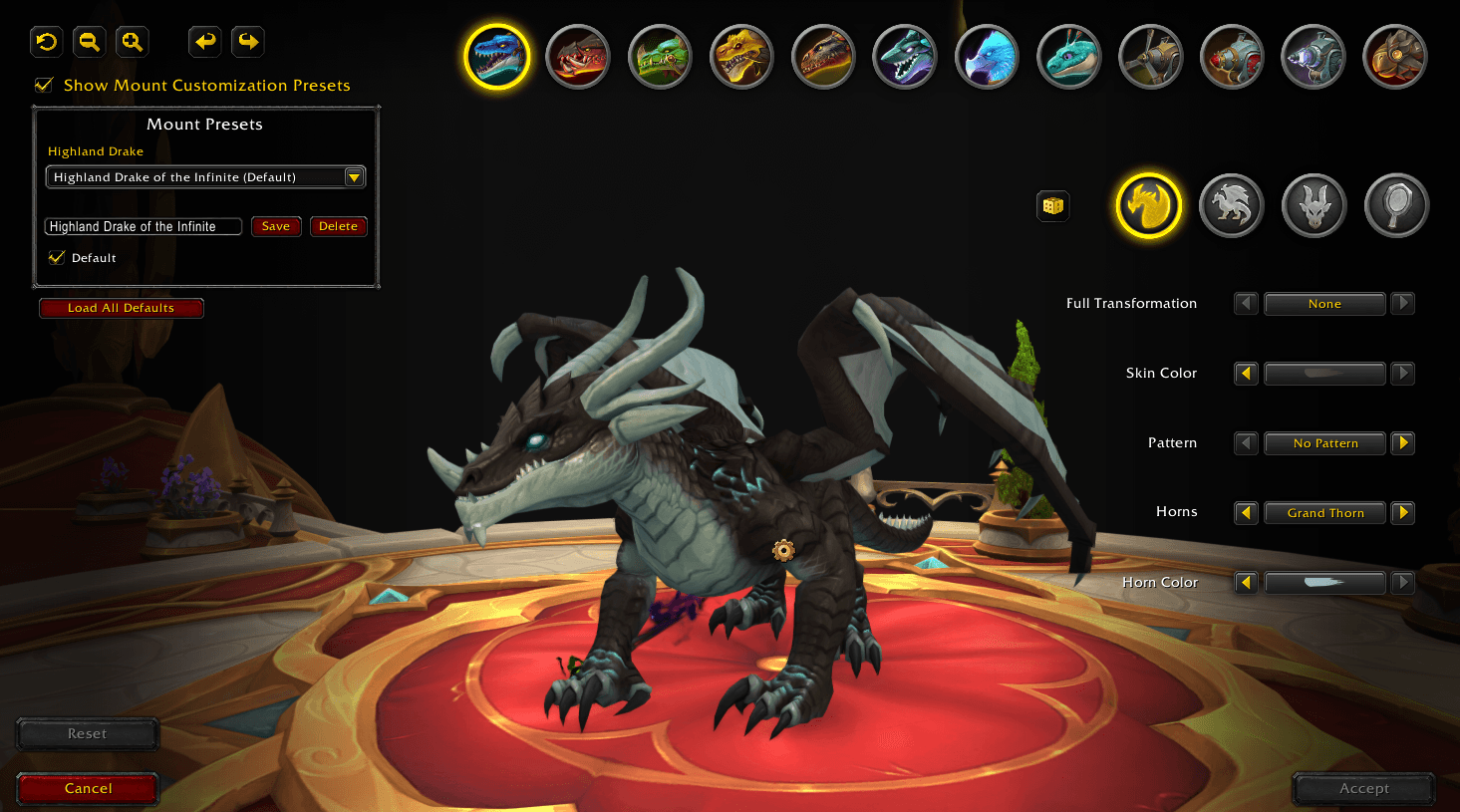
Save and quickly restore appearance presets for customizable mounts at the Rostrum of Transformation.
Mount Customization Presets lets you save your favorite looks and reload them with a single click. No more manually adjusting every customization option each time. Presets are account-wide for easily applying your favorite customizations to alts.
Features
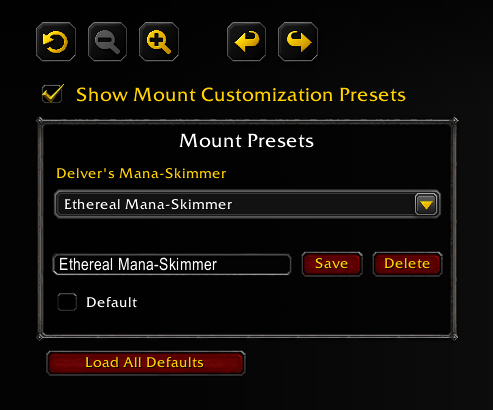
- Save unlimited appearance presets for each customizable mount.
- Mark one preset as the default for each mount.
- Load every mount's default preset with a single button.
- Automatically detect current mount and select the matching presets.
- Overwrite, or delete presets at any time.
- Integrates directly into WoW's Rostrum of Transformation interface.
- Lightweight with no external libraries or dependencies.
How It Works
- Open the Rostrum of Transformation.
- Customize your mount's appearance.
- Enter a preset name and click Save.
- Select any saved preset later to restore those customization choices.
*Changes are loaded into the customization preview. They are not permanently applied until you click the Rostrum's Accept button.
Supported Mounts
Works with all customizable mounts available through the Rostrum of Transformation.
The Mount Customization Presets Team