

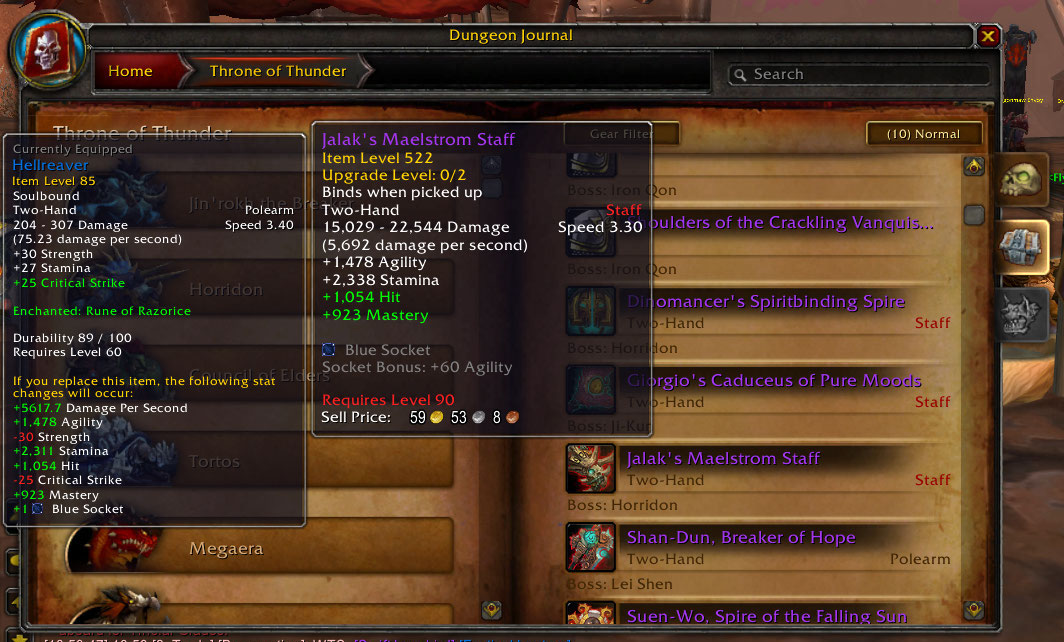
Dungeon Journal tips are now displayed at the left side (or as far left as possible) for a clearer view of the loot! (Hold shift to hide the comparison)
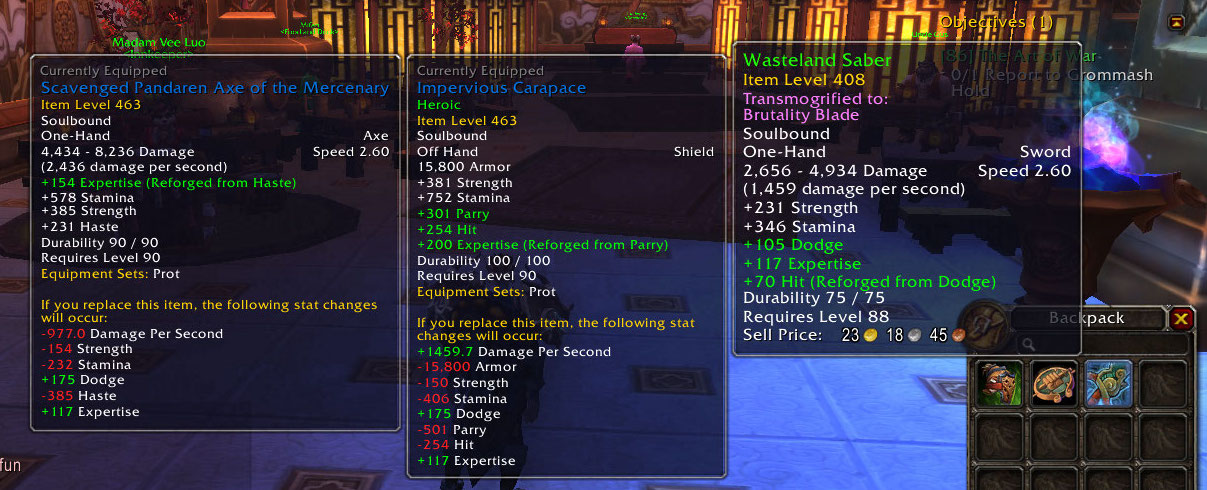
No modifier buttons were held during the making of this screen shot.
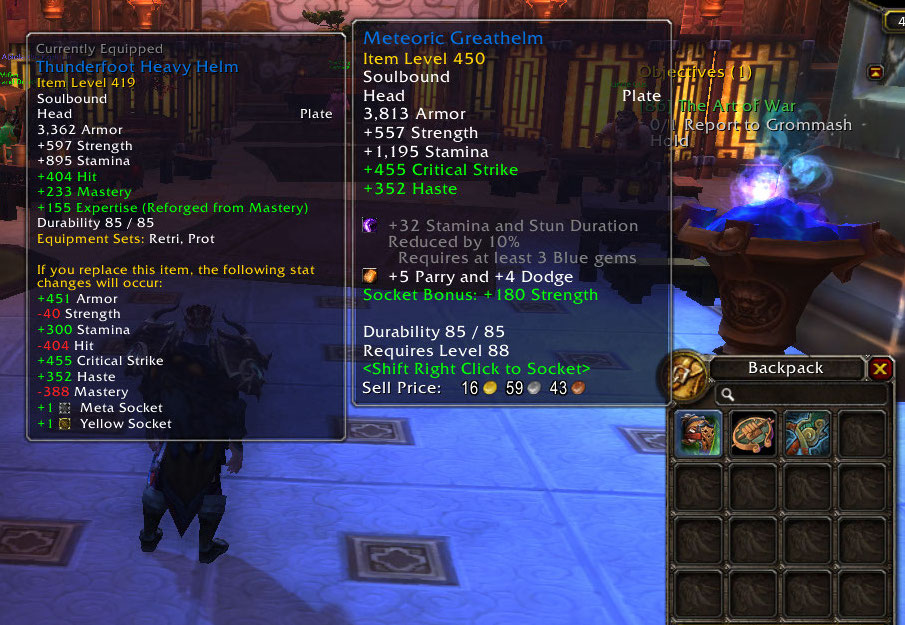
Actually, this image cannot possibly convey the awesomeness of instant comparison tooltips. But it's an image. Addons love images.
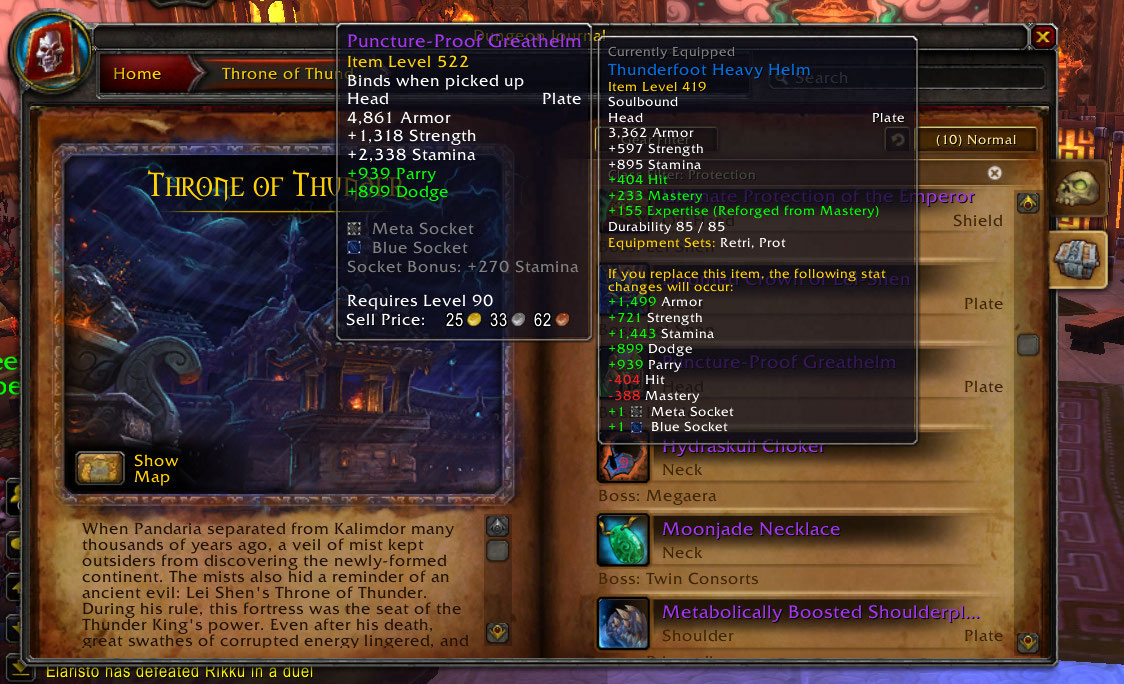
If you want to see what's beneath the tooltip, simply hold your item comparison modifier key, usually <Shift>.