Mission Table Tabs [MTT]
- By
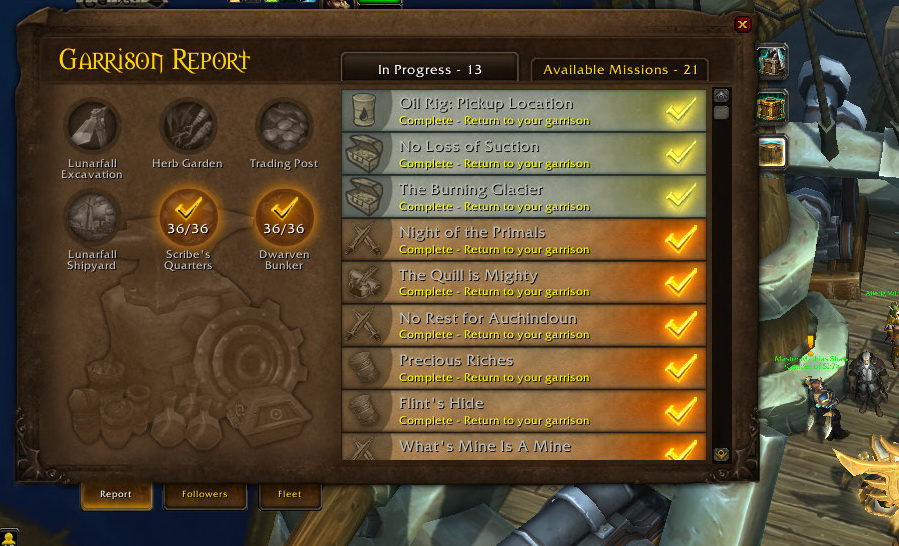
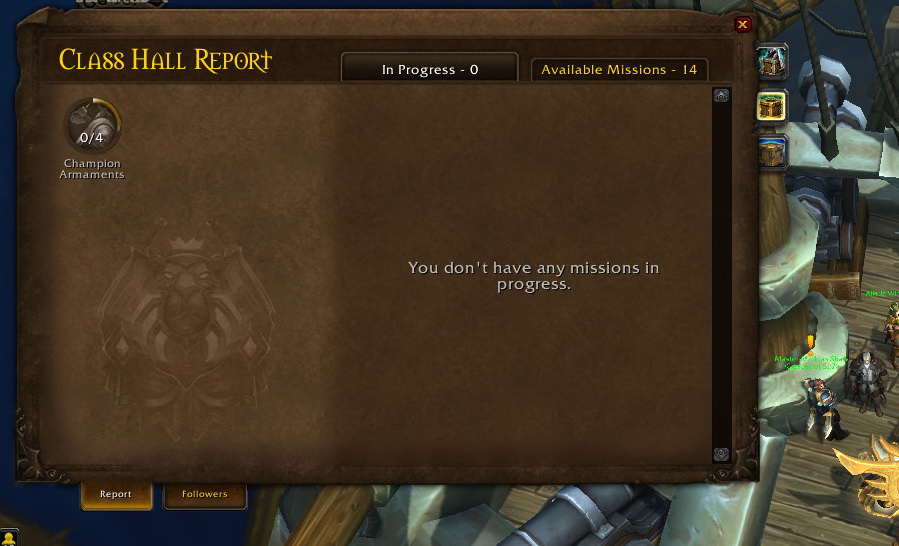
Adds quick-switch tabs to the mission report window for Draenor Garrison, Legion Order Hall, BfA, and Shadowlands Covenant mission tables.
Description
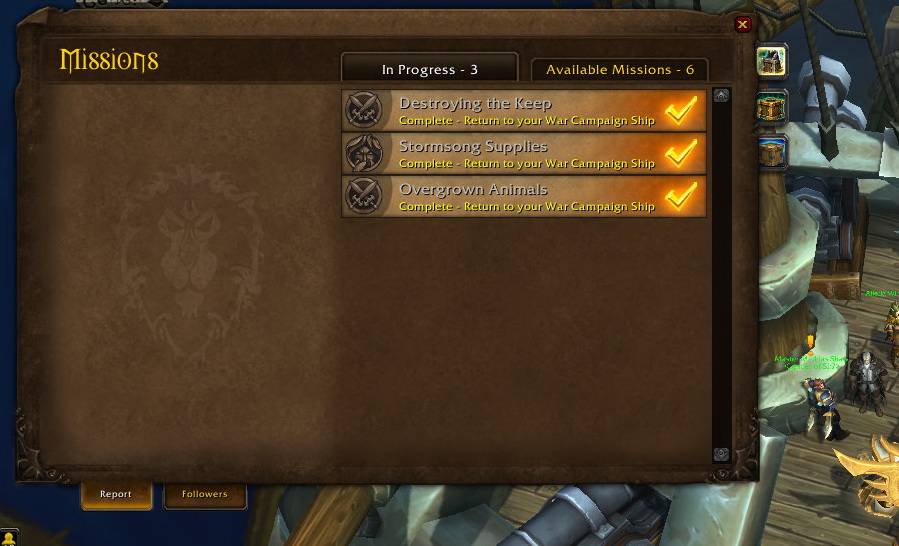
**MissionTableTabs** adds convenient side tabs to the mission report window (`GarrisonLandingPage`), allowing you to quickly switch between mission reports from different expansions with a single click.
### Supported Mission Tables
* **Shadowlands** — Covenant Sanctum Adventures
* **Battle for Azeroth** — War Campaign Mission Table
* **Legion** — Class Order Hall Missions
* **Warlords of Draenor** — Garrison Mission Table
### Features
* **One-Click Switching:** Seamlessly jump between expansion mission reports without needing to travel back or use separate macros.
* **Smart Availability Check:** Automatically detects which mission tables your character has unlocked and grays out unavailable tabs.
* **Lightweight & Combat Safe:** Zero overhead, no external dependencies, and built-in combat lockdown protection.
* **Updated for Retail (12.0+):** Rebuilt without deprecated Blizzard XML templates for full compatibility with modern World of Warcraft.
* **WoW: Forever Support:** Added full support for managing your Garrison and Covenant mission tables in Classic Era / WoW: Forever. *(Just kidding — there are no mission tables in Vanilla!)*
### Requirements & How to Open
* **Minimap Button Requirement:** The standard Blizzard mission report button on the minimap appears automatically only after your character has unlocked at least one Garrison, Class Order Hall, War Campaign, or Covenant Sanctum mission table.
* **Slash Commands & Macros:** You can open any specific mission report window directly via chat or by adding these short commands to your macros:
* `/mtt` — Automatically opens the first unlocked mission report window on your character.
* `/mtt wod` — Warlords of Draenor (Garrison)
* `/mtt legion` — Legion (Class Order Hall)
* `/mtt bfa` — Battle for Azeroth (War Campaign)
* `/mtt sl` — Shadowlands (Covenant Sanctum)
Mission Table Tabs [MTT] Team