


MissionAccomplished: Suite
- By

suite-settings-panel.png
suite-hub.png
events-log.png
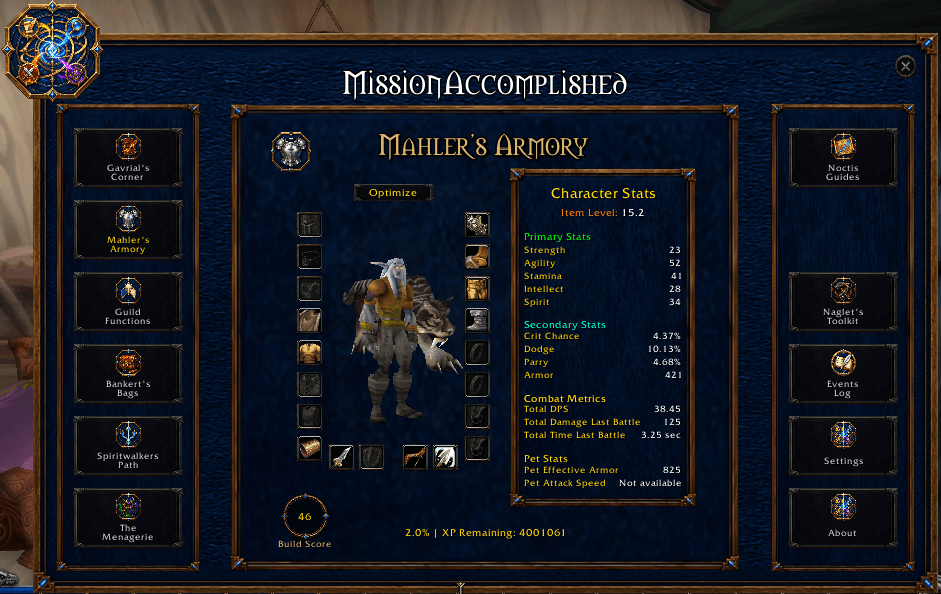
Live: The Suite brings installed modules into a shared hub. This view shows Mahler's Armory with module launch buttons on both sides.
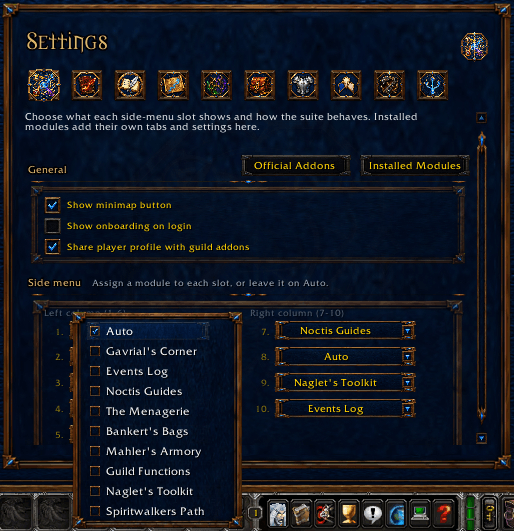
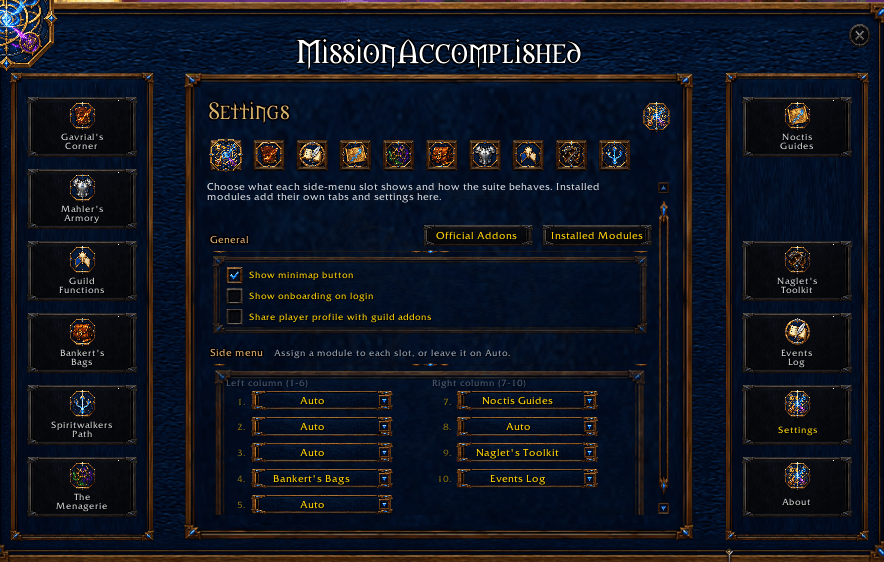
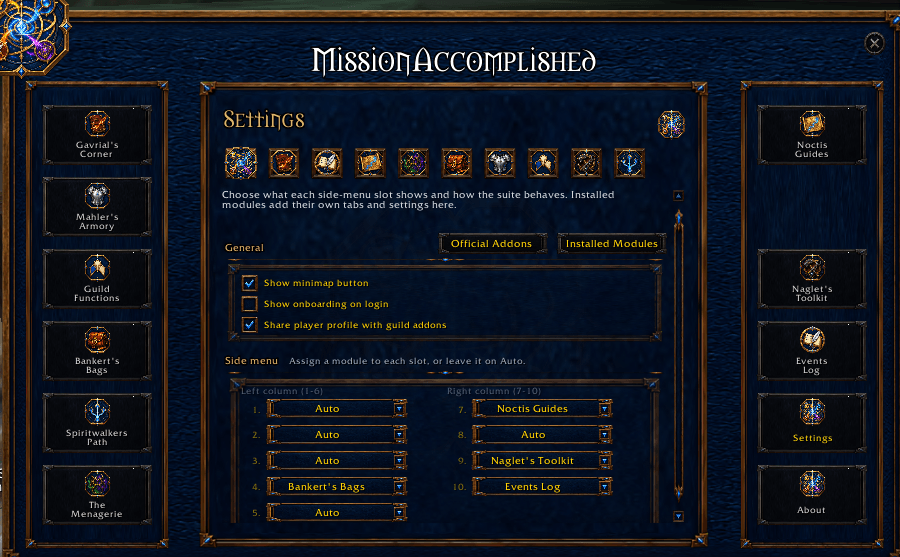
Live: General settings let you choose which installed module appears in each menu slot. The open selector shows the available destinations; opening it does not change your selection.
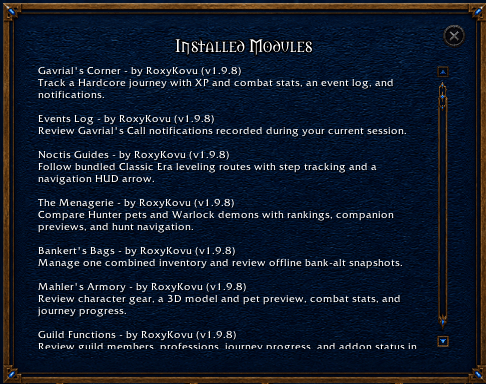
Live: The Installed Modules window lists the components available to this character and their versions, making it easier to check the Suite installation before troubleshooting.
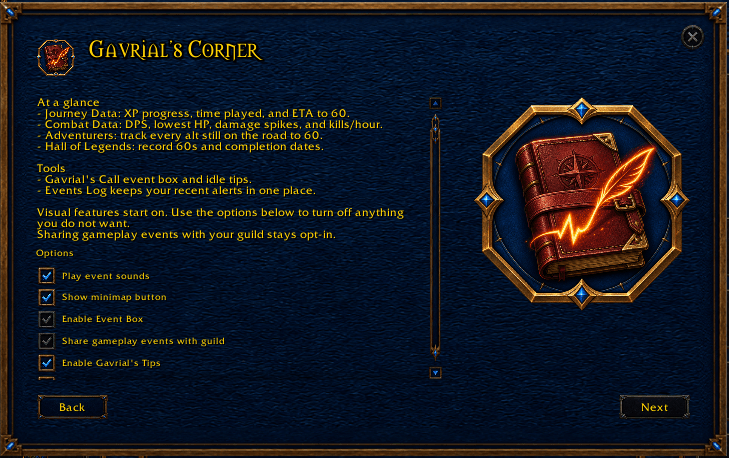
Live: Suite onboarding explains each installed module and presents its configuration choices. This Gavrial's Corner page describes journey records, notifications and sharing; the screenshot does not change or finish setup.
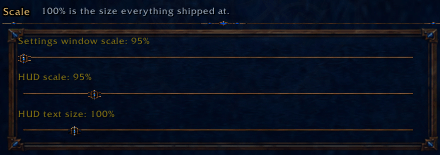
Live detail: Suite settings provide separate sliders for settings-window scale, HUD scale and HUD text size. The existing 95%, 95% and 100% values are shown here; no slider was changed for this capture.