Mirra´s Threat
- By
Shows your threat as a sleek bar and percentage on enemy nameplates, colored for tanks or DPS/healers.
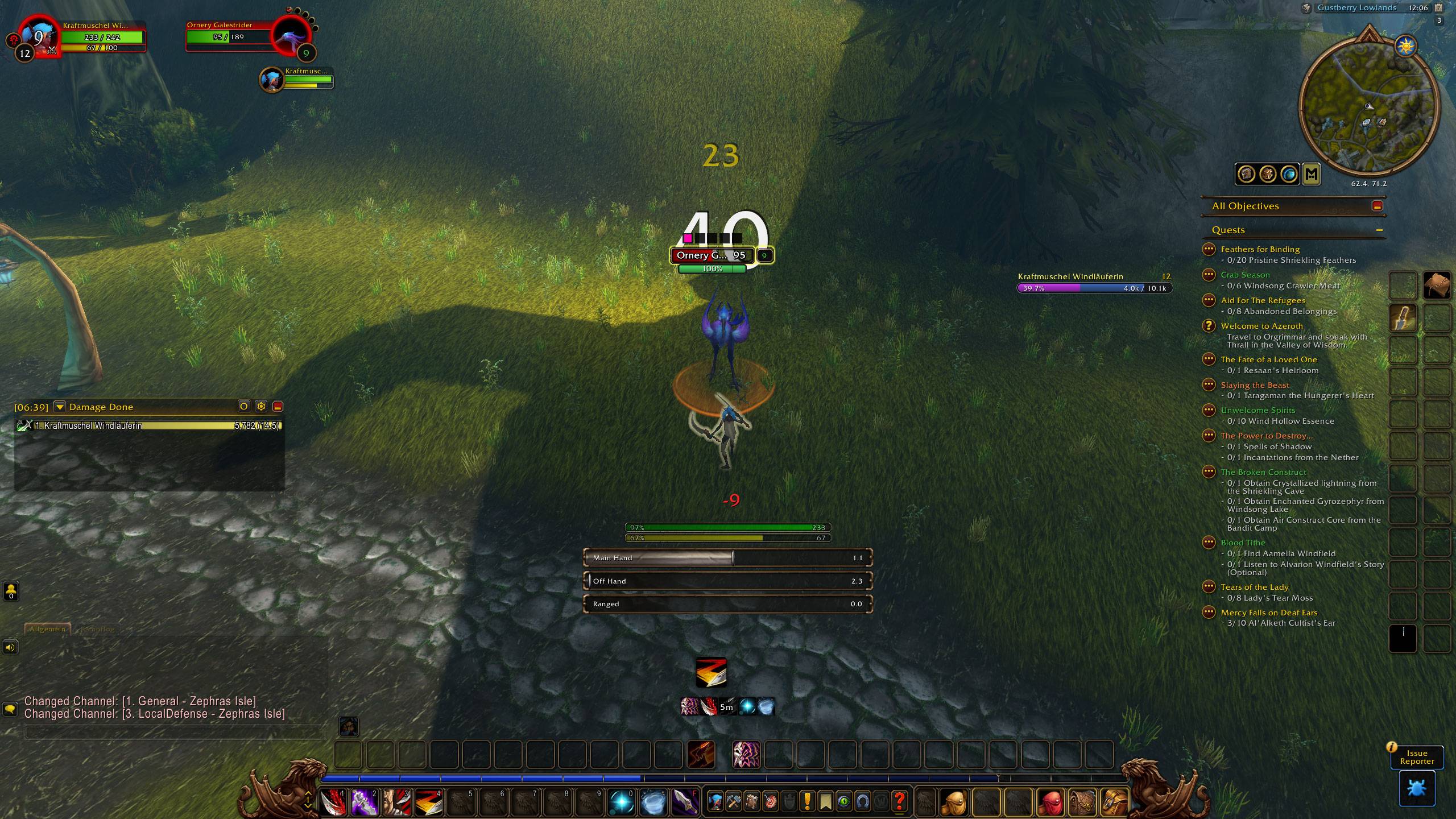
Tank threat
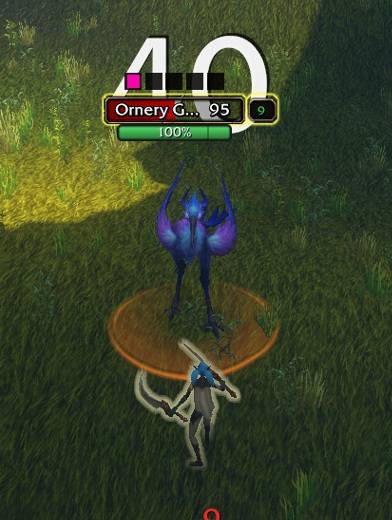
Zoom Heal/DPS
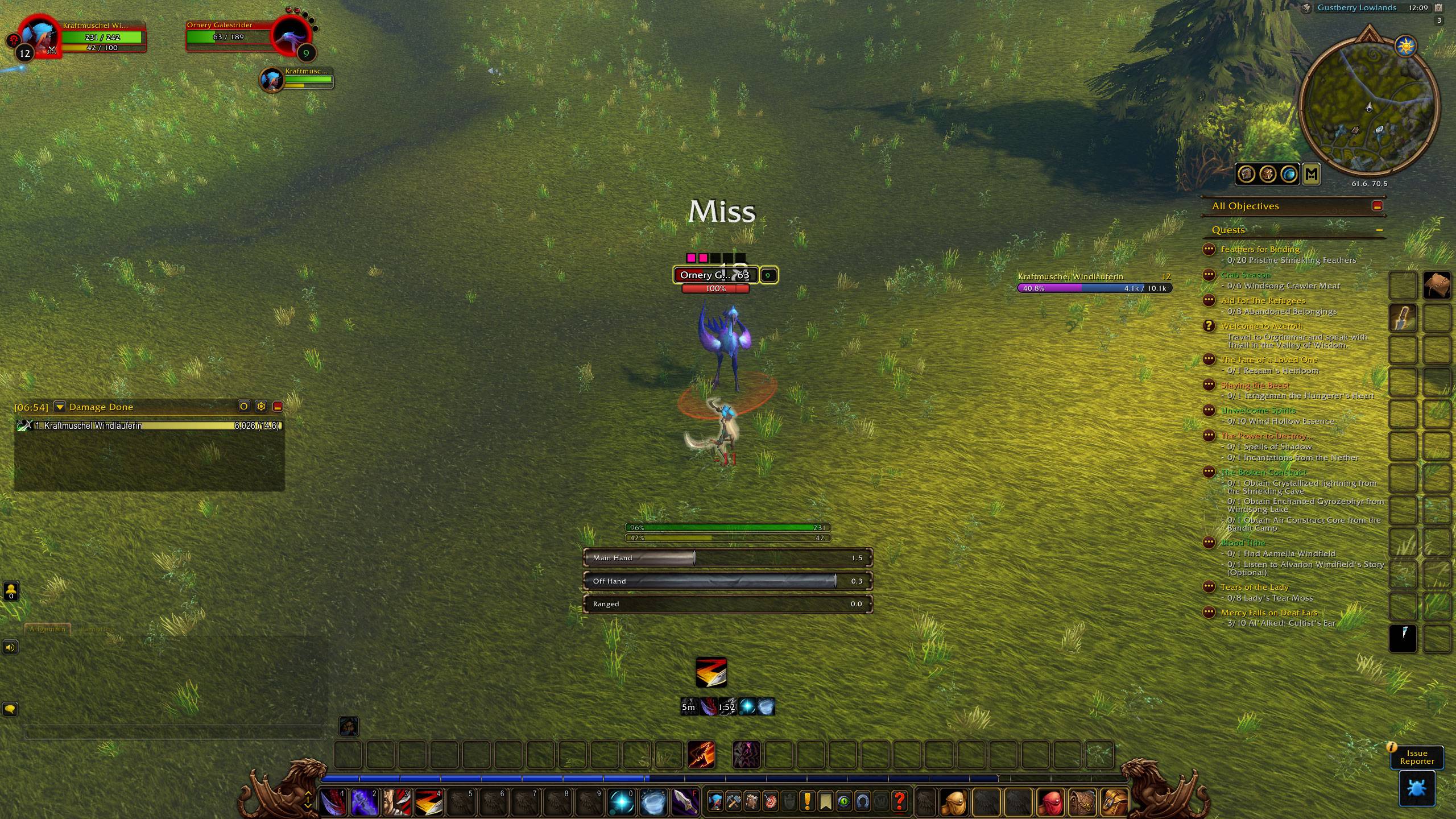
Healer/DPS threat
Description
Mirra's Threat
Know your threat at a glance — right where you're looking.
Mirra's Threat shows your threat on every enemy nameplate as a compact, polished bar with a percentage, styled to match the game's resource bars. No extra windows, no meters to watch — just look at the mob.
Features
- Threat on nameplates — a clean bar with percentage below every enemy you're fighting
- Role-aware colors
- Tank: green while you hold aggro, yellow when someone is catching up, red once you've lost it
- DPS / Healer: green while you're safe, yellow when you're close to pulling, red once you've pulled aggro
- Warning marker — a subtle tick on the bar shows exactly where your warning threshold sits
- Three styles — bar + text, bar only, or text only
- Fully adjustable — width, bar height, font size, text position (left / center / right), vertical offset and warning threshold
- Group only — by default it only shows while you're in a party or raid (can be turned off)
- Hide at 0% — stays out of the way until you actually have threat
- Built for WoW Forever — handles the client's protected ("secret") values, so colors stay correct even in combat
- Lightweight — no libraries, no dependencies
Settings
Open Options → AddOns → Mirra's Threat or type /mthreat.
The settings panel includes a live preview, so you see every change instantly.
Commands
| Command | Description |
|---|---|
/mthreat |
Open the settings |
/mthreat tank |
Switch to tank colors |
/mthreat dps |
Switch to DPS / healer colors |
/mthreat debug |
Print debug information |
Feedback
Found a bug or have an idea? Open an issue on GitHub.
Mirra´s Threat Team