MinimapOrganizer
- By
A World of Warcraft addon that collects minimap buttons into a clean, organized window.
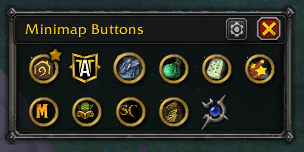
Alphabetical Sort View
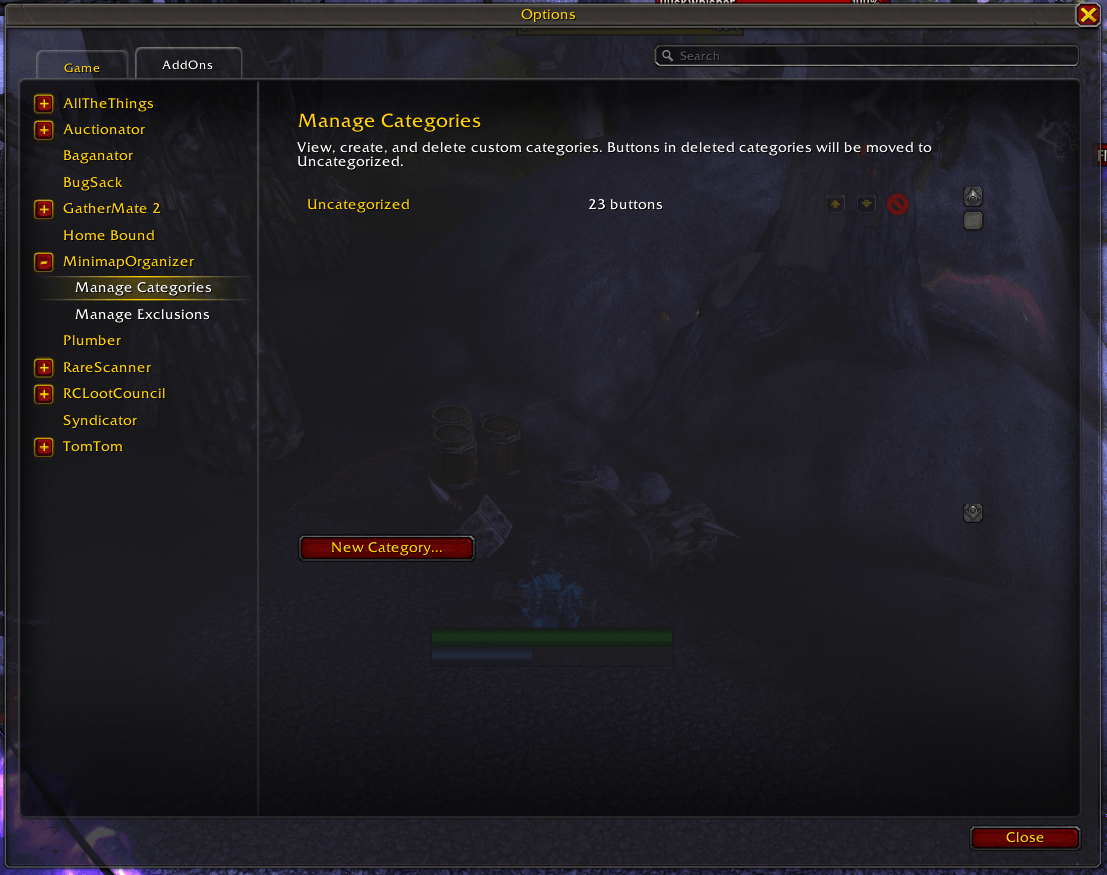
Category Settings
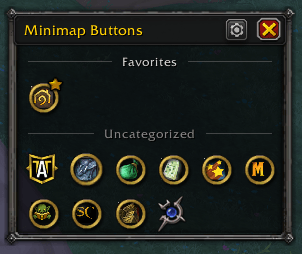
Category Sort View
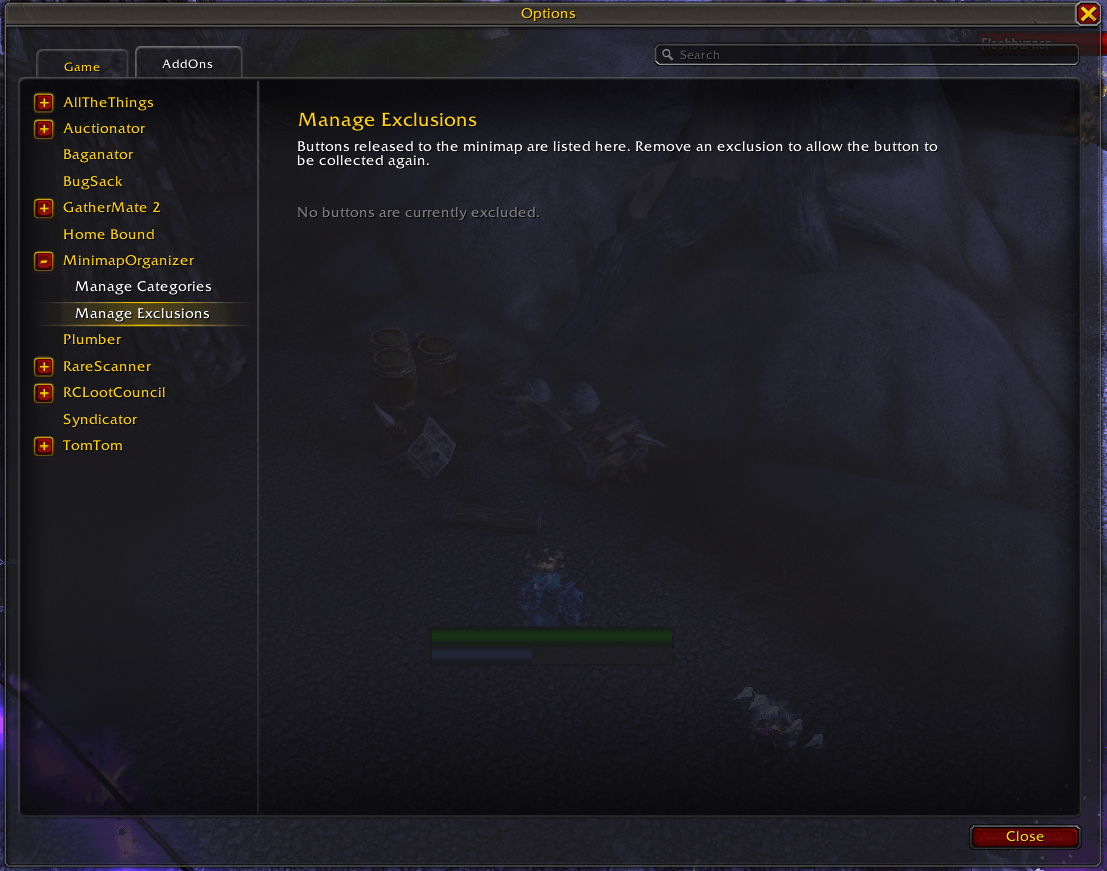
Exclusion Settings
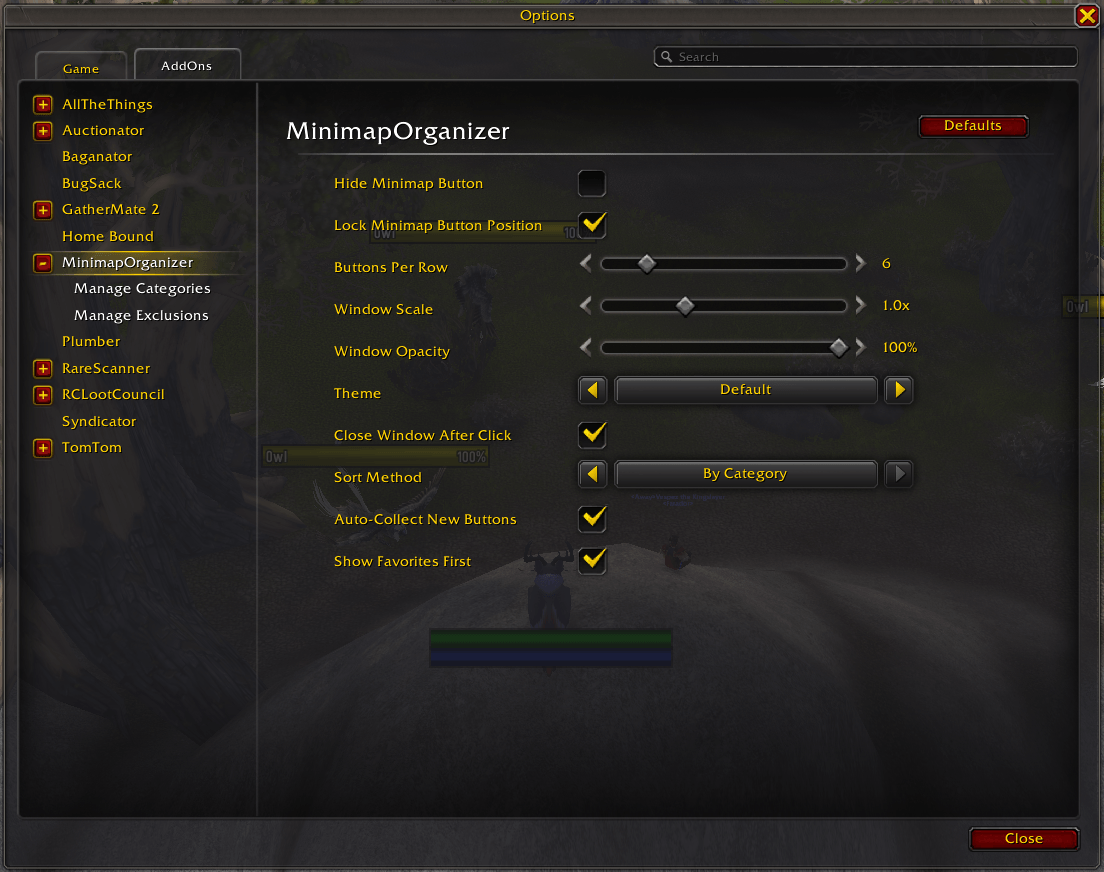
General Settings
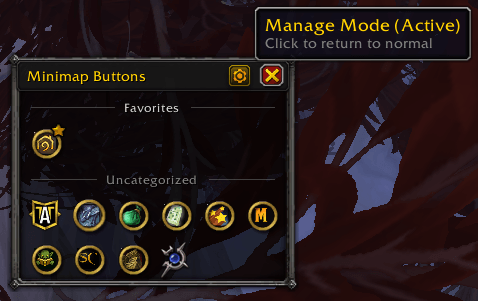
Manage Mode
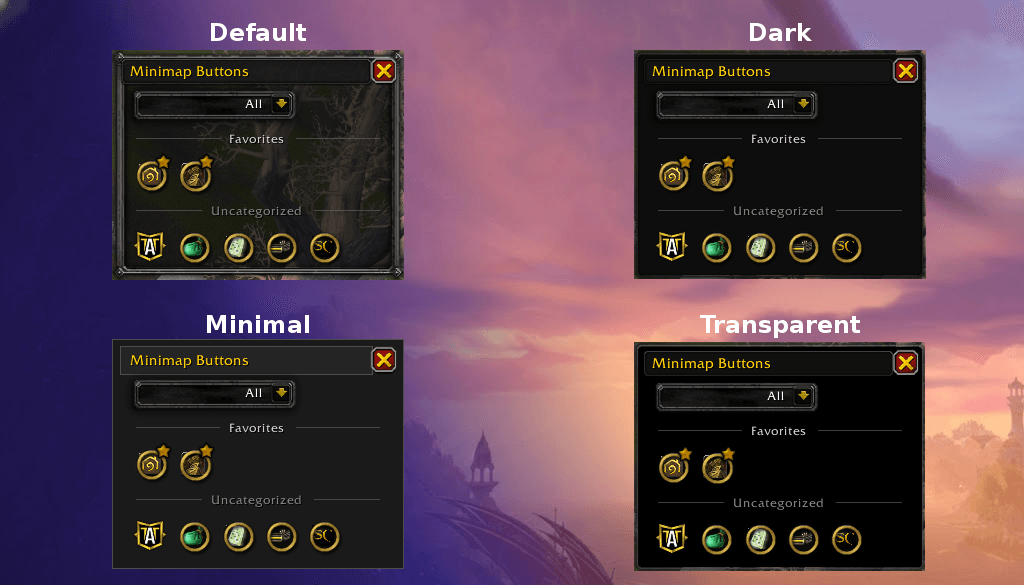
Theme Compare
Description
MinimapOrganizer
Tired of minimap button clutter? MinimapOrganizer collects all your addon buttons into a clean, organized window.
Features
- One-Click Collection — Automatically gathers minimap buttons into a tidy grid
- Full Button Compatibility — Original tooltips, clicks, and modifier keys work exactly as they do on the minimap
- Live Search — Type to filter the collection by button or addon name in real time
- Category Filter with Favorites — Compact filter dropdown with All / Favorites / your custom categories
- Modern Portrait Chrome — Blizzard-style panel header with an integrated settings menu (Manage Mode + WoW settings shortcut)
- Themes — Default, Dark, Minimal, and Transparent skins
- Adjustable Opacity — Separate slider multiplies the theme's alpha (30%–100%)
- Custom Categories — Organize buttons into your own categories (combat, professions, etc.)
- Favorites — Star your most-used buttons for quick access
- Smart Sorting — Alphabetical or by-category, with visual section headers
- Friendly Names — Tooltips show readable addon names, not cryptic frame names
- Flexible Layout — Adjust buttons per row and window scale to fit your UI
- Exclusions — Keep specific buttons on the minimap if you prefer
How to Use
- Left-click the MinimapOrganizer button (or type
/mo) - Buttons work normally — all clicks and tooltips pass through to the original addon
- Type in the search bar to filter the collection instantly
- Click the filter icon on the top-right for All / Favorites / category filtering
- Click the gear icon on the title bar for the settings menu (Manage Mode, Settings)
Slash Commands
/mo— Toggle the collection window/mo settings— Open settings/mo reset— Reset window position
Settings
Access via the WoW addon settings panel, the title-bar gear icon, or /mo settings:
- Hide/lock the minimap button
- Buttons per row (4-16)
- Window scale (50%-200%)
- Window opacity (30%-100%)
- Theme (Default, Dark, Minimal, Transparent)
- Auto-close after clicking
- Hide Search and Filter
- Sort method
- Auto-collect new buttons
- Show favorites first
- Manage categories and exclusions
Migrating from MBB
If you previously used MinimapButtonBag, your settings will be automatically imported on first load.
Localization
Supports: English, German, Spanish, French, Italian, Korean, Portuguese, Russian, Chinese (Simplified & Traditional)
Translations welcome! Submit a PR on GitHub.
Links
MinimapOrganizer Team