Mik's Scrolling Battle Text Revived
- By
A tribute to the OG addon Mikes Scrolling Battle Text
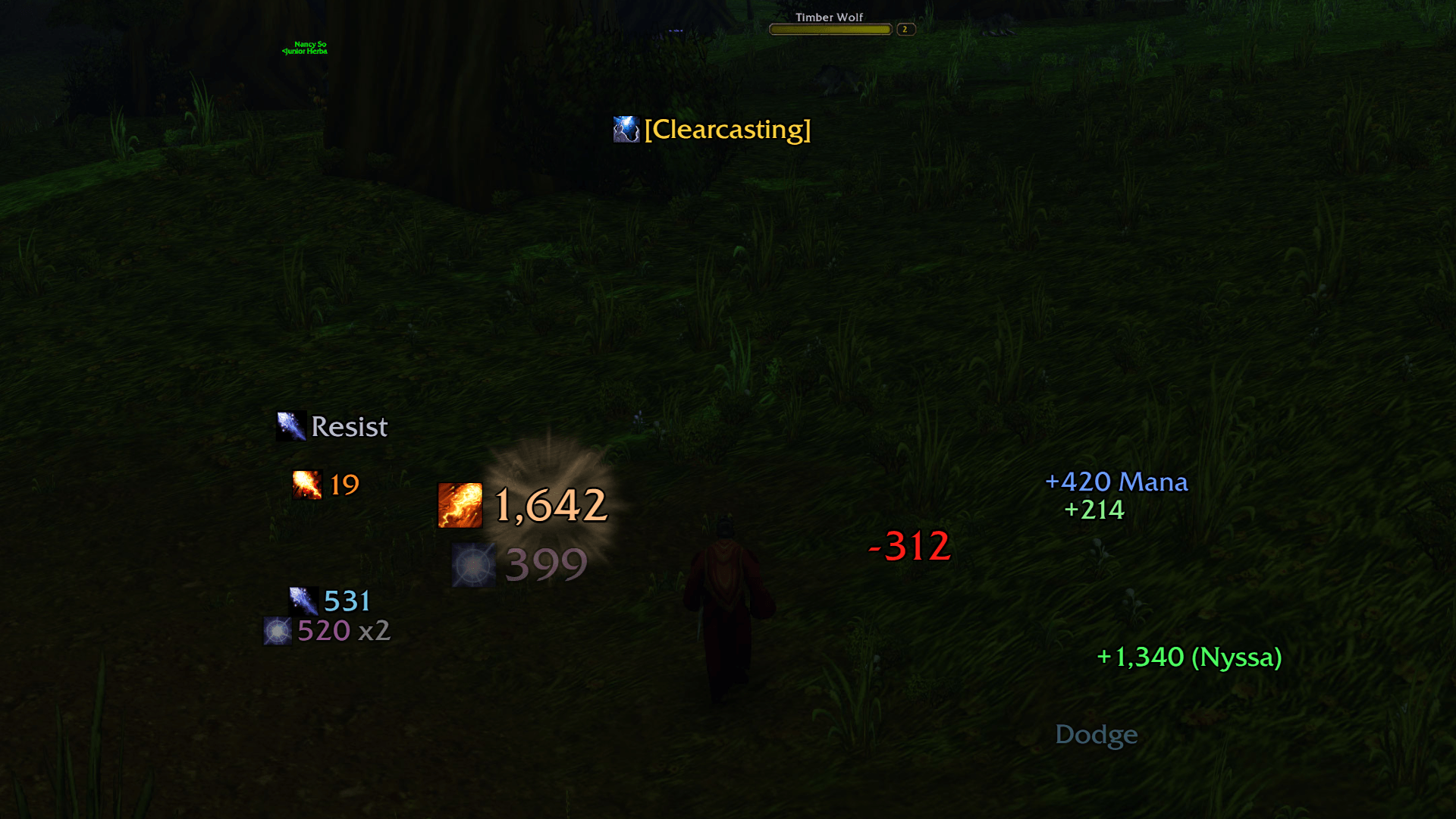
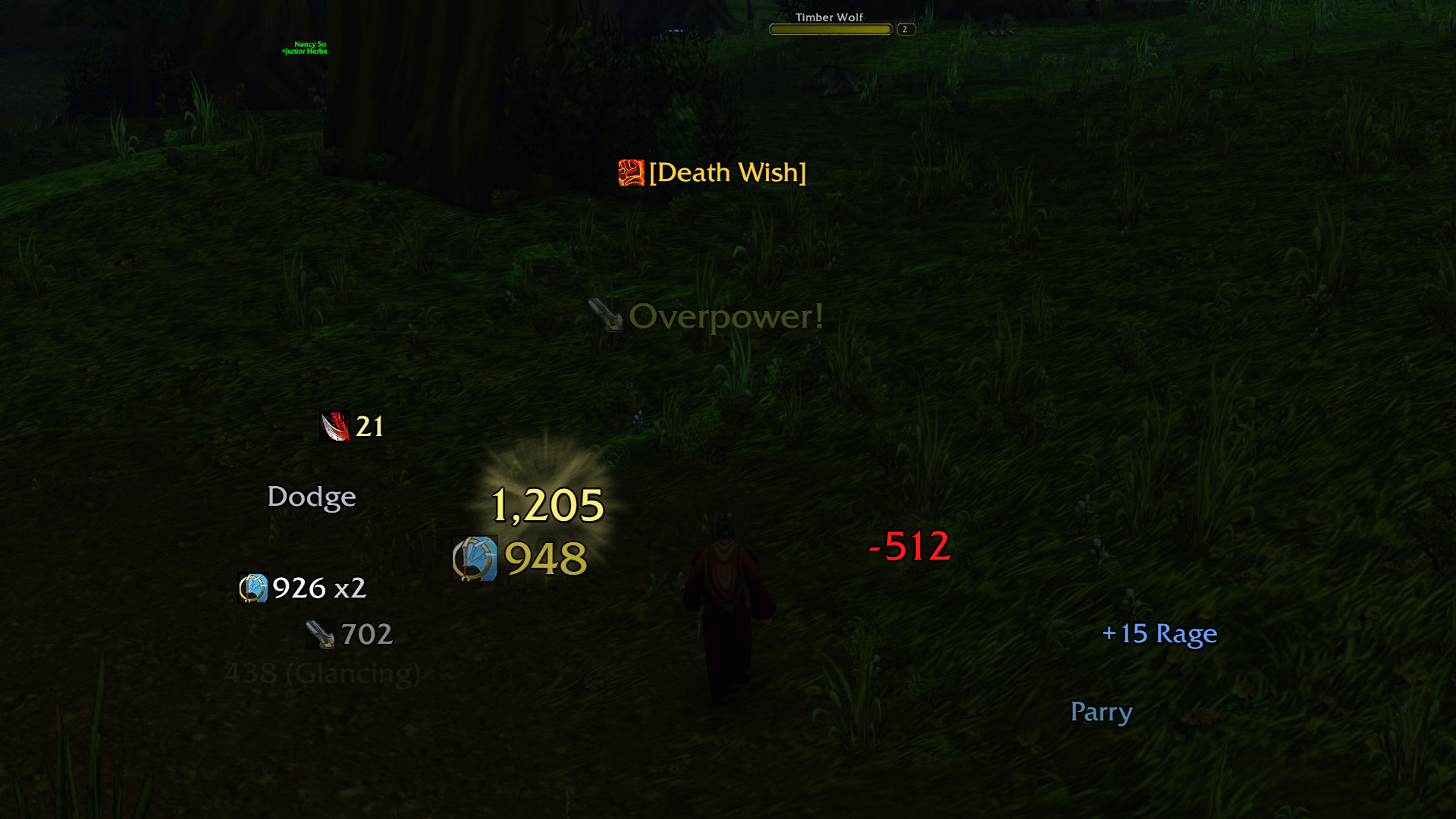
01-combat-mage.png
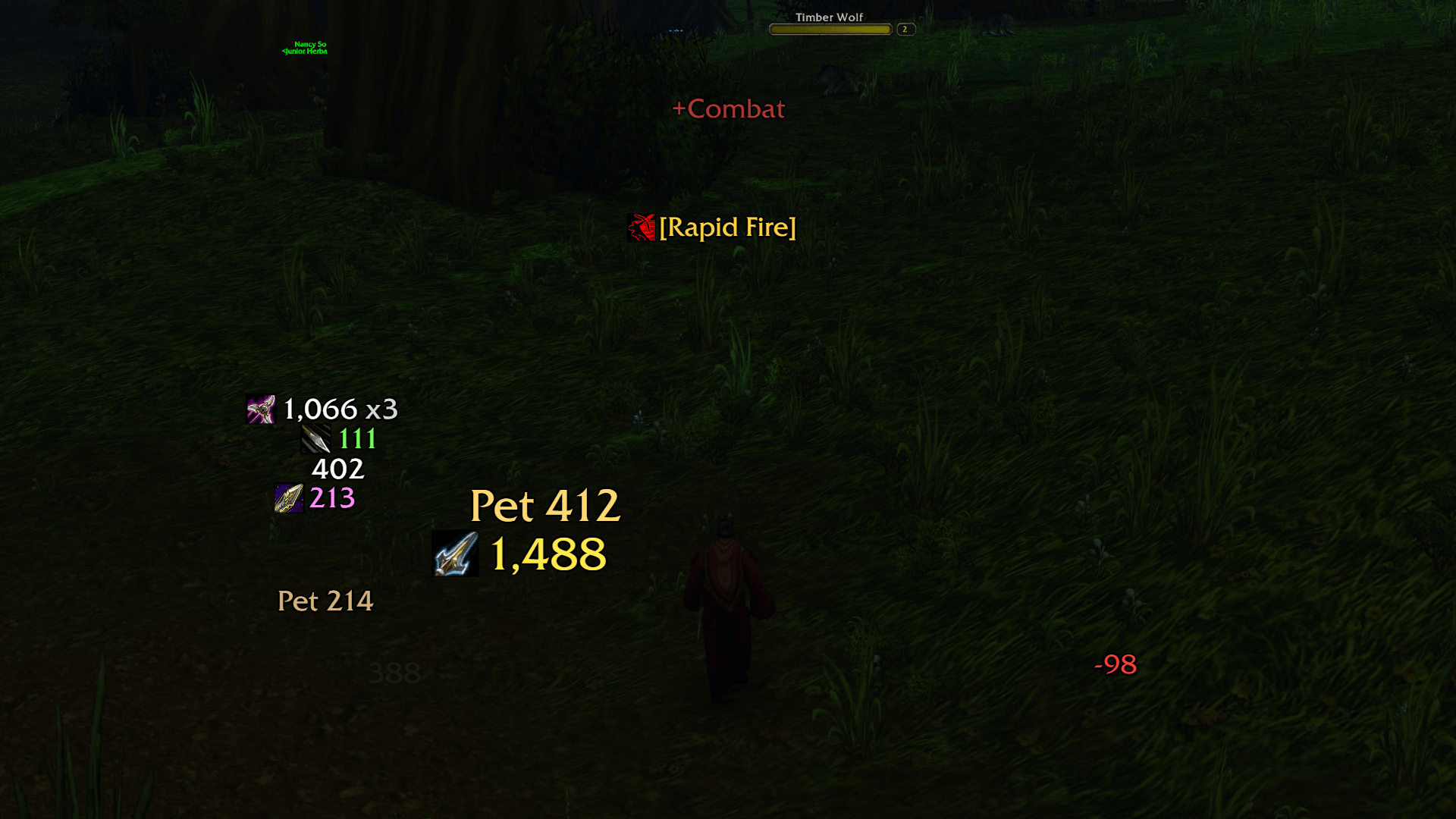
02-combat-warrior.png
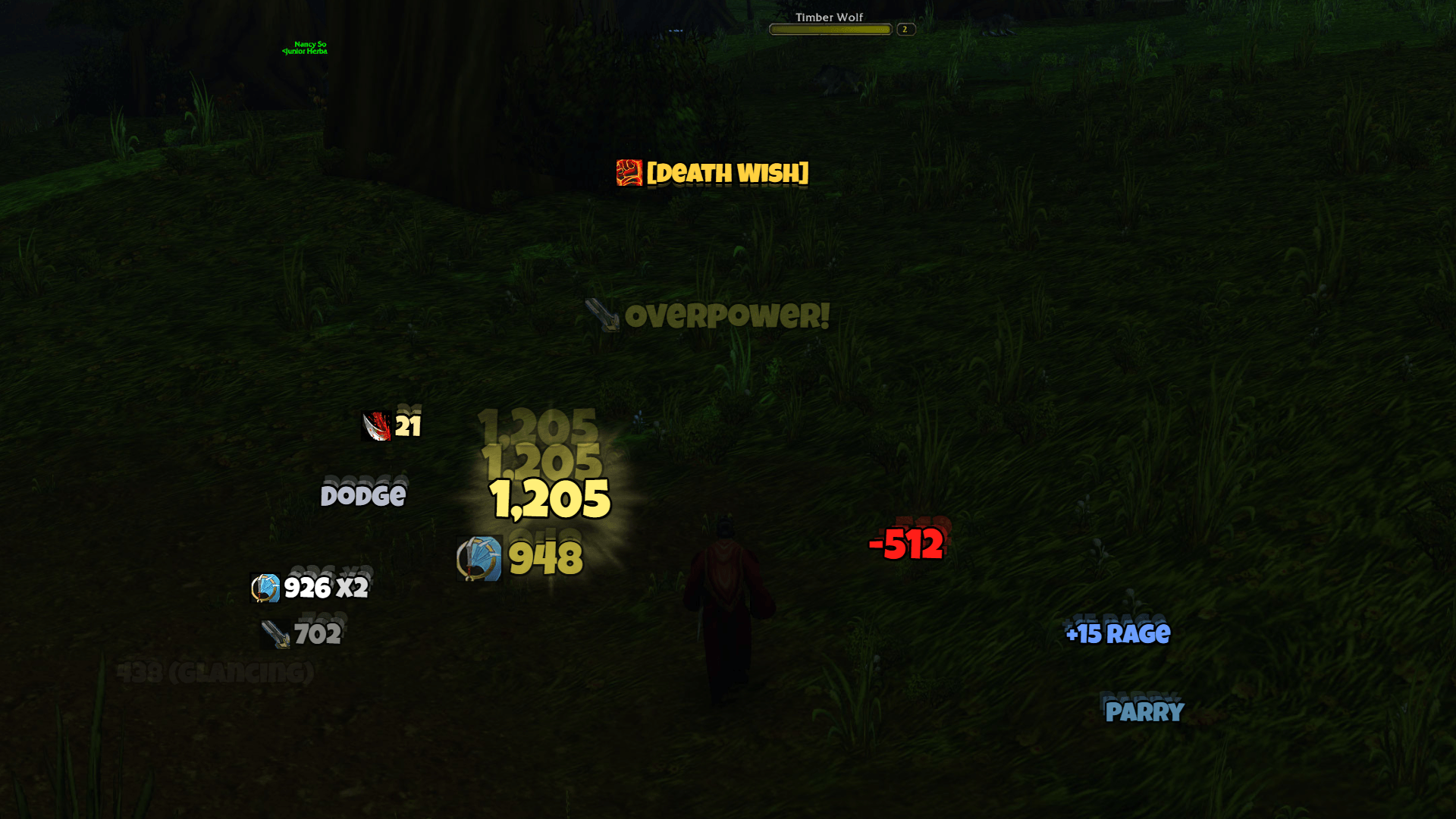
03-combat-hunter-pet.png
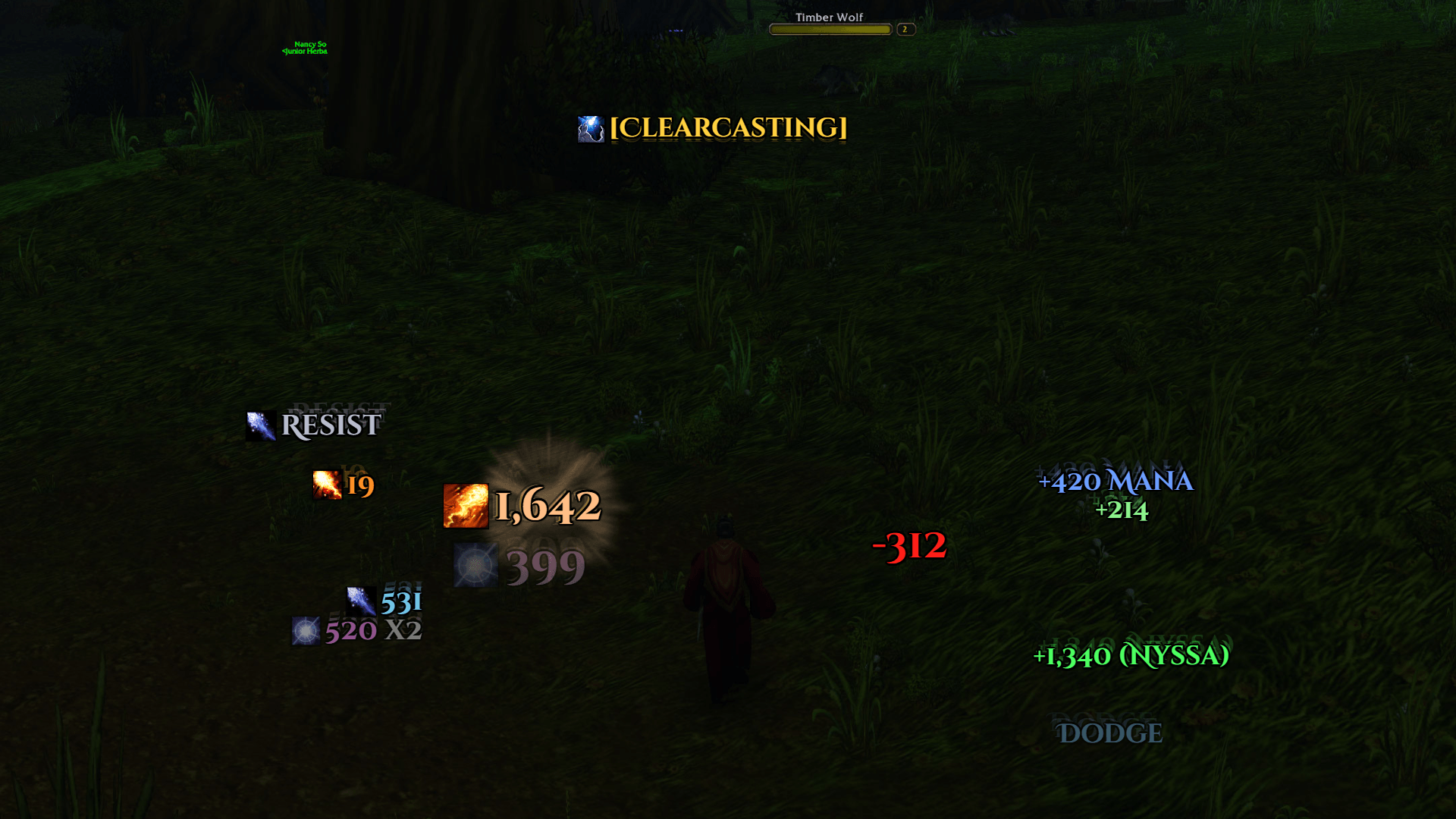
05-preset-arcade.png
06-preset-epic.png
Description
Scrolling Battle Text
Scrolling combat text for WoW Forever. Your damage scrolls down the left of your character and the damage and heals you take scroll down the right. Buffs, procs, loot and progress rise above you. Crits burst in at a spot of their own beside each lane, with a flare of light and a side-to-side shake.
It is inspired by Mik's Scrolling Battle Text and built for WoW Forever, with more styles, more fonts and an options window that looks like part of the game.
Features
- Three scroll areas to start with: Outgoing on the left, Incoming on the right and Notifications above you. You can add your own areas and send any event to them.
- 8 scroll styles: Straight, Arc, Curve, Angled, Wave, Fountain, Horizontal and Static. Text moves at a steady speed and stacks neatly, so a burst of hits never piles up on itself.
- Crits that land with weight: 5 crit animations (Pow, Jiggle, Slam, Zoom and Fade). Each area shows its crits at a point of their own. Optional extras are a flare of light, a white flash, an afterimage trail and a crit shake. The shake can vibrate side to side or jolt, with adjustable strength and length.
- Live merging: AoE and multi-hit spells collapse into one line, such as "1,066 x3". The first hit shows at once and later ones add to it.
- Spell icons beside the text, trimmed, round or square.
- Spell-school colours for your damage: fire, frost, arcane, shadow, nature, holy and physical, each one changeable.
- 4 presets: Classic, Arcade, Minimal and Epic restyle everything in one click.
- 9 fonts: the game's own Friz Quadrata, Arial Narrow, Morpheus and Skurri, plus Bangers, Luckiest Guy, Russo One, Cinzel Decorative and Black Ops One. Fonts from LibSharedMedia addons appear in the list too.
- 35 events:
- You can turn each event on or off, colour it, send it to any area and reword it.
- Yours: hits, crits, damage over time, misses and heals.
- On you: damage, crits, dodges and other misses, heals, heals over time and power gains.
- Pet: your pet's damage and the damage it takes.
- Notifications: buffs and debuffs, procs, combo points, entering and leaving combat, killing blows, and low health or mana.
- Progress: loot, money, experience, honor, reputation, skill gains and level-ups.
- Blizzard's combat text is hidden while the addon is on. Your own Blizzard settings come back when you turn the addon off, log out or remove it.
Getting started
- Install it with the CurseForge app, or extract the zip into
World of Warcraft\_forever_\Interface\AddOns. - Log in. It works straight away with the Classic look.
- Type
/sbt testto watch a sample fight play through every area. - Type
/sbtto open the options. You can also click Scrolling Battle Text in the minimap's addon menu, or find it under Options → AddOns.
Moving the scroll areas
Start by doing one of these:
- Type
/sbt unlock. - Right-click Scrolling Battle Text in the minimap's addon menu.
- Click Unlock scroll areas on the General tab.
Each area then shows as a box. Drag the box to move the area, and drag its red Crits handle to move where that area's crits appear. Type /sbt unlock again to lock them.
The options window
- General:
- Turn the addon on or off, and choose which of Blizzard's text to hide.
- Scale all text at once.
- Pick a preset, play a test fight, and see what the game is reporting to the addon.
- Scroll Areas:
- Movement: animation, direction, travel distance, curve, time on screen, crit animation and position.
- Text: font, outline, alignment, text size, crit size, spell-icon side and opacity.
- Add your own areas, rename them, preview them or reset them.
- Events:
- Every event, by category.
- Turn each one on or off, pick its colour and area, choose whether it plays the crit animation, and change its wording.
- The ▶ button shows a preview.
- Appearance:
- Number style: 12345, 12,345 or 12K.
- Spell names after your hits, and merging.
- Spell-icon shape, crit effects and crit shake.
- When the low health and low mana warnings fire.
- Spell-school colours.
Changing the wording
Each event has a format with tokens that are filled in when it shows:
{a}the amount{s}the spell or item{n}a name, such as who healed you{t}extra text, such as "Dodge", "(Glancing)" or "Mana"
Put braces around a part to leave it out when it has nothing to show. For example, +{a}{ ({n})} shows "+1,340 (Nyssa)" when the healer is known and "+1,340" when not.
Slash commands
/sbt open or close the options
/sbt test play a sample fight
/sbt unlock move the scroll areas (type it again to lock)
/sbt preset <name> classic, arcade, minimal or epic
/sbt status what the game is reporting to the addon
/sbt on /sbt off turn the addon on or off
/sbt reset put every setting back to its default
/battletext works in place of /sbt.
How it works on WoW Forever
WoW Forever doesn't let addons read the combat log, so a few things work differently from older scrolling text addons.
- Damage and heals you take, buffs and power gains come straight from the game: the same events Blizzard's own combat text uses.
- Your damage is worked out. The game reports hits on your target and on enemies with visible nameplates, but not who made them. The addon matches each hit to your own casts, swings, damage-over-time ticks and pet attacks.
- Under Count a hit on an enemy as yours on the General tab, Smart (the default) also counts any other hit on your target as yours while you're not in a group.
- Strict counts only the hits it could match.
- Hidden amounts: in combat the game may hide exact amounts from addons. They still show, but hits of one spell can't be merged while that is happening.
- Low health and low mana warnings need the game to share your health and mana, so you'll mostly see them outside combat.
/sbt status shows how many hits, casts and swings the addon has seen and how many it matched to you.
Troubleshooting
- Nothing shows up: type
/sbt on, then/sbt test. - Someone else's hits on your target show as yours: set Count a hit on an enemy as yours to Strict on the General tab.
- Blizzard's numbers are showing as well: tick the two Hide Blizzard's… boxes on the General tab.
Mik's Scrolling Battle Text Revived Team