
MidnightChatFade
MidnighChatFade (2).png
MidnighChatFade (1).png
ehc2.png
EHC.png
Description
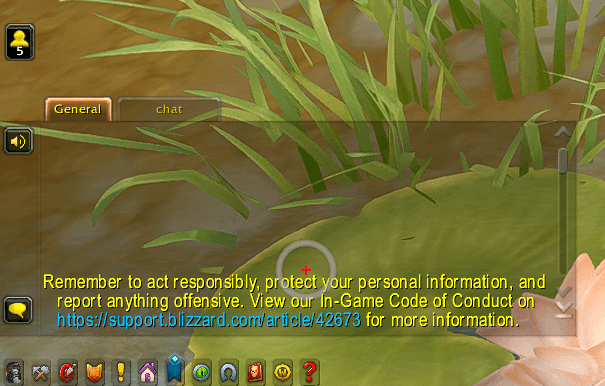
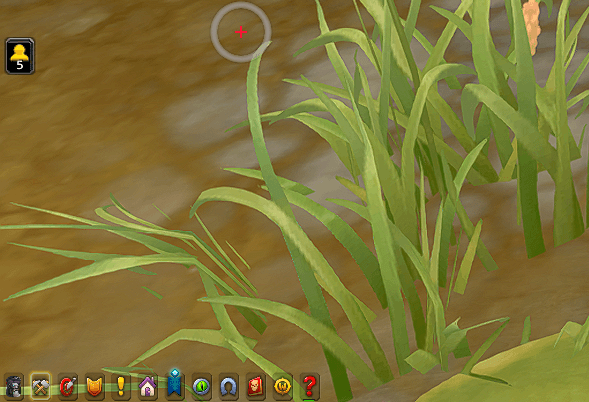
Automatically fades out your chat windows when they are inactive, giving you a cleaner and less cluttered UI.
The chat smoothly fades back in whenever something important happens or when you interact with it.
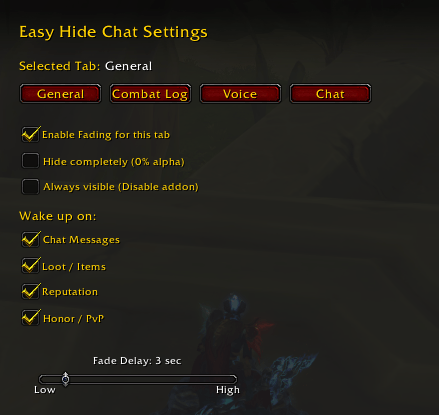
You can customize the inactivity delay to match your playstyle.
Choose which events activate the chat again, such as messages, XP gain, loot, reputation, or honor.
All settings are saved automatically, so your preferred configuration stays after relog.
Features:
Automatic smooth chat fade
Custom inactivity timer
Selectable activation events
Mouse & typing activity detection
Saved settings
/mcf – Toggle "Always Visible" mode (instantly shows/hides all chat).
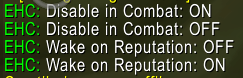
/mcf combat – Toggle the "Disable during Combat" feature.
/mcf loot – Toggle if Looting should wake up the chat.
/mcf repu – Toggle if Reputation gains should wake up the chat.
/mcf honor – Toggle if Honor/PvP updates should wake up the chat.
/mcf speed [fast/smooth/cinematic] – Quickly change how fast the chat fades.
MidnightChatFade Team
