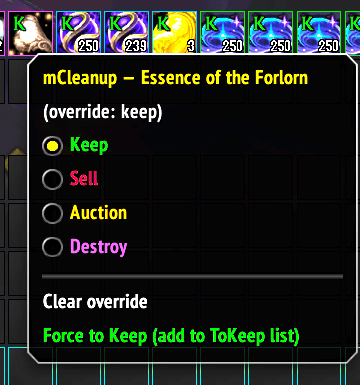
bag hot menu for quick custom rule setting
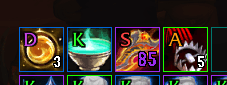
Tagged icons in bags with state
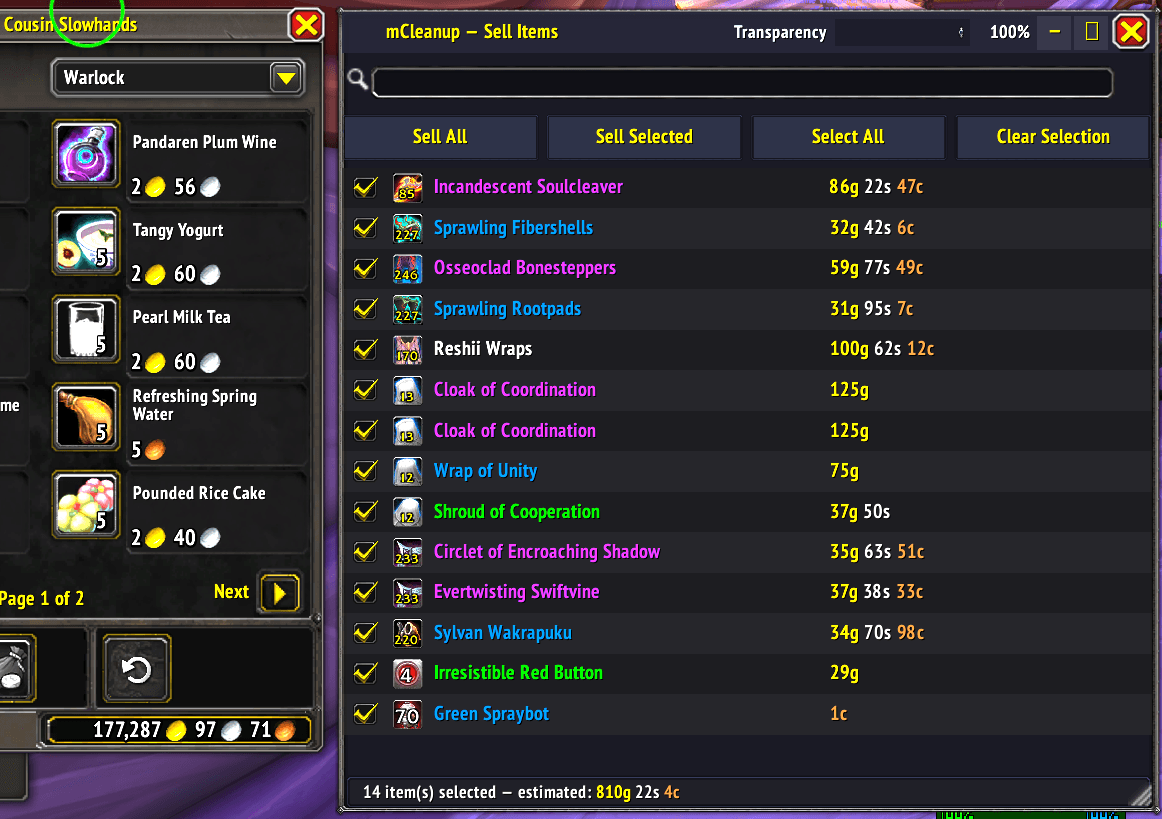
Vet and sell items from a custom pane. You can re-tag items from here the same way you do in your bags!
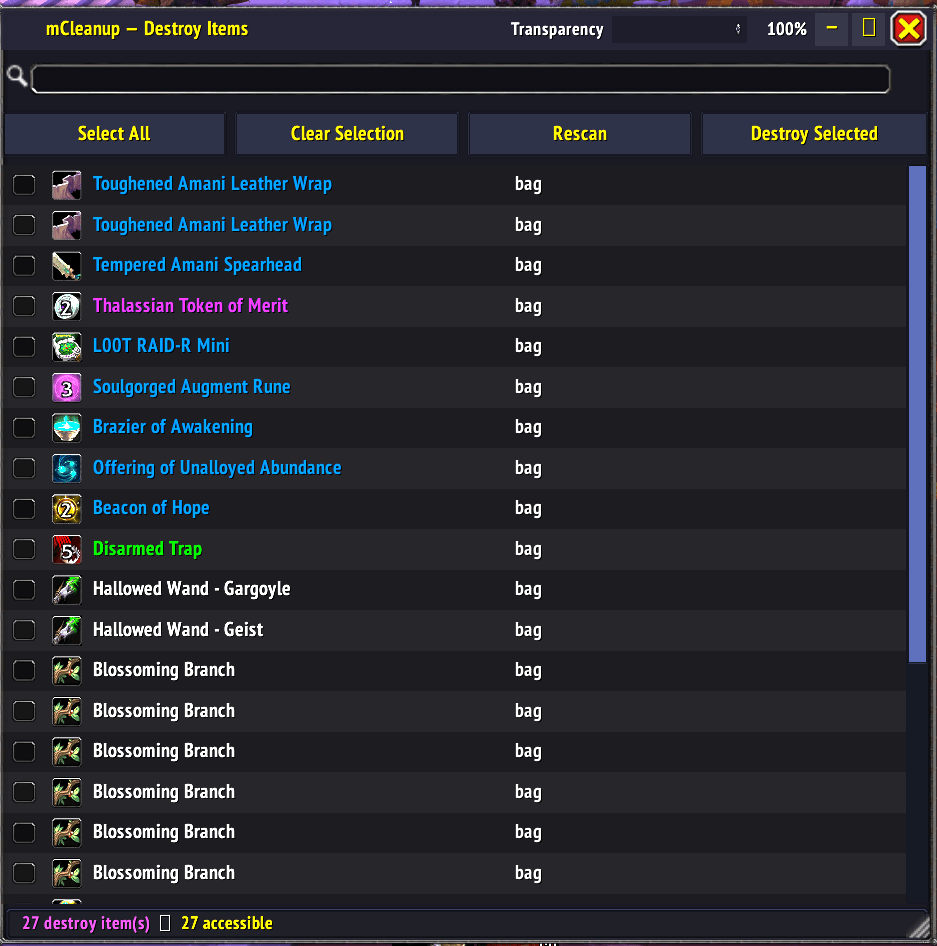
Special batch destroy, only type DELETE once and then confirm every deletion thereafter with a button click
Description
Set your keep/sell/auction/destroy rules as you loot items. You can also vet the sell pane items and reset their category on the fly.
mCleanup auto tags every item automatically as you loot, bank, and shop, with a full sortable view for the bigger jobs. You can change the loot rules in the options pane, set an ilvl threshold to auto tag for sale anything under that ilvl, set the expansion you consider items are to be sold from.
You tell mCleanup what you want kept, sold, auctioned, destroyed, or locked, and from then on every item gets tagged the moment it lands in your bags. At the sell pane, you can vet the items marked for sale, alt+right click them to re-categorize them directly from the sell pane.
A coloured badge shows the call right on the slot, and your vendor and Auction House panels pop up already knowing what's for sale.
Right on your bags and bank, a small Filters button opens a docked panel where you can dim out everything that doesn't match — by tag, quality, item type, or item level — without leaving the bag window. Spot what's left, bulk re-tag it, or move the filtered set straight to your bank, warband bank, or back to your bags, all from the same panel.
Most days, that's the whole interaction: glance at the badges, right-click what you want gone, move on. When you want to do more than glance-and-go — a full bank sweep, clearing out a legacy expansion, moving gear to the warbank — the Bag/Bank Manager gives you the same tags in one sortable, searchable, bulk-actionable list.
Auctions that fail to sell and land back in your mailbox keep their Auction tag automatically, so a failed sale doesn't mean re-tagging it by hand.
mCleanup Team