
HandyNotes: MapNotes
- By


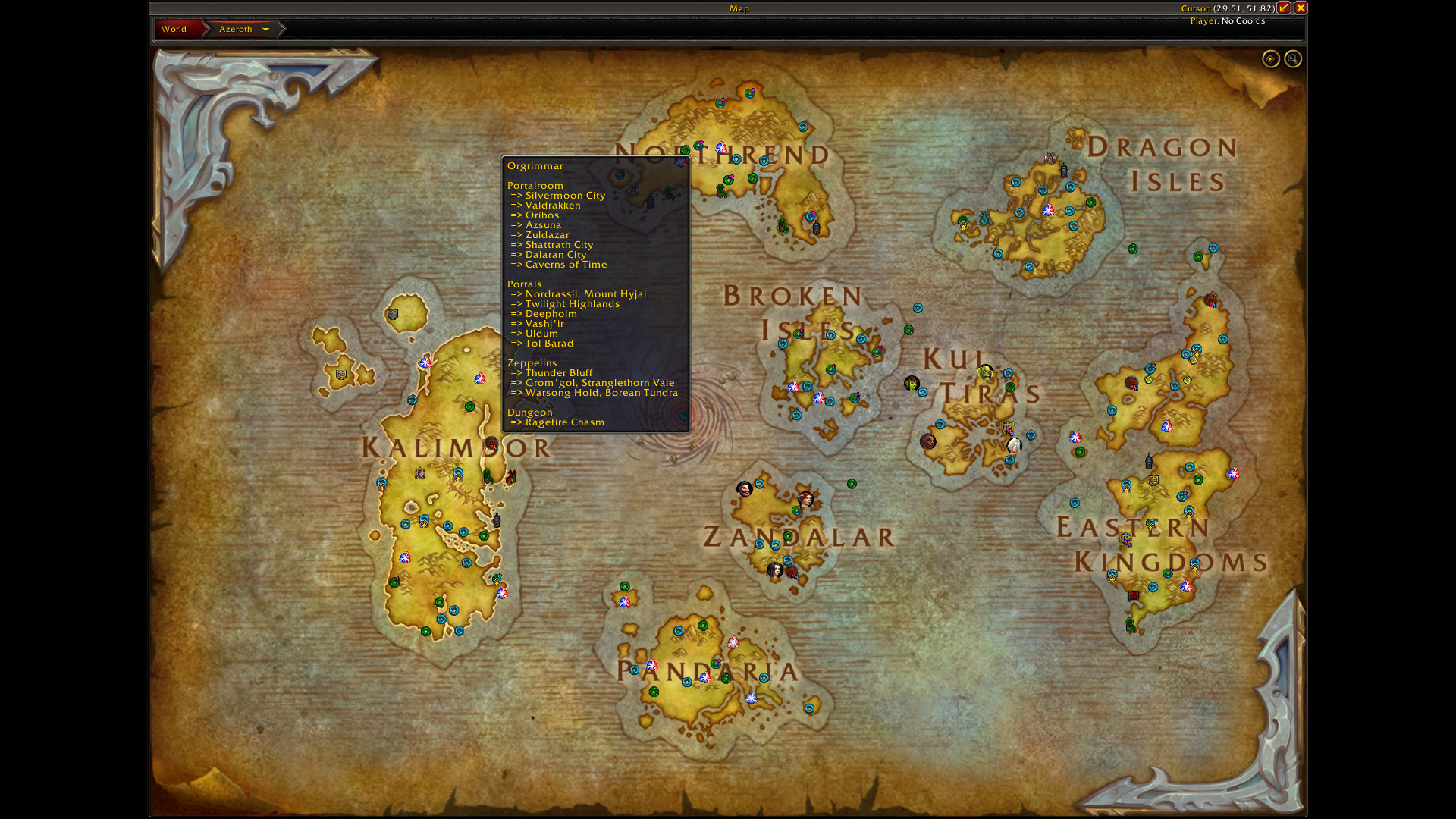
When you hover over a Special Icons icon from the option "MapNotes vs blizzard", it displays all possible transport and instance points that are located here e.g. here for Orgrimmar
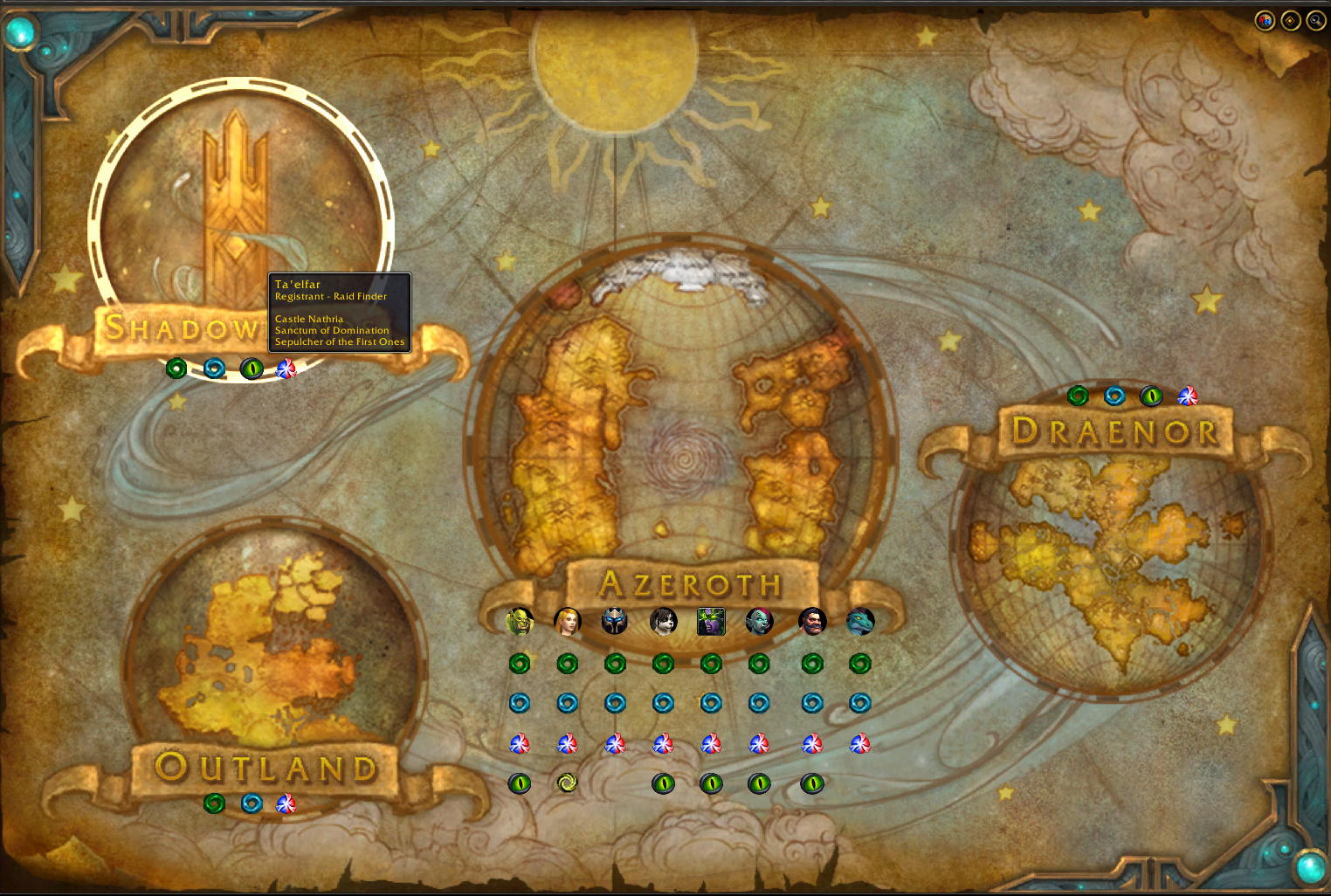
What is displayed here can be set individually for each map category (Worldmap, Azeroth, Continent, Zone, Dungeon)
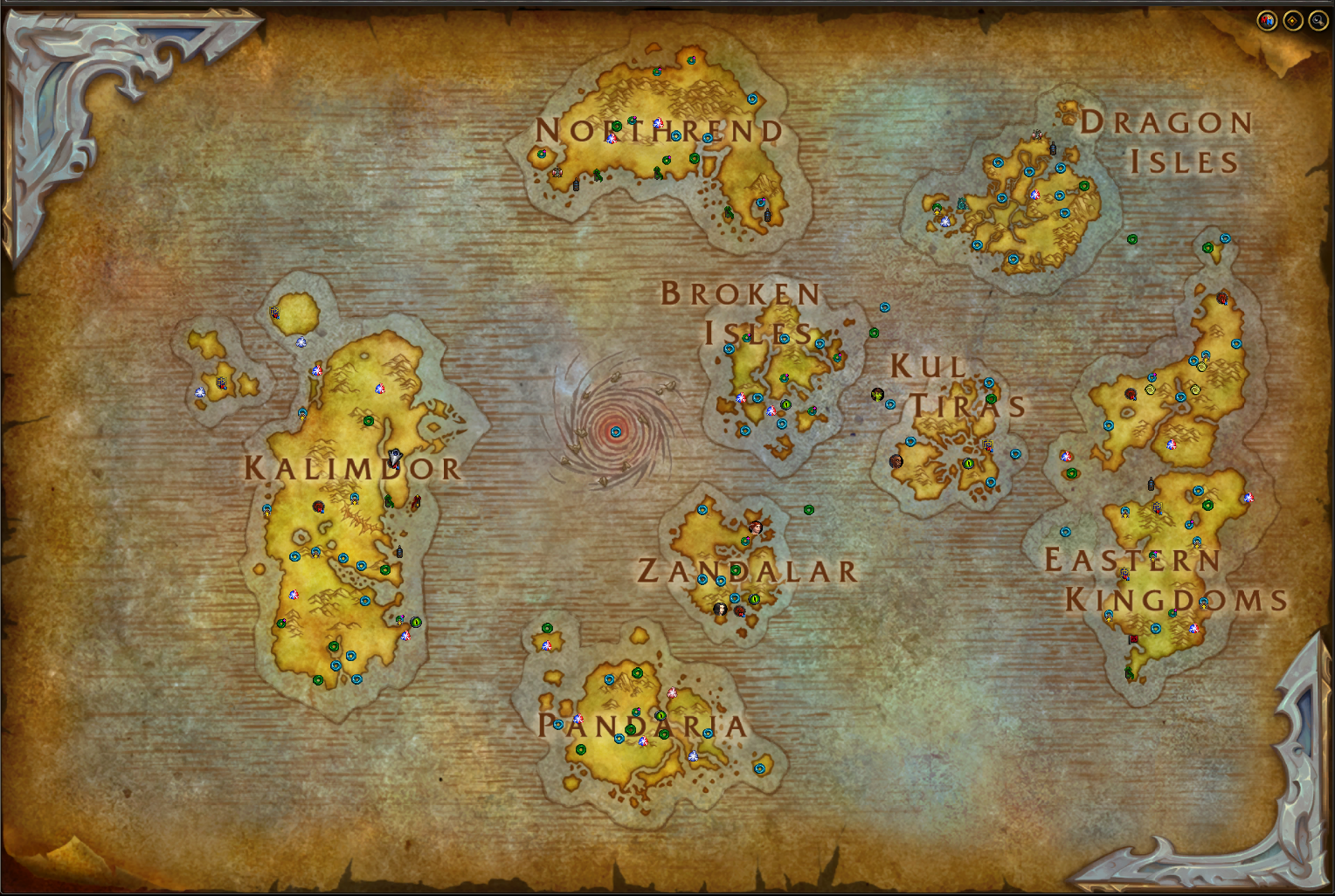
What is displayed here can be set individually for each map category (Worldmap, Azeroth, Continent, Zone, Dungeon)
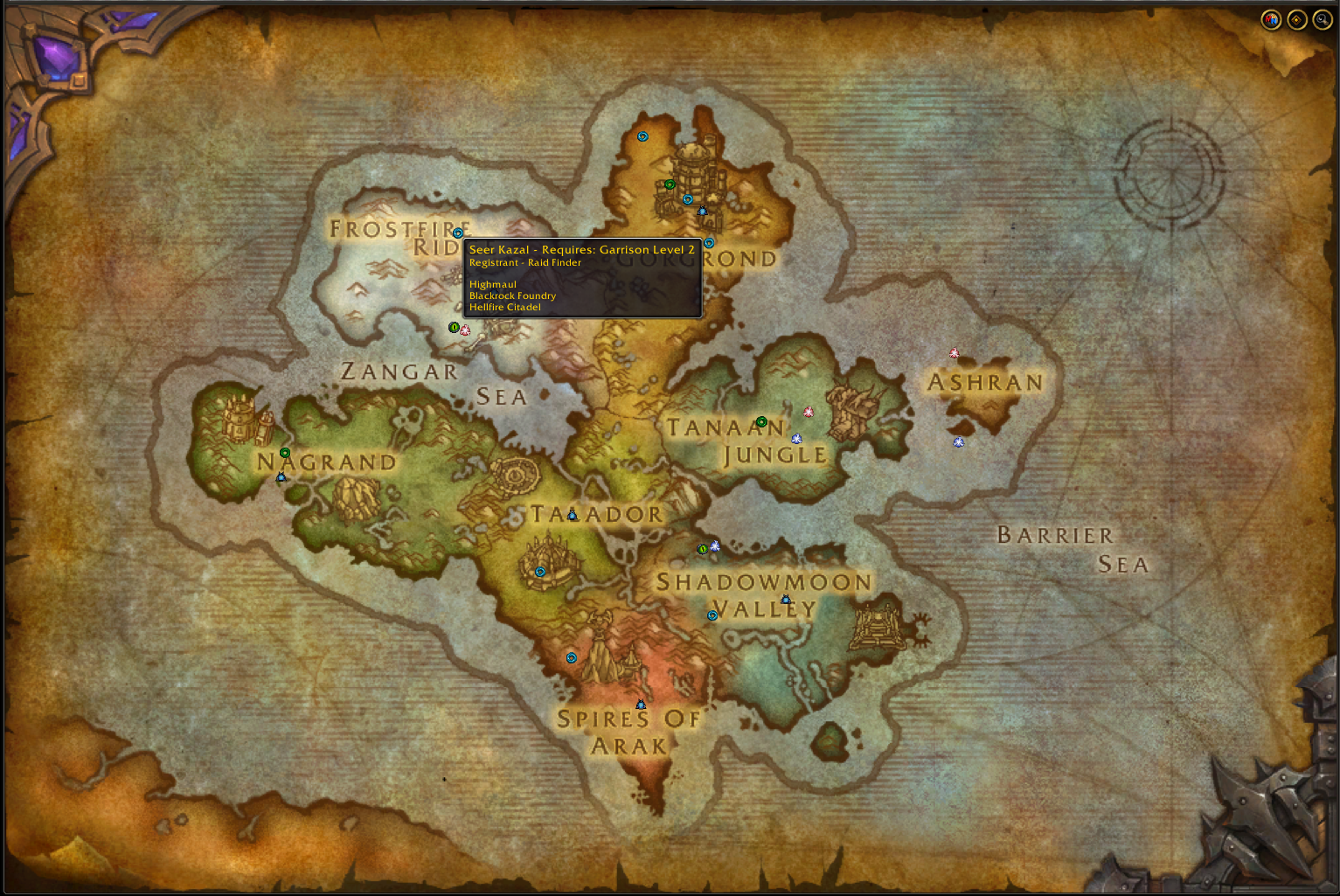
What is displayed here can be set individually for each map category (Worldmap, Azeroth, Continent, Zone, Dungeon)
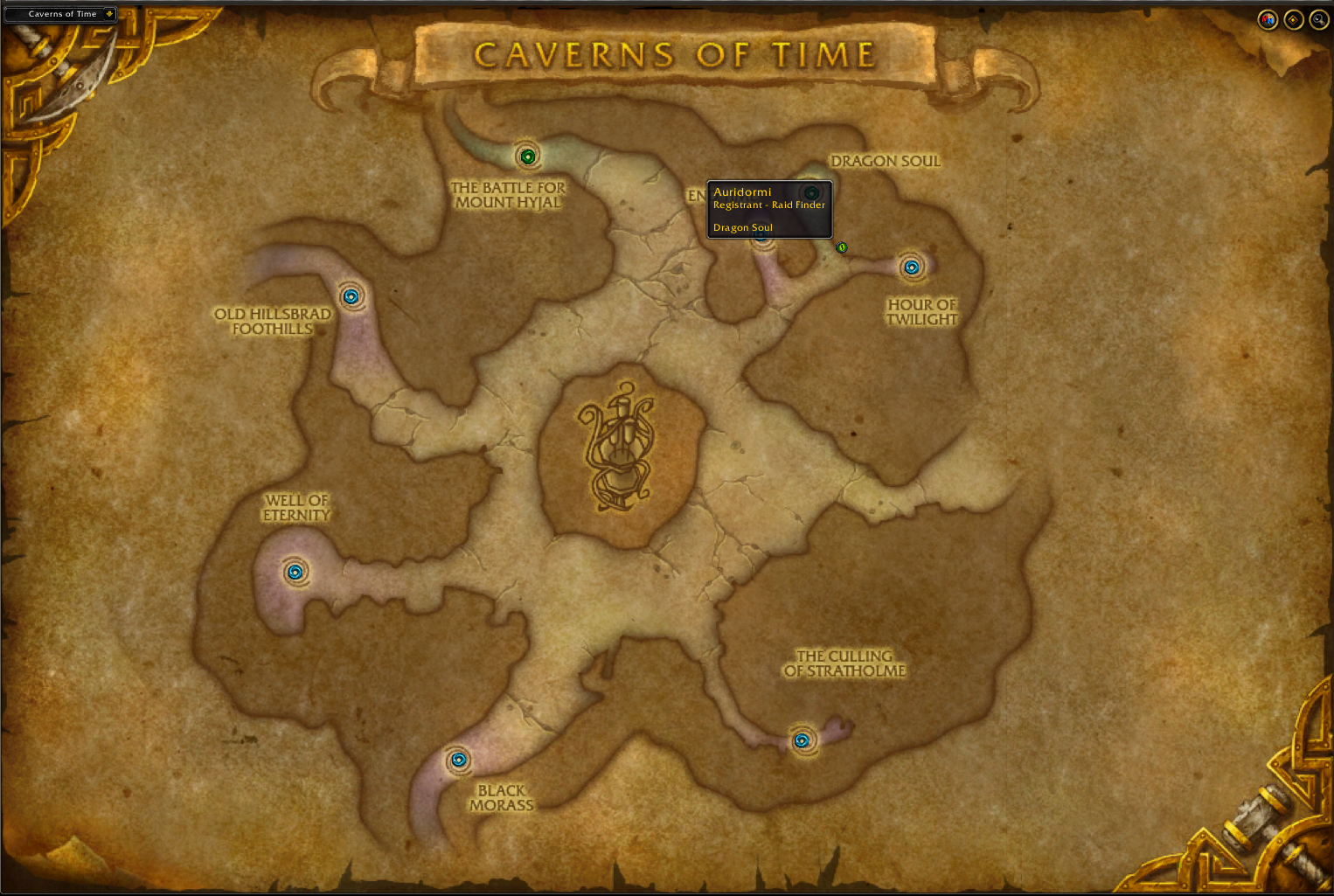
What is displayed here can be set individually for each map category (Worldmap, Azeroth, Continent, Zone, Dungeon)
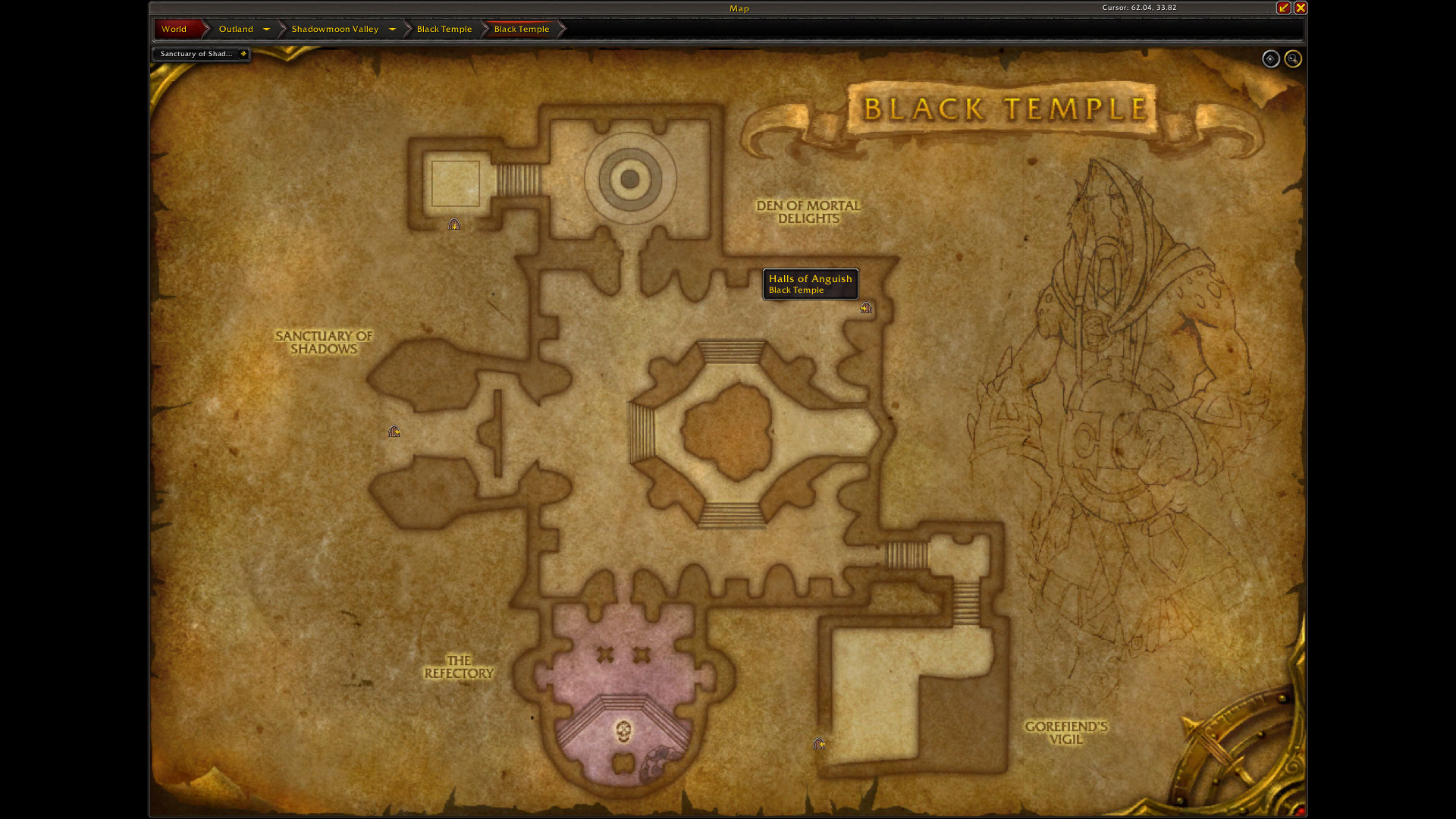
Passage icons in the dungeon map categories, shows passage icons to the respective dungeon sections
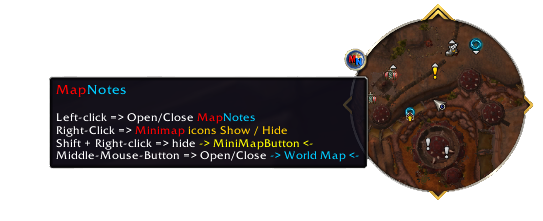
Minimap Button function
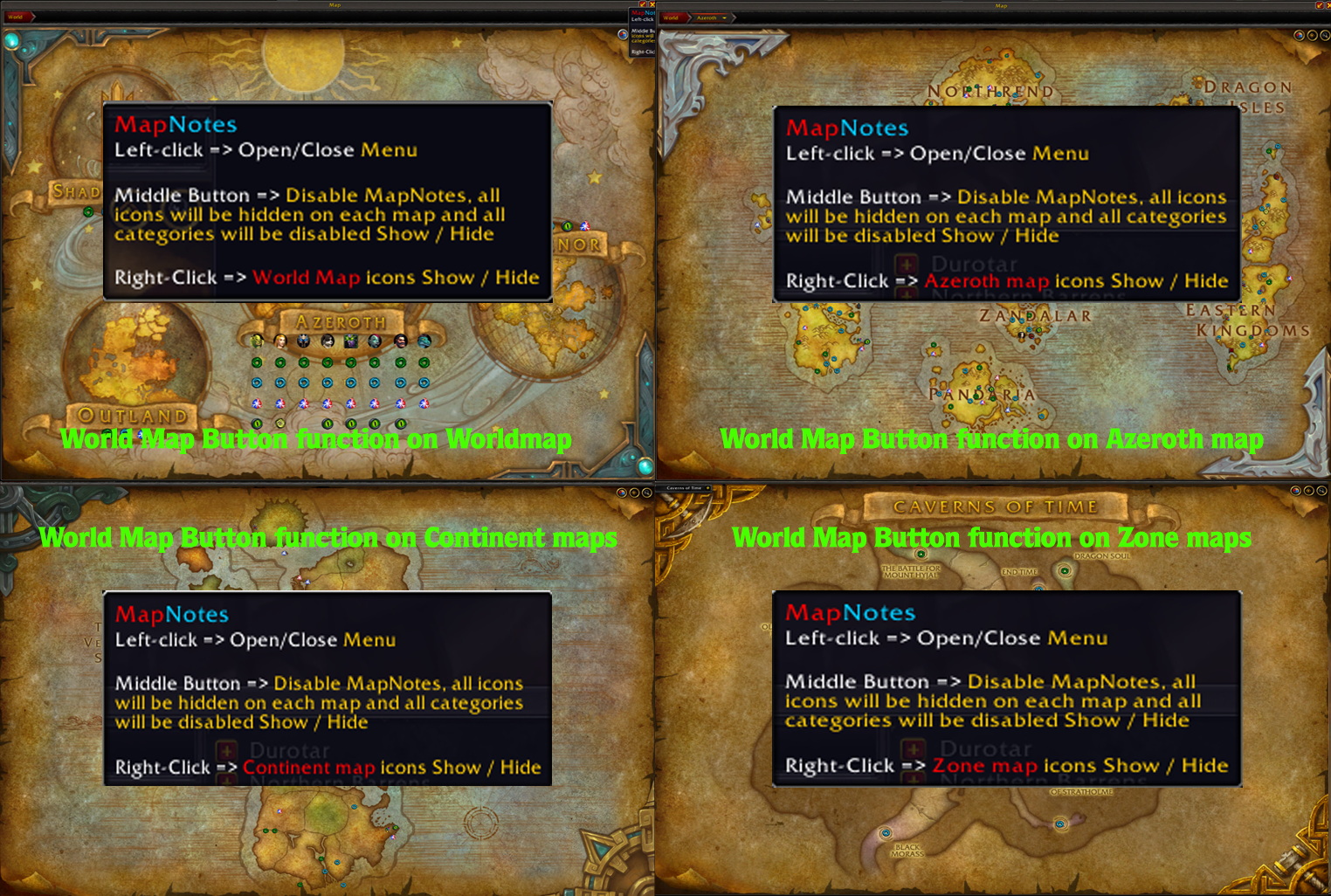
shows or hides all activated MapNotes icons of the current map type that is currently open (World Map/Azeroth/Continent/Zone/Dungeon)
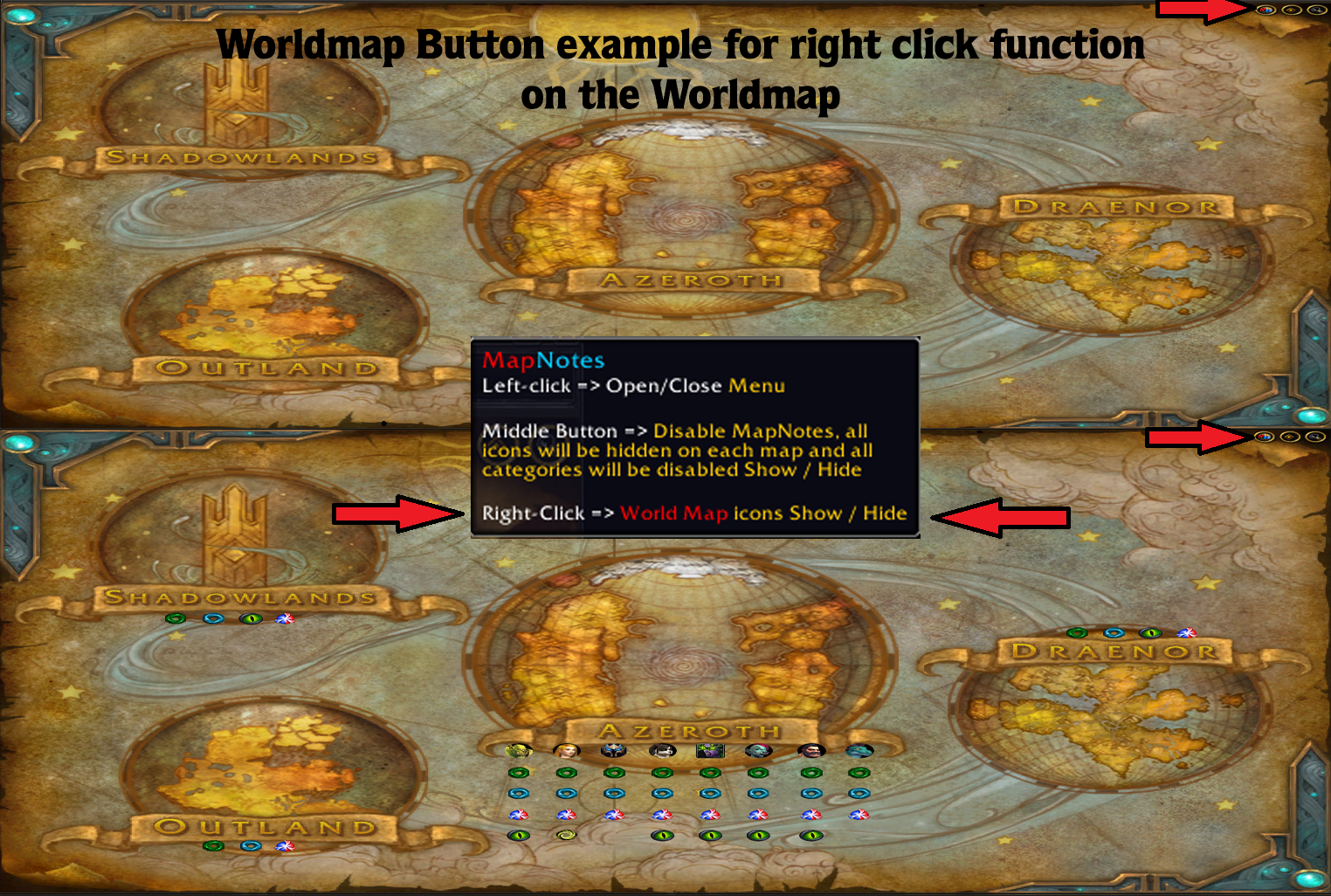
shows or hides all activated MapNotes icons of the current map type that is currently open (World Map/Azeroth/Continent/Zone/Dungeon)
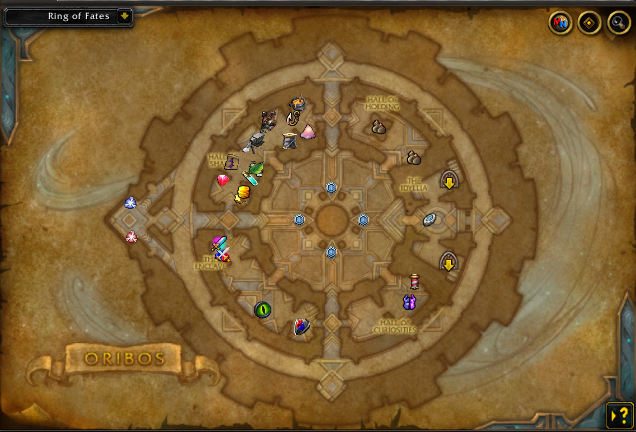
Oribos
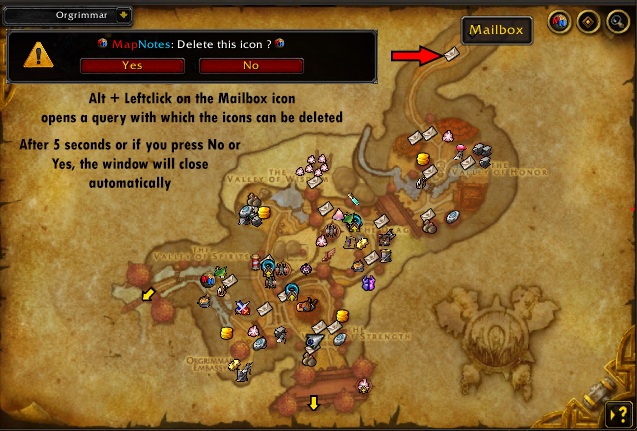
Delete function Example
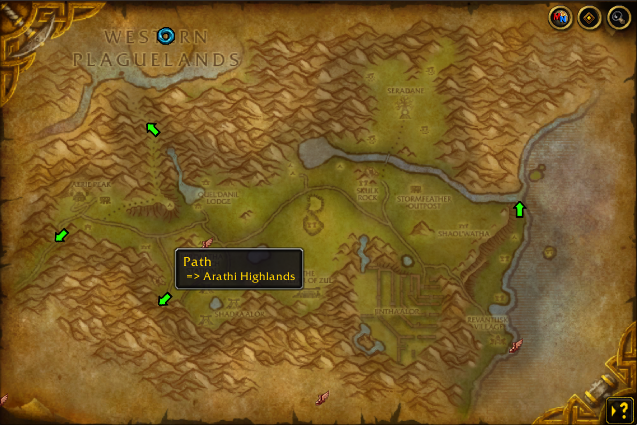
The Hinterlands
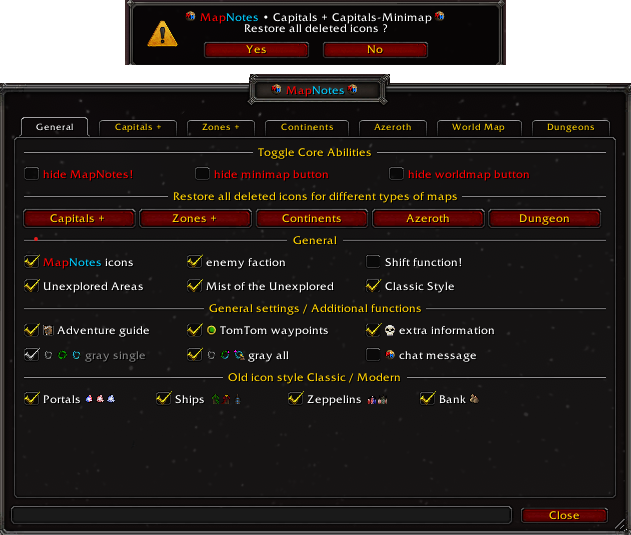
Capital + Capital - Minimap
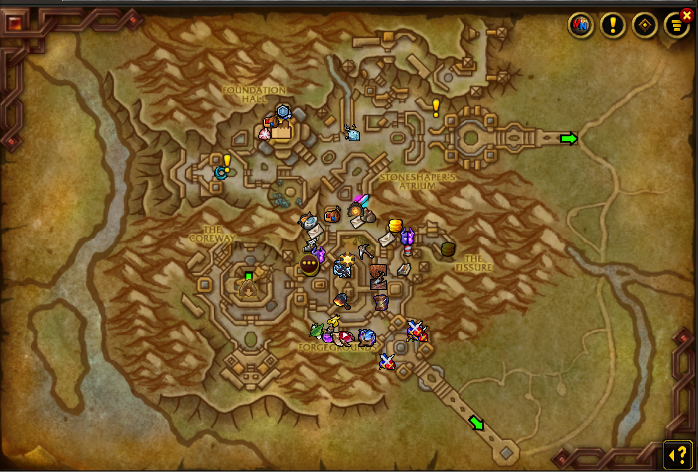
Capital Example
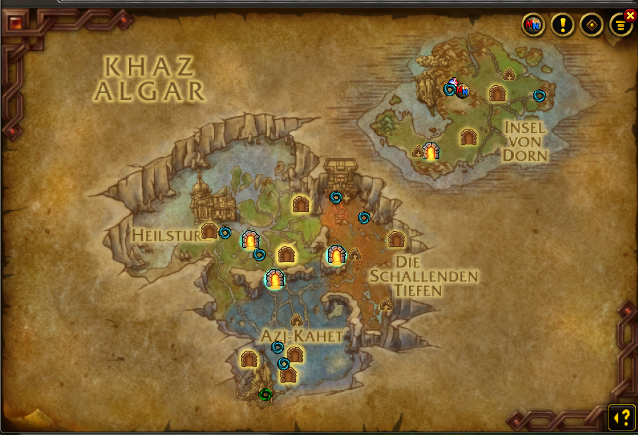
Khaz Algar