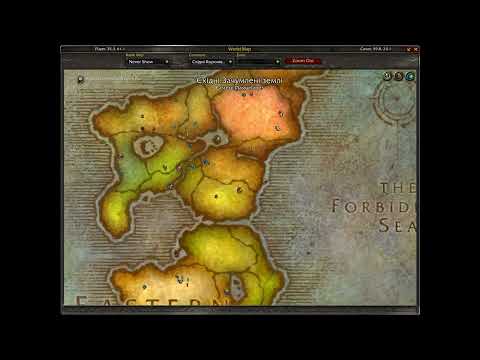
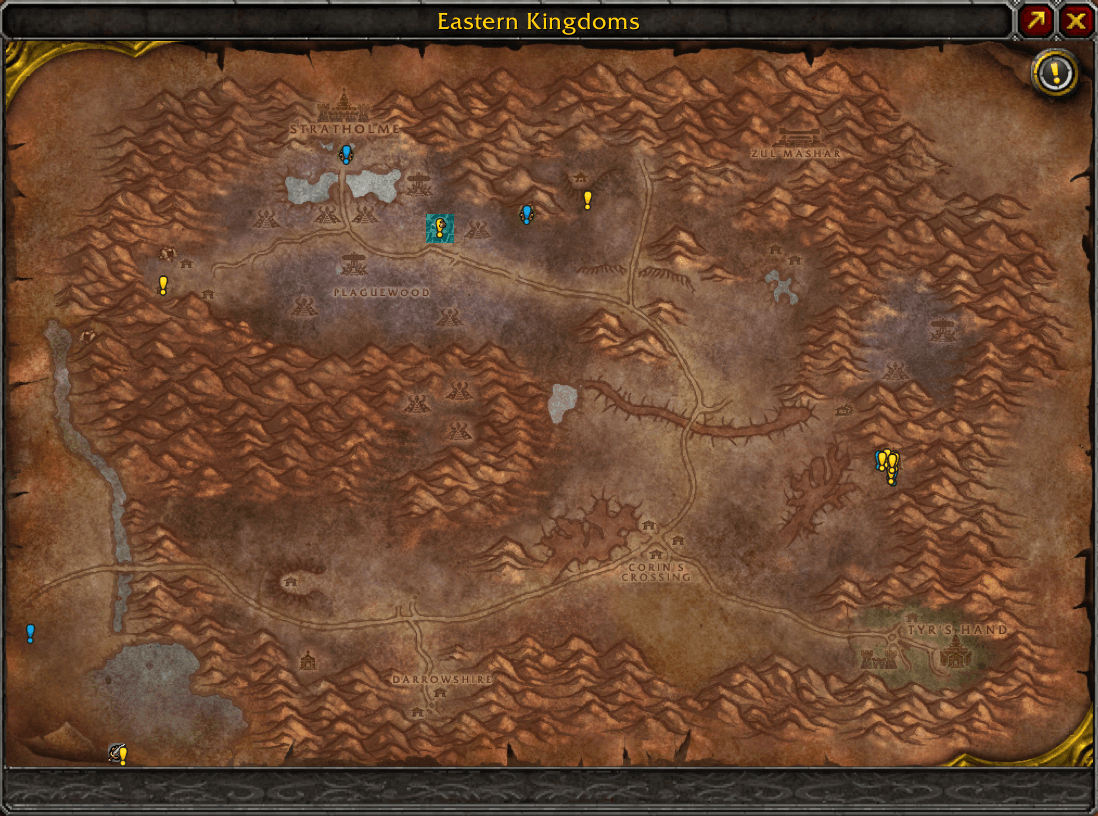
1_default.png
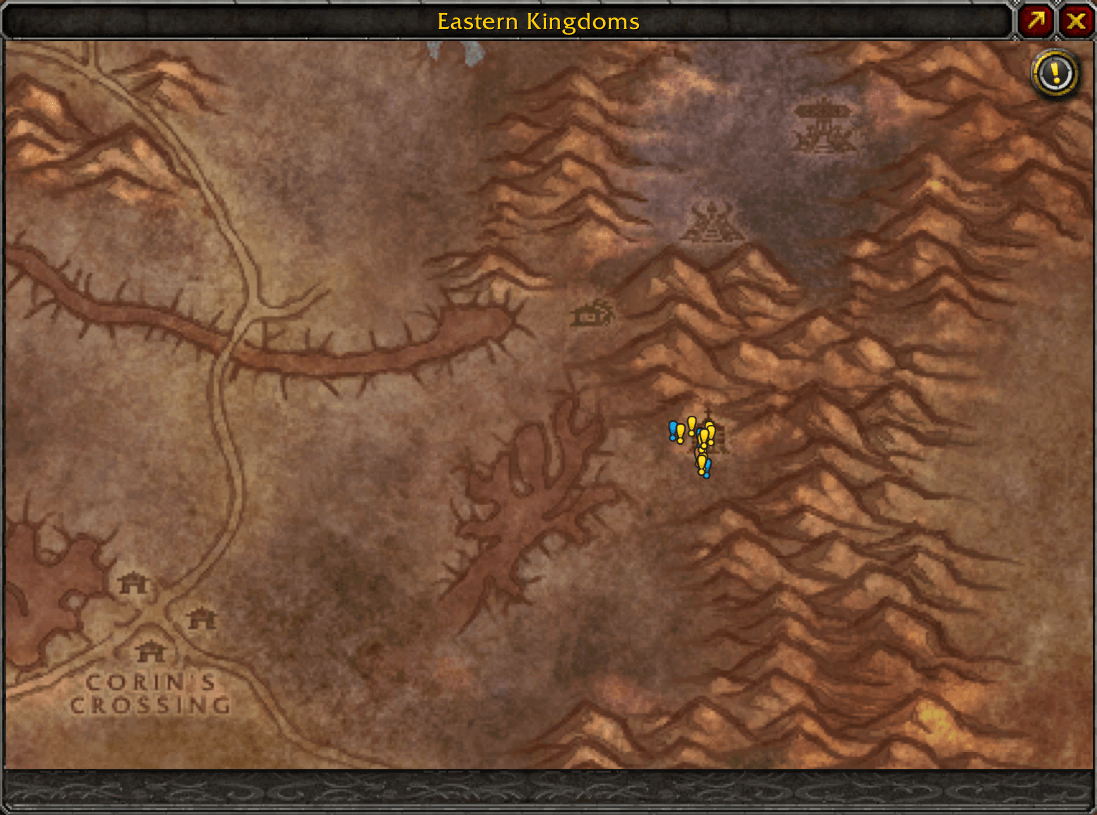
2_zoomed.png
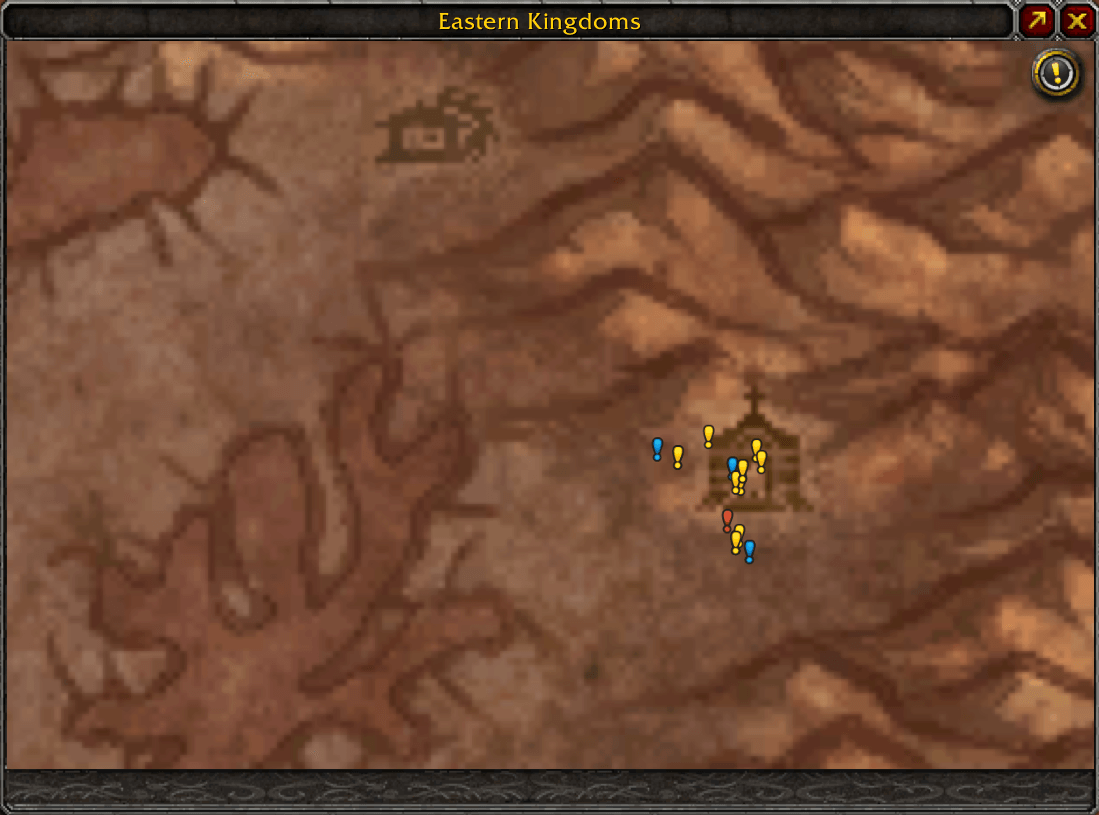
3_max_zoomed.png
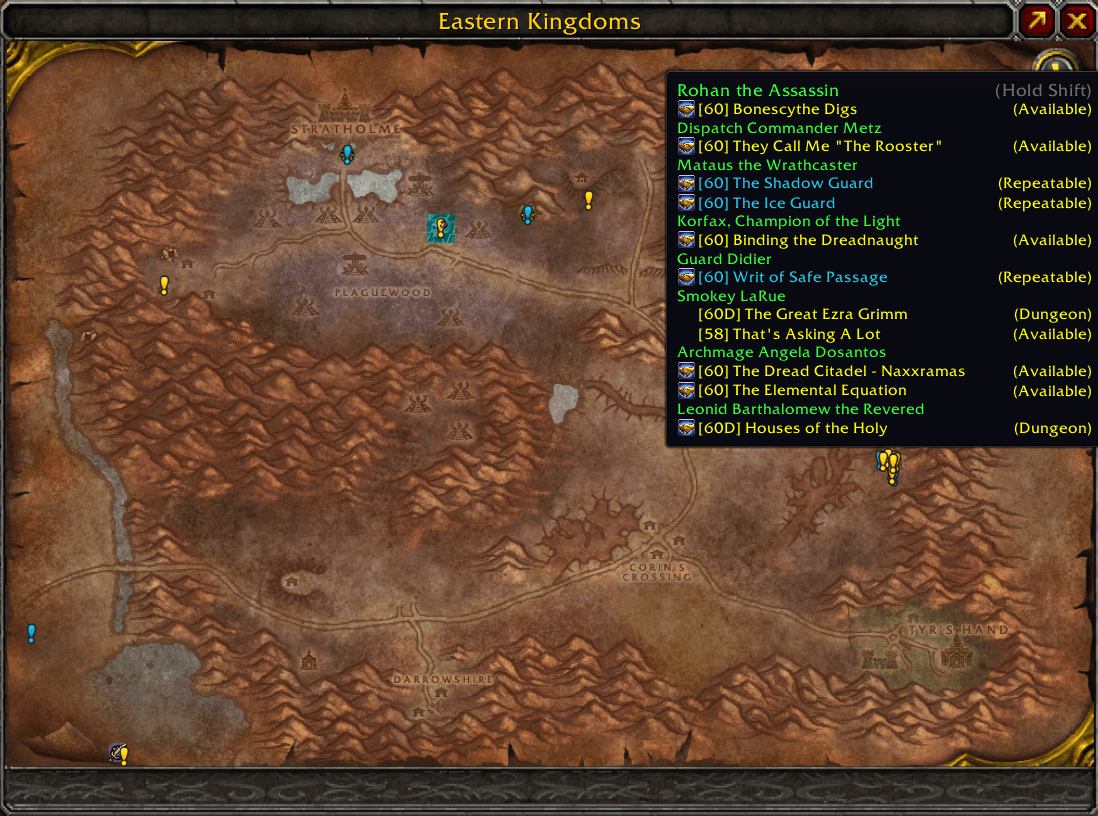
4_default_questie_tooltip.png
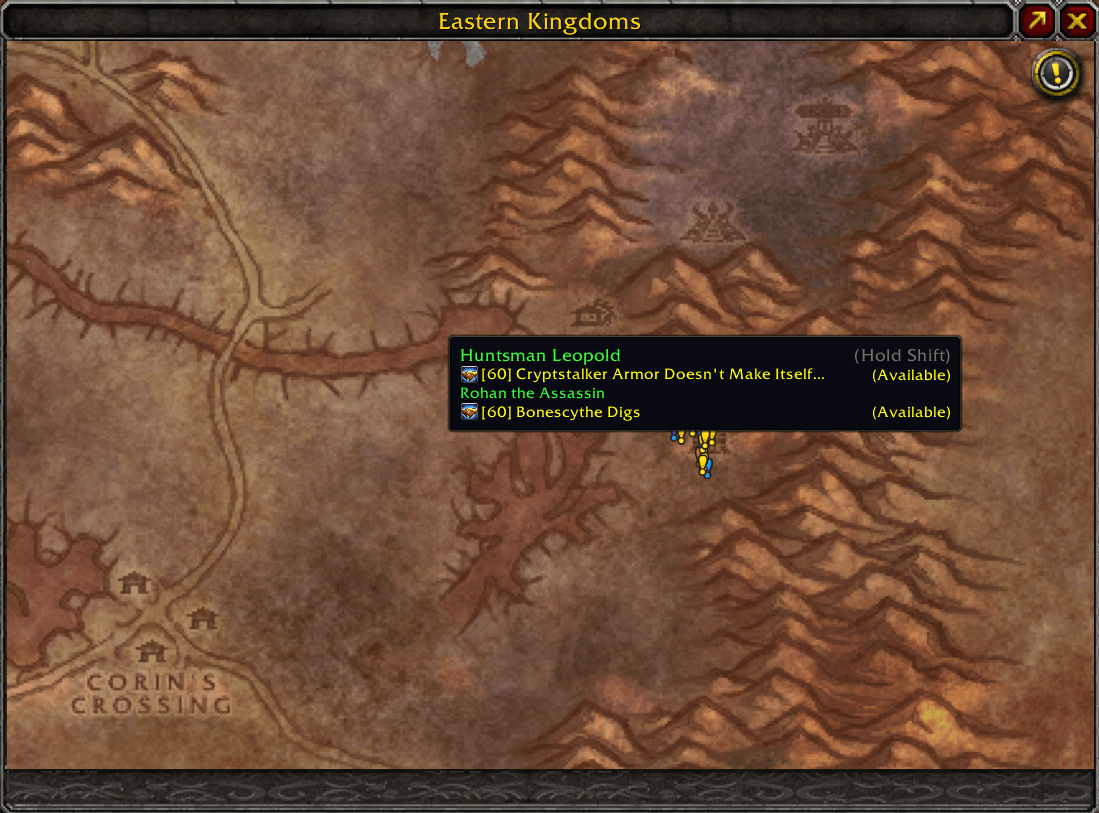
5_zoomed_questie_tooltip.png
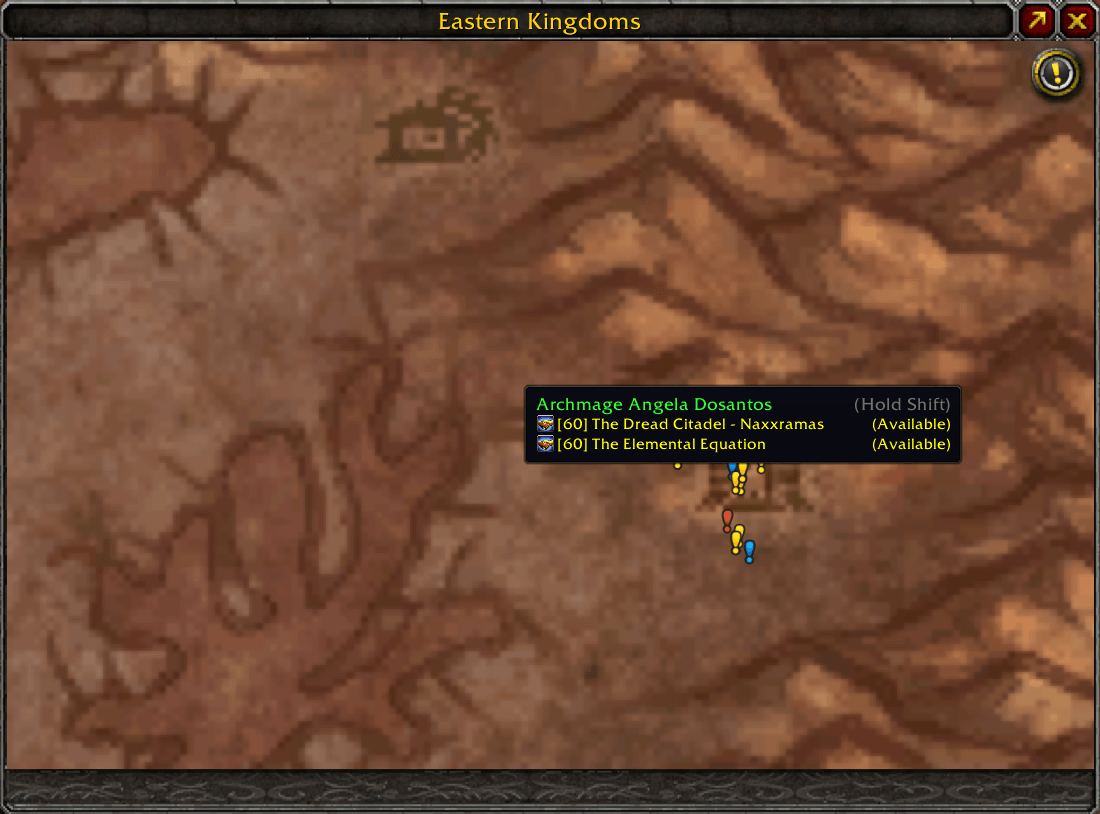
6_max_zoomed_questie_tooltip.png
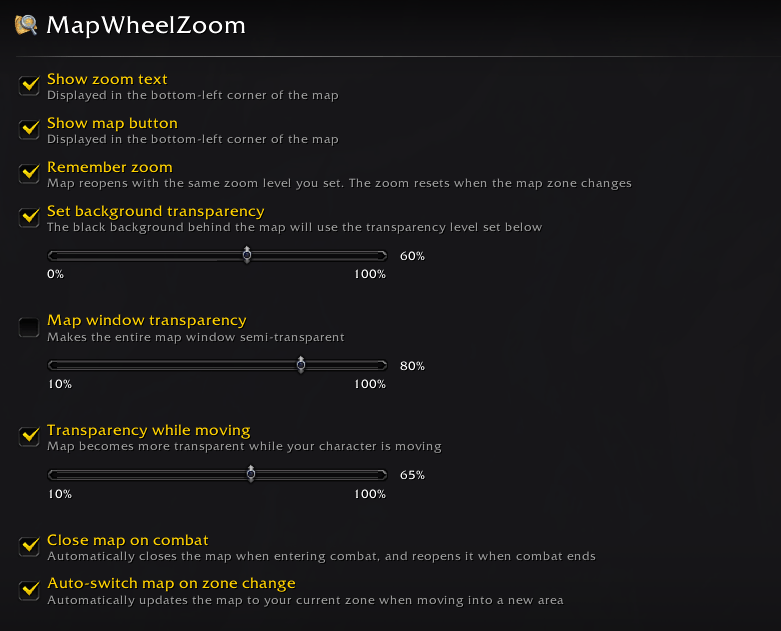
7_settings.png
Description
Map Wheel Zoom
Mouse wheel zooming for World of Warcraft Classic Era and TBC world map.
✨ Features
- Zoom to Cursor - Map zooms in/out at your mouse cursor position
- Click & Drag - Click and drag to pan the map when zoomed in
- Questie Integration - Quest clusters automatically adjust based on zoom level, and quest icons stay clipped within map boundaries when zooming and panning
- TomTom Integration - Place or remove TomTom waypoints anywhere on the map canvas or icons via Ctrl + Left Click
- Map Window Transparency - Control overall map window opacity to see your surroundings
- Transparency While Moving - Automatically fades the map while your character is moving
- Close Map on Combat - Automatically closes the map when entering combat and reopens it when combat ends
- Auto-Switch Zone - Automatically updates the map to your current zone when moving into a new area
- Background Transparency - Control the opacity of the black side bars on the world map
- Remember Zoom - Reopens the map at the same zoom and pan levels. You can disable this in settings.
🎮 Usage
- Mouse Wheel - Scroll to zoom in/out at your cursor position
- Click & Drag - Click and drag to pan the map when zoomed in
- Ctrl + Left Click - Place or remove TomTom waypoints anywhere on the map canvas or icons
- Slash Command - Type
/mwzor/mapwheelzoomto open the options panel
⚙️ Default Settings
- Show zoom text: Disabled
- Show map button: Enabled
- Remember zoom: Enabled
- Close map on combat: Disabled
- Auto-switch map on zone change: Disabled
- Set background transparency: Disabled
- Background transparency: 65%
- Map window transparency: Disabled
- Map window opacity: 80%
- Transparency while moving: Disabled
- Opacity while moving: 40%
⚡ Performance
- Lightweight Memory Footprint - Uses only ~20–45KB of RAM
🔧 Compatibility
- Works with Questie addon for dynamic quest clustering and icon clipping
- Works with TomTom addon for quick waypoint placement
- May conflict with other addons that modify map zoom behavior
📄 License
MIT License - see LICENSE file for details
Made with ❤️ from 🇺🇦 Ukraine
Support me on Donatello
Map Wheel Zoom Team