Mage Tools Forever
Quality-of-life tools for Mages in World of Warcraft: Forever: conjured food and water with level-matched trading, portal and Polymorph bars, buff reminders, a shield absorb ring, and cooldown chimes.
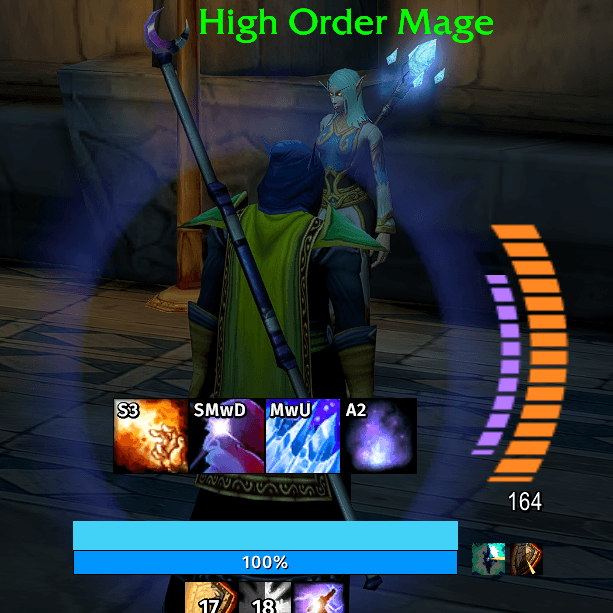
shield-display.png
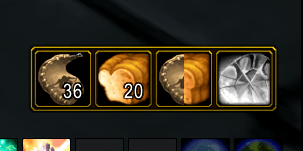
conjure-bar.png
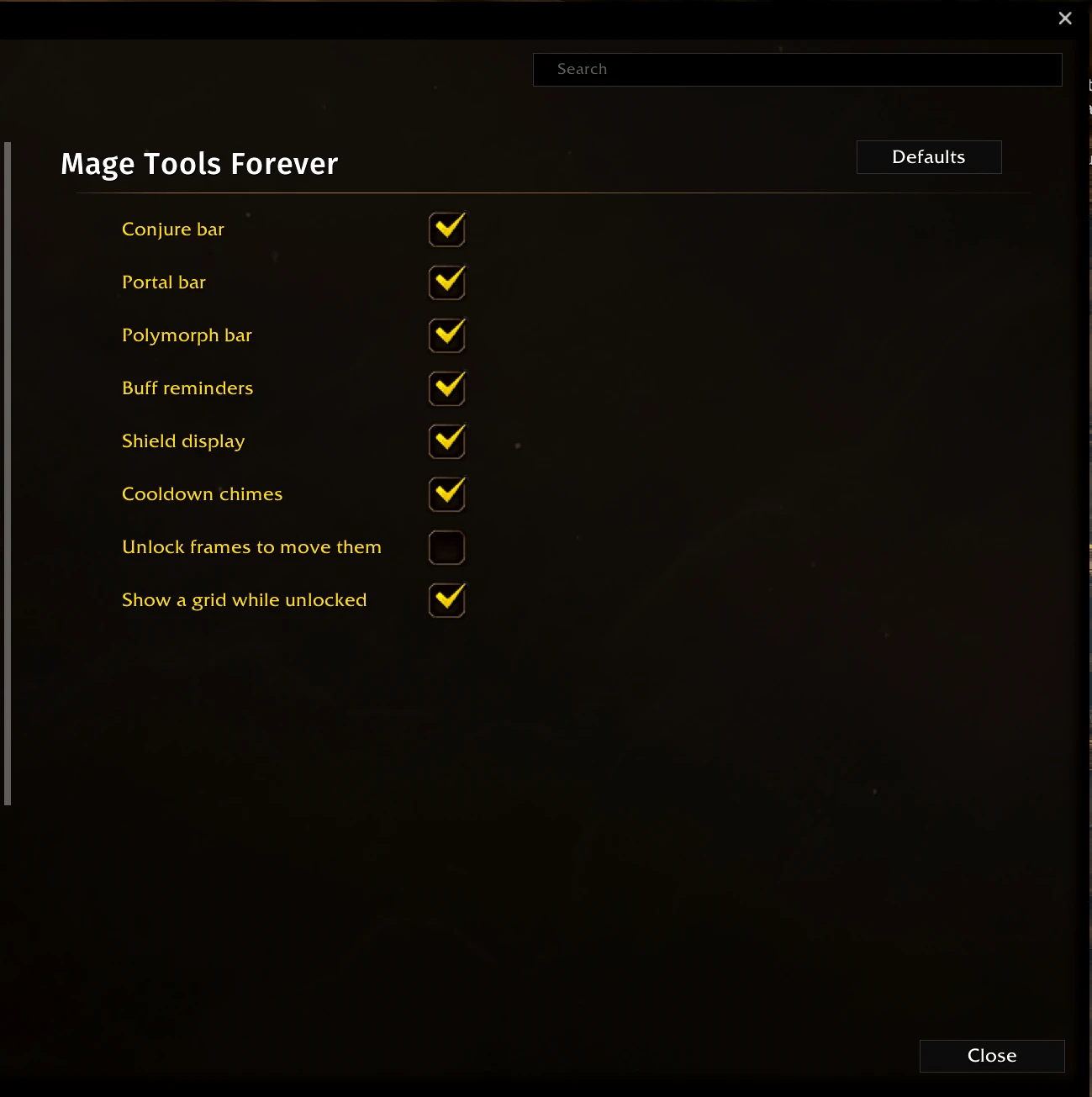
settings-main.png
settings-shield.png
settings-chimes-sounds.png
Description
Mage Tools Forever is a growing set of quality-of-life tools for Mages. Each tool has its own switch and settings page.
Conjure
- A movable bar with Water, Food, Food & Water, and Mana Gem buttons.
- Target a friend: right-click conjures the best food or water they can use; left-click trades them a share of it (10 by default, you pick 1 to 20), or all you have if less, and whispers them. The rest stays for the next party member.
- Someone opens a trade with you? The buttons serve them: left-click puts their share straight into the window.
- Food & Water gives a share of both in one click, with one whisper; right-click conjures them in turn.
- No one targeted: left-click eats or drinks your best; right-click conjures your best. Middle-click always eats or drinks your own best, whoever you have targeted.
- Mana gems: left-click uses your best gem; right-click conjures the best one you don't carry.
- For your action bars: MTF keeps ! Water, ! Food, ! Food & Water, and ! Mana Gem macros in your character macros. Left-click uses, right-click conjures, also in combat.
Portals
- A bar with a button for each teleport and portal you know, teleports first, with the runes you carry for each. The count is only information: MTF never stops a cast for lack of runes.
- Opening a portal tells your group where it goes. Teleporting yourself emotes it: "Dyre summons powerful arcane energies to whisk themselves away to Ironforge."
Polymorph bar
- The sheeped mob's name and your Polymorph's time left, following the mob as you change target. If it breaks early, the bar empties so you see it.
- As you start casting in a group: "Sheeping Defias Pillager; you spank it, you tank it." When it lands, the mob gets the moon marker.
- Click the bar to sheep the same mob again; MTF targets it, casts, and returns you to your target.
Buff reminders
- An icon with a pulsing gold border for each buff you are missing out of combat: Arcane Intellect (also for group members who use mana, never warriors or rogues), your armor, and optionally Dampen or Amplify Magic.
- Click an icon to cast the buff: on you first, then each group member who lacks it, or Arcane Brilliance when two or more do.
- Drag and resize each icon on its own. They snap together like magnets; Shift-drag moves a snapped group.
Announce
- Every message MTF sends has its own switch and text you can edit: the water, food, and Food & Water trade whispers, the portal and Polymorph group messages, and the teleport emote. The defaults credit Mage Tools Forever (MTF).
Shield display
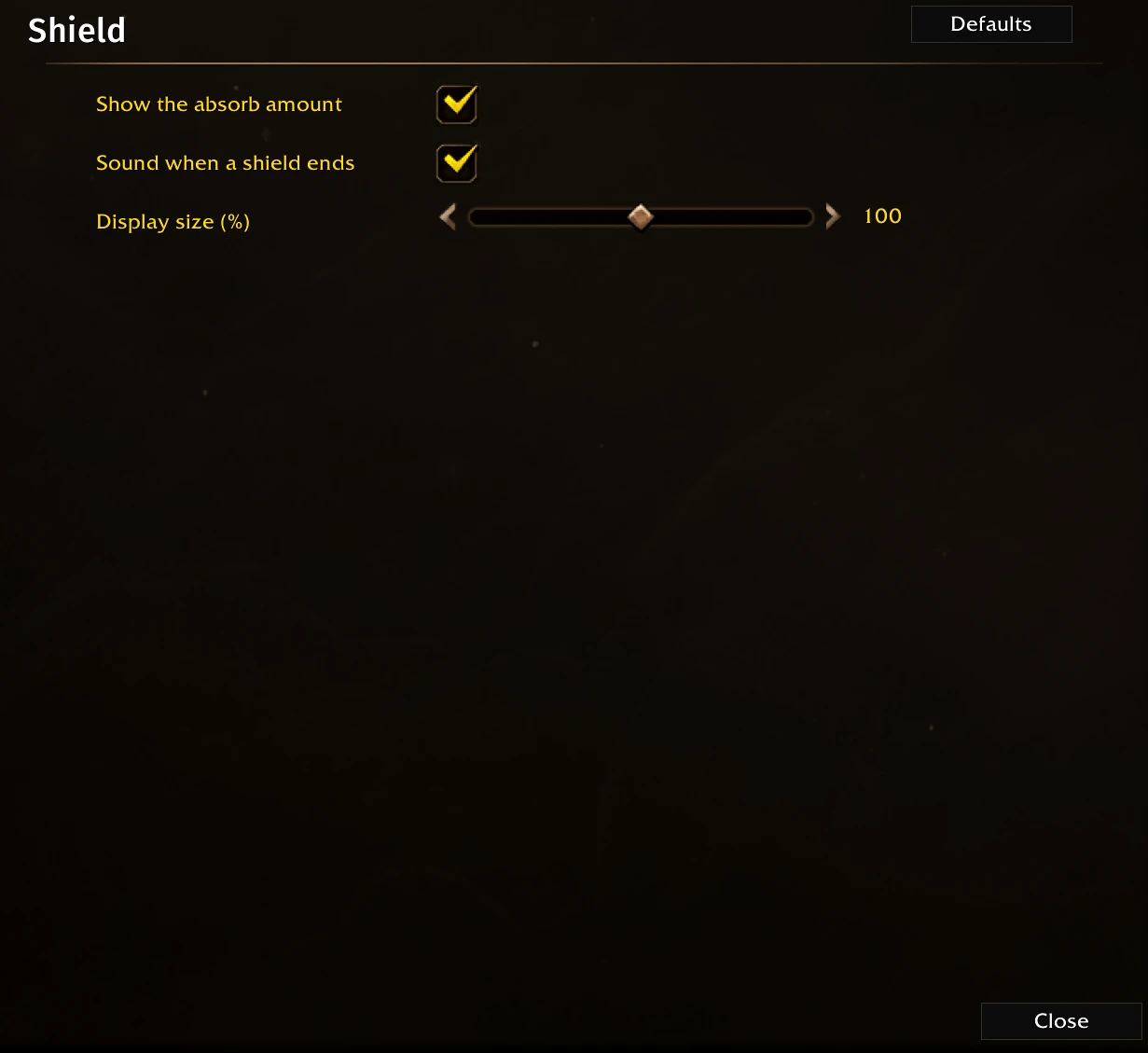
- A segmented crescent beside your character that fills with your remaining shield: full when it lands and draining as it absorbs, with the amount below, also in combat.
- Ice Barrier blue, Mana Shield purple, the wards in fire and frost, and any shield another player puts on you, like Power Word: Shield.
- Drops away the moment the shield is used up. Mana Shield gets its own inner crescent that drains with its time left. Optional sound when a shield ends.
Cooldown chimes
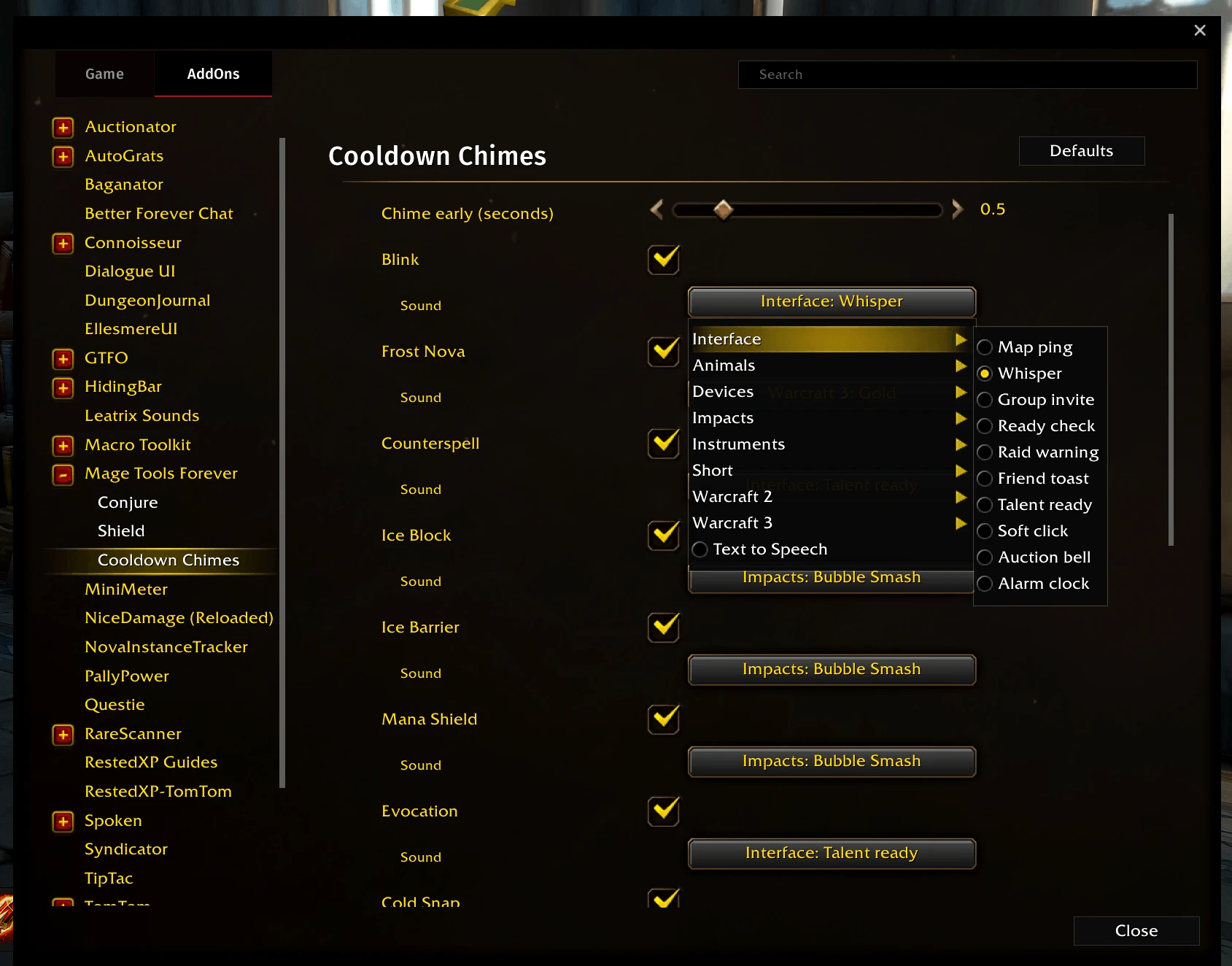
- A sound just before Blink, Frost Nova, Counterspell, Ice Block, Ice Barrier, Evocation, and other spells you pick are ready again, also in combat.
- Each spell has its own sound: the game's interface sounds, all 93 of the Cooldown Manager's alert sounds, or a voice that says the spell's name. Pick how early it plays.
Moving frames
/mtf unlock(or a switch on the main settings page) outlines every MTF frame so you can drag it, with a grid that marks the center of your screen./mtf locklocks them again;/mtf resetputs them back.
Commands
/mtfor/mtf optionsopens the settings (Options > AddOns)./mtf conjureshows the food, water, and gems you carry./mtf unlock,/mtf lock, and/mtf resetmove your frames./magetoolsworks the same, in case another AddOn uses/mtf.
Compatibility
Beta: tested on the Forever beta client 1.60.1. MTF keeps working on later beta builds; if a client update removes an API it needs, it turns that feature off with one chat message.
WowUp users (2.24.0 or later): install from the repository URL; GitHub releases carry the Forever metadata WowUp needs.
Mage Tools Forever Team