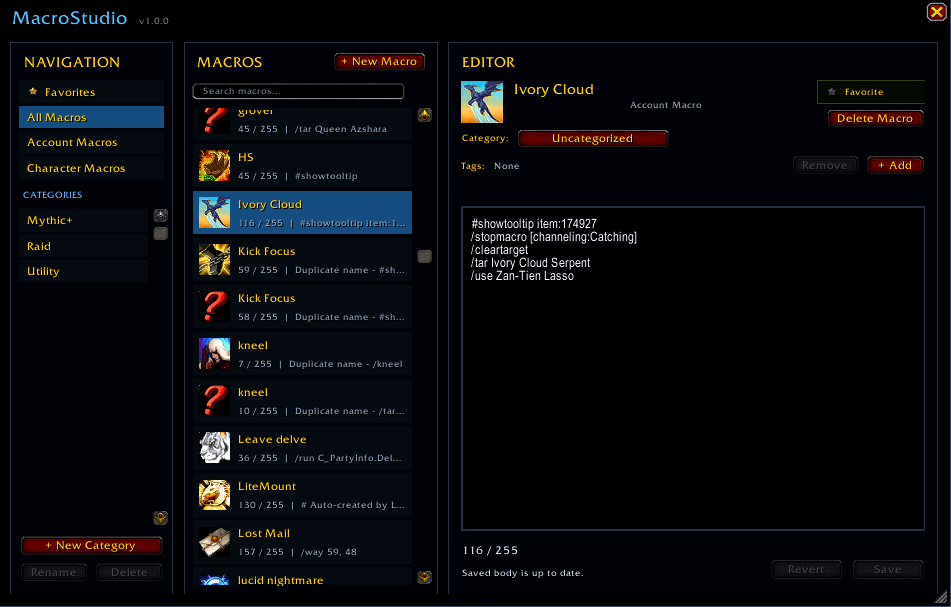
main-editor.png
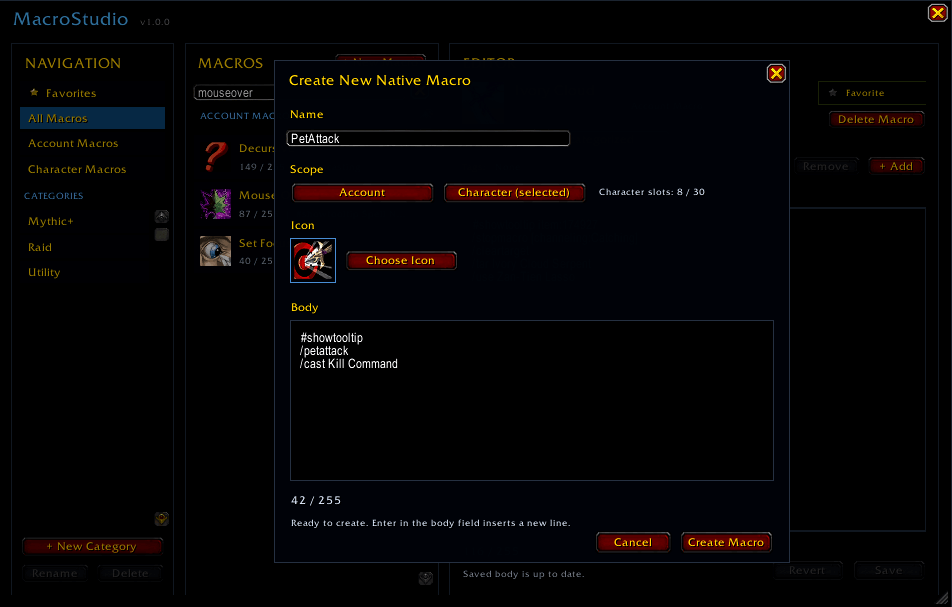
new-macro.png
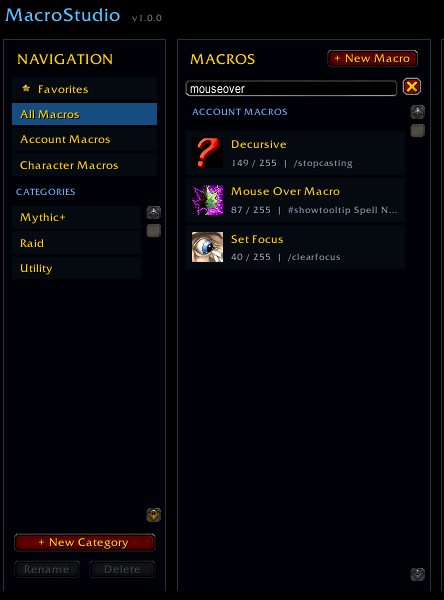
search.png
Description
MacroStudio
Shared across all your characters with no cap.
Create a MacroStudio macro once and use it across your characters. Grow your shared library without using Account or Character macro slots, and keep your native macros organized in the same spacious editor.

What's new in 1.4.0
- Shared MacroStudio macros: One library for all your characters, with no macro storage cap. Choose MacroStudio (shared) when creating a macro.
- Quick keybindings: Click the Keybind button below Category and Tags, then press a key, middle/extra mouse button, or scroll direction. Esc cancels and right-click clears. Keybindings are saved separately for each character.
- Drag from the list or editor: Drag a saved macro from its list entry or editor icon onto your action bars. Shared macros use a linked native copy that stays updated when you save.
- Copy snapshots anywhere: Copy a read-only macro to Current Character, Account Macros, or MacroStudio Macros using the new Copy to dropdown.
- Five named color styles: Choose Warcraft (default), Legacy, Emerald, Violet, or Ember, then Reload UI to apply. Legacy keeps the original blue/gray look.
- Helpful macro checks: Spot common command and condition problems with line-specific hints while you edit. These checks never rewrite your macro or block Save.
MacroStudio macros retain the 255-character body limit. Direct keybindings use no native macro slots. Placing a shared macro on a standard action bar uses one reusable Account or Character macro slot.
More room. Less digging.
- Resizable editor: See more of your macro while editing its name, icon, and body together.
- Search everything: Find macros by name, body text, category, or tag.
- Categories, tags, and Favorites: Keep your collection organized and your important macros close.
- Searchable icons: Find raid markers, icon file IDs, full ability names, or part of an ability name from your spellbook.
- Cross-character snapshots: Browse macros from your other characters without logging over.
- Quick access: Open MacroStudio from the minimap, AddOn Compartment, or slash commands.

Open MacroStudio
Type /ms or /macrostudio. With slash-command takeover enabled, /m and /macro also open MacroStudio. Use /ms blizzard to open Blizzard's original macro window.
Your existing macros, Favorites, categories, tags, and settings are preserved.
Coming next
- Import and export your macro setup
- Macro backups and history
Found a bug or have an idea? Let me know on GitHub Issues.
MacroStudio Team