
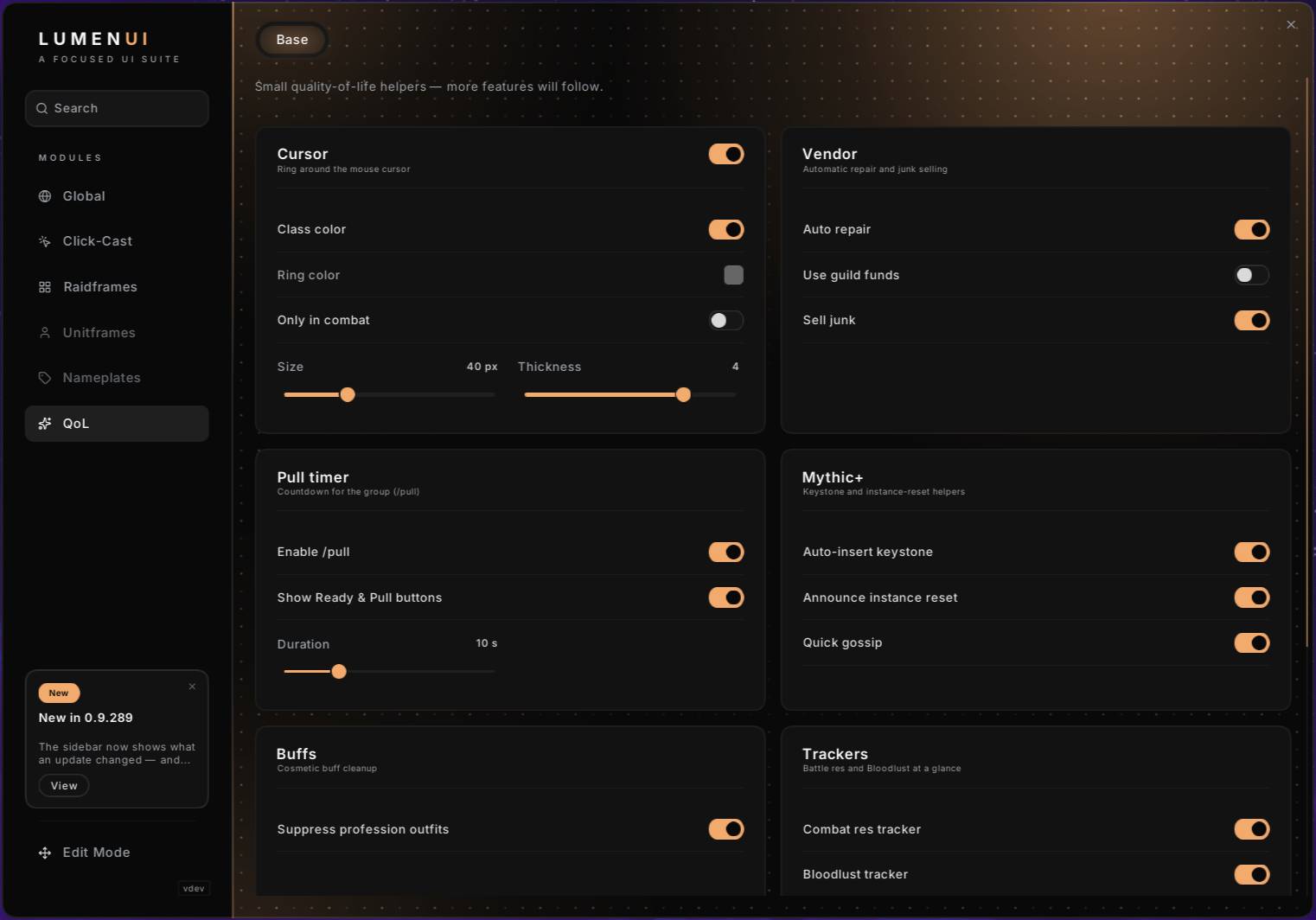
Base Tab
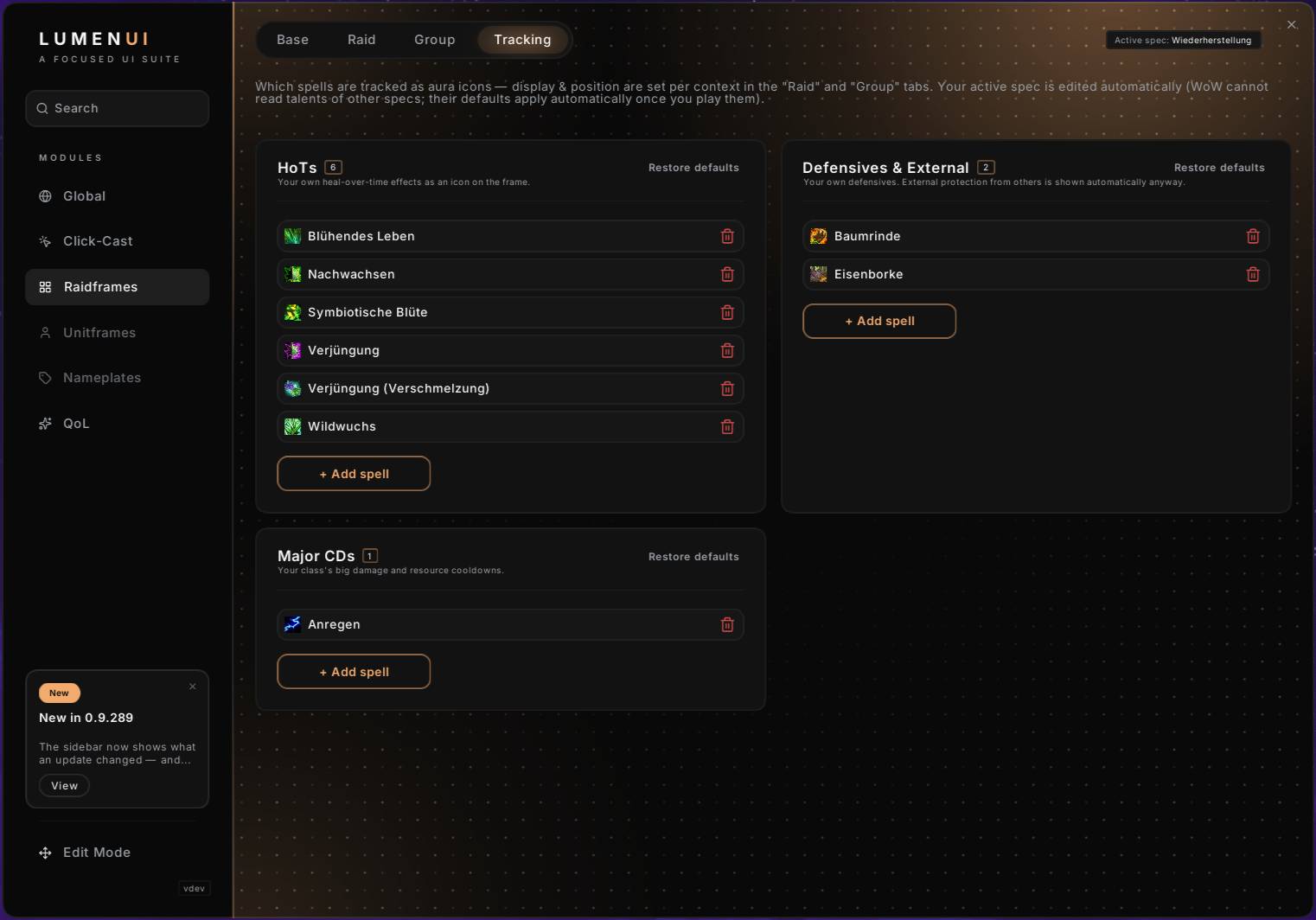
Tracking Tab
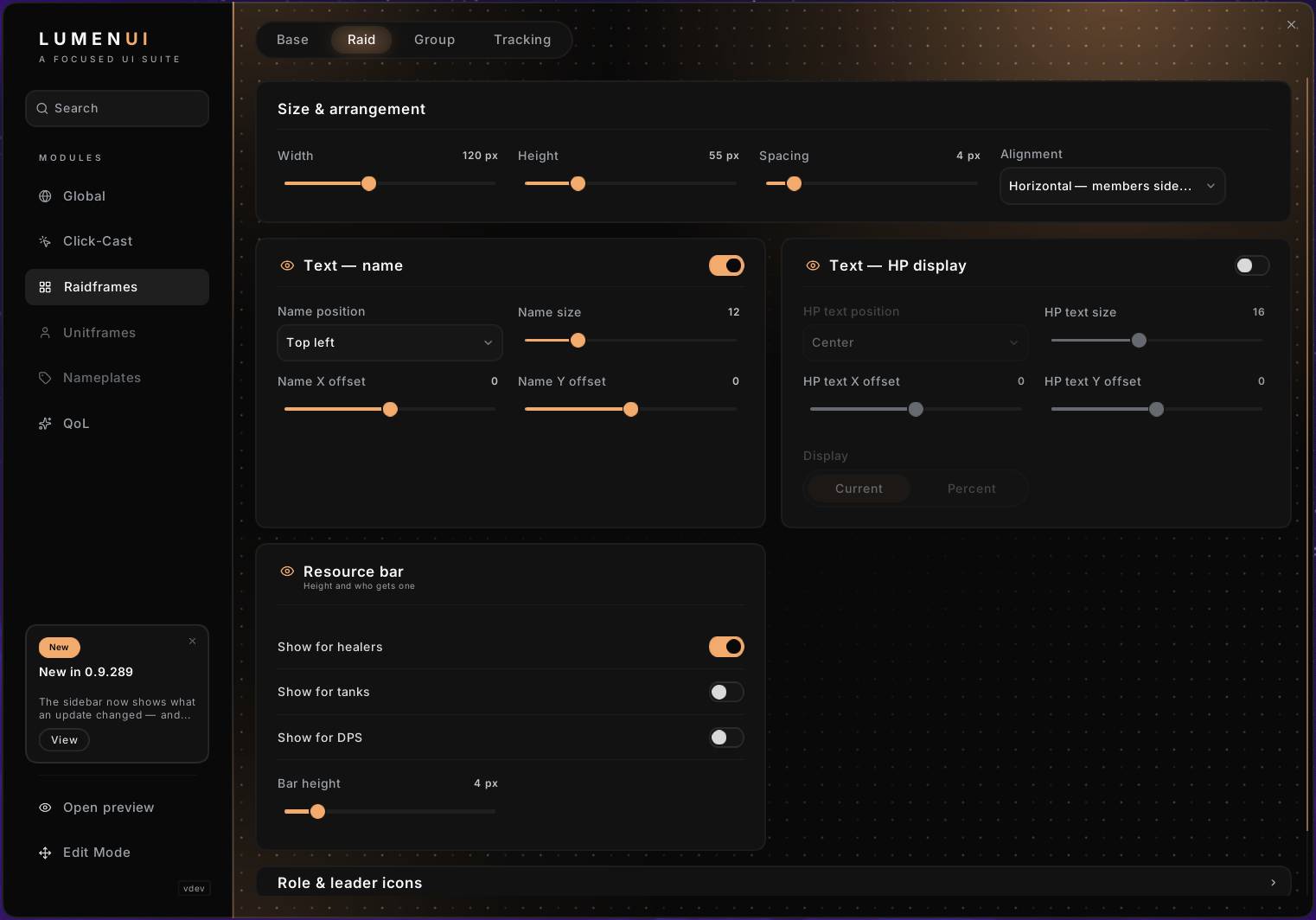
Raid Tab
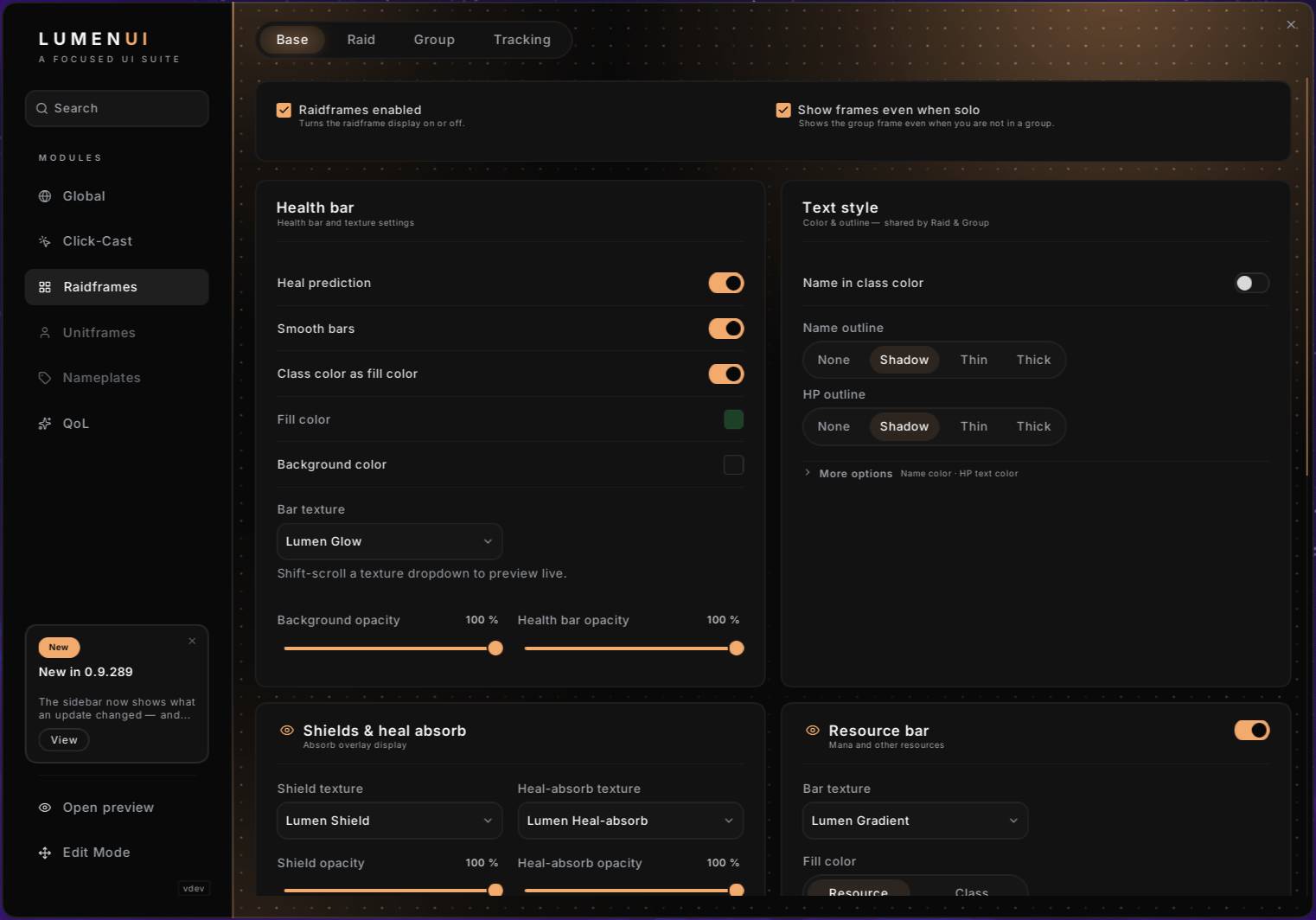
Base Tab
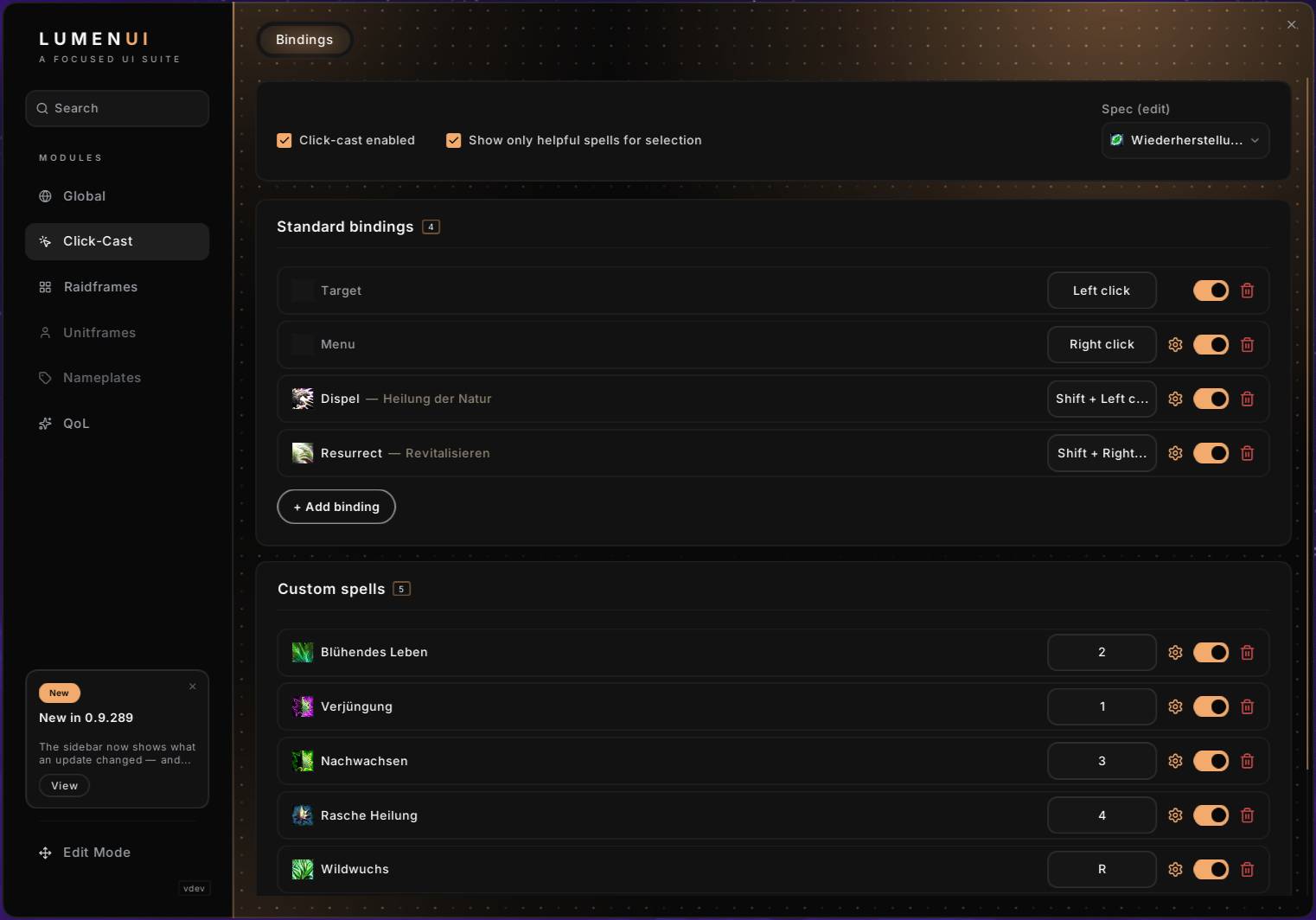
Bindings Tab
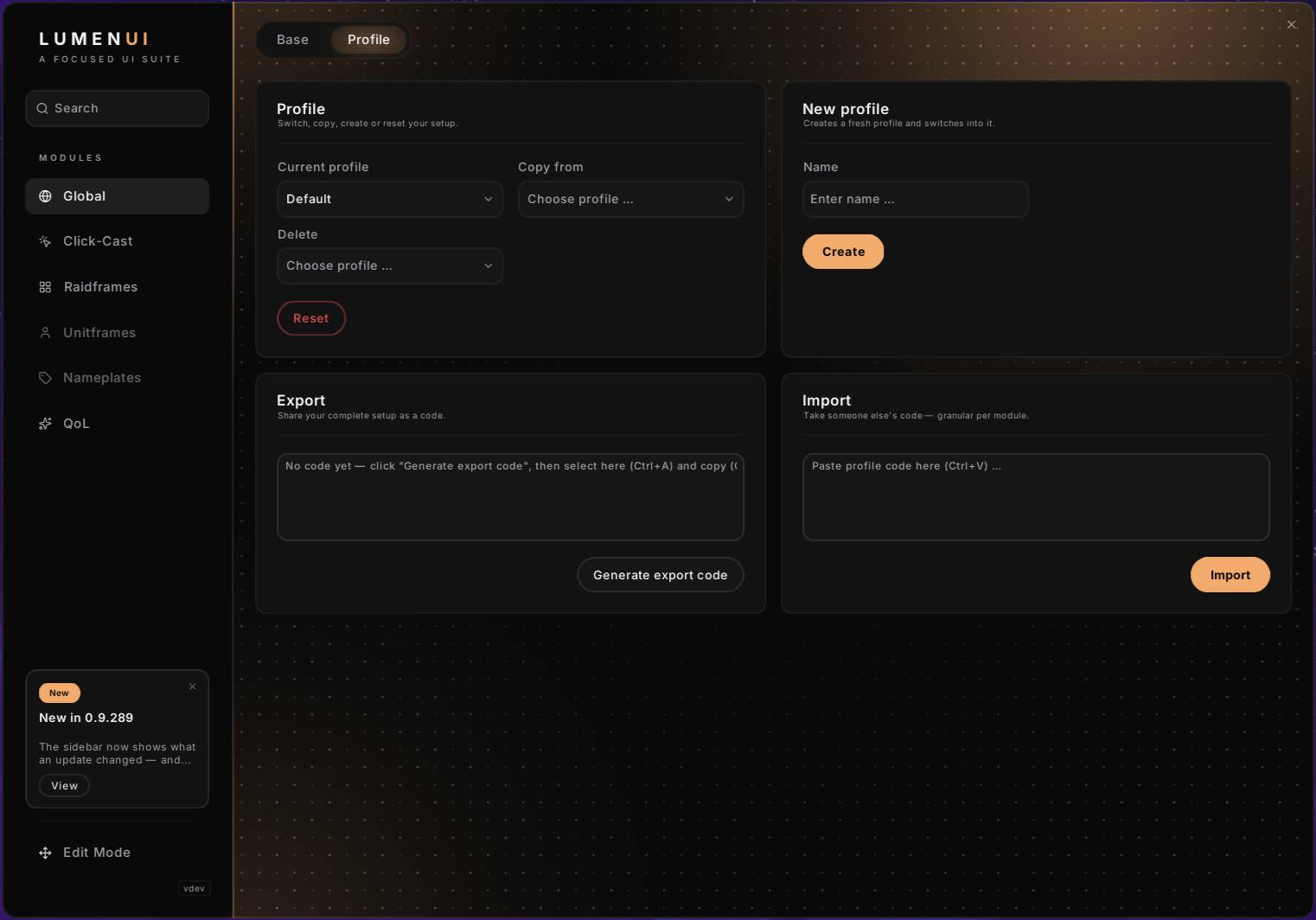
Profil Tab
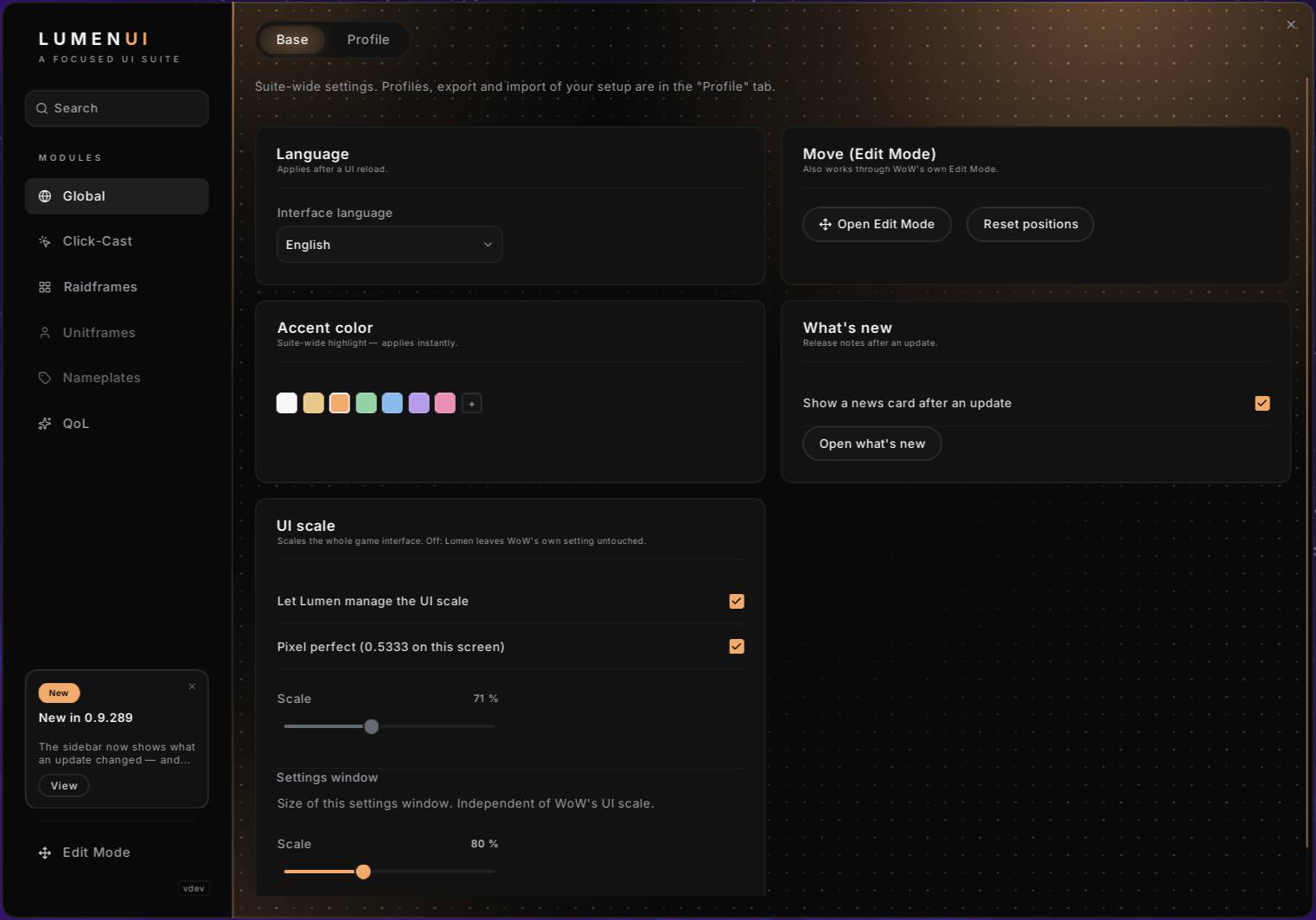
Base Tab
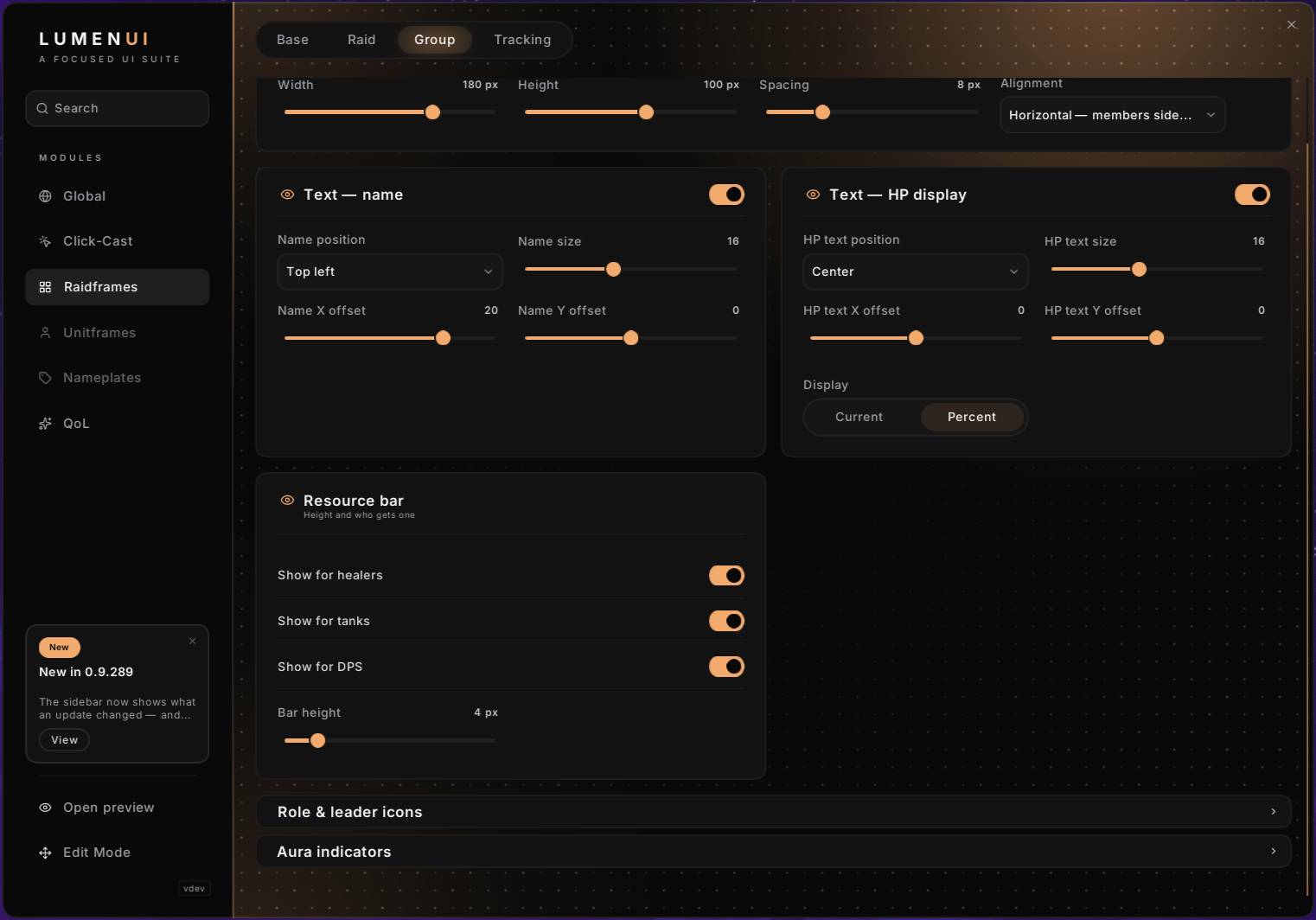
Group Tab
Description

⚠️ Public Beta. The Raidframes and Quality-of-Life modules are complete and in daily use; more modules are on the way. Expect a few rough edges — and please report them, it genuinely helps.
What this is — honest heads-up LumenUI started out of boredom — a little project for me and a few friends, just to see how far you can actually get. I'm a UI/UX designer, not a programmer: I drive the design, UX and direction, and the code is written with AI (Claude Code by Anthropic) in a tight design-and-iterate loop. It grew into something we genuinely use in Mythic+ and raid, so we're sharing it as a public Beta — solid where it counts, rough at the edges, and better with your feedback.
The idea A focused, modern UI suite for Retail WoW, built for Mythic+ and Raid and tuned to healer standards: what reads well for a healer under pressure works for every role. Most UI suites have grown into option jungles — LumenUI goes the other way. Anti-bloat: a short, curated module list with strong defaults instead of endless toggles.

✨ New in the latest betas
- Quality-of-Life module — cursor ring (class-colored, combat-only option), auto repair & sell junk at vendors, /pull command + movable Ready/Pull buttons, M+ helpers (keystone auto-insert, instance-reset announce), battle-rez & Bloodlust trackers, profession-outfit suppression
- Quick Gossip — auto-selects single NPC dialog options in dungeons & raids; number keys 1–9 pick from multiple choices
- Lumen Edit Mode — our own edit mode: no magnet snapping — elements act as walls you slide along, alignment guides hold when you reach them, Ctrl for free placement, pixel nudging with arrow keys, live spacing measurements between neighbors, element linking (move groups together), and a quick-settings flyout right on the element. Group and Raid layouts are placed separately.
- Settings + Edit Mode work together — the settings window stays open during an edit session, and each raidframe layer has an "eye" on its settings card to toggle its preview
- Raidframe status — Dead / Ghost / Offline / incoming-rez text, ready-check & summon icons
- UI scale — optional managed UI scale with a pixel-perfect mode, travels with your profile
Raidframes — healer-grade
- WoW-native layout: class-colored health bars, role icons, familiar feel
- Absorb / shield display incl. overshield at full health, heal prediction and heal absorb
- Dispellable debuffs highlighted, filtered to your class
- Aura indicators — HoTs, defensives & externals, major CDs and debuffs, with a per-spec whitelist curated for every class & spec, 9 anchor positions and auto-fit sizing. Combat-safe.
- Two-stage aggro warning (yellow/red), tanks excluded
- Party + Raid with sortable role / group ordering, mouseover & target highlight
- Click-to-Cast — full click-cast + hovercast with a curated action catalog; bindings saved per spec
- Hides Blizzard's default raidframes while active — one click to restore
The suite
- One settings home — /lumen or the Lumen button in the ESC menu
- Central profiles, share your whole setup as a single text code (like WeakAuras); import is granular per module, with a separate switch for layout positions
- English & German built in
Built for performance Written for WoW 12.0: secret-safe rendering, event-driven updates (no frame-by-frame polling), pooled frames, no garbage in hot paths. It's meant to stay light in the most demanding pulls.
On the roadmap Module by module, no bloat: Unit Frames → Nameplates. Deeper aura filtering & tracking gets finalized once Patch 12.1 is live. Encounter callouts and niche tools stay intentionally out of scope.
Getting started
- /lumen — open the suite (aliases: /lu, /lumenui)
- or use the Lumen button in the ESC menu
Feedback This is a Beta, and your reports shape where it goes next — screenshots and details are hugely welcome. Thanks for testing LumenUI! ✨
Design, UX and project direction by NennMichSchinken. The code was written with Claude Code (Anthropic). Fonts: Cinzel & Hanken Grotesk (SIL OFL). Icons: Lucide (ISC). Built on Ace3 & LibDeflate.
LumenUI Team
