
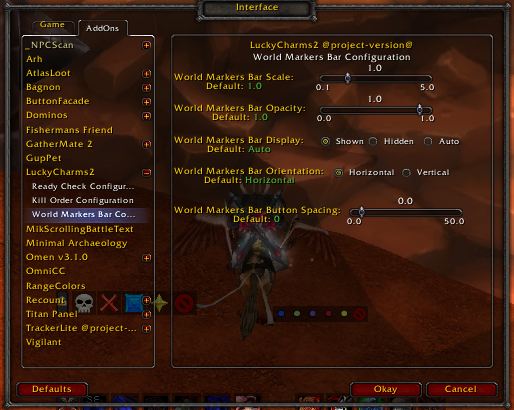
World Marker Bar Configuration 3.1.0
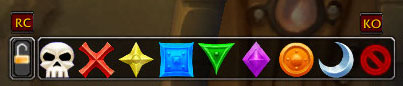
Charm Bar, Ready Check, and Kill Order Shown
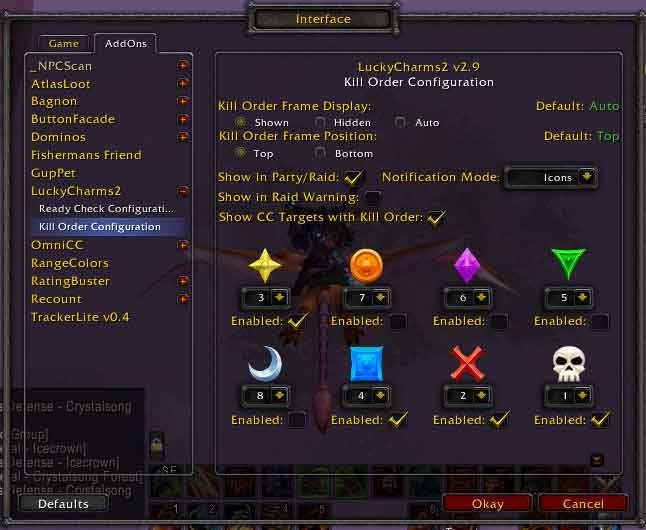
Kill Order Configuration
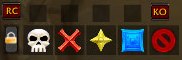
ButtonFacade DreamLayout Skin
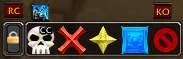
Crowd Control Assigned
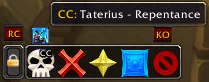
Crowd Control Details
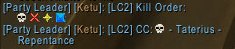
Kill Order Print to Group
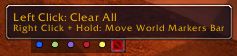
World Marker Bar with Tooltips 3.1.0
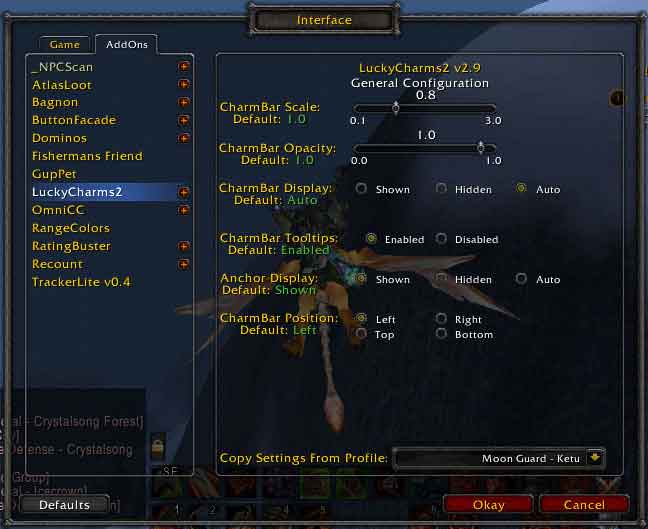
Main Configuration
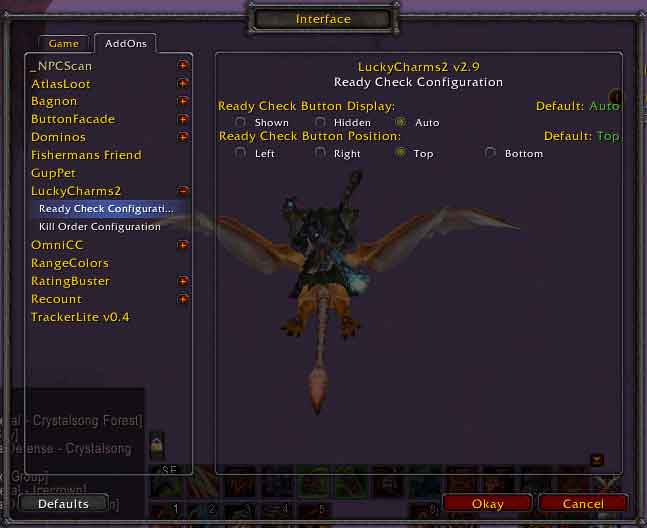
Ready Check Configuration
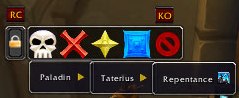
Crowd Control Assignment
Description
Purpose
This add-on was developed to aid in the marking of targets while in a group or raid.
How to use LuckyCharms.
When the charm bar is shown, you can hold down your left mouse button on the lock image to drag the bar around your screen.
The lock image will allow you to lock the bar in place. To toggle the lock, just hold down your shift key and left-click.
The lock image will also allow you to open the configuration window. To do so just right-click on the lock image.
The Kill Order frame displays a button labeled KO that will print the kill order to party, raid, and/or raid warning depending on the options you have chosen in the settings. It also displays the current CC that you can mouse over and get detailed info on. You can hide the kill order frame if you wish, however, it is bound to the charm bar so if you hide the charm bar, the kill order frame will automatically hide.
Right-click on any charm to define a crowd control assignment to that charm.
Shift + Right-click a charm to remove the CC from that charm
Right-click the clear charm to clear all CC assignments
If selected, pressing the KO button will print the kill order as well as cc assignments to party, raid, and/or raid warning. This setting is available in the KO options.
Ability to use the World Markers without opening the built-in raid management frame. This is a separate bar from the charm bar and can be positioned anywhere on your screen. Also has the ability to be hidden/shown or auto show/hide by choosing the appropriate setting in the configuration.
Translations:
English: KetuSolo
German: Wauzi0816
More translations needed!!!
Contribute to LuckyCharms2 translations through the project site on CurseForge!
TODO:
Nothing at this time.
NOTE:
If you have LC2 prior to v2.7, your settings will be lost.
Questions or comments please feel free to contact me or leave a comment on the project page.
LuckyCharms2 Team

