Log Rx
- By


Description
Log Rx
Your raid night, simplified.
Log Rx is the in-game companion for the Log Rx website (https://log-rx.app). Your raid lead builds the night's plan in the Raid Assignment Tool on the site, and this addon puts it on your screen where you need it: your assignments in the order the night flows, the drawn boss maps with your spot marked, a compact combat strip, and center-screen "you are next" alerts driven by the combat log. No more tabbing out or needing a second monitor to see your assignments.
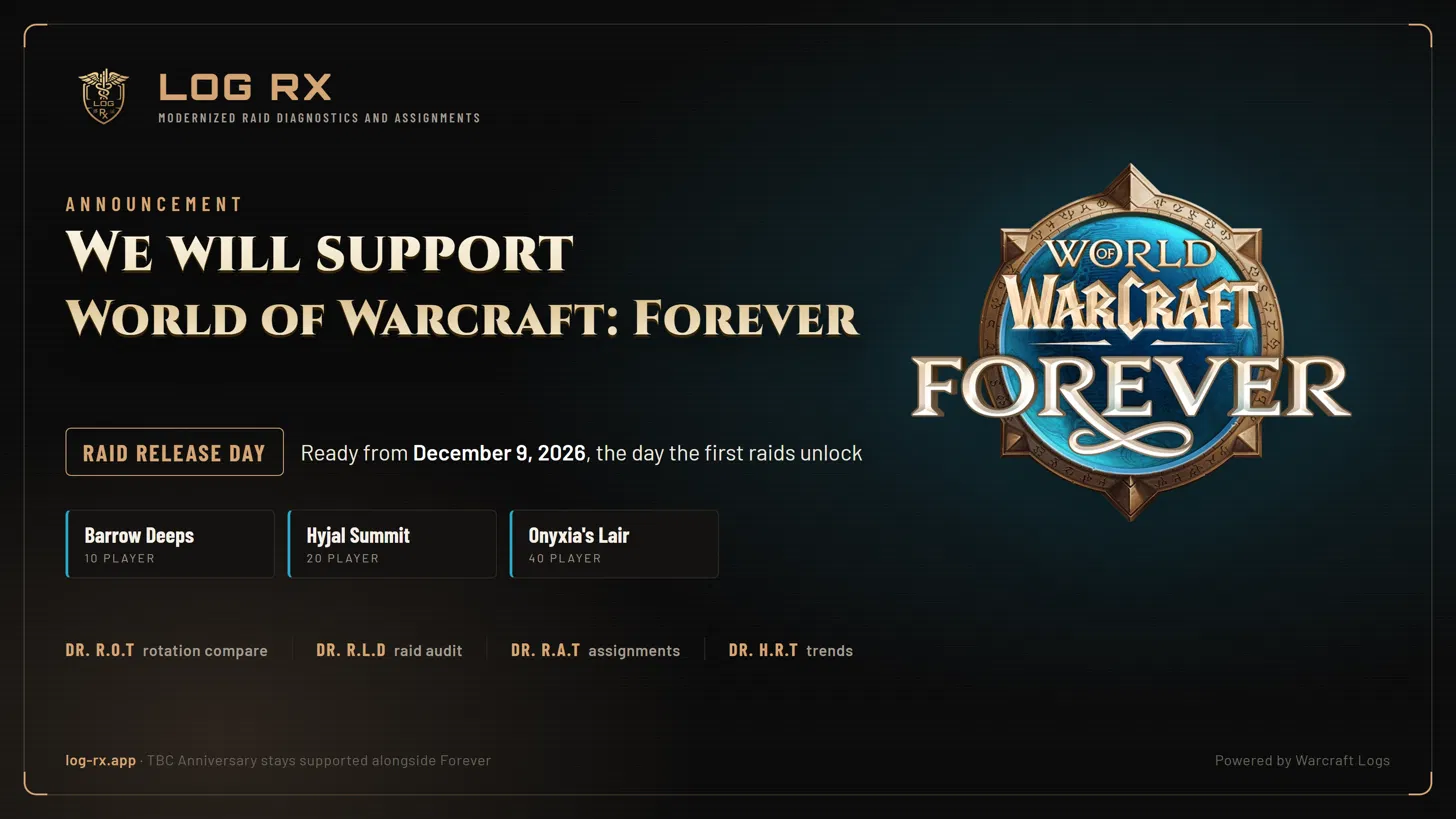
Currently built for TBC Anniversary Classic with plans to support World of Warcraft: Forever. I authored this as an internal tool for Fusion. Our raiders and officers have loved the tool, so I'm now releasing it to the general TBC community for y'all to enjoy. If hosting the website ends up being exceptionally costly at scale, I may consider monetization (donations or ads, haven't thought about it yet) to cover expenses. I will not paywall any of the current website features (as of 09.11.26). Happy raiding! - Palantis
What the addon does
The plan window shows your personal assignments in night-flow order: standing duties for the whole night, the boss or trash you are on now, and what comes next. When your raid pulls a boss, that boss comes into focus. A kill advances to the next section, a wipe resets the cards (in Hyjal it walks back to that boss's waves), and you can step by hand with /logrx next and /logrx back or jump anywhere from the section dropdown.
Drawn boss maps show the plan's positions and your own spot on each boss, exactly as the site draws them. Install the optional (strongly recommended) LogRx_Maps pack from the site's In-game export: unzip it into your Interface/AddOns folder next to LogRx, type /reload, and every map surface shows the site's picture instead of vector pins (admittedly, vector pins are very broken at the moment - really recommend the map packs). The large map view lists every boss down the left side, shows the picture in the middle with scroll to zoom and drag to pan, and lists that boss's abilities on the right with a tooltip for each.
In combat the window swaps to a compact strip so the plan stays visible without covering your screen. On Hyjal bosses a wave timer panel counts the waves, shows the clock to the next one and what it is made of. The floor of the compact card keeps your standing buff duties in view: soulstone and healthstone targets, shouts, curses, judgements.
Center-screen alerts fire from the combat log. On a kick order or any chained assignment, the alert tells you that the raider ahead of you has used their ability and names yours ("Palantis cast Pummel: your Counterspell now"). A step can also wait on a boss cast, so the alert lands when the boss starts casting the spell you are assigned to answer.
Raid leads import once and press Broadcast to send the plan to the whole raid over addon messages. It goes out in small parts at the pace the game allows (about a minute for a big plan; the footer counts it down), and everyone gets a one-click Apply popup when it lands. The Raid tab shows who has the addon, who has the plan, and who has the window open.
Quick start
- On the website, open your R.A.T loadout and choose 'Export Log Rx Addon' from the header menu (you need edit rights), then Copy.
- In game, type /logrx import, paste with Ctrl+V, and press Import.
- Raid leads: press Broadcast in the plan footer to send the plan to everyone once they're in raid.
--
Commands
- /logrx toggles the window.
- /logrx import pastes a plan from the website.
- /logrx broadcast (or /logrx send) sends your plan to the raid (lead or assist only).
- /logrx who (or /logrx raid) opens the raid readiness tab.
- /logrx map opens the Map tab; /logrx settings opens Settings.
- /logrx profile copies or applies your settings as a string.
- /logrx next and /logrx back step the night flow by hand.
- /logrx test runs a fake pull so you can place the combat strip and alert.
- /logrx alert previews the center-screen alert.
- /logrx events shows the last forty things the night flow reacted to.
- /logrx reset wipes settings and plan, then reloads.
Customizing
Every frame drags until you tick 'Lock frames' in Settings: the plan window, the center alert, the map panel and the wave panel, and their spots survive a reload. Settings also cover the panel style (ghost, glass, solid), which way the card stack grows, window scale, text size, alert size, drawn maps on or off, the combat strip swap, the wave timer panel, and map pack pictures. A profile string copies your settings between characters and accounts.
Privacy and safety
Plans travel only as text strings you paste or as addon messages inside your own raid. Imported data is parsed as plain text and never executed, and broadcasts can only be accepted from your raid lead or those with assist.
The Log Rx website
The addon is one small piece of Log Rx. At https://log-rx.app you will find a set of free tools for raid leaders and raiders who want cleaner raid nights and better performance. You bring your own Warcraft Logs API key; the site never pools keys.
Raid Assignment Tool (Dr. R.A.T)
Where your raid lead plans the night. It replaces the assignment spreadsheet: build a loadout per raid team with your roster and seats, the boss order, and per-encounter assignments for every player, plus the standing duties that run all night.
- Manage the roster, seats, groups and the bench; absent raiders fall to their backups automatically.
- Raid prep in one place: tank marks, healer priorities, blessings, JC necks, soulstones, healthstones, shouts and curses.
- Hyjal wave plans and Black Temple pack plans with tanks, pulls, Arcane Bombs and peel calls per wave.
- Required Mechanics per boss with ordered slots, backups, and the ability each class answers with.
- Kick orders and chains: sequence a card's doers with timing, after-the-previous links, boss-cast cues, and one ability per class.
- Draw boss maps with icons, markers, arrows, zones and notes, per phase; drag players onto them and the map ships with the plan.
- Player cards and a lead ledger for the night, a coverage board, and clean share links (view-only or editor).
- Live collaboration: several officers can edit one loadout at once, and saves merge.
- Duplicate a loadout week to week, export it as JSON, or start from a template.
When the plan is ready, the In-game export produces one string for the addon plus the optional map pack, and the raid lead broadcasts it to the whole raid from inside the game, so only one person imports.
Rotation Optimization Tool (Dr. R.O.T)
Paste any public Warcraft Logs report, pick the boss and the player, and Dr. R.O.T lines your casts up against the top-ranked players for your class and spec on that encounter. A zoomable timeline shows every cast side by side with hover detail, and the summary scores the pull, breaks down cooldown usage and timing, and shows where you drift from the best. Filters narrow the comparison by region, faction and race, and a targeted compare puts you beside a teammate, a guildmate or any named player: casts, output, casts per minute and more.
Raid Lead Dashboard (Dr. R.L.D)
Your raid night audited on one page. Damage, healing, deaths with full recaps, debuff uptimes, consumables, explosives, gear and a scorecard for every raider, boss by boss. Combine up to three reports for a split night, follow a live log while the raid is still going, or (alpha) analyze a local WoWCombatLog.txt with no Warcraft Logs key at all.
Historical Raid Trends (Dr. H.R.T)
Every report your guild tags becomes a data point: boss kill times, deaths, raid DPS, execution, consumables and debuff uptimes charted week over week per raid team, with per-player boards for each boss. A layered report reads at a glance and drills down on click, and share cards render the week's numbers as images for Discord.
Guild tools
A guild roster with characters, teams and availability, a Discord attendance bot with calendar callouts, a reports log that feeds Dr. H.R.T automatically, a recruitment card generator, and a Mechanics reference for every TBC raid boss. The Learn section walks through each tool with practice.
Links
- Website: https://log-rx.app
- Community Discord: https://discord.gg/VTstZUrXZg (bug reports, feature requests, or just chat)
Log Rx is not affiliated with or endorsed by Blizzard Entertainment or Warcraft Logs.

Log Rx Team