LighterNights
- By
1-before-after.png
2-settings.png
3-minimap-tooltip.png
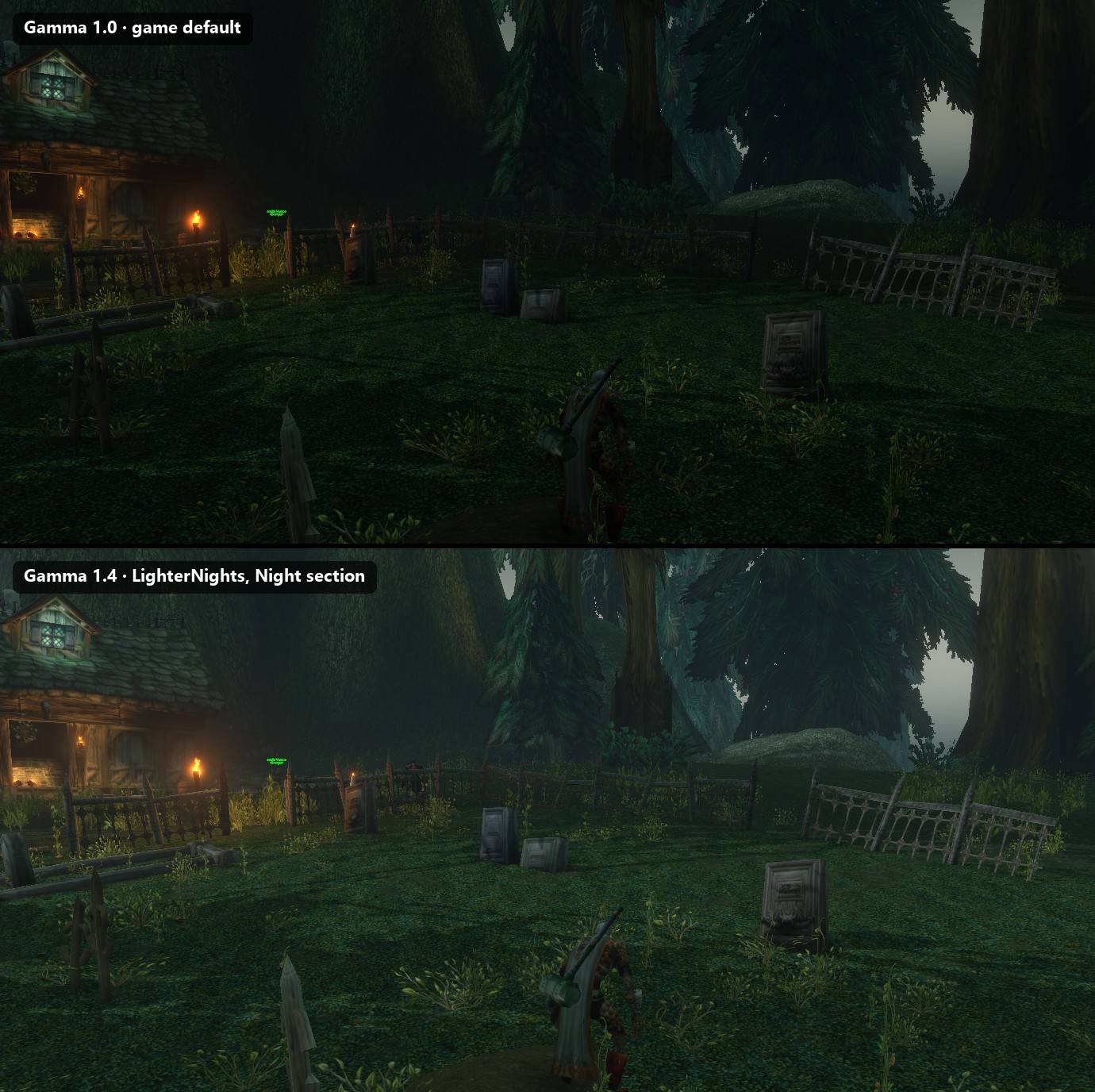
4-before-after-stacked.jpg
Description
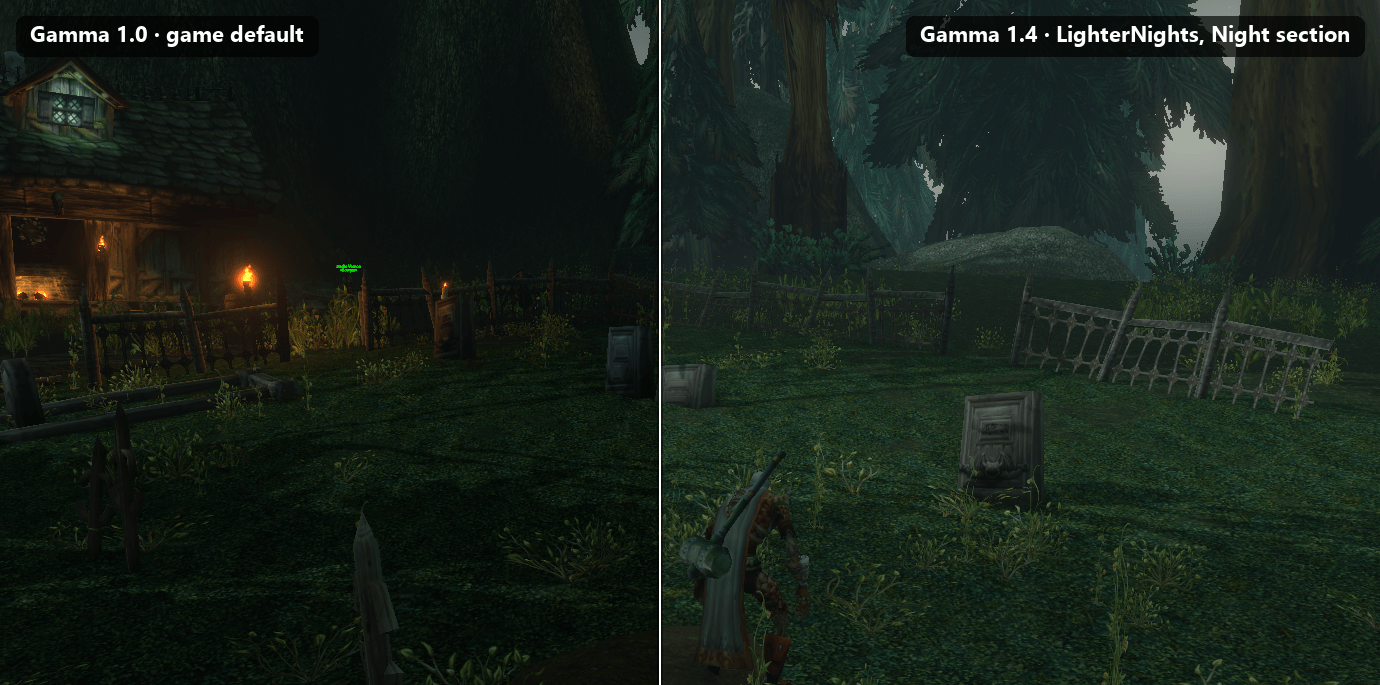
LighterNights changes your gamma, brightness and contrast by the in-game time of day. Nights become easier to see, and days look the way you set them.
The game's sky follows the server clock. LighterNights watches the server time and switches your display settings when morning, day, evening or night begins. The change fades in over about five seconds instead of jumping.
Your own display values are remembered. The addon returns to them when you switch it off and every time you log out.
Features
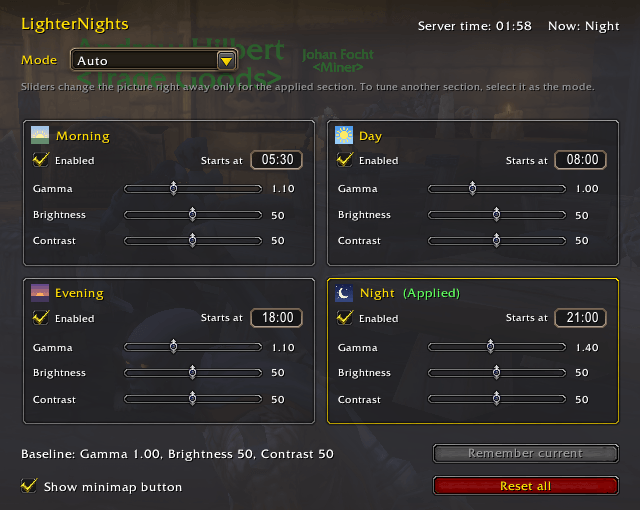
- Four sections — Morning, Day, Evening, Night — each with its own start time, gamma, brightness and contrast, and a checkbox to skip it.
- Modes: Auto follows the server time; Morning / Day / Evening / Night keeps one section on; Disabled restores your own values.
- Smooth change between sections.
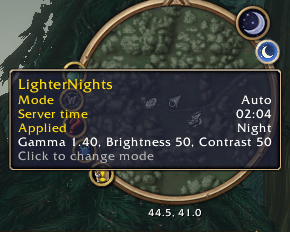
- Minimap button whose icon shows the current time of day. Click it for the mode menu and the settings.
- Settings window in the game's options, under AddOns.
- 11 languages: English, German, Spanish, French, Italian, Korean, Portuguese, Russian, Simplified and Traditional Chinese.
Commands
/ln— open the settings/ln auto— follow the server time/ln morning,/ln day,/ln evening,/ln night— keep one section on/ln off— disable and restore your own values
Defaults
On first run the addon takes your current gamma, brightness and contrast as your own values and sets the sections to start at 05:30, 08:00, 18:00 and 21:00 server time. Night gets your gamma + 0.3, morning and evening + 0.1, day stays as it is. Everything can be changed in the settings.
Good to know
- Times are server times; the settings window shows the current server time.
- The settings are shared by all characters, because gamma, brightness and contrast are client-wide.
- Sliders change the picture right away only for the section that is on. To tune another one, pick it as the mode first.
- Do not run it together with another addon that sets gamma: they will overwrite each other.
- If the picture ever looks wrong, type
/ln off.
LighterNights Team