Leveling Pro
- By
Leveling made simple: step-by-step guides, a built-in travel arrow, Gear Advisor, Talent Advisor, and optional quest automation — for Retail, TBC Anniversary, Classic Era (Hardcore), and Pandaria Classic. UI in 9 languages.
ÐнÑмок екÑана 2026-07-11 113409.png
ÐнÑмок екÑана 2026-07-11 113402.png
ÐнÑмок екÑана 2026-07-11 113357.png
ÐнÑмок екÑана 2026-07-11 113351.png
ÐнÑмок екÑана 2026-07-11 113345.png
Description
Stop guessing. Start leveling.
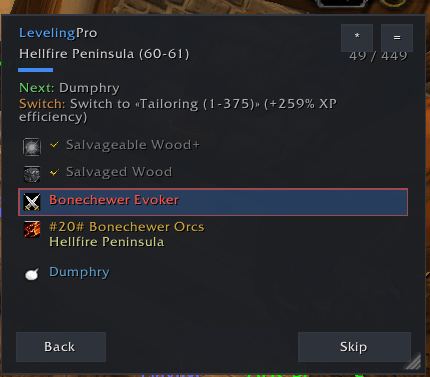
LevelingPro is an all-in-one leveling companion for World of Warcraft. It tells you what to do next, where to go, and what to wear — with optional automation so you can focus on playing instead of tabs, maps, and spreadsheets.
One addon. Four clients. Your guide pack loads automatically for the game you’re in.
Supported clients
|
Client |
What you get |
|---|---|
|
Retail |
Full Retail guide pack + modern Gear Advisor |
|
TBC Anniversary / BC Classic |
Outland leveling, Gear + Talent Advisor |
|
Classic Era |
Softcore routes + dedicated Hardcore pack |
|
Pandaria Classic (MoP) |
MoP leveling / content guides + Gear + Talent Advisor |
What’s inside
Step-by-step guides
Leveling, dungeons, professions, dailies, reputations, events, pets & mounts, achievements, titles, and points of interest (where available per client). Browse by folder, search, favorites, and recommended guides for your level and faction.
Built-in navigation
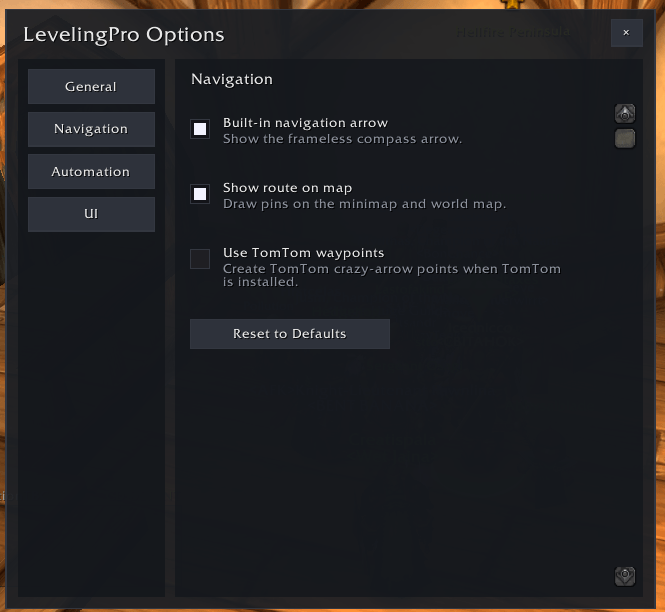
A clear travel arrow and map route markers show the way — boats, portals, and flight paths included. TomTom is optional; you don’t need it to play.
Gear Advisor
See upgrades on tooltips and in your bags, pick better quest rewards, and optionally auto-equip upgrades. Stat weights follow your class/spec (with an editor if you want to tune them).
Talent Advisor (TBC / Era / MoP)
Leveling talent builds, next-pick highlight, and Learn Next. (Retail uses Blizzard’s talent system — Talent Advisor is for classic point-spend trees.)
Optional automation
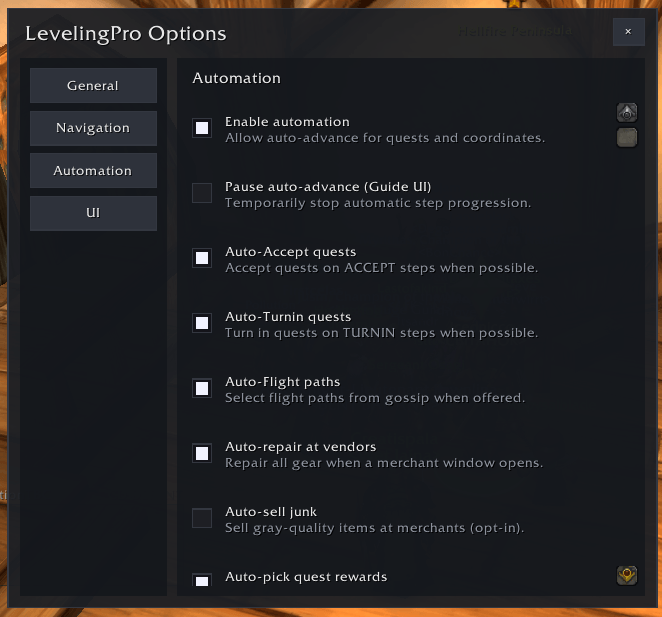
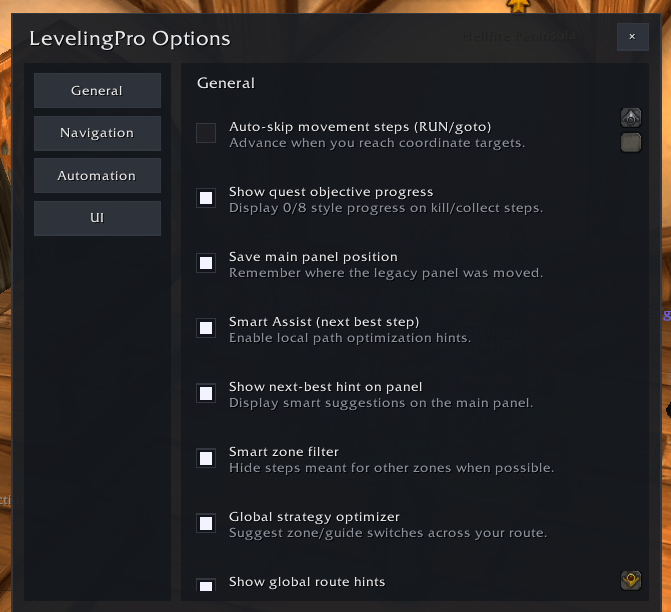
Auto-accept and turn-in quests, flight paths, repair, sell junk, buy guide vendor items, and smart “next best” helpers. Everything is toggleable in Options — use as much or as little as you want.
Comfortable UI
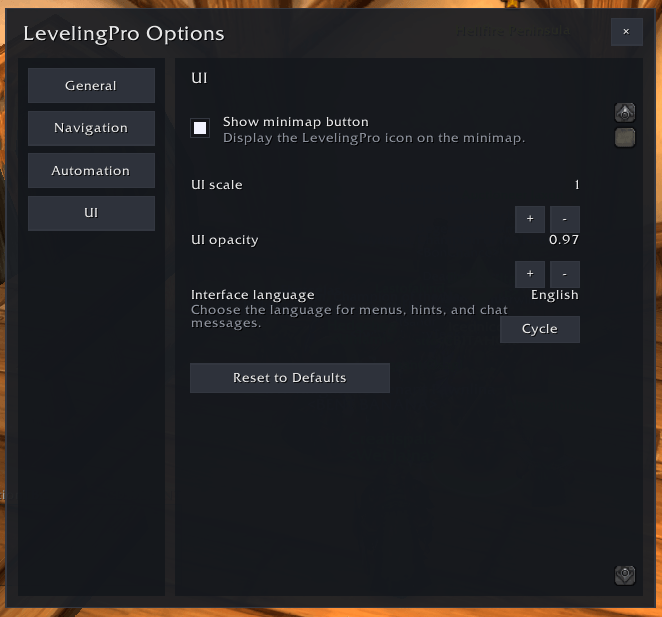
Compact or detailed step panel, session stats, minimap button, quest-item use button, and a language dropdown in settings.
Languages
Interface + guide tip / text support:
English · Ukrainian · Russian · German · French · Spanish · Italian · Simplified Chinese · Japanese
Change language anytime under Options → Interface.
Quick start
-
Install and enable LevelingPro.
-
Log in — open the guide browser (minimap button or
/lp). -
Pick a recommended guide (or search by zone / level).
-
Follow the arrow. Turn on automation only if you want it.
Slash commands: /levelingpro or /lp · /lp help for the full list.
Why players download LevelingPro
-
One install for Retail, TBC Anniversary, Era/Hardcore, and MoP — no juggling separate leveling addons per client
-
Arrow + guides + gear + talents in one place
-
Hardcore-ready Era routes when you’re on a Hardcore season
-
Your pace — full automation, light assists, or guides-only
If you want faster, clearer leveling with less alt-tabbing — download LevelingPro and load a guide on your next character.
Optional dependency
-
TomTom — optional extra waypoints (built-in arrow works without it)
Feedback
Bugs, missing steps, or translation notes welcome on the project page / issues. Thanks for trying LevelingPro!
Leveling Pro Team

Owner