Lazy Professions
All-in-one profession assistant for WoW 4.3.4. One-key prospecting, milling, disenchanting, fishing, surveying and lockbox opening, plus skill-colored leveling guides and cooldown tracking across your characters.
Arch.png
Enchanting.png
Fishing.png
Herbalism.png
Lock.png
Description
LazyProfessions
Your professions, one window, one key.
Prospect, mill, disenchant, survey, fish and open lockboxes with a single hotkey. Every gathering profession gets a leveling guide colored by your own skill. Built for Cataclysm 4.3.4.
Type /lp or click the minimap button to get started.
Why LazyProfessions?
| One key, one cast | Bind a key and keep tapping it. The next valid stack or item is picked for you every time. |
| Live bag tracking | Lists update as you loot, showing counts, stacks and casts remaining. |
| Skill-colored guides | Orange and yellow give skill-ups, green is a rare skill-up, grey gives nothing and red is too low. |
| Compact action bar | A slim floating bar showing only the actions your character can do, with ready counts. |
| Safe by default | Epics are never disenchanted unless you allow it. Equipment sets are protected and any item can be ignored. |
| Combat aware | The window steps aside when combat starts and returns when it ends. |
Professions
⛏ Mining & Prospecting
- Every prospectable ore in your bags with total, stack count and casts available
- Shows the Jewelcrafting skill each ore needs and flags stacks under 5
- Ore Guide: Copper through Pyrite with skill, zones and how many you carry, searchable by name or zone
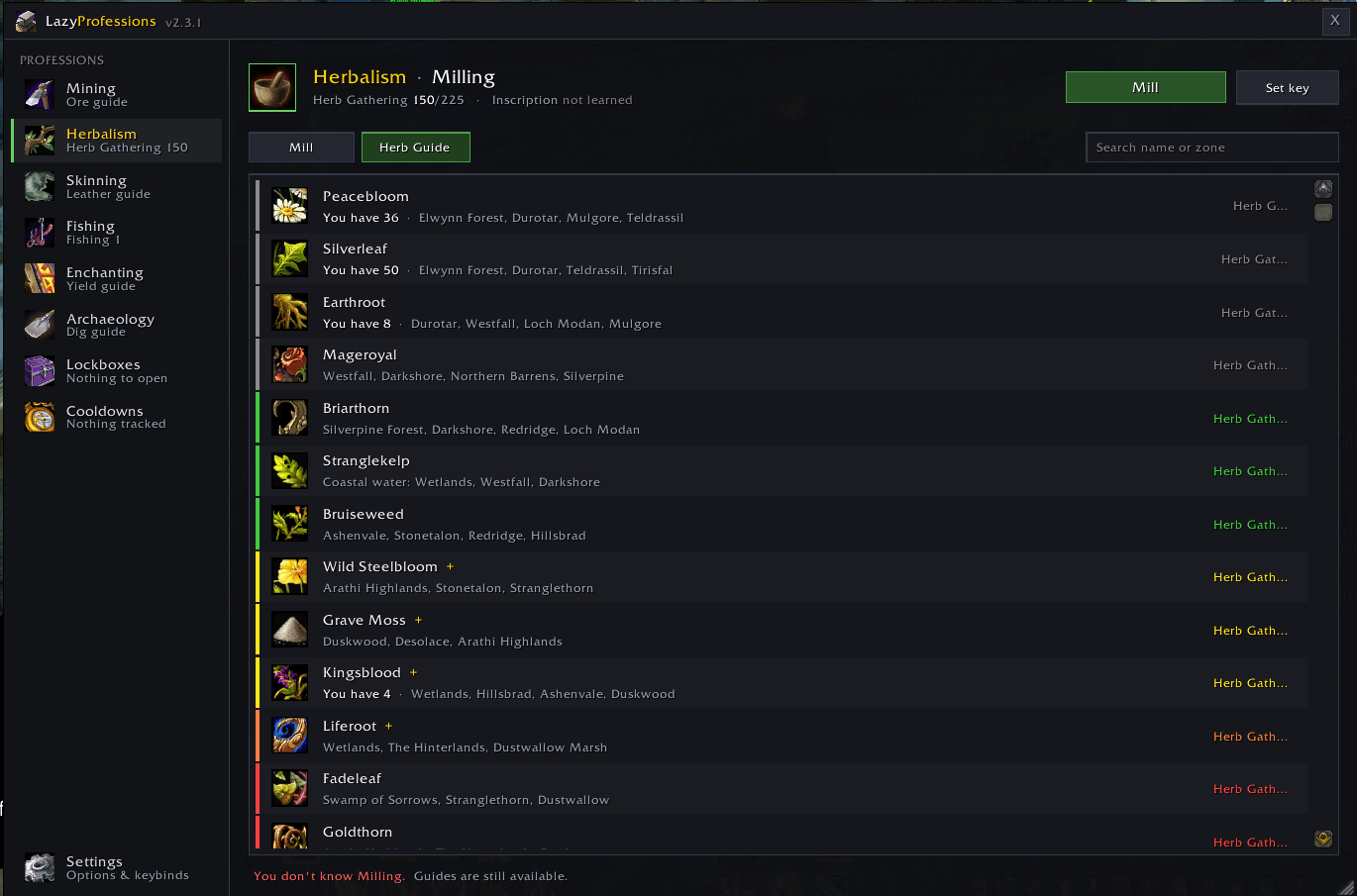
🌿 Herbalism & Milling
- Every millable herb in your bags, ready to mill with one key
- Herb Guide: Peacebloom through Twilight Jasmine with skill, zones and milling info
🔪 Skinning
- Shows the highest mob level you can skin right now
- Leather Guide: Light Leather through Savage Leather with mob levels, zones and rare hides
- In Your Bags: the leather and hides you're carrying
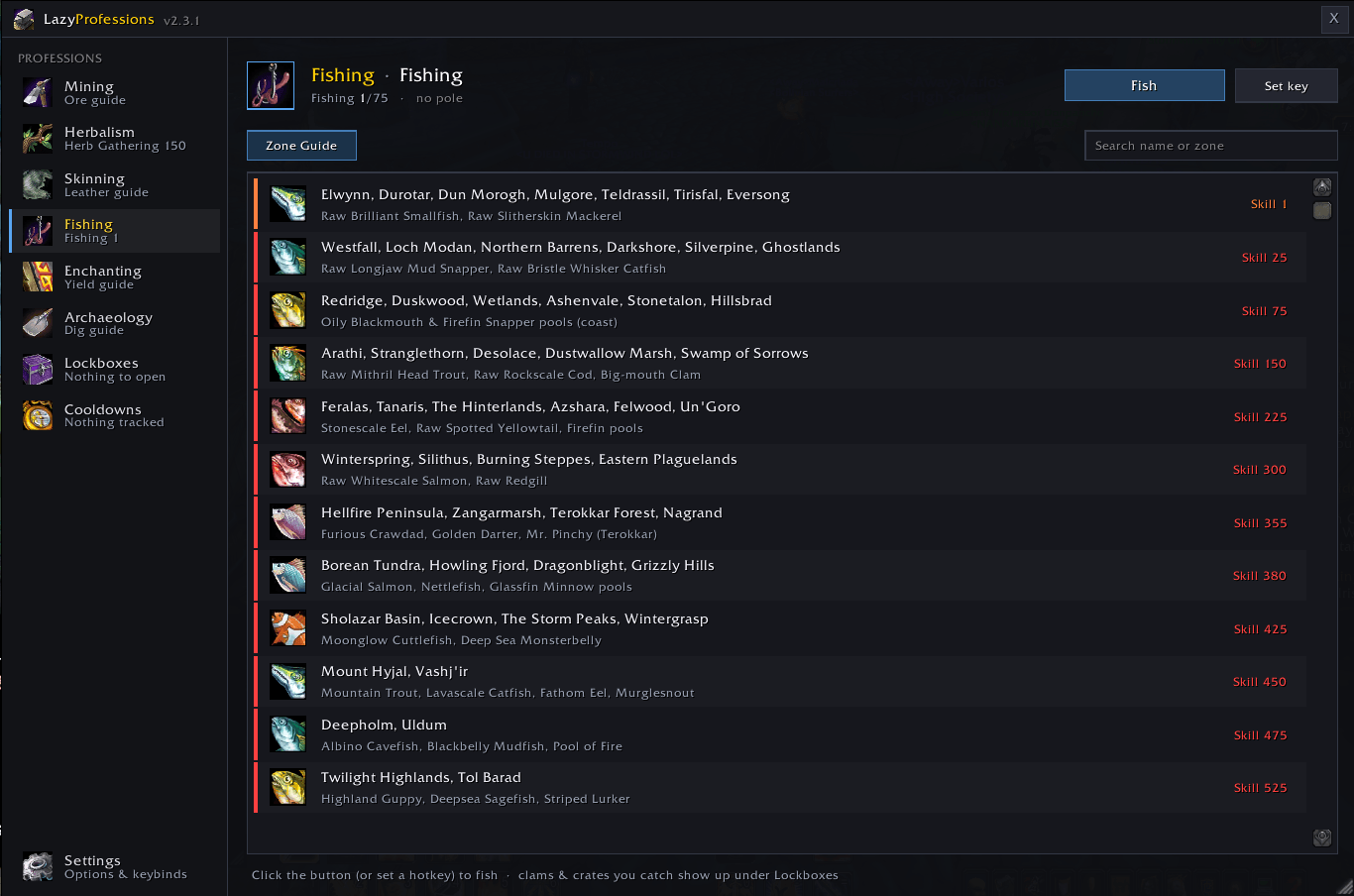
🎣 Fishing
- One key does it all. The first press equips your fishing pole, and every press after casts Fishing.
- Zone Guide: zones by required skill, with notable fish and pools
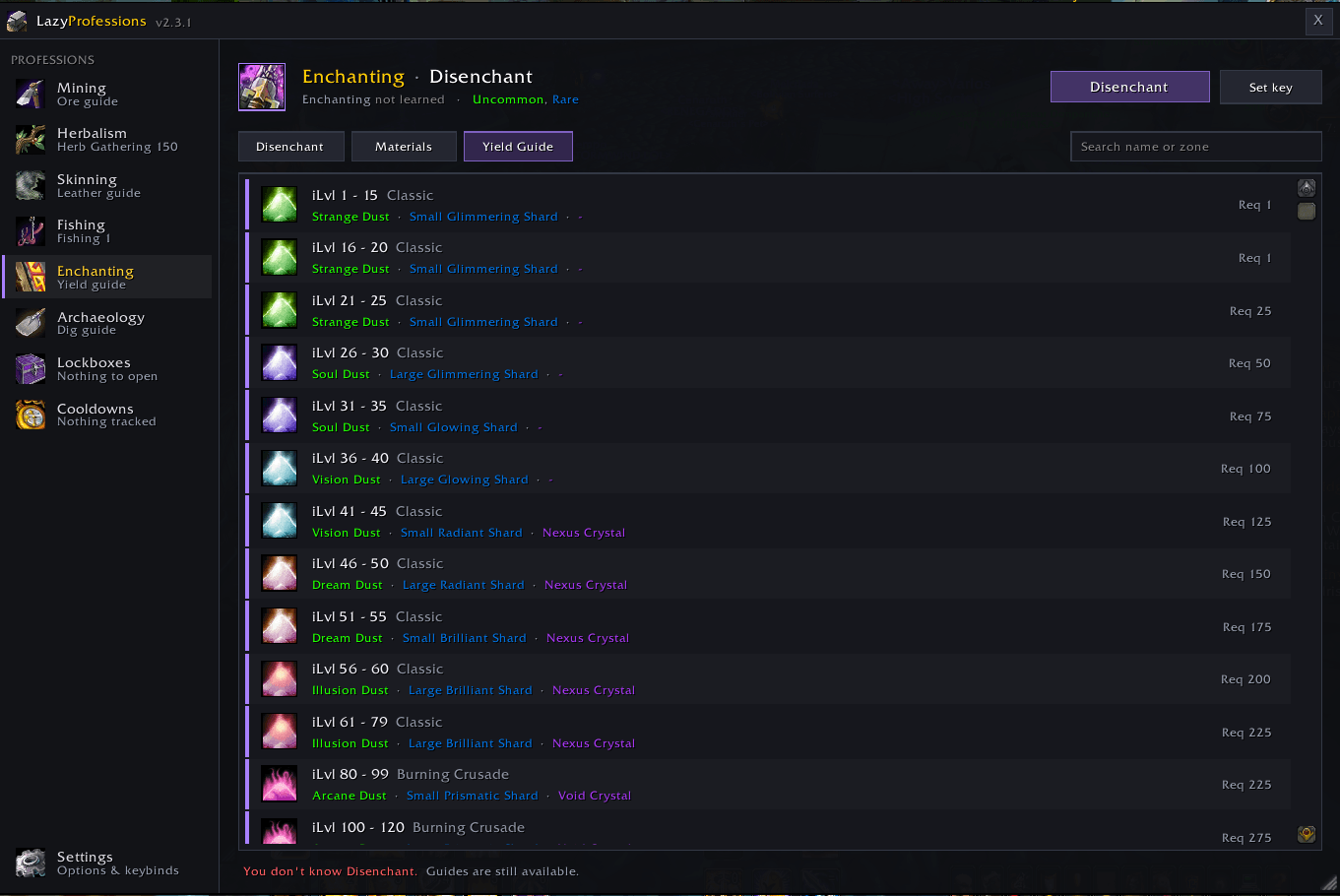
✨ Enchanting & Disenchanting
- Every disenchantable green, blue and (optionally) purple weapon or armor piece
- Item level, required skill and likely materials for each item
- Materials: your enchanting mats in bags and bank
- Yield Guide: what every item level range breaks into, Classic through Cataclysm
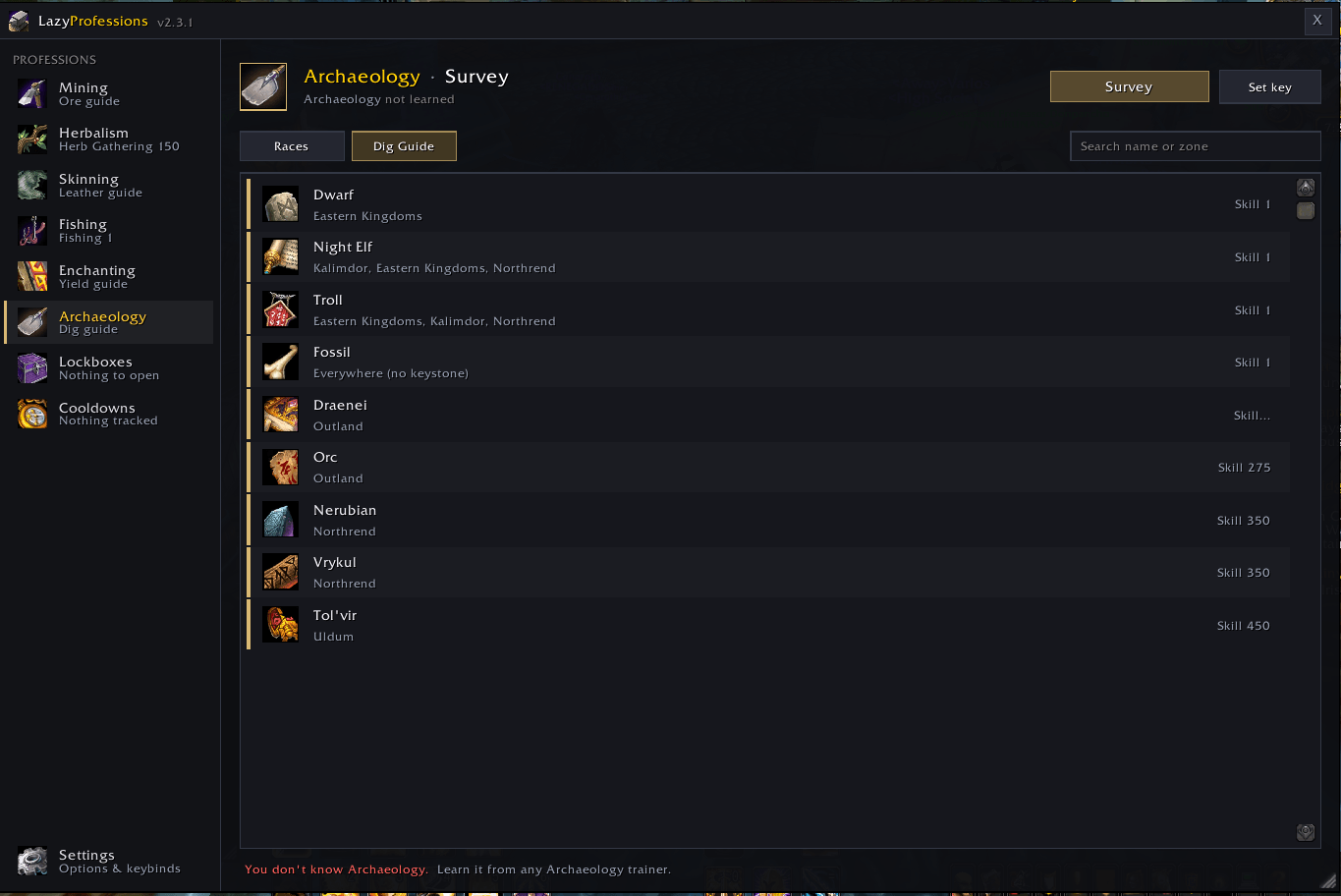
🏺 Archaeology
- Survey hotkey so you never leave your dig site
- Fragment progress bars for every race, with keystones and rare artifacts highlighted
- One-click Solve that slots keystones when you're a few fragments short
- Dig Guide: where each race is found, the skill needed and its keystone
🔒 Lockboxes & Containers
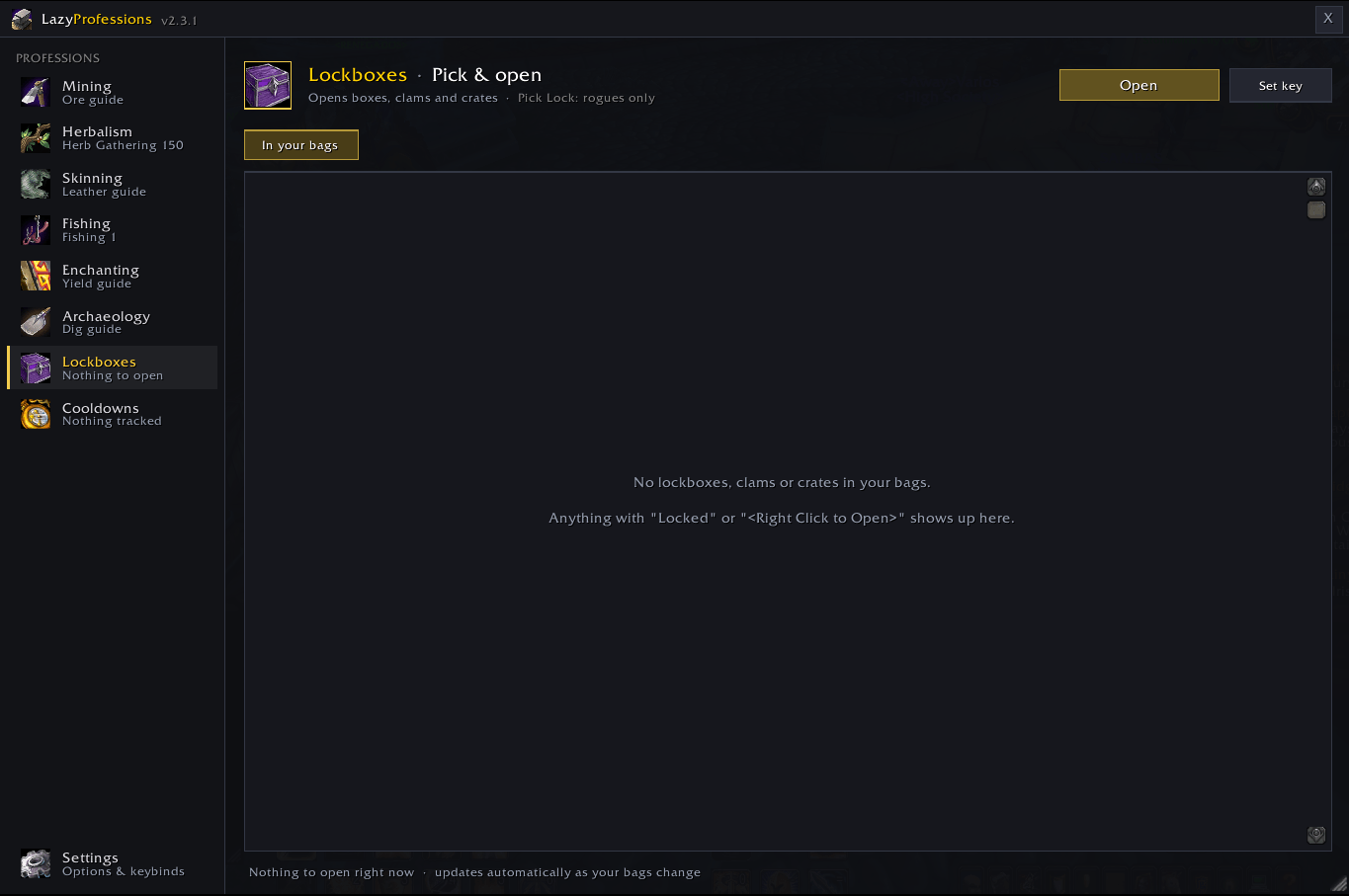
- Opens lockboxes, clams, crates and loot bags with one key
- Rogues: the first press picks a locked box and the next press opens it
- Shows lockpicking requirements (level x 5 in Cataclysm)
⏰ Cooldowns
- Tracks daily profession cooldowns such as Transmutes, Dreamcloth and Fire Prism
- Covers every character you log into, with countdowns and class-colored names
Hotkeys
Set them on the Settings page or under Esc > Key Bindings > LazyProfessions.
| Action | What it does |
|---|---|
| Prospect next ore | Prospects the next stack of 5 or more ore |
| Mill next herb | Mills the next stack of 5 or more herbs |
| Fish | Equips your pole if needed, then casts Fishing |
| Disenchant next item | Disenchants the next eligible item |
| Survey | Casts Survey |
| Open next box | Picks and opens lockboxes, opens clams and crates |
Note: WoW allows one cast per key press or click, so addons can't loop casts. Just keep tapping your key.
Slash Commands
| Command | Does |
|---|---|
/lp |
Open or close the main window |
/lp mining /lp herbs /lp skin /lp fish |
Jump to a gathering tab |
/lp de /lp arch /lp boxes /lp cd |
Jump to Enchanting, Archaeology, Lockboxes or Cooldowns |
/lp bar |
Show or hide the compact bar |
/lp settings |
Options and hotkeys |
/lp reset |
Reset window and bar |
Lazy Professions Team