


Larlen Mail Mule
- By

Automatically sends your AH-worthy bag items to bank alts at the mailbox - powered by Auctionator price data.
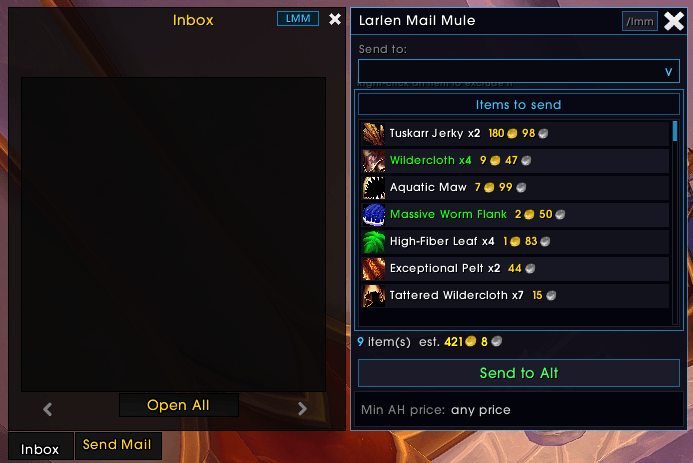
Select your receiver, see what items you are sending, their value and simply press send!
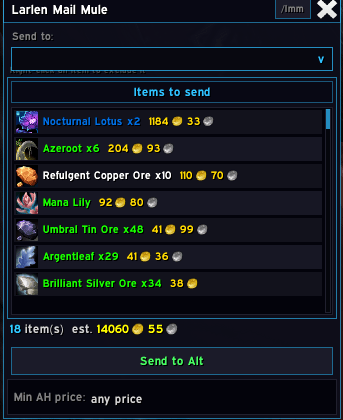
Select your receiver, see what items you are sending, their value and simply press send!

You will receive a chat confirmation with amount of items and their value that was sent to character of your choosing!
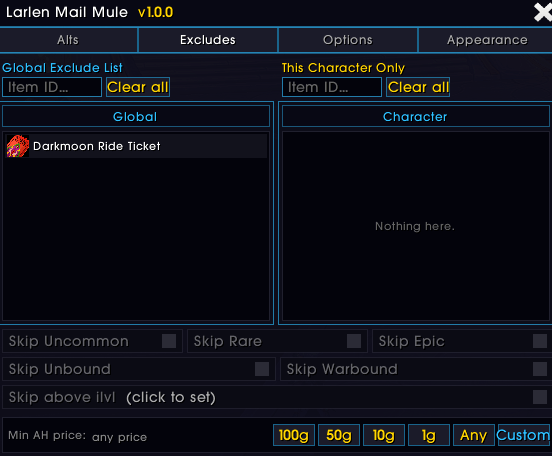
Exclude any items you want to sent via options menu or right clicking them in the mailbox window!
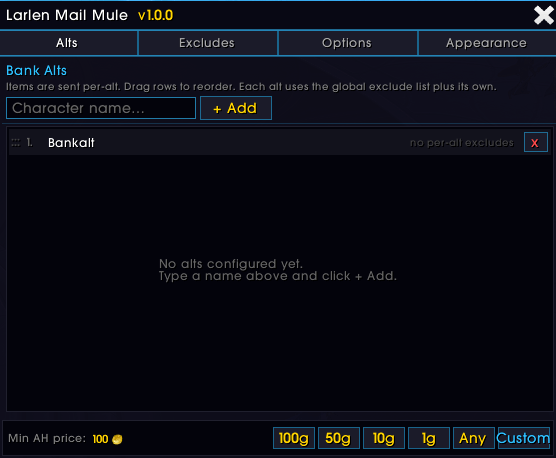
Add any character you want to send your items to like your bank alt or your mule!