
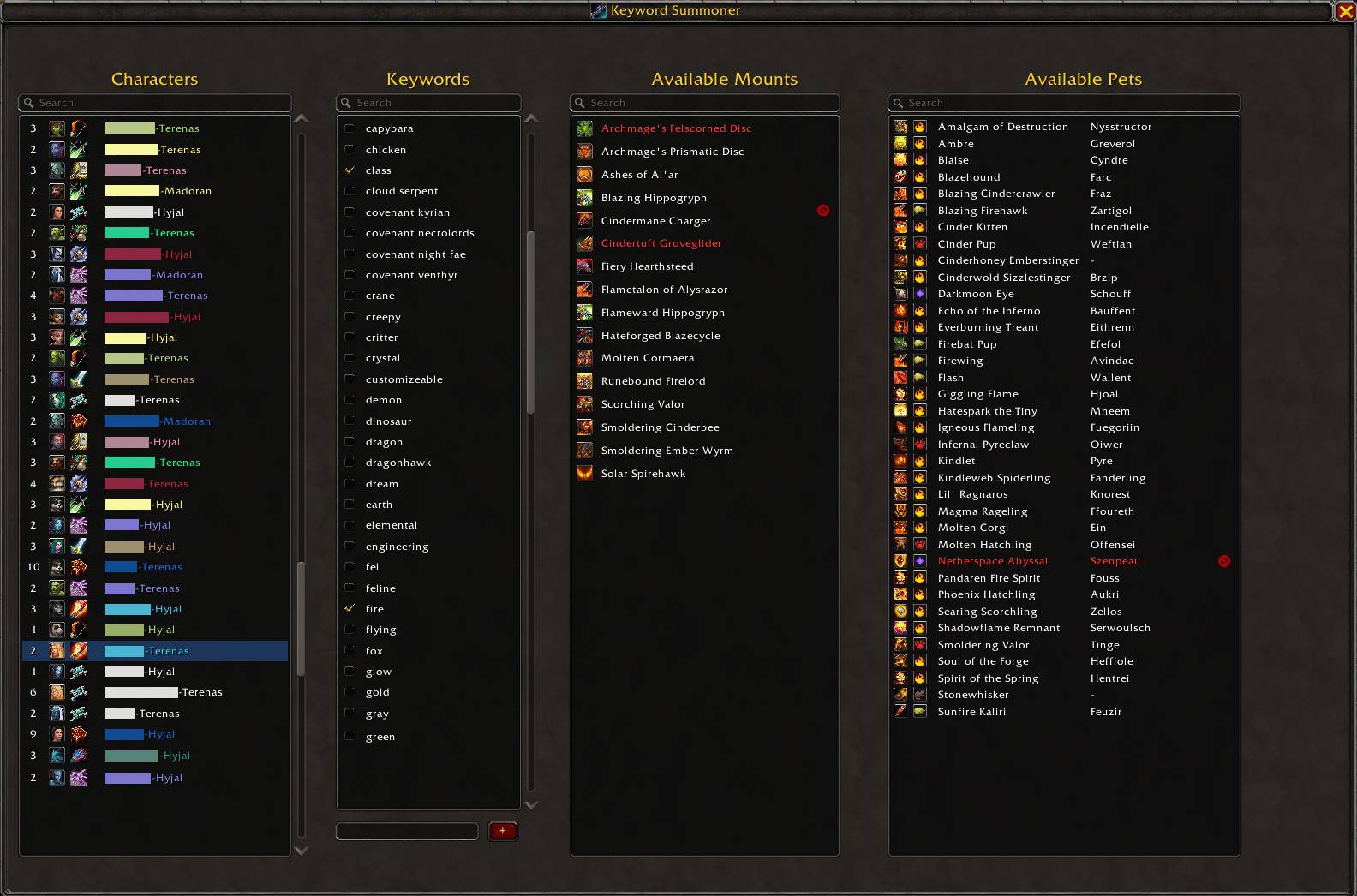
KWS Characters Tab
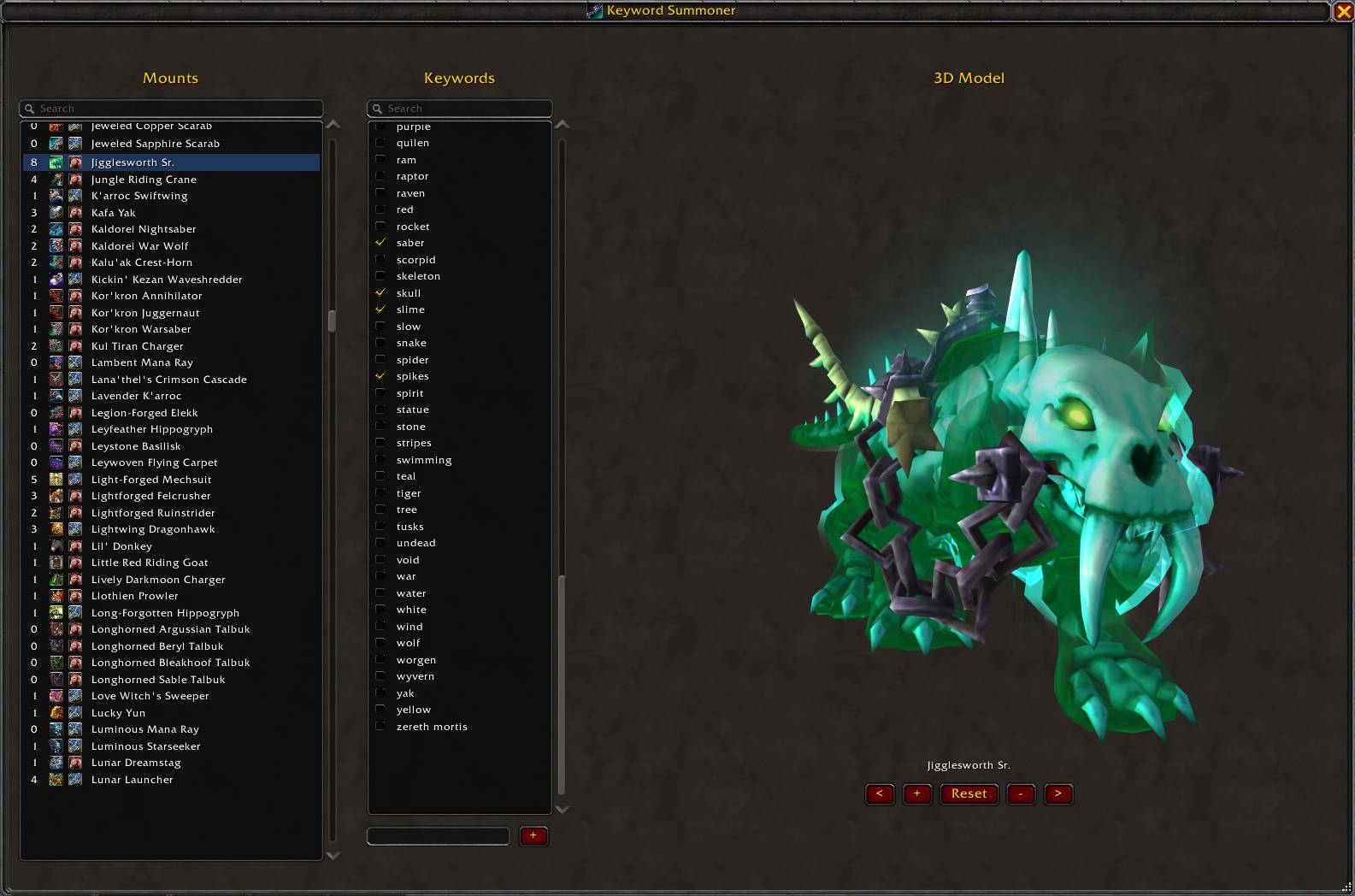
KWS Mounts Tab
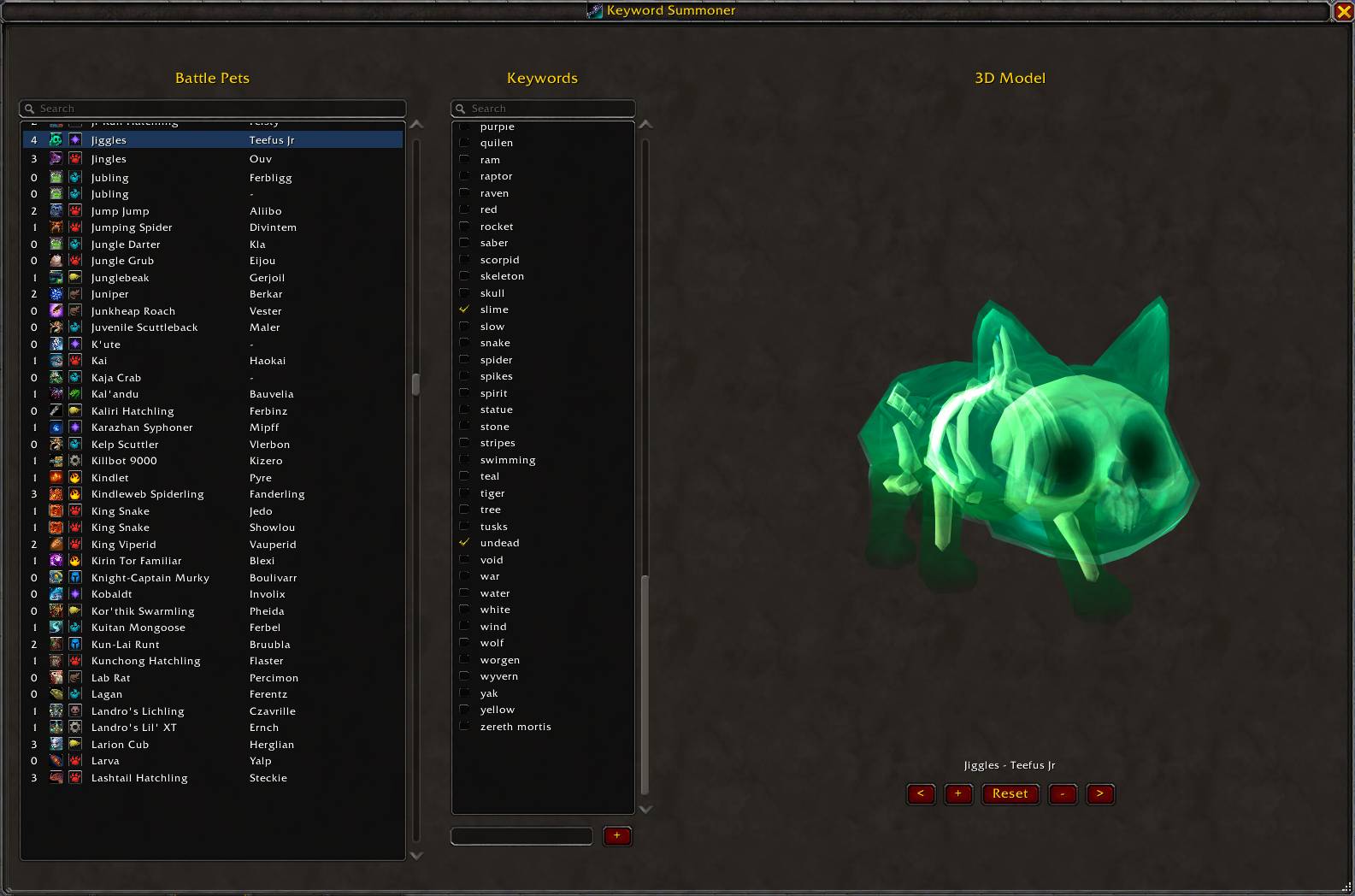
KWS Pets Tab
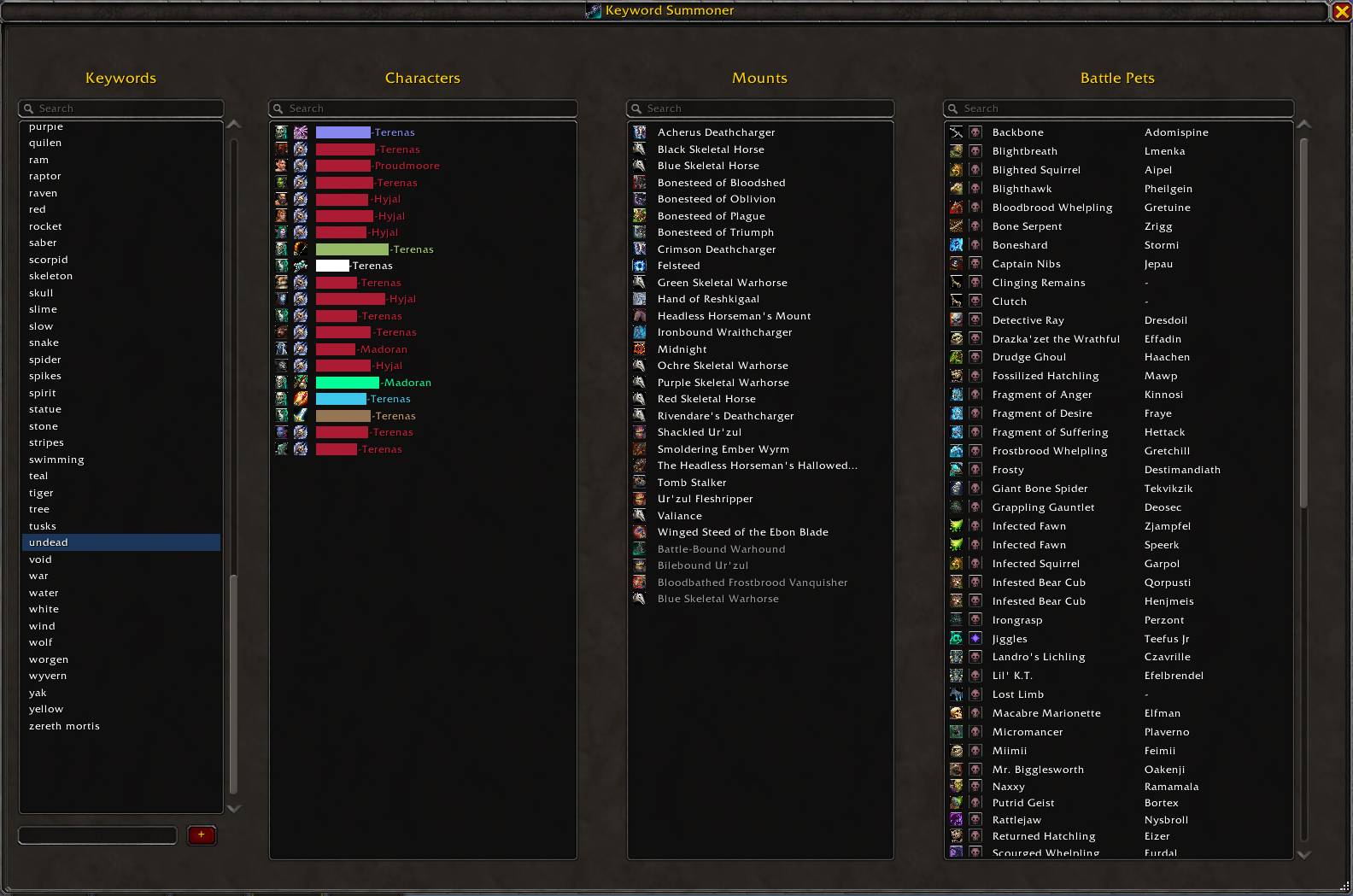
KWS Keywords Tab
Description
Keyword Summoner allows the user to set keywords for characters, mounts, and pets, and then uses those keywords for mount and pet summoning per character. KWS even allows exclusions per character, so you can remove selections that just don't feel right for that character. Keywords can be as simple or complex as you want, giving you more control over your collection.
- Access to addon via /kws command, keybind, or by right-clicking the character's portrait
- Search functions: All lists have a search at the top, which can search by character name, race, class, server, mount name, travel mode, default pet name, given pet name, pet family, or keyword, depending on the list.
- Characters: automatically logs the current character, and displays it in all Character lists using race and class icons, name and server. On the Characters tab, also displays the number of keywords associated with that character.
- Mounts: Displays all learned mounts, along with its icon and travel mode icons. On the Mounts tab, also displays the number of keywords associated to that Mount. When a mount is selected, a 3D model preview is displayed to the right.
- Battle Pets: Displays all learned pets, along with its icon, pet family icon, and its given name, if you renamed it. On the Pets tab, also displays the number of keywords associated to that Pet. When a pet is selected, a 3D model preview is displayed to the right.
- Keywords: On the Keywords tab, you can view the characters, mounts, and pets associated with that keyword. Clicking on a character, mount, or pet will take you to that tab, with the item selected.
- Options: View unowned pets and mounts will display uncollected items for tagging, allowing characters to already have access to an item as soon as it is learned. Sort unowned and owned together will intermix all of the mounts or pets together, based on the sort options selected. Less verbose blocks the chat messages when using /kws commands. Font size allows KWS to render the fonts between 8 and 18. Sort options for characters, mounts, and pets allows for more control over how you wish to view your lists.
Keyword Summoner Team
