KeySim
- By
Screenshot 2026-07-12 205808.png
Screenshot 2026-07-12 113912.png
Screenshot 2026-07-12 205959.png
Description
KeySim
Mythic+ group optimization for WoW Retail
Companion addon for https://keysim.app
KeySim is a WoW addon and web app that helps Group Finder leaders build the strongest available Mythic+ group.
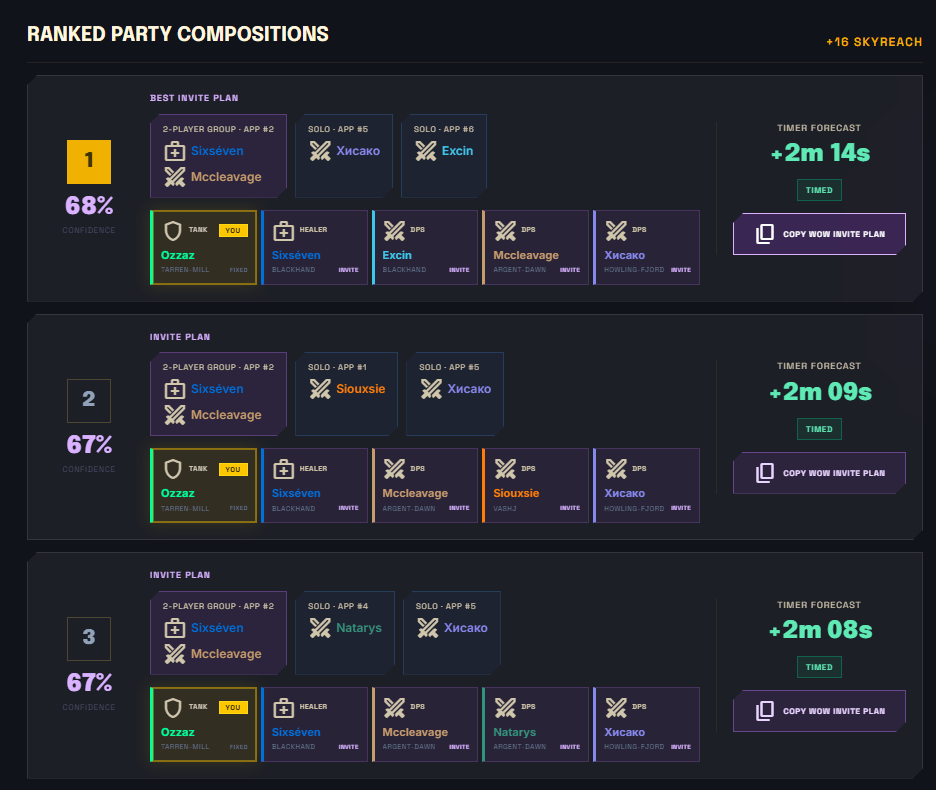
Instead of simply choosing the applicants with the highest Raider.IO score, KeySim evaluates the entire five-player composition. Its trained model compares the available groups and recommends the combination with the best overall fit for your dungeon and key level.
A lower-scored applicant may be recommended when they improve the group through better role balance, class synergy, utility, gear, or experience.
How it works
-
List your Mythic+ group and wait for applicants.
-
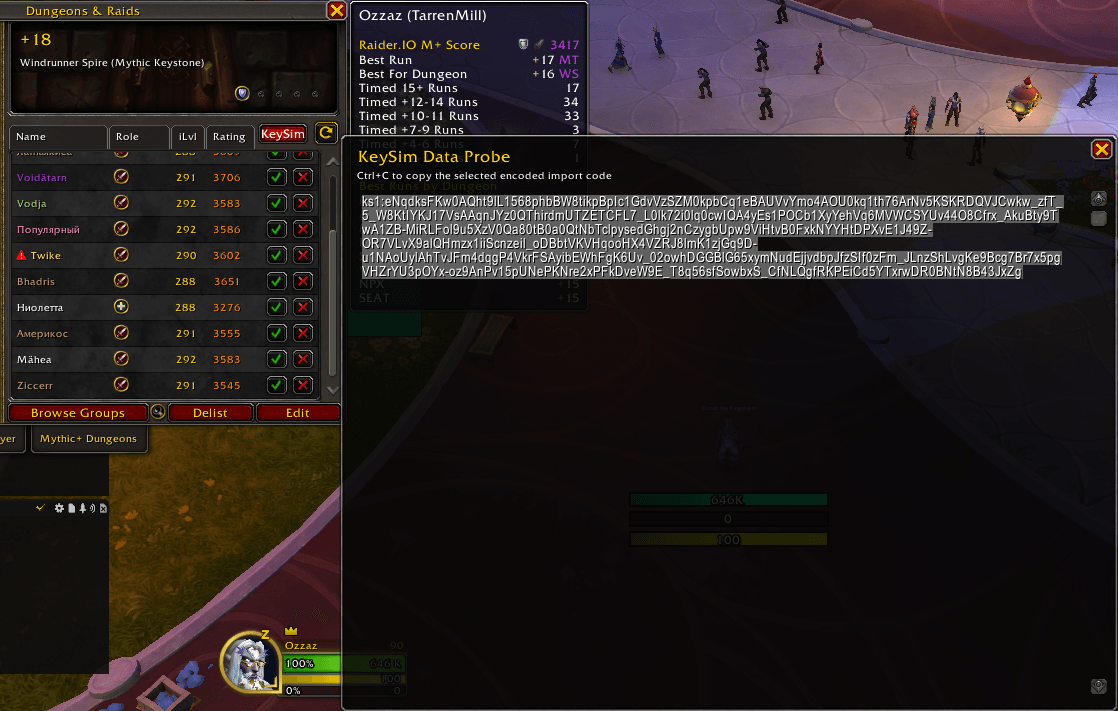
Click the KeySim button next to Refresh.
-
Copy the generated code into https://keysim.app.
-
Review the recommended composition.
-
Copy the invite plan back into WoW.
-
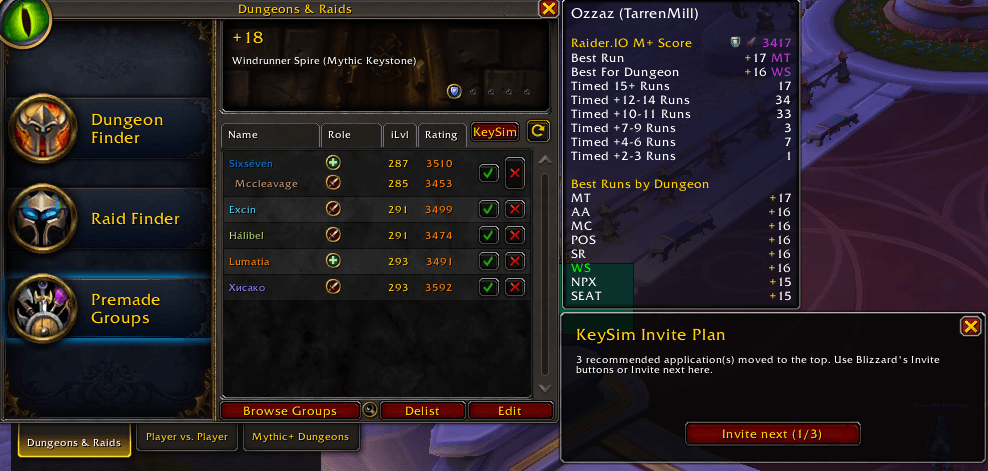
Invite each recommended application using the KeySim Invite Plan window.
Features
- Evaluates complete five-player compositions
- Supports solo and grouped applicants
- Uses public character and Mythic+ data
- Recommends the best overall party fit
- Moves recommended applicants to the top
- Detects stale recommendations and party changes
- Rechecks applicant status before inviting
- Stops safely if the group or applicant list changes
- Supports compact and raw JSON exports
Commands
| Command | Result |
|---|---|
/keysim |
Open the export window |
/keysim raw |
Export readable JSON |
/keysim invite <token> <indexes> |
Load an invite plan generated by the web app |
Privacy
The addon exports only your region and the names and realms of your party members and Group Finder applicants.
It does not collect combat logs, chat, account details, or private data. Nothing is sent automatically—you manually copy and paste the export.
Installation
Install KeySim through the CurseForge app, or place the KeySim folder in:
World of Warcraft/_retail_/Interface/AddOns/
Web app
Bug reports, testing feedback, and feature suggestions are welcome.
KeySim Team