KeyLab
- By
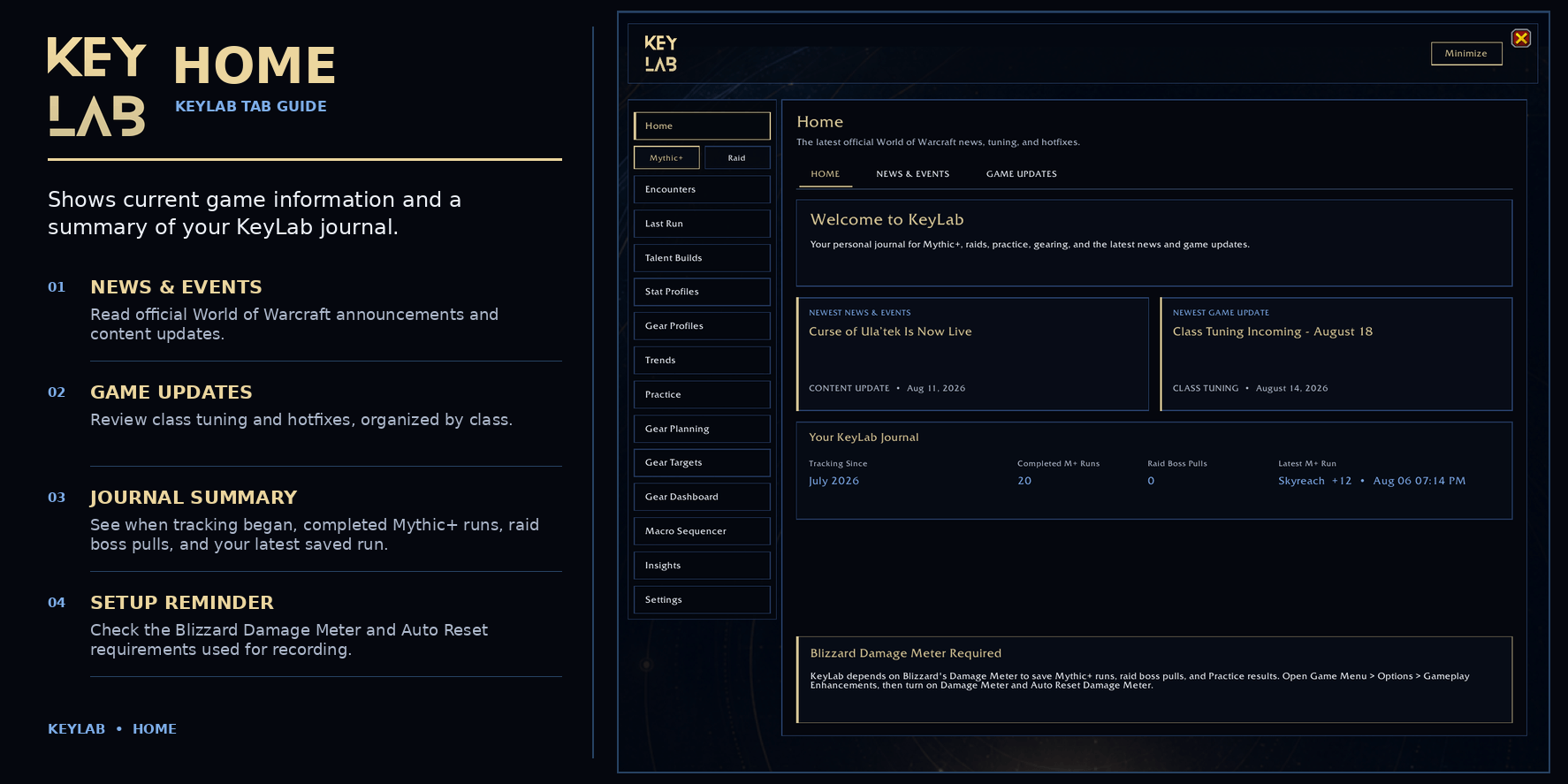
01_KeyLab_Home.png
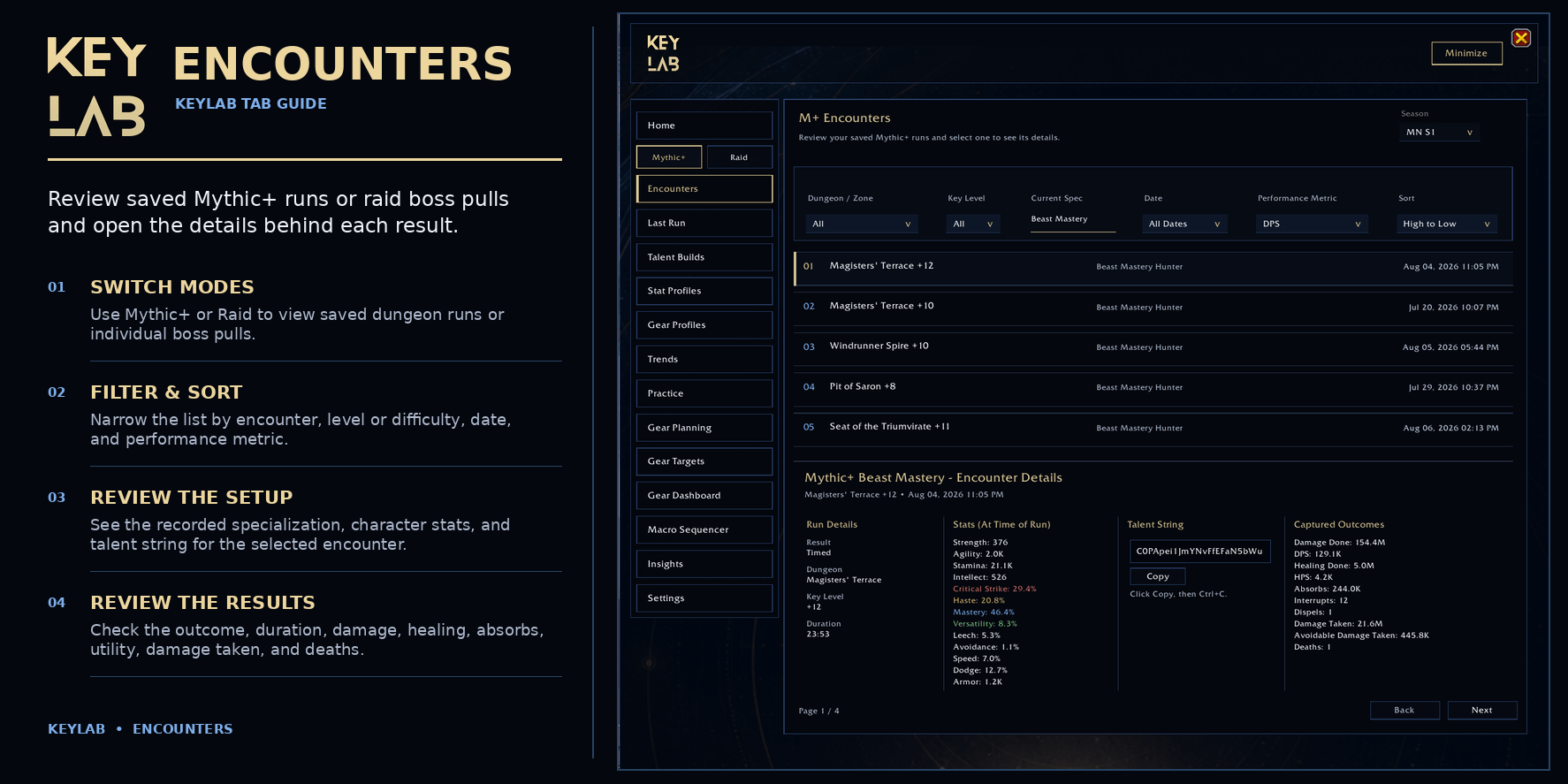
02_KeyLab_Encounters.png
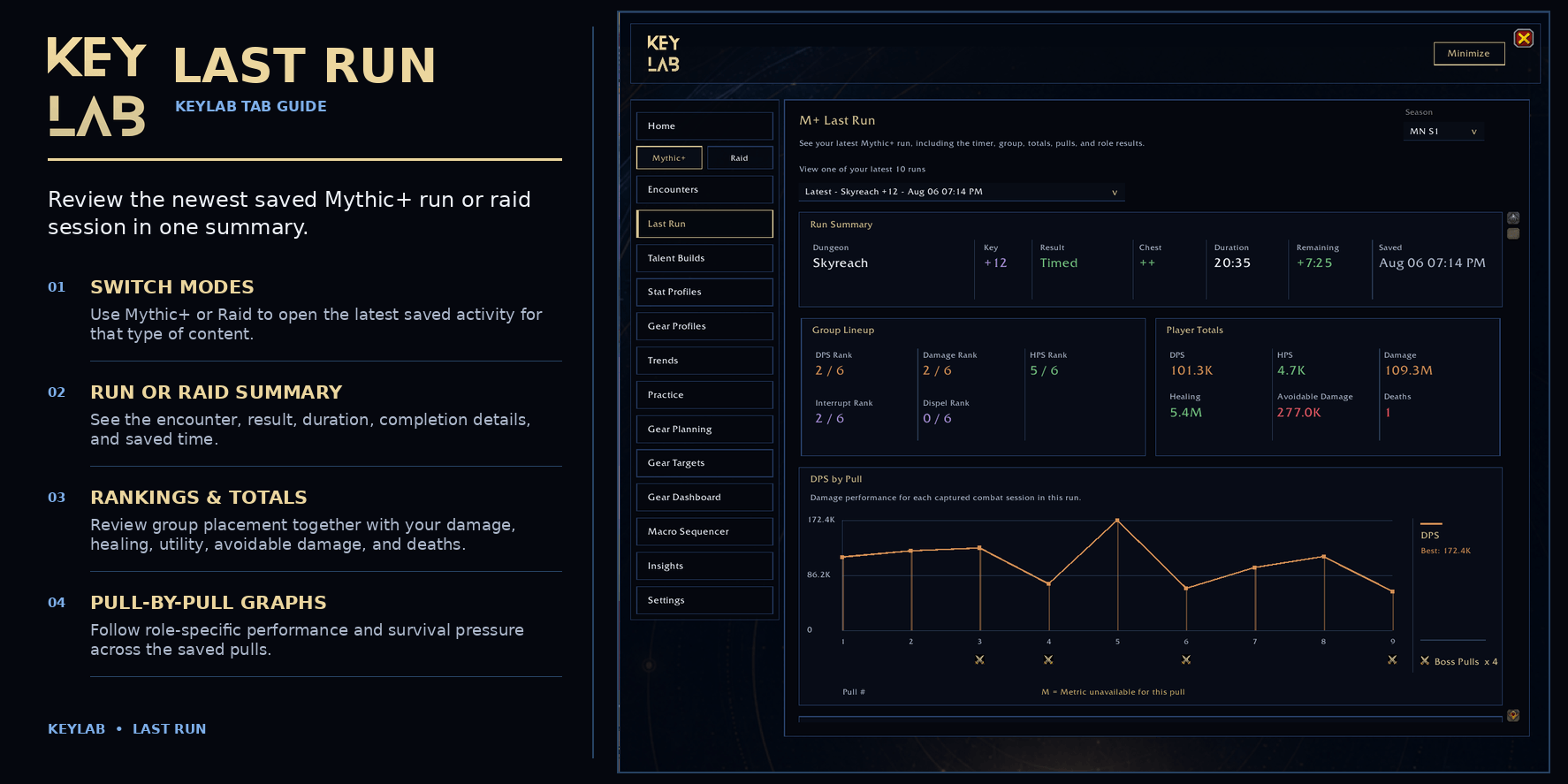
03_KeyLab_Last_Run.png
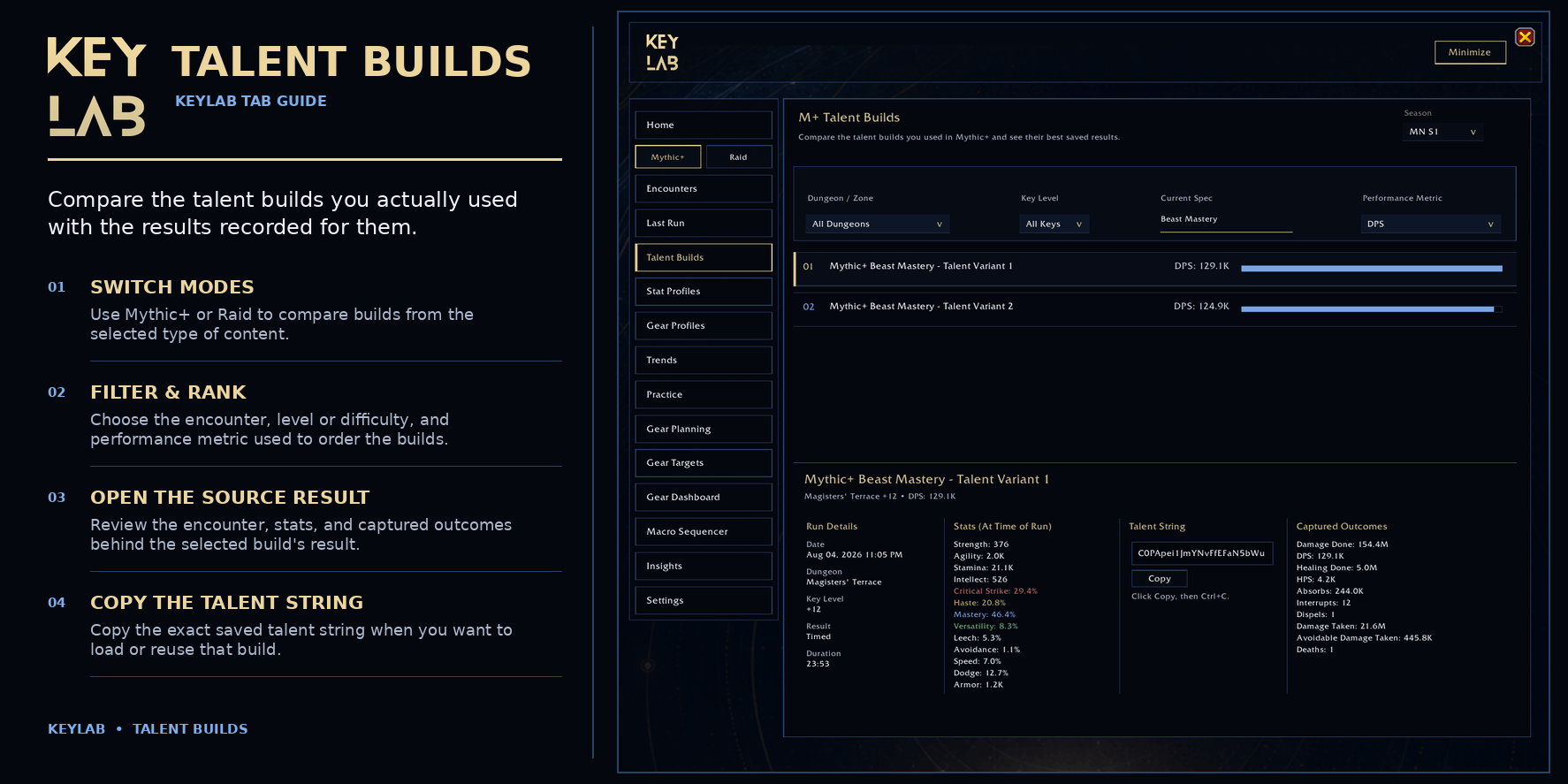
04_KeyLab_Talent_Builds.png
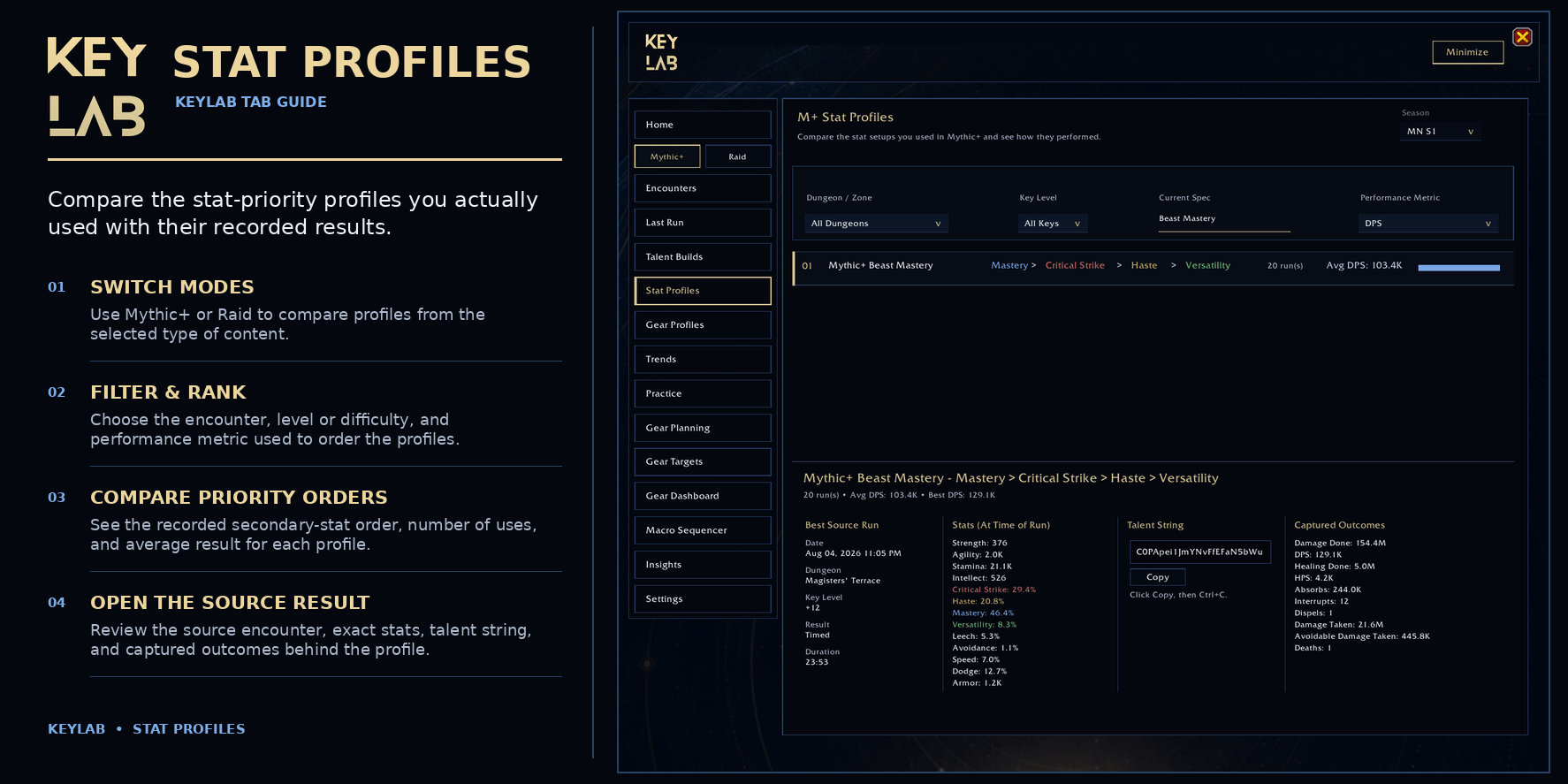
05_KeyLab_Stat_Profiles.png
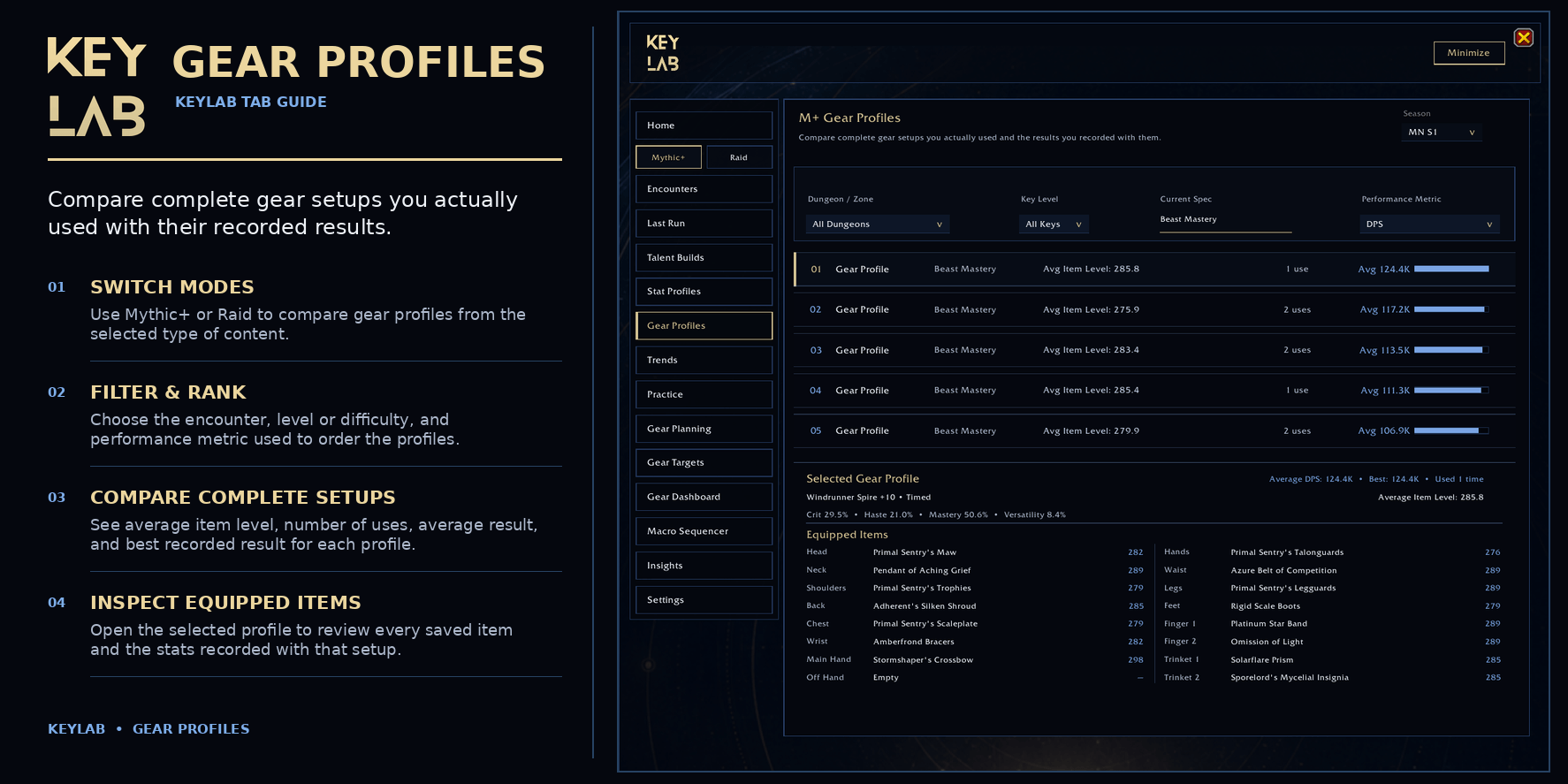
06_KeyLab_Gear_Profiles.png
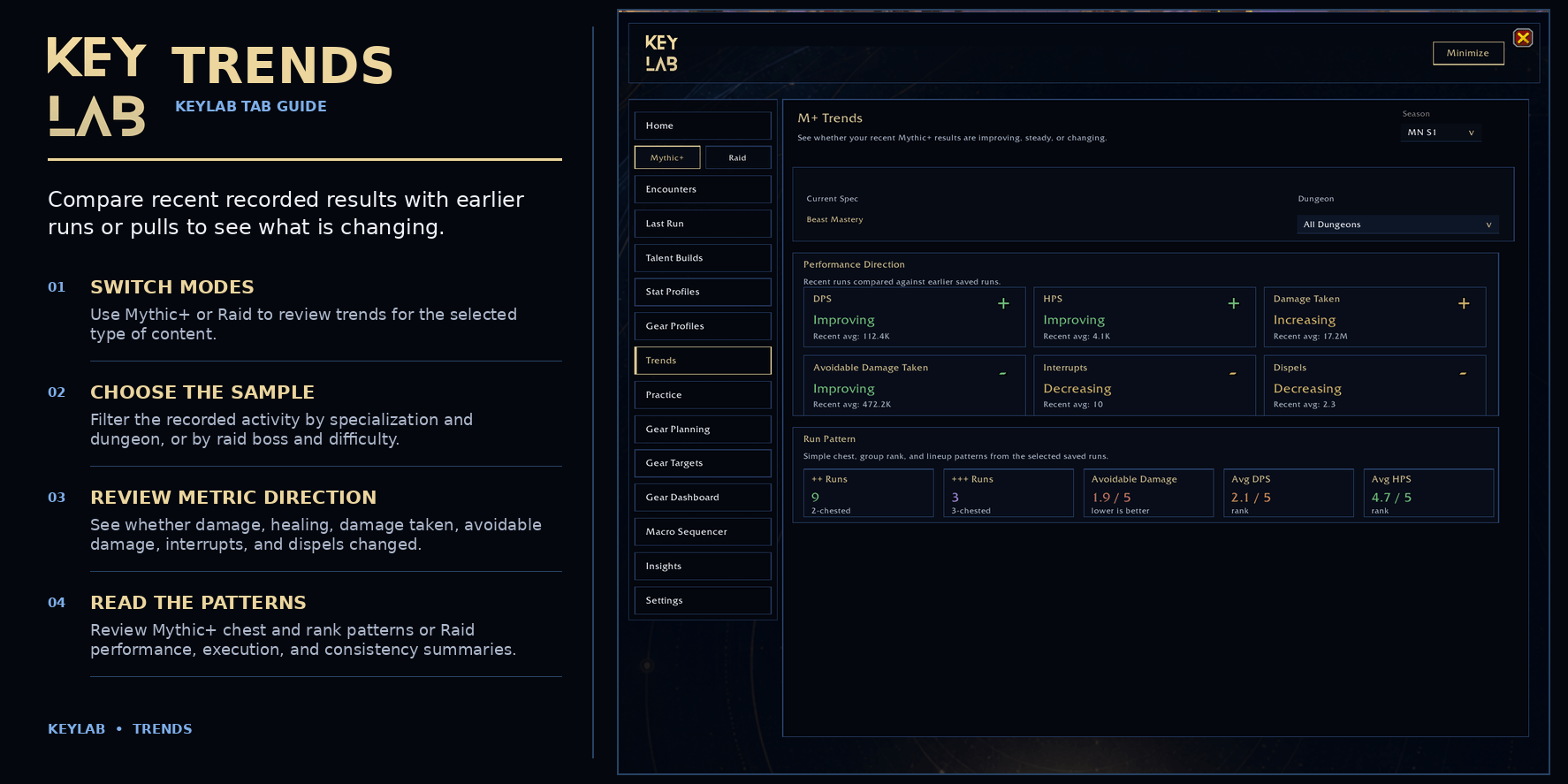
07_KeyLab_Trends.png
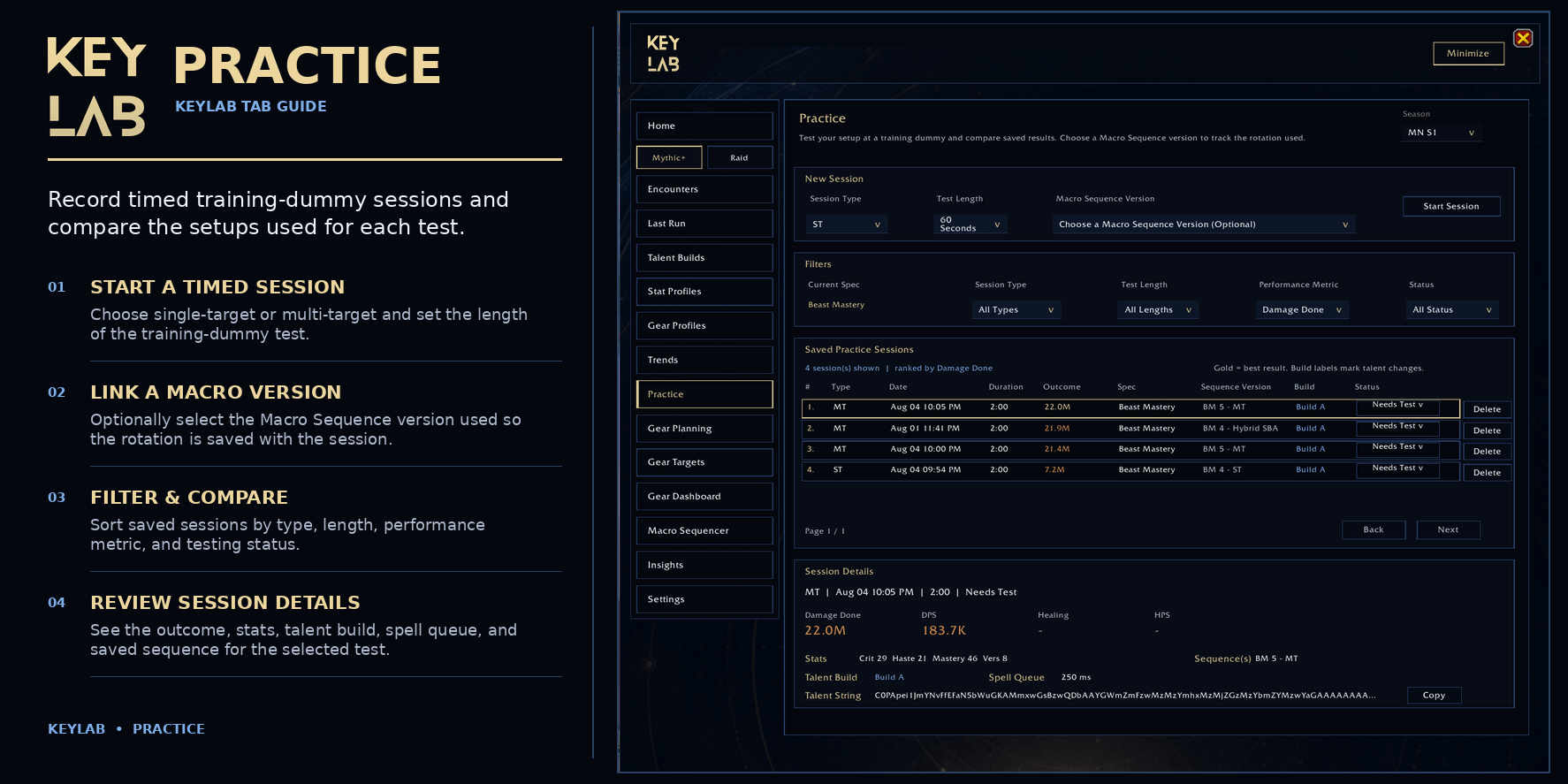
08_KeyLab_Practice.png
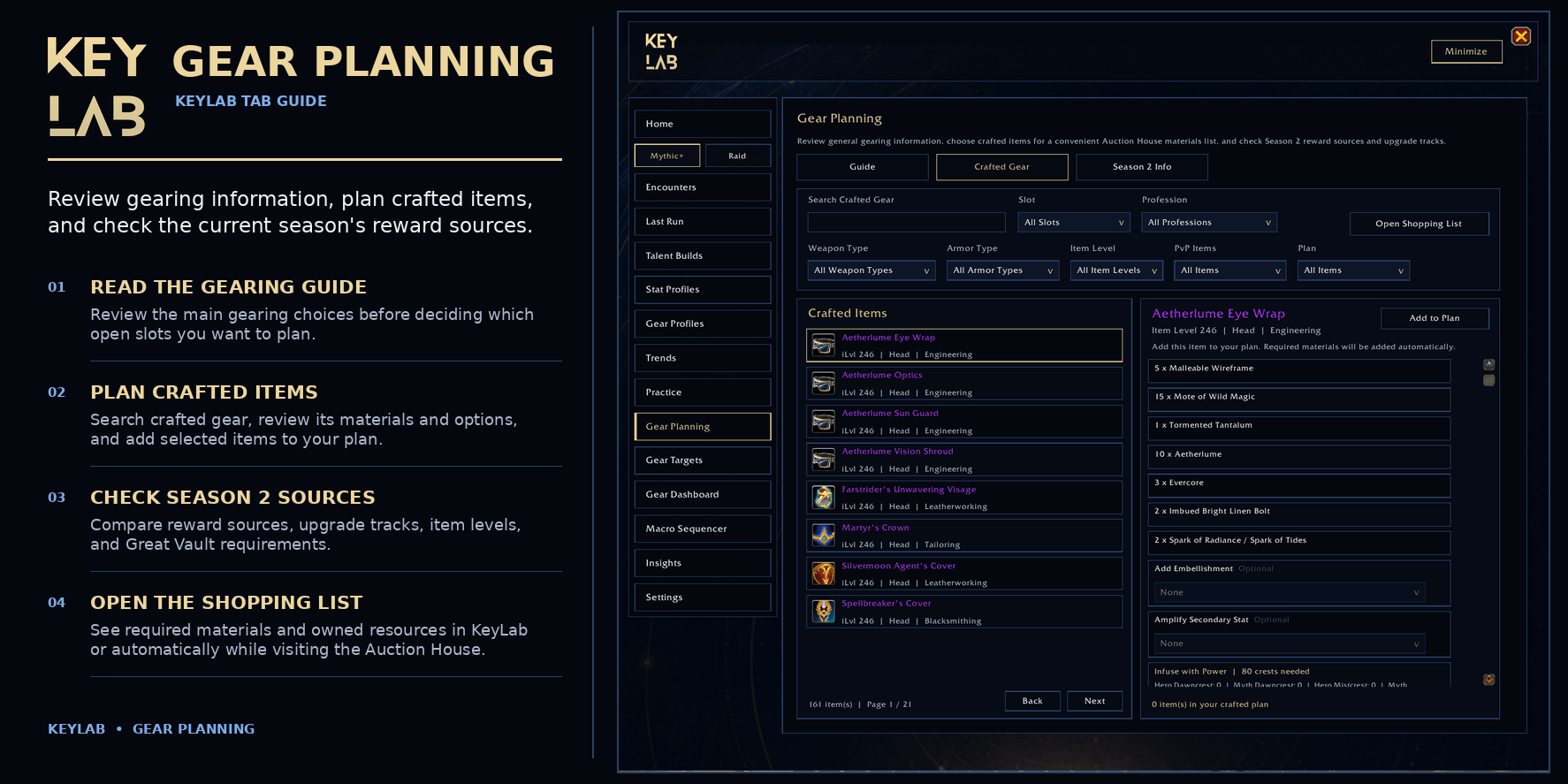
09_KeyLab_Gear_Planning.png
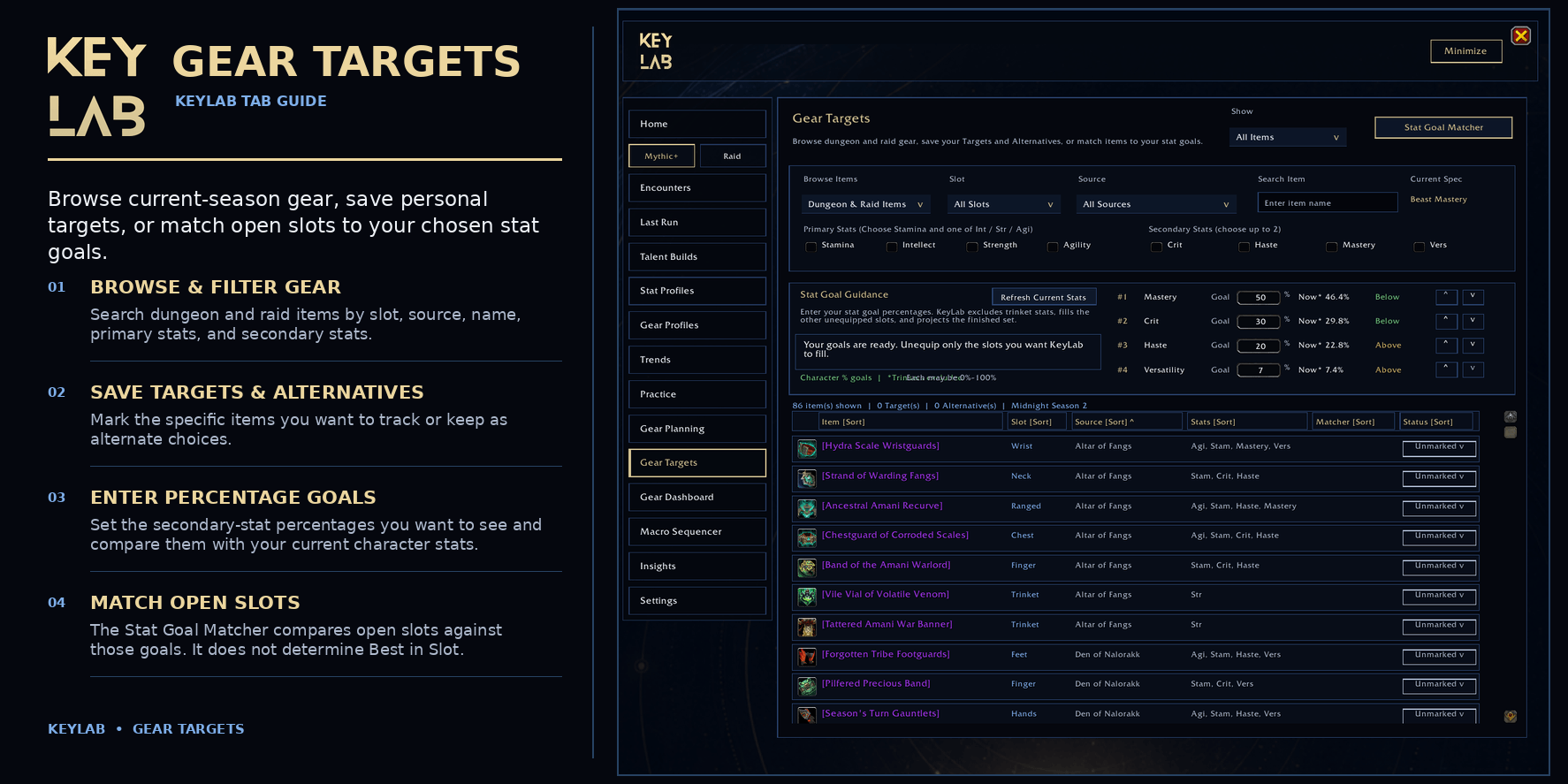
10_KeyLab_Gear_Targets.png
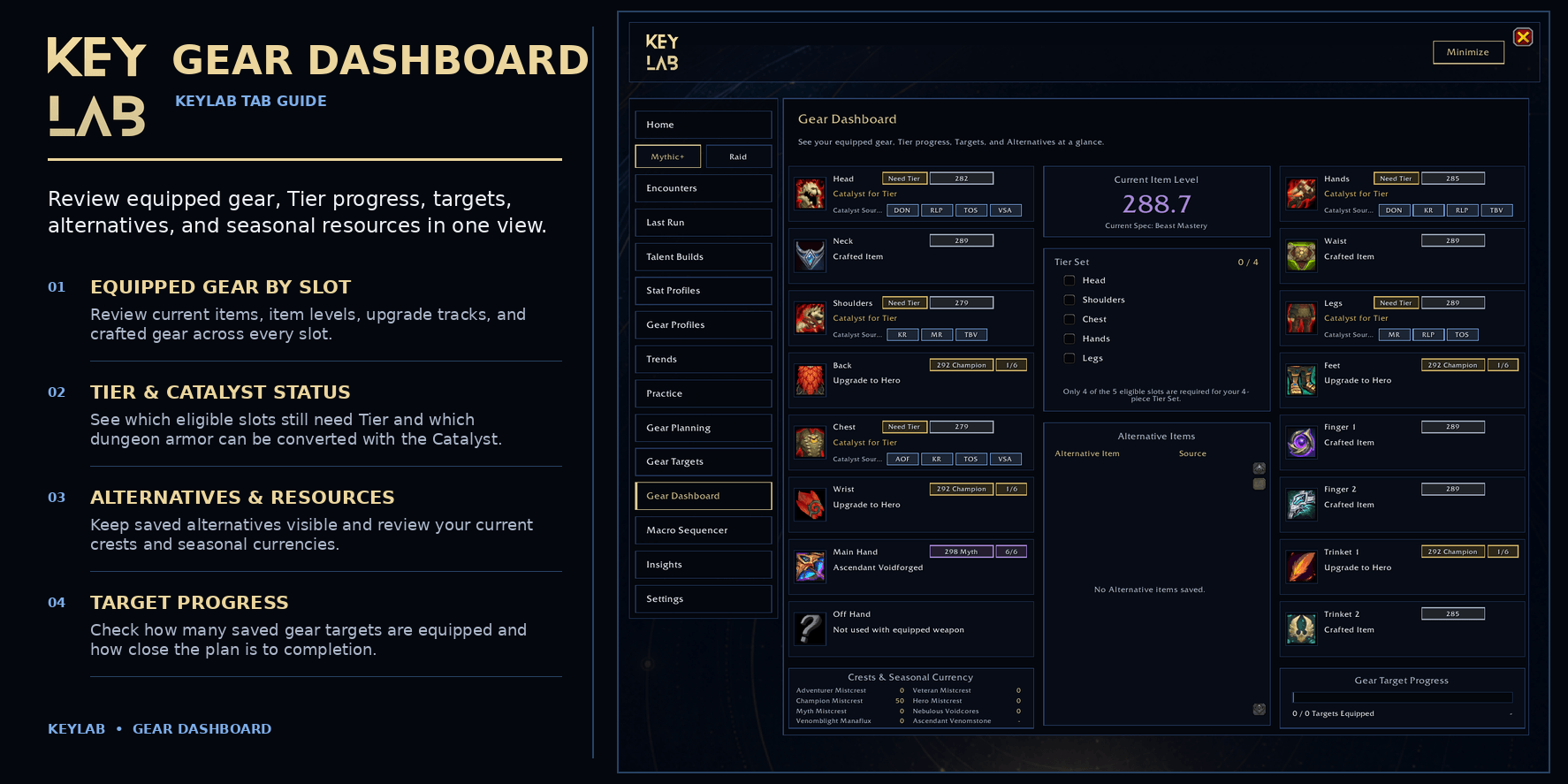
11_KeyLab_Gear_Dashboard.png
13_KeyLab_Group_Dashboard.png
12_KeyLab_Macro_Sequencer.png
Description
KeyLab
Your gameplay. Your progress. Your journey.
Follow your favorite guide. Find gear that fits your goals. See what works for you.
KeyLab brings gear planning, guide recommendations, talent switching, practice, and run history together right inside the game.
Less time keeping notes. More time playing.
Your favorite guides, fewer steps
Browse Wowhead and Icy Veins gear and talent recommendations for your class and specialization.
- Add talent builds directly to your saved in-game loadouts.
- Switch builds before a key starts or between raid pulls, when the game allows.
- Set Gear Targets from a guide’s gear list with a button.
- Configure crafted items separately and add them to your crafting plan.
- See the original gear recommended for Catalyst conversion, not just the finished tier piece.
Follow a gear list or find your own path
You don’t have to chase one exact list of items.
Use the Stat Goal Matcher to find gear combinations that work toward your preferred stat percentages.
- Keep the gear you want and find pieces for the slots you want to replace.
- Build a full gear plan or revisit it as you collect new items.
- Save your main choices as Targets and backup choices as Alternatives.
Your Gear Dashboard brings the plan together: equipped gear, targets, crafted plans, item sources, loot-spec guidance, tier pieces, upgrade tracks, and currencies.
Helpful reminders when you need them
Your saved plans follow you into the game.
- After a raid boss kill: see still-needed Targets and Alternatives from that boss to help with loot decisions.
- After a dungeon: review your saved items and Nebulous Voidcore balance before leaving.
- At the Great Vault: bring up your target reminder while reviewing your options.
- At the Auction House: open your crafted-gear shopping list without digging through notes.
Get your group ready
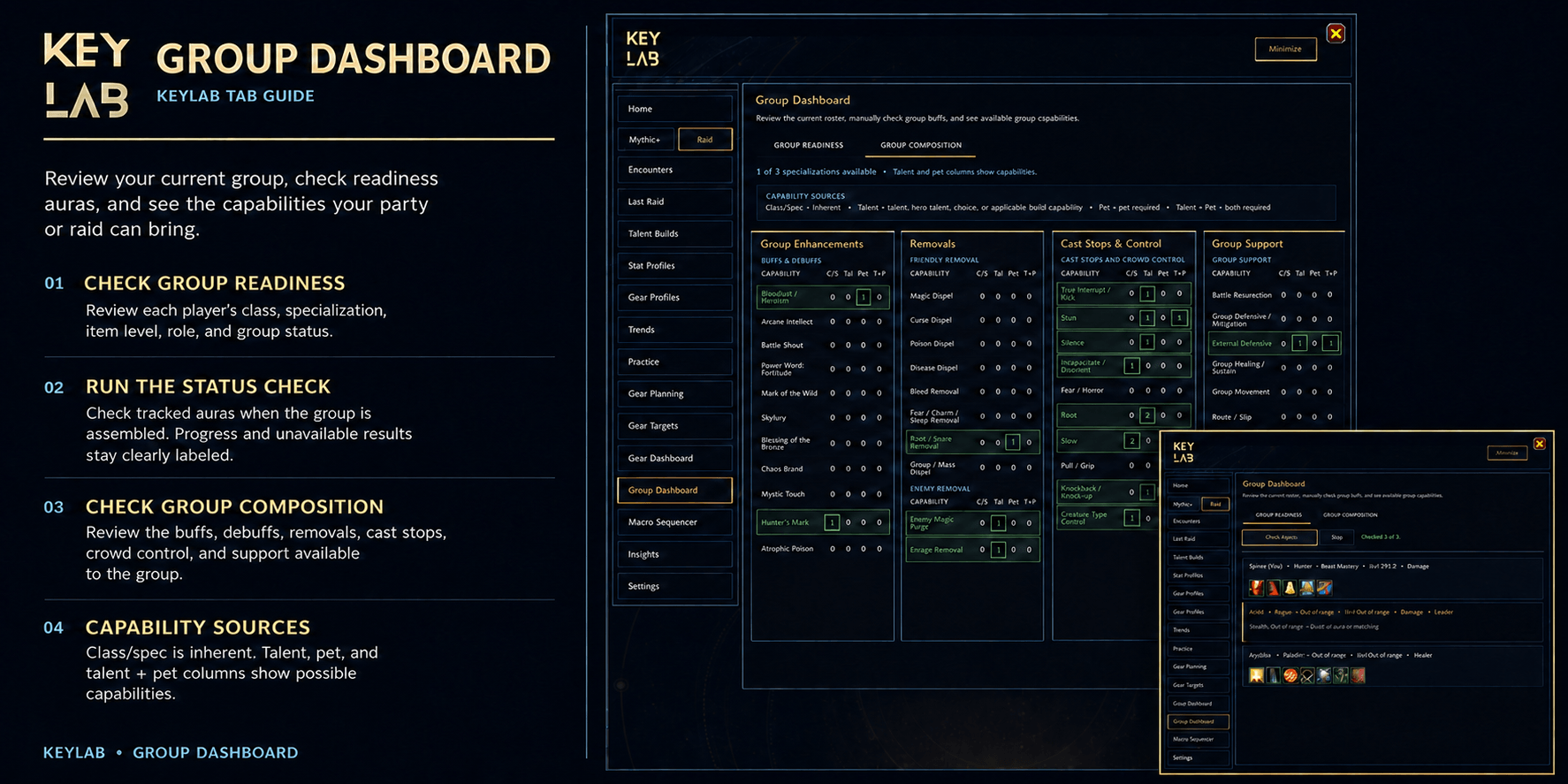
The Group Dashboard keeps useful group information together.
- Check player roles, specs, item levels, and visible buffs.
- Review group capabilities, with inherent abilities separated from talent- and pet-dependent options.
- Use the movable Group Snapshot for a compact view and quick talent switching.
- Temporarily point a saved support macro at a group member such as Misdirection on the tank. It returns to its original target when you leave the group.
See what works for you
Stop trying to remember which setup you used three runs ago.
- Review Last Run, Last Raid, and saved encounters.
- Look back at the talents, stats, gear, and results from your runs.
- Compare saved builds, profiles, and performance trends.
- Record timed Practice Sessions and link the macro sequence you tested.
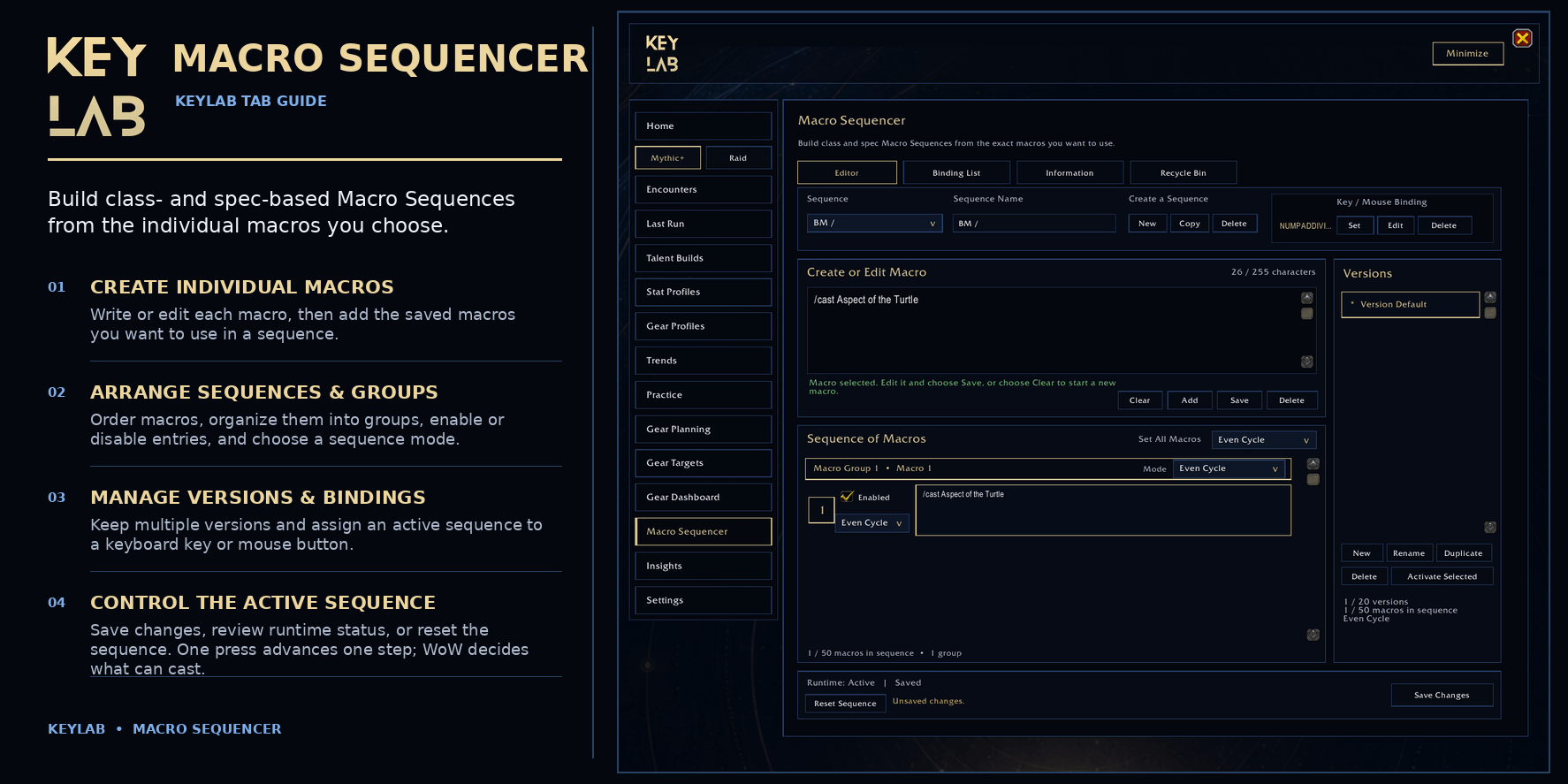
- Create and organize your own sequences with the Macro Sequencer.
Start with a guide’s recommendation, try your own changes, and keep a record of your progress.
Easy to explore
- An optional guided tour shows you where to click.
- News, events, game updates, and seasonal information stay close at hand.
- Seasonal record management keeps your gameplay journal organized.
Combat recording setup
KeyLab uses Blizzard’s built-in Damage Meter.
- Game Menu → Options → Gameplay Enhancements
Open KeyLab with /keylab or the minimap button.
KeyLab Team