Keyglow Keybinds
- By
keyglow_3.png
keyglow_4.png
keyglow_5.png
keyglow_6.png
Description
Keyglow Keybinds
Click a spell, press a key - done. Keyglow is the easiest way to set up your key bindings in World of Warcraft, with a beautiful glowing keyboard that shows what every key does.
No more digging through the key binding menu, no more guessing which key casts what. Keyglow puts your action bars and a full keyboard side by side, so setting up a new character or reorganizing your keys takes minutes instead of an evening.
✨ Key Studio - bind any spell in seconds
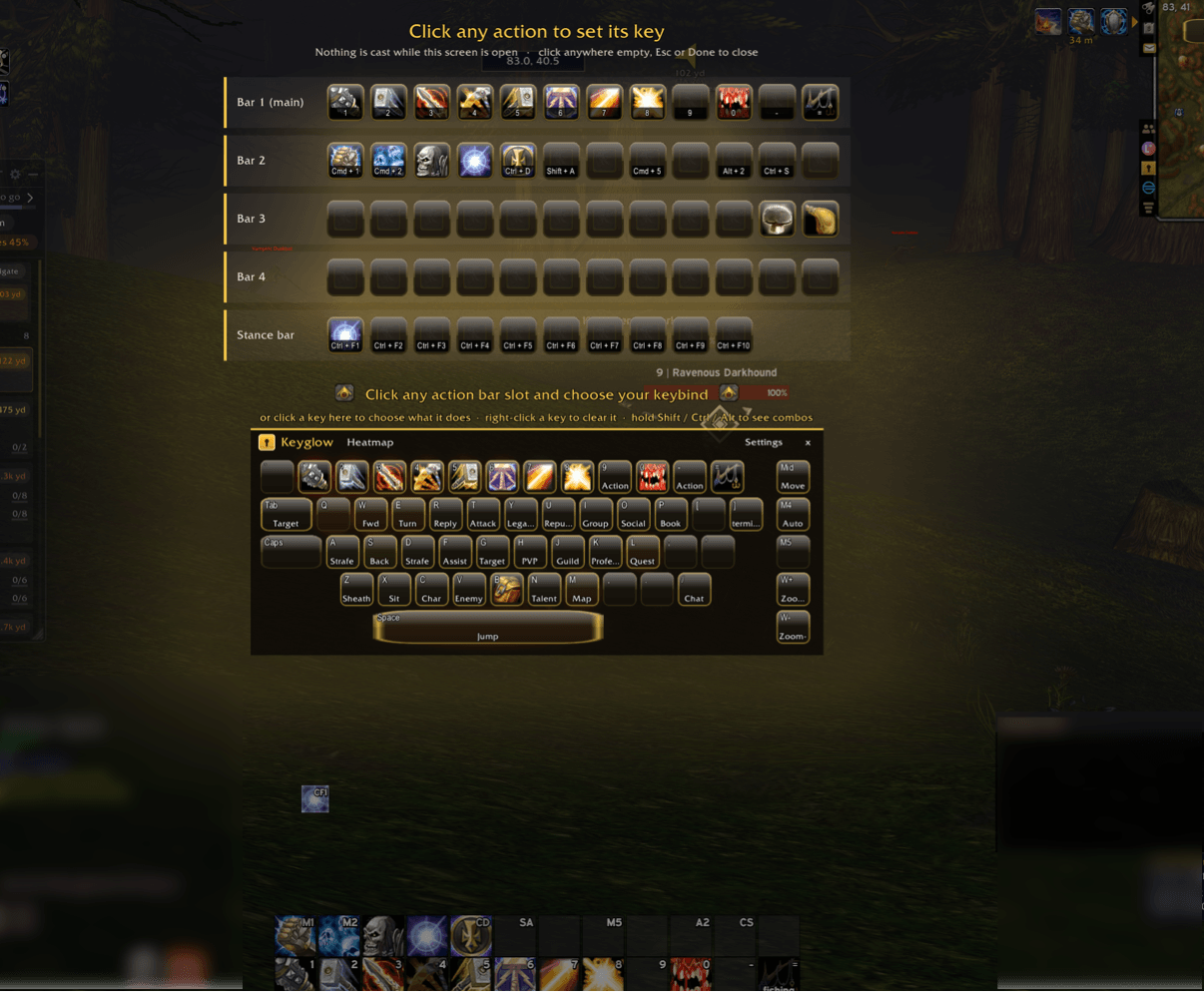
Click the Keyglow minimap icon and the Key Studio opens: your action bars appear as glowing cards above a full keyboard.
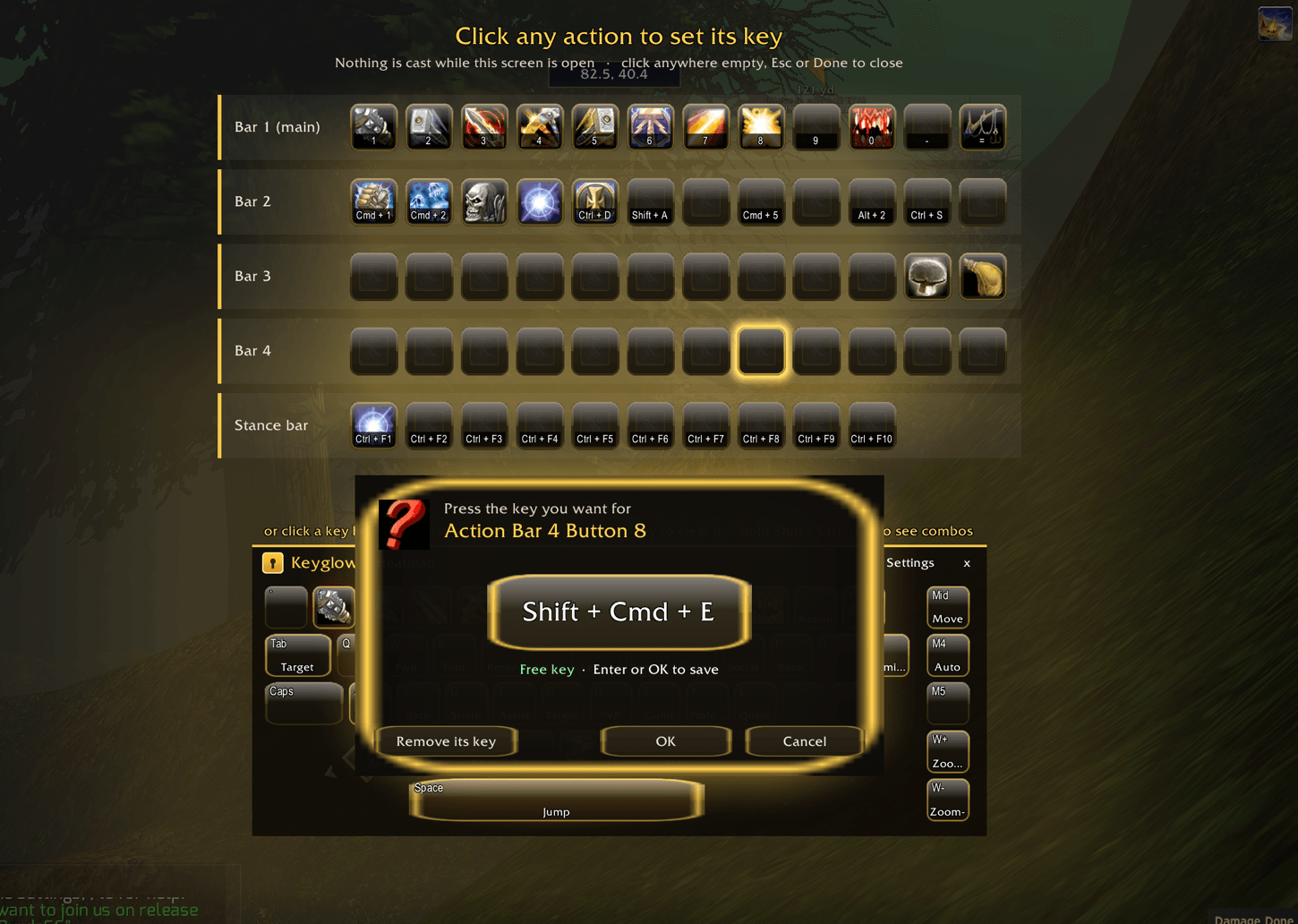
- Click any spell on your bars - it lights up.
- Press the key you want - Shift, Ctrl and Alt combos work too.
- Press OK. Saved.
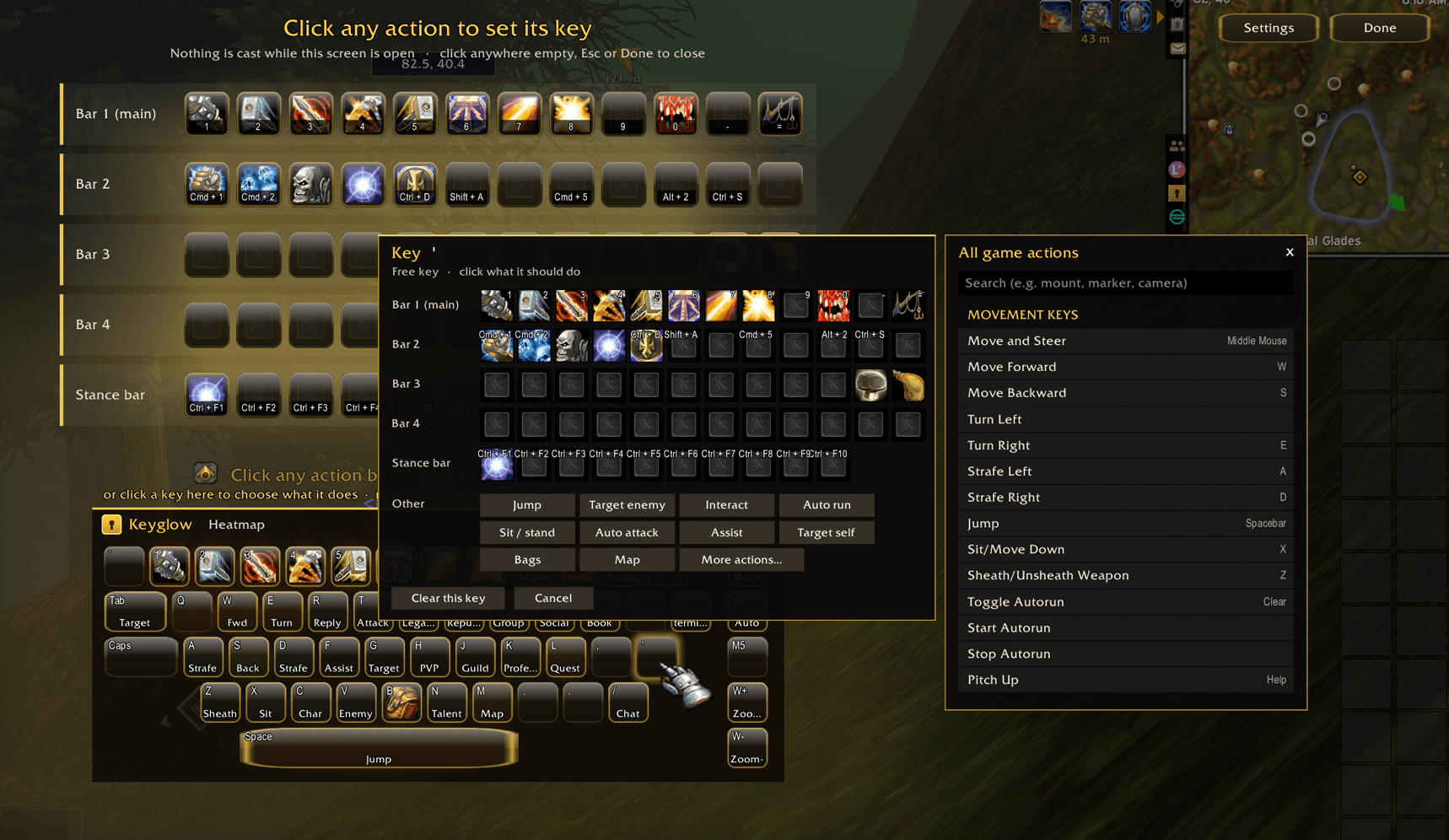
Prefer to start from the keyboard? Click a key and pick what it should do from your action bars, pet bar or a list of common actions like Jump, Target enemy and Interact.
🛡️ Safe by design
- Nothing is cast while you set up your keys - the studio covers the game while it is open.
- Keyglow asks before replacing a key that already does something: "Q is already used for Toggle Sheathe - replace it?"
⌨️ A glowing keyboard on your screen
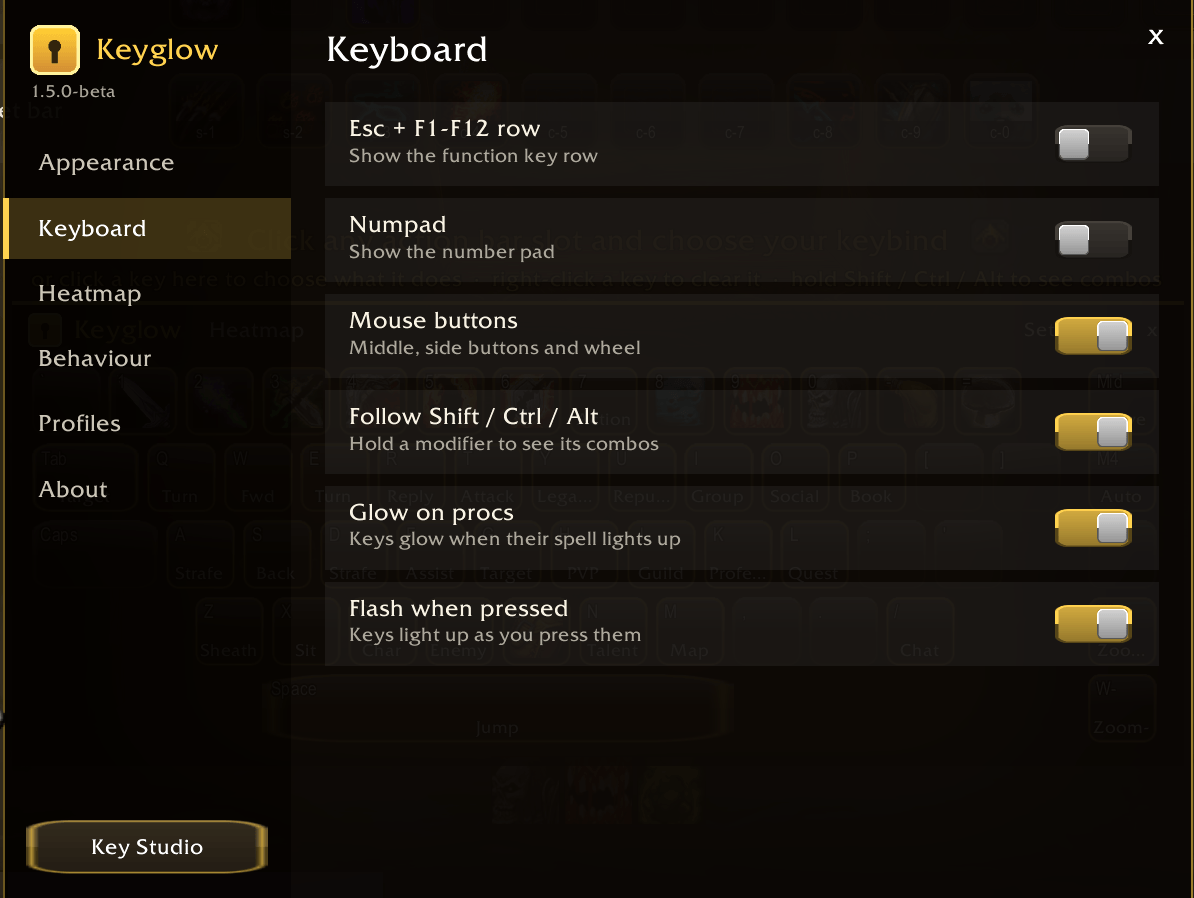
Middle-click the minimap icon to keep the keyboard on screen while you play:
- The icon of the spell on every key
- Hold Shift, Ctrl or Alt and the keyboard shows your combos
🔥 Heatmap
A soft glowing cloud shows which keys you really use - from a faint blue shine to a warm red glow. Perfect for moving your most-used spells to your best keys.
🎨 Make it yours
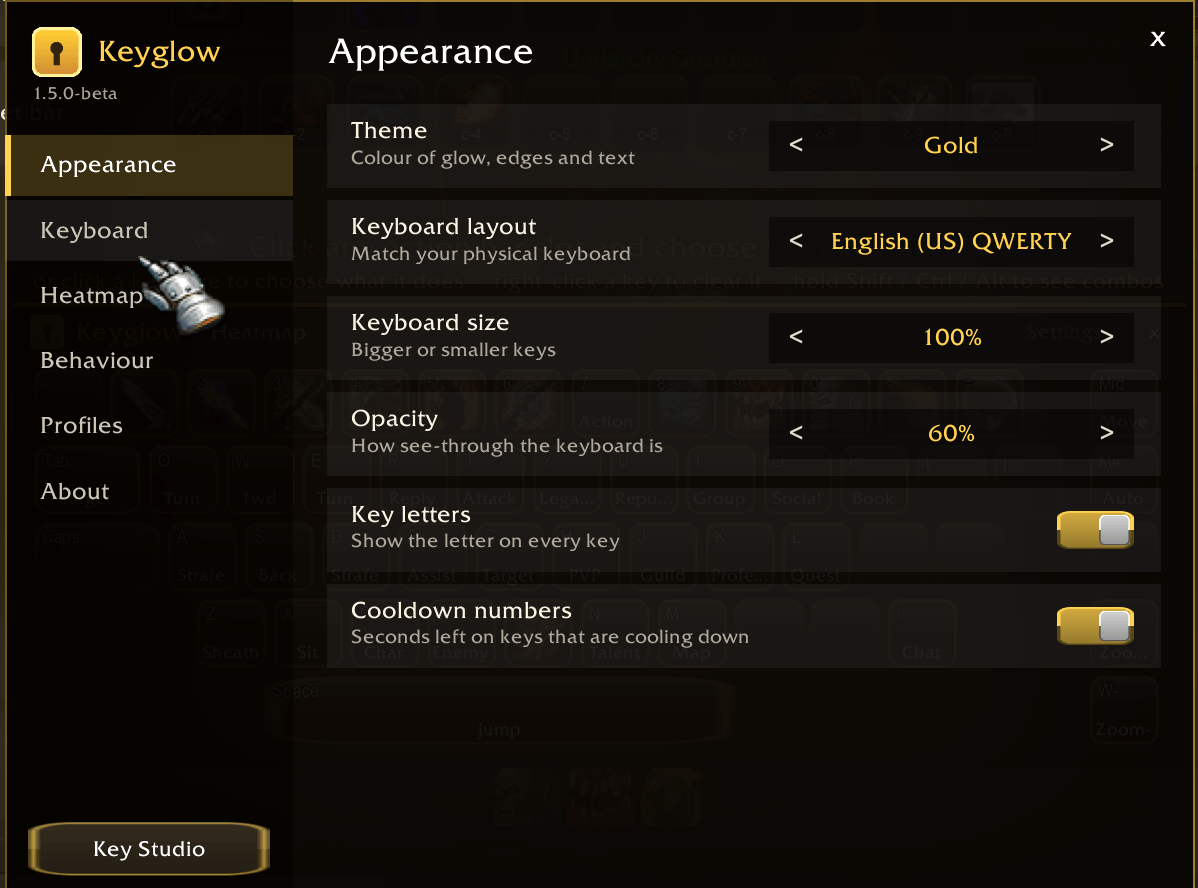
- Six themes: Gold, Arcane, Fel, Frost, Blood and Glass
- Adjustable size and opacity
🚀 Getting started
- Click the Keyglow minimap icon (or type
/kg). - Click a spell on your bars.
- Press the key you want and click OK.
That's it.
Minimap icon
- Left-click: Key Studio
- Middle-click: keyboard on screen
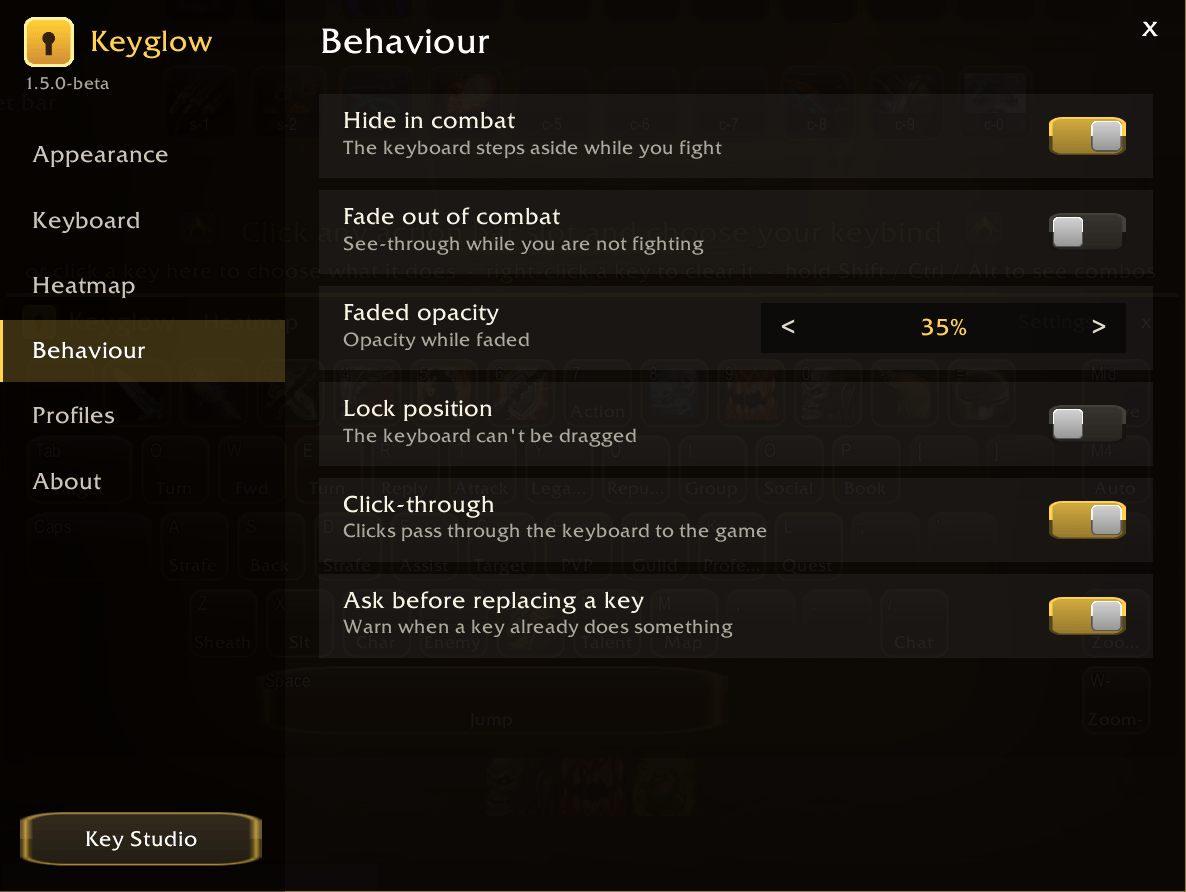
- Right-click: settings
Commands
/kg- open the Key Studio/kg board- show or hide the keyboard on screen/kg settings- all options/kg version- your version and what changed
Compatibility
- Made for World of Warcraft Forever
Keyglow Keybinds Team