


KagrResourceDisplay
01-bars-plain.png
02-incoming-heals(1).png
06-alter-notch-gain.png
05-shields-colours.png
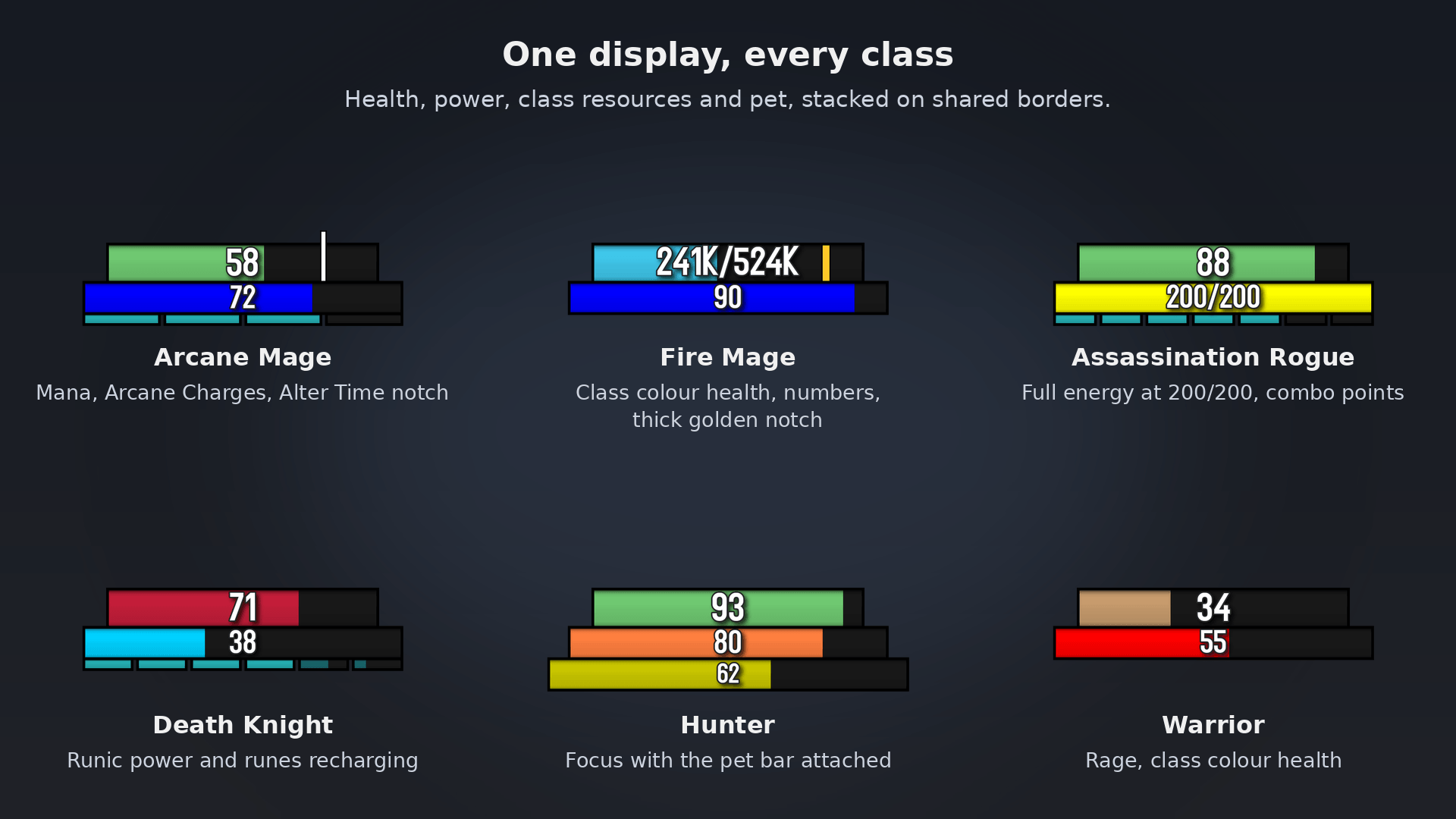
03-setups-gallery.png
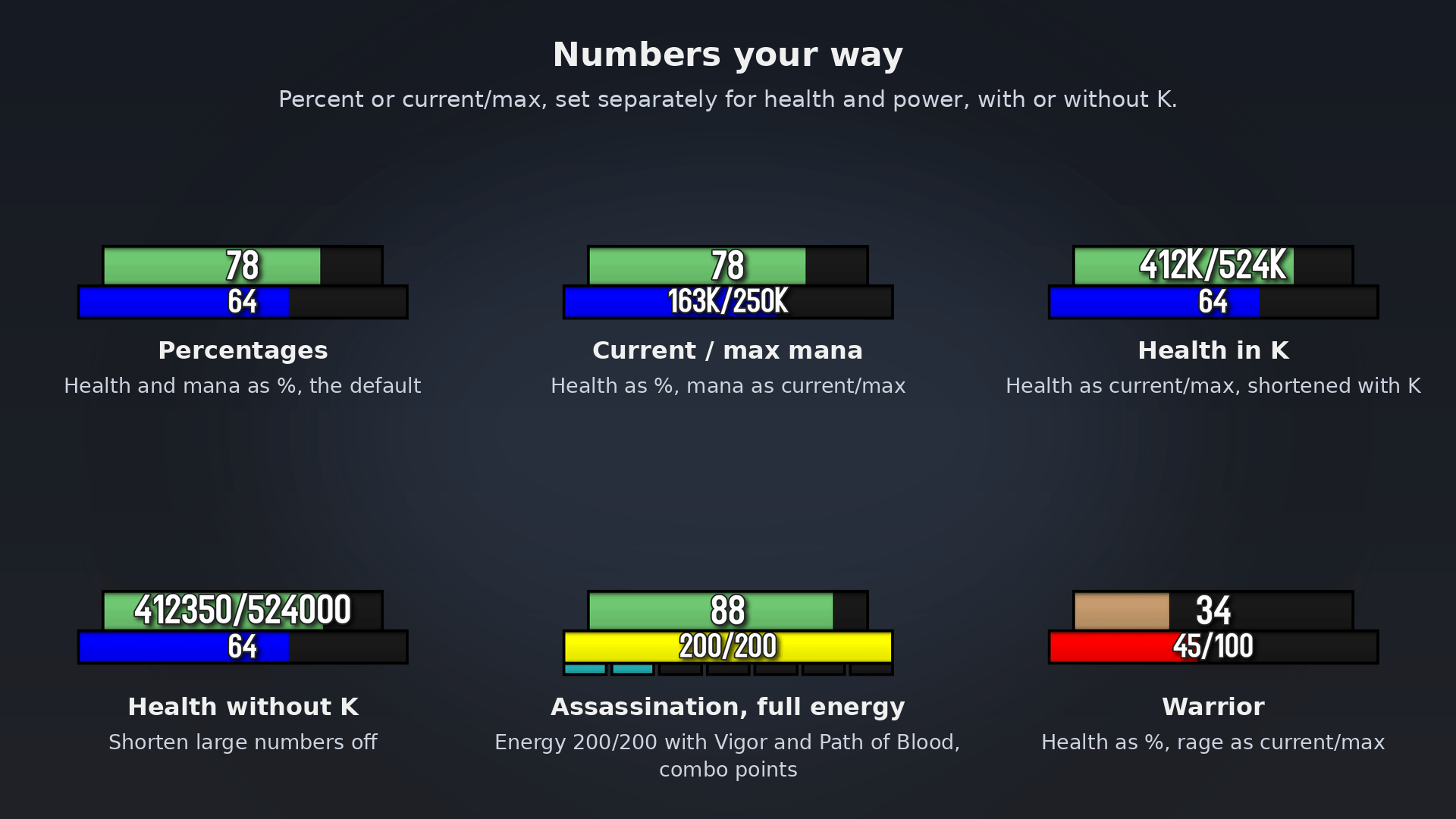
04-number-formats.png
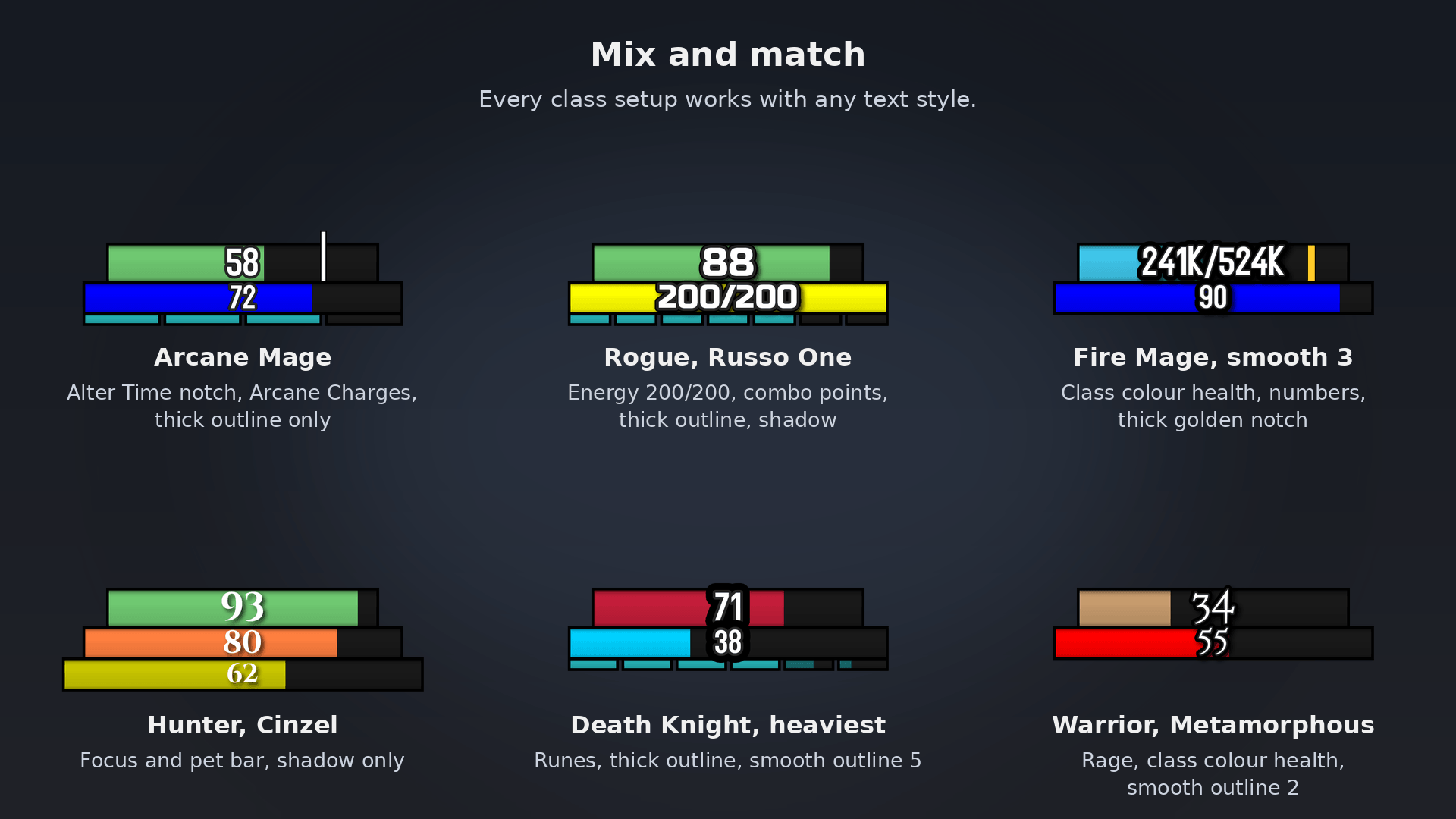
09-style-combos.png
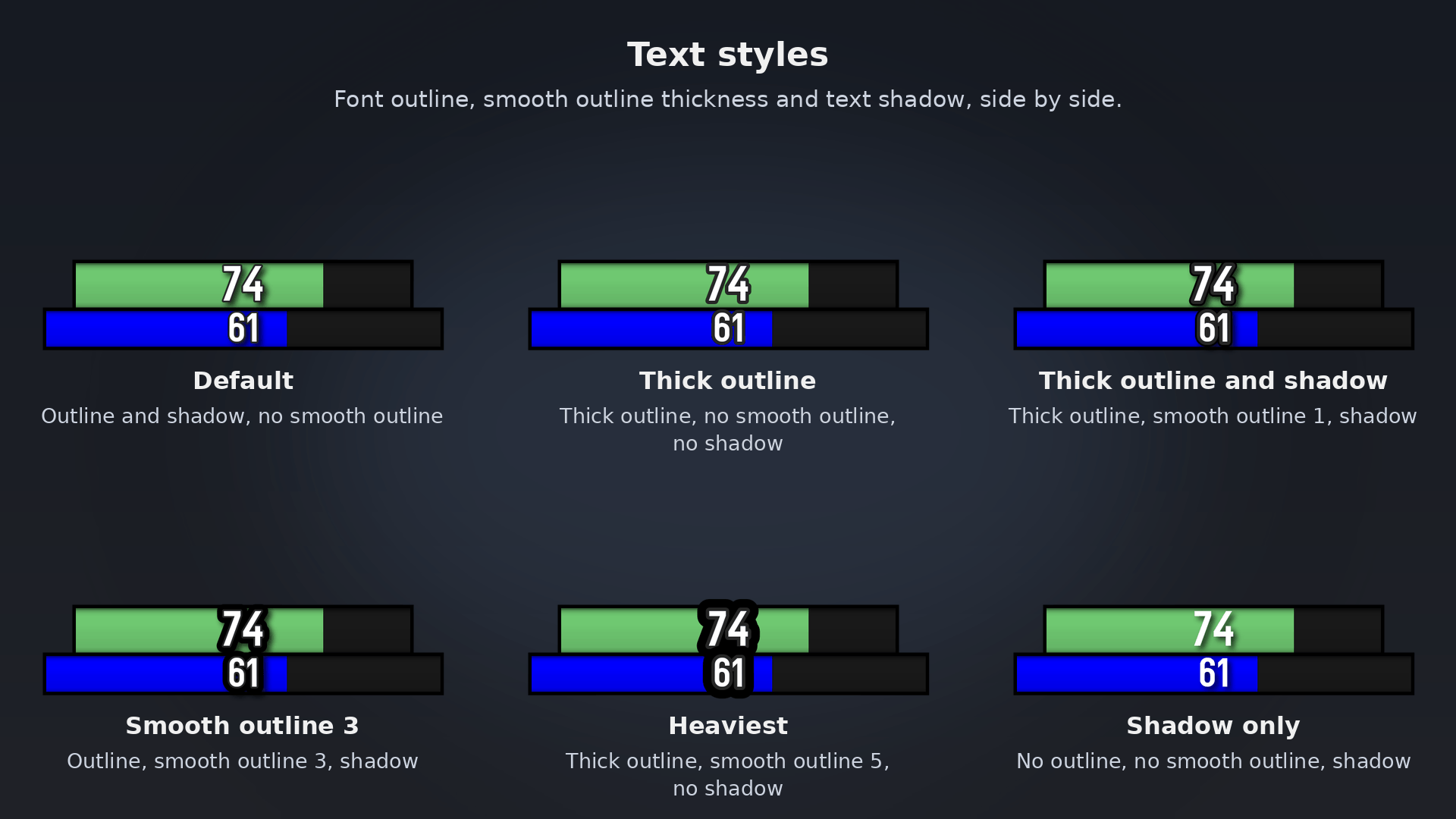
10-text-styles.png
11-sizes-fonts.png
12-bars-matched.png
Description
KagrResourceDisplay
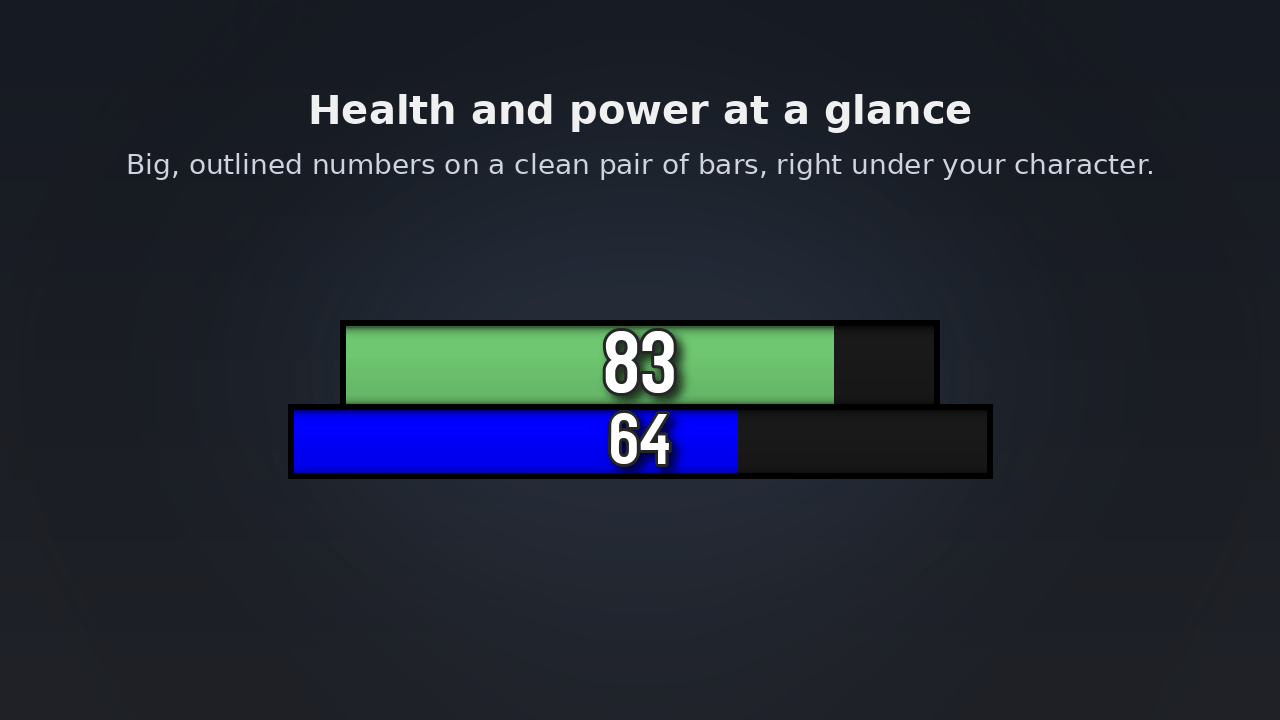
Clean, readable health and power bars that sit right under your character, with big outlined numbers you can read at a glance in the middle of a fight. Built for PvP and PvE players who want their own resources front and centre, without the clutter of the default frames.
Features
Bars that fit your UI
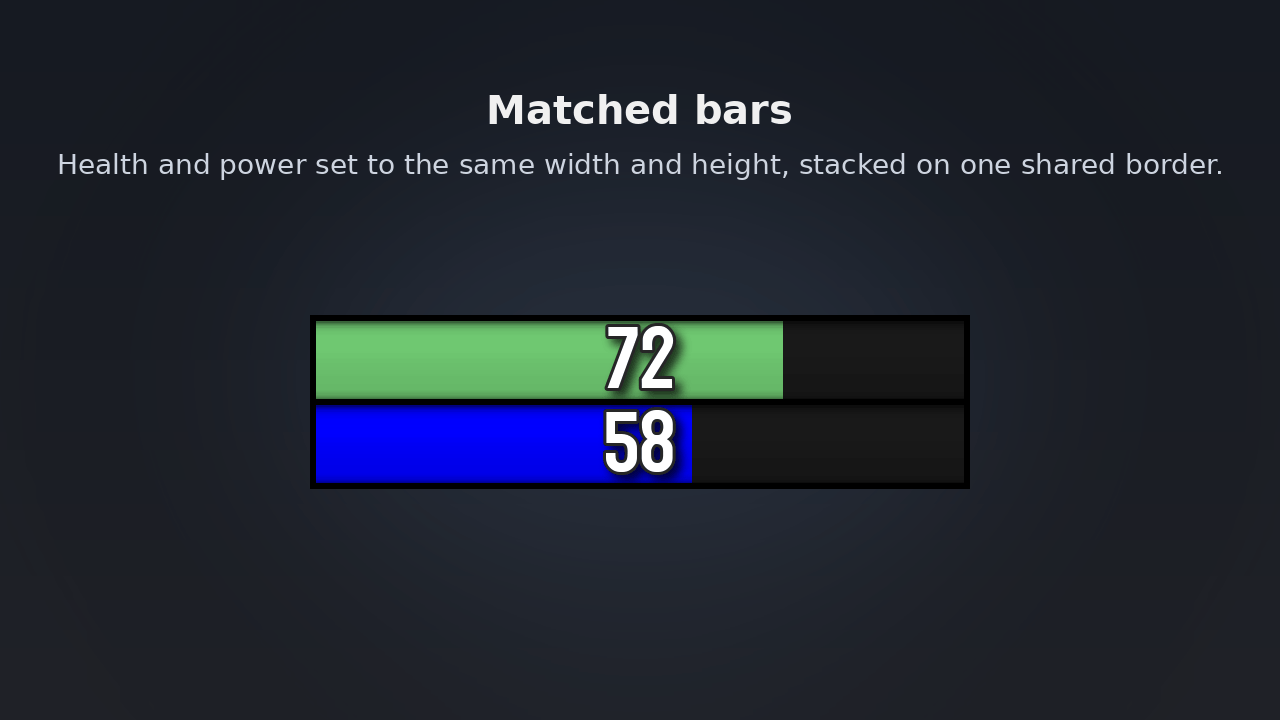
- Health, power, class resource and pet bars, stacked on shared borders
- One scale slider for everything, so the bars look right at any resolution and UI scale
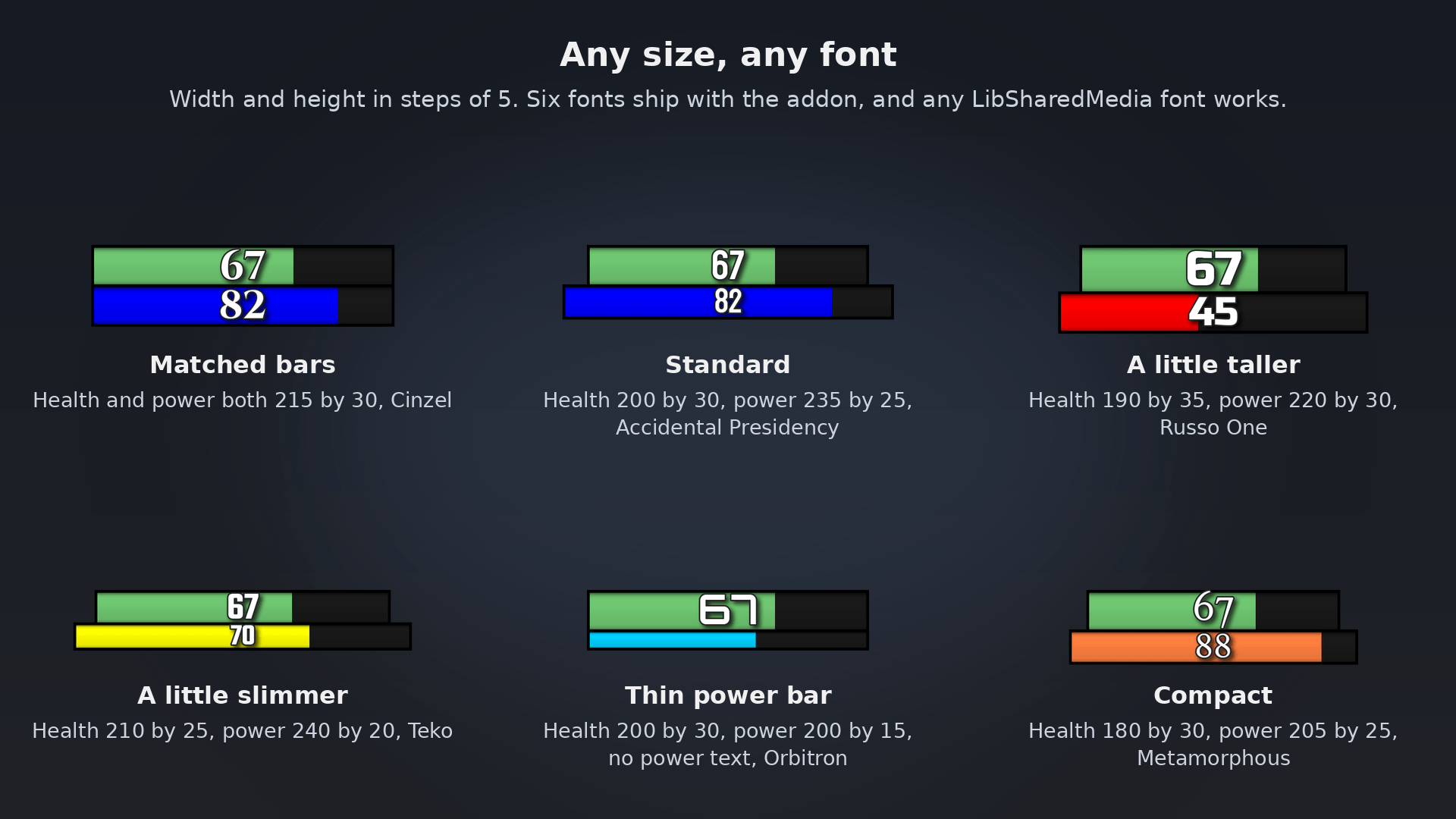
- Separate width, height, text size and text position for health, power and pet
- Snap to screen pixels for perfectly sharp, even borders
- Pet bar attaches under your bars and moves with them
Numbers your way
- Health and power shown as a percentage or as current/max, set separately
- Large numbers shortened with K, or shown in full
- Text shadow, font outline and an adjustable smooth outline
- Six fonts included, plus any font from LibSharedMedia
Alter Time notch (mage)
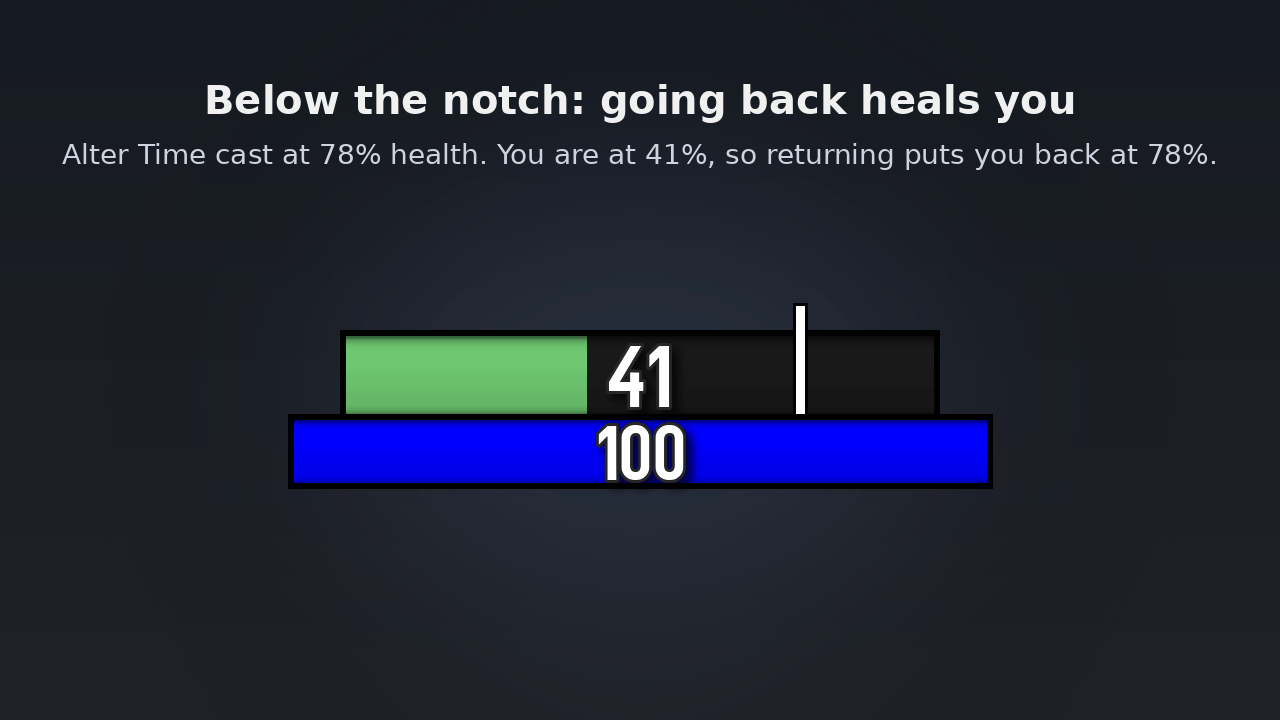
- A notch on your health bar marks exactly where Alter Time will return you
- See at a glance whether going back heals you or costs you
- Clears the moment the buff ends, including when it is purged or stolen
- Optional ALTER TIME PURGED warning in the middle of the screen, with sound
- Colour, width and height of the notch are all adjustable
Shields, heals and colours
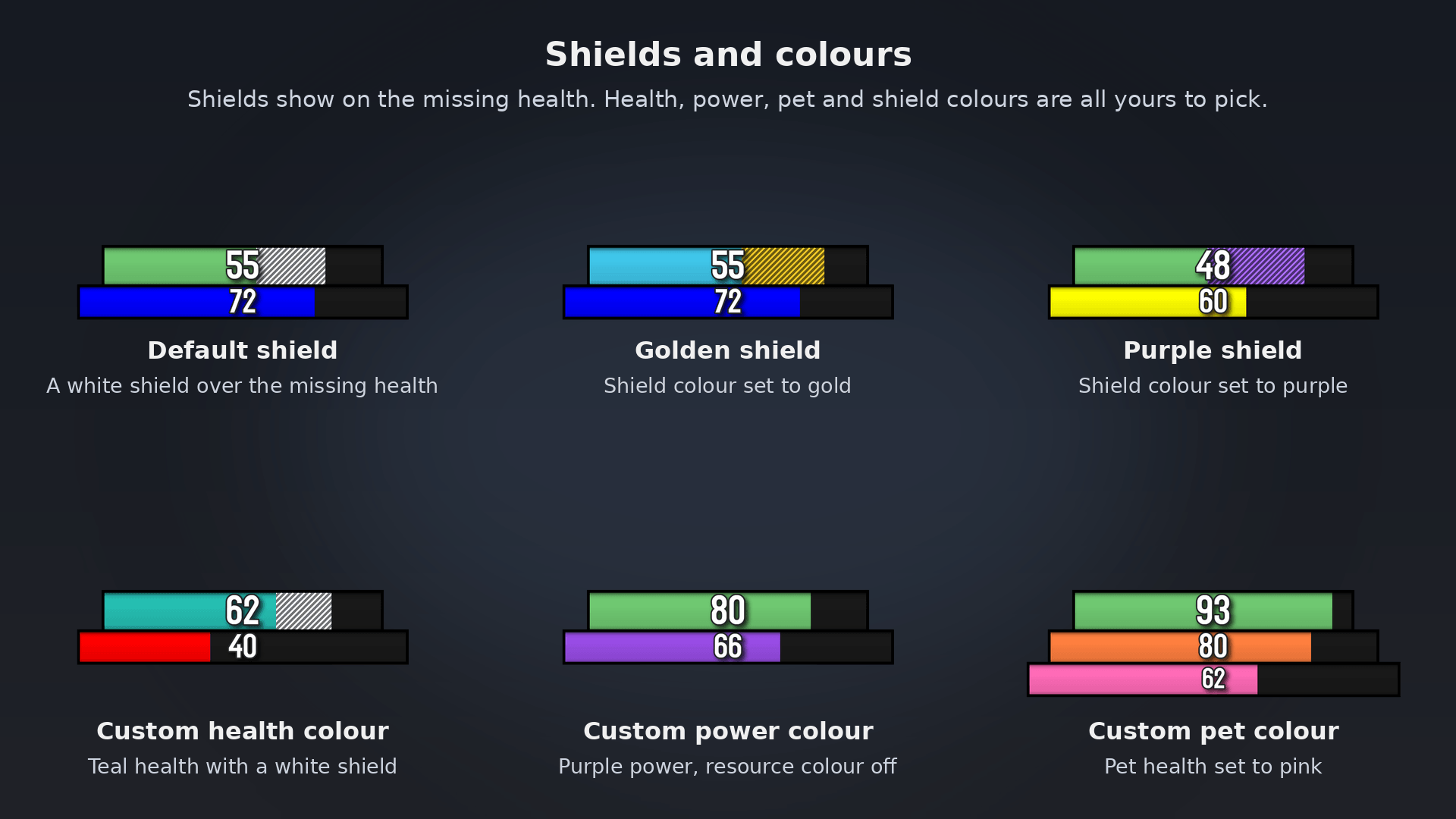
- Shields shown over your missing health, in any colour
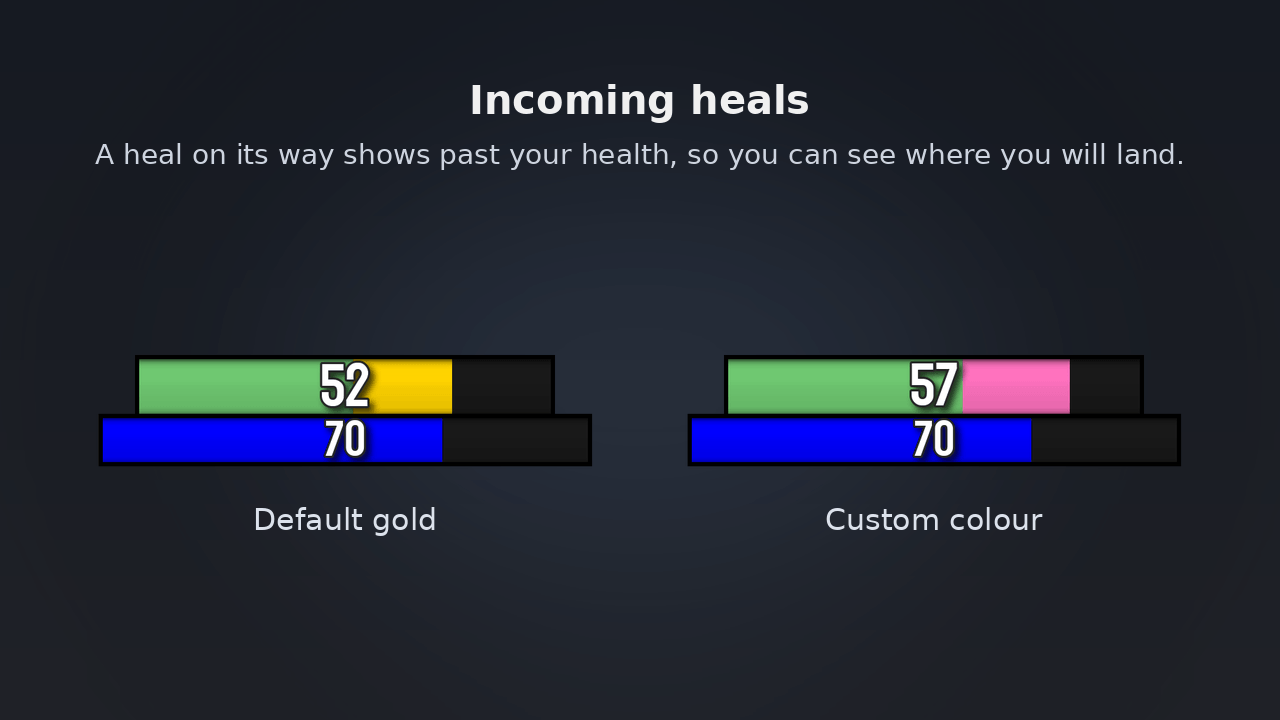
- Incoming heals shown ahead of your health, so you know where you will land
- Class colour health, power coloured by resource type, and a separate pet colour
Every class covered
- Combo points, Holy Power, Soul Shards, Arcane Charges, Chi, Essence and runes
- Power tick for energy and mana regeneration
Less clutter
- Hide the Blizzard player frame and pet frame
- Fade in and out of combat, or always show
- Separate settings for each spec, switched automatically
Commands
/krd opens the settings. /krd reset restores the defaults.
Credits
Based on MiniResourceDisplay by Verz, used with permission.
- Original addon: MiniResourceDisplay on CurseForge
- Source: mini-resource-display on GitHub
Fonts: Accidental Presidency by Tepid Monkey (public domain). Cinzel, Metamorphous, Orbitron, Russo One and Teko under the SIL Open Font License, with licence texts in the Fonts folder.
The KagrResourceDisplay Team
