


Jingsi Cooldown Manager (JSCDM)
- By
Built on top of Blizzard's native Cooldown Manager in 12.0, JSCDM lets you regroup and rearrange everything it tracks, and adds a set of player class resource bars.
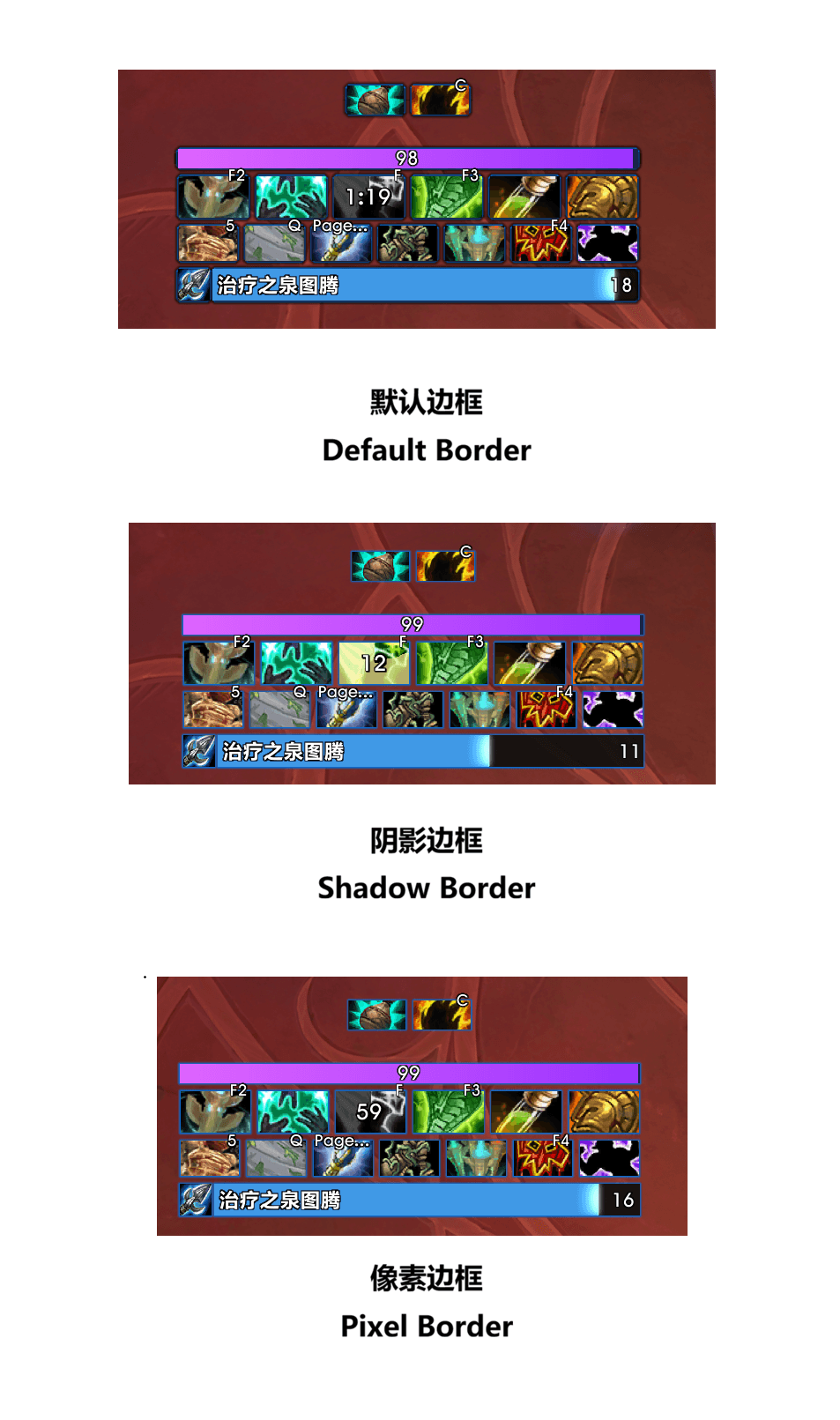
border.png
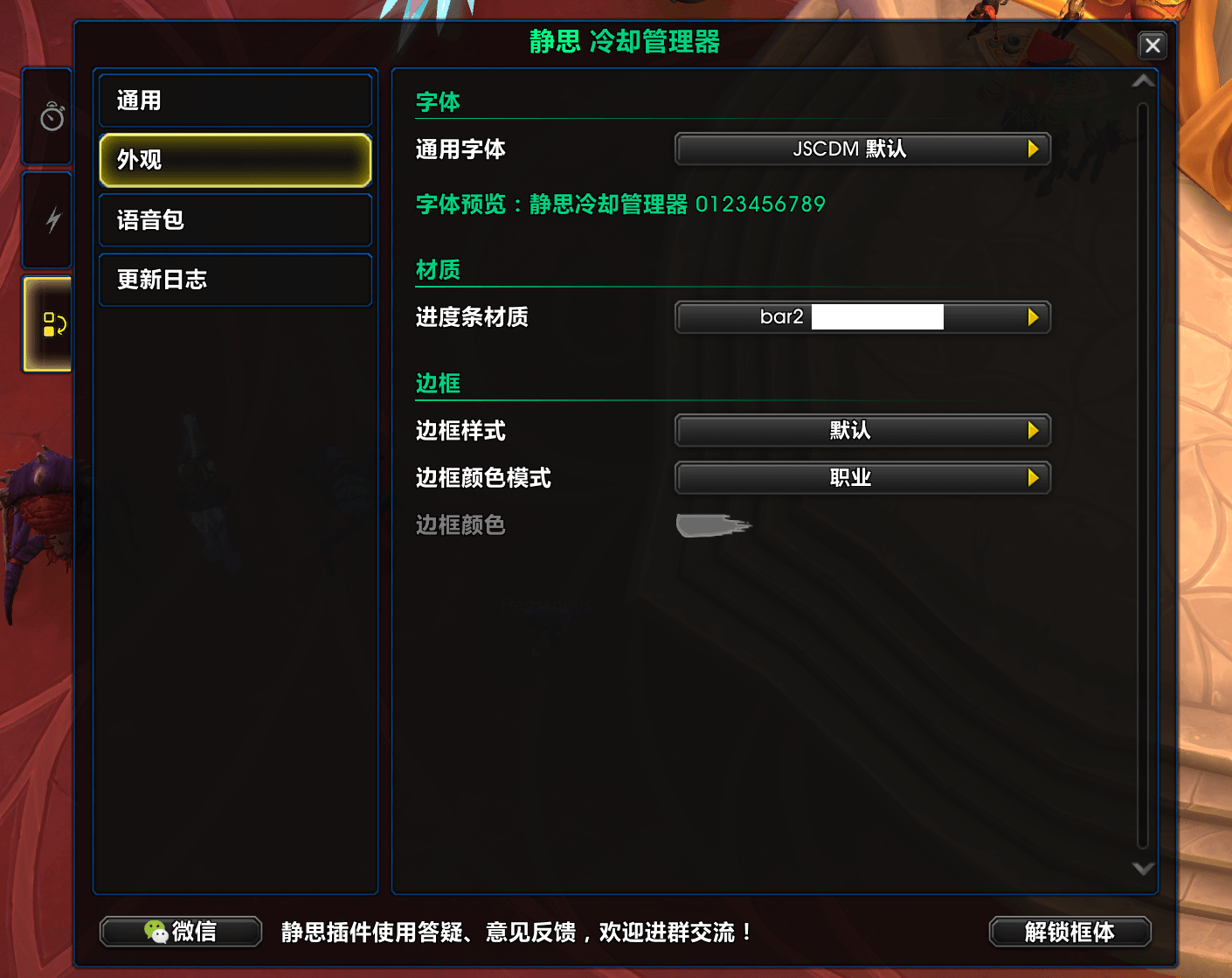
æ§å¶å°1.png
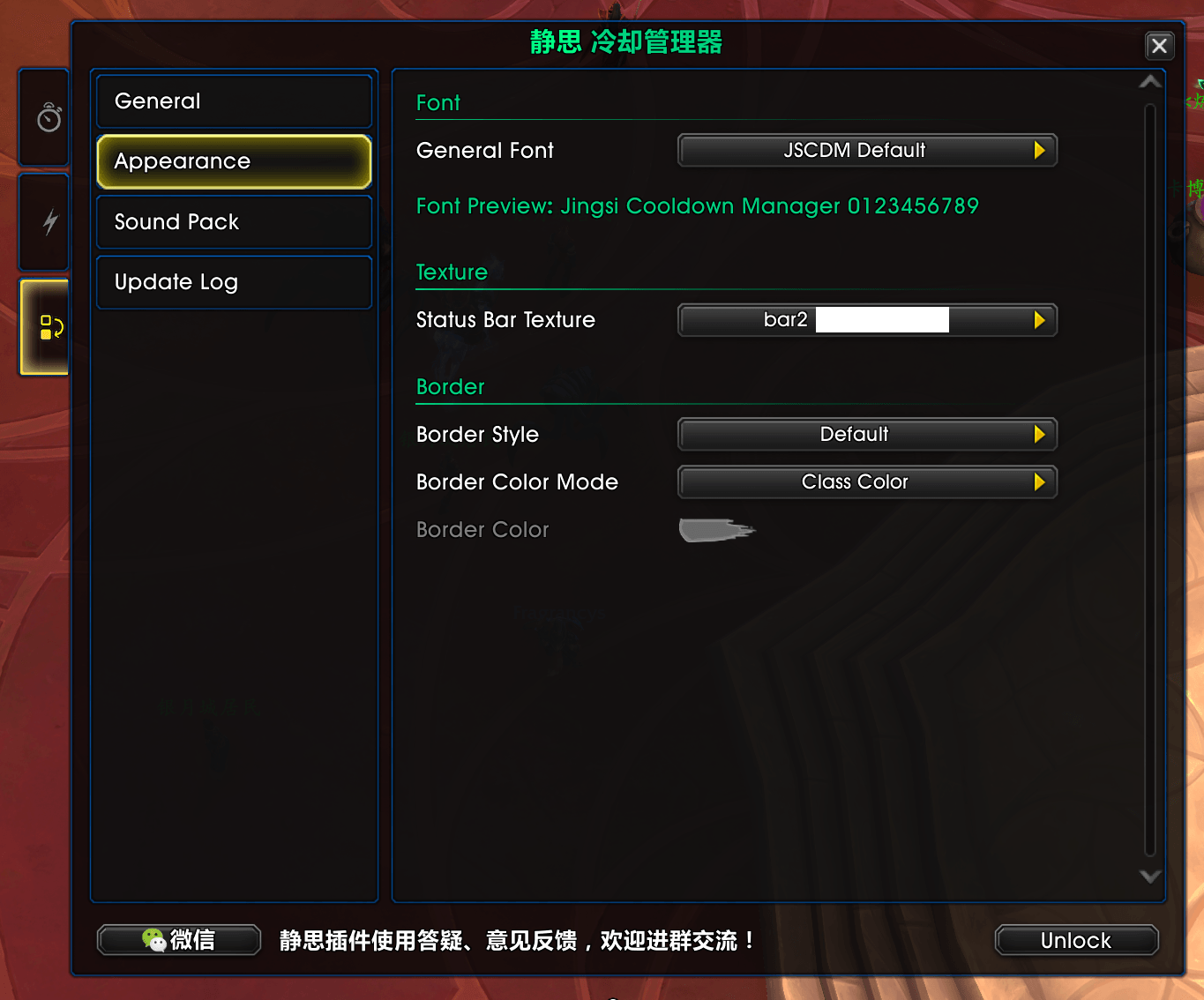
æ§å¶å°1-2.png
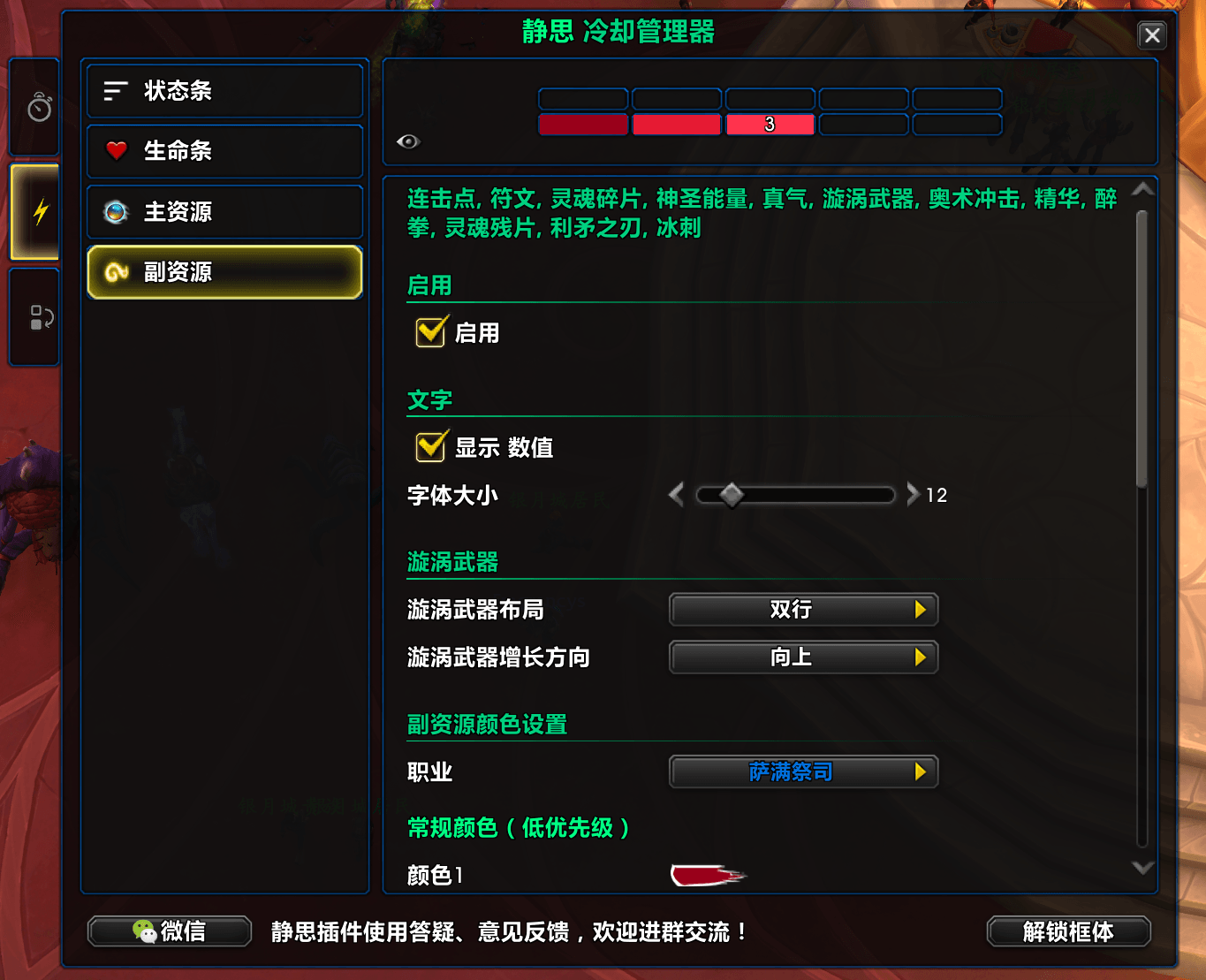
æ§å¶å°2.png
æ§å¶å°2-2.png
Description
Jingsi Cooldown Manager (JSCDM)
Built on top of Blizzard's native Cooldown Manager in 12.0, JSCDM lets you regroup and rearrange everything it tracks, and adds a set of player class resource bars.
Coldown Manager
⚡Custom Groups⚡
Create four kinds of groups: Spell Icon Group, Aura Icon Group, Spell Bar Group, and Aura Bar Group
You decide what goes into each group: Blizzard preset spells and auras, custom spell IDs, custom aura IDs, items, equipment slots such as trinkets, potions and healthstones. You can also insert empty slots as placeholders
Drag icons in the preview area to reorder them, and click an icon to edit it
✨Appearance and Alerts✨
Set the number of rows, wrap or even distribution, direction, alignment and size. Icons can be square or rectangular, and can show keybinds
Glows: proc, active, max charges, cooldown ready, on cooldown, and ready and usable. Auras have three: gained, missing, and pandemic (refreshable)
Show conditions: always show, show when ready, show while on cooldown, and more. Entries can also hide when you're not in the matching stance or form, or show only after you've learned a certain talent
Every entry can have its own voice alert
⚔️Per-Spec Settings⚔️
Each group can share one set of settings across all specs, or use a separate set for each spec
Any setting on a single entry can be adjusted independently of the group settings
Sync a group to your other specs
🪄Import and Export🪄
Import Blizzard's native Cooldown Manager setup with one click, either your current settings or the starter layout. Blizzard layout strings are supported too
Export groups as strings to share with others
Player Class Resource Bars
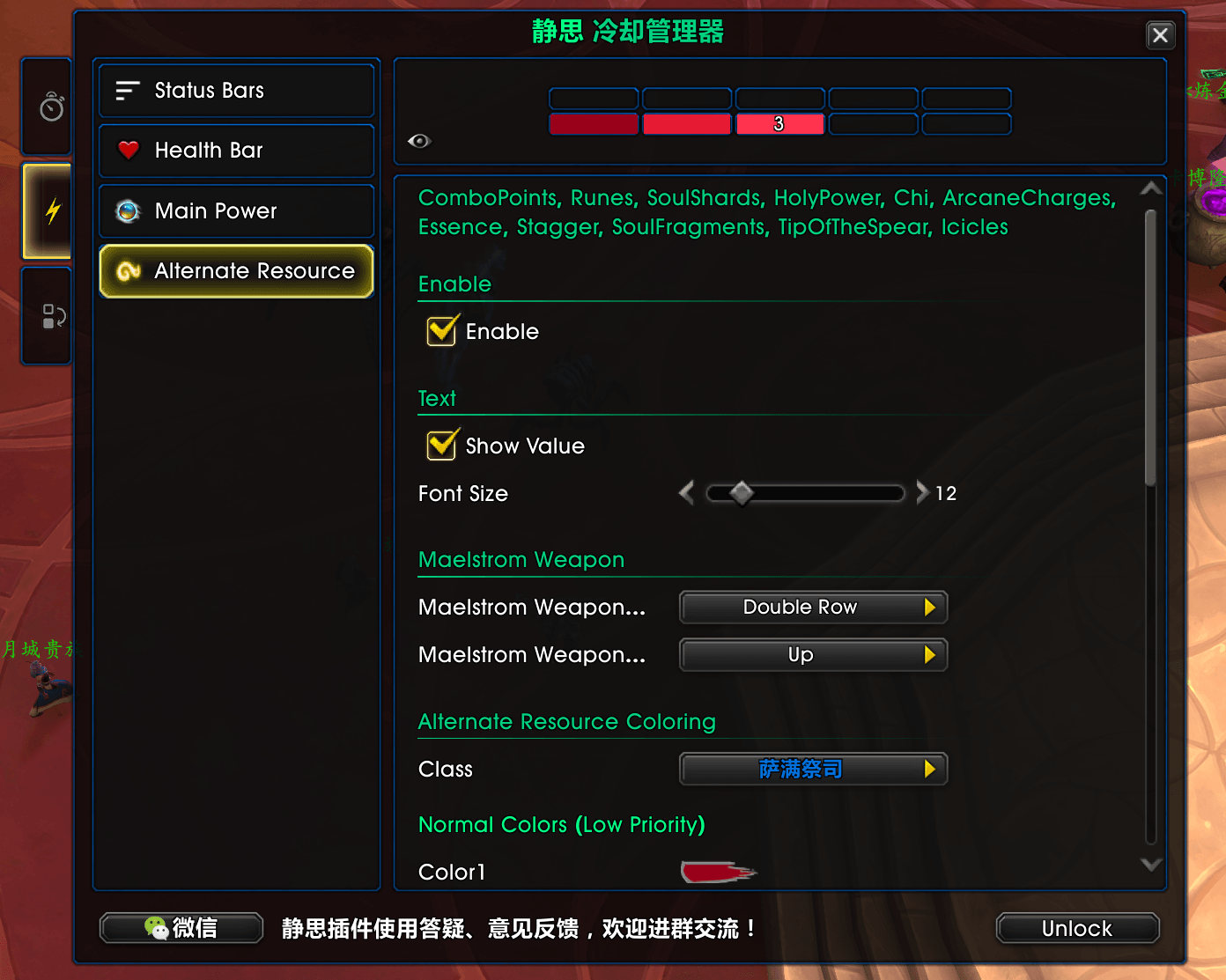
Three bars: Main Power, Alternate Resource, and Health Bar
Alternate Resource covers combo points, runes, soul shards, holy power, chi, essence, stagger, Maelstrom Weapon, soul fragments, Ebon Might, and more
The Health Bar supports heal prediction, damage absorbs and heal absorbs
Main Power supports power cost prediction and color segments based on power level
Width Sync: Cooldown Manager groups can follow the width of the resource bars, or the resource bars can follow a group
Getting Started
Type
/jscdm, click the minimap button, or click the icon in the addon compartment to open the consoleBlizzard's native Cooldown Manager must be enabled first. If it isn't, the button in the top-left corner of the console turns red. Click it to enable it
Preset spells and auras must first be tracked in Blizzard's Cooldown Manager settings. The console has a button that takes you straight there
Click "Unlock" at the bottom of the console to drag groups and resource bars into position
Settings can't be opened in combat. They also can't be opened in boss encounters, Mythic+ and arenas, because some aura settings can't be changed in those environments
Sound Pack
JSCDM comes with a separate sound pack addon, Jingsi Cooldown Manager SoundPack CN (JSCDM_SoundPackCN). The voice lines are in Chinese. You can also enter a custom sound file path.
About JSUI
JSCDM is a standalone addon and does not require JSUI. It also works fine with JSUI installed.
If you've customized the class resource bars, fonts, textures or borders in JSUI, JSCDM will ask once on first load whether you want to inherit those settings.
Jingsi Cooldown Manager (JSCDM) Team

Owner




![JST SoundPack Yagi - JST小羊语音包 [zh-CN] project image](https://media.forgecdn.net/avatars/thumbnails/1398/145/256/256/638906233038497274.png)