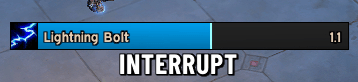
interrupt.png
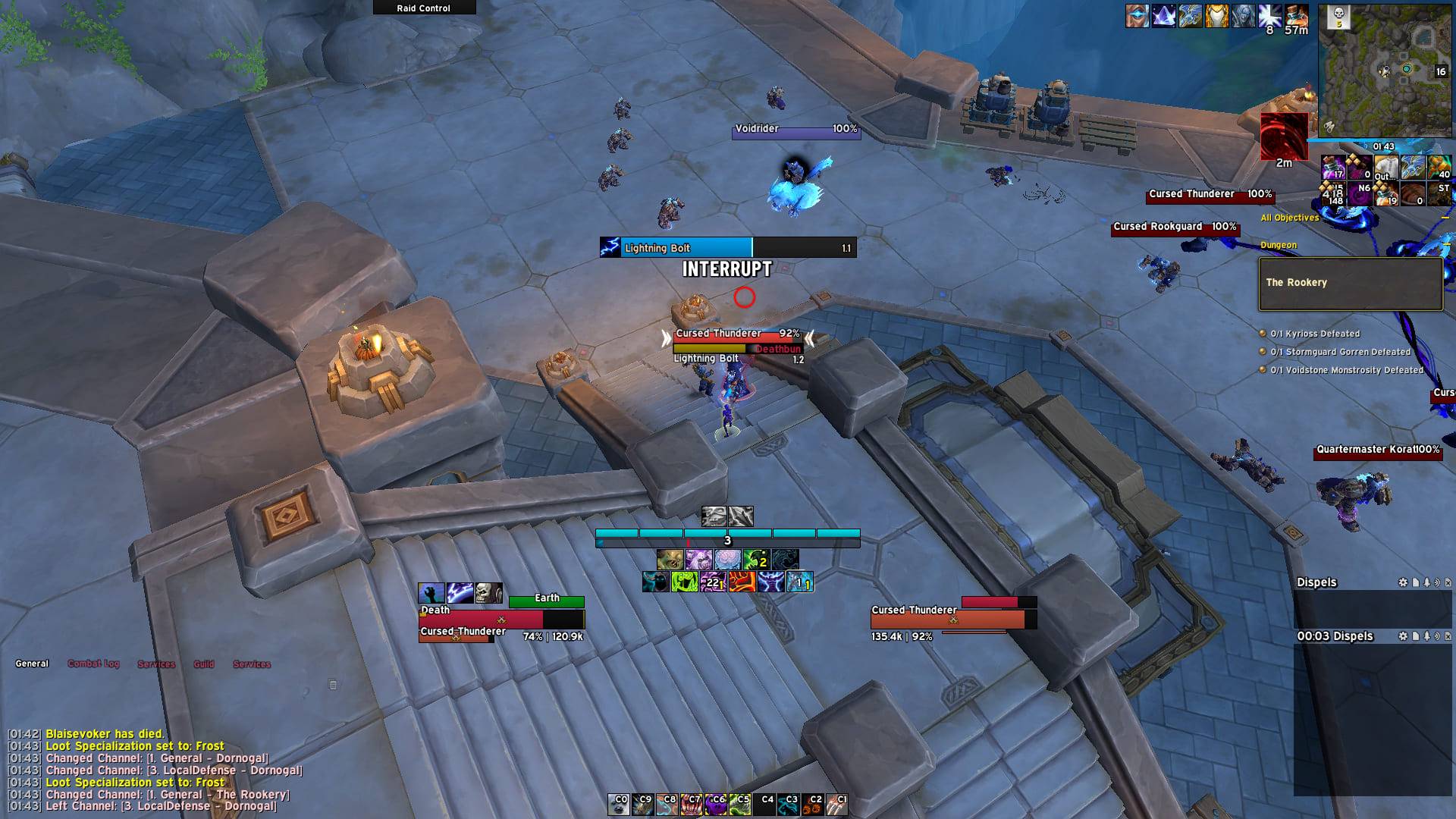
focus-casting.jpg
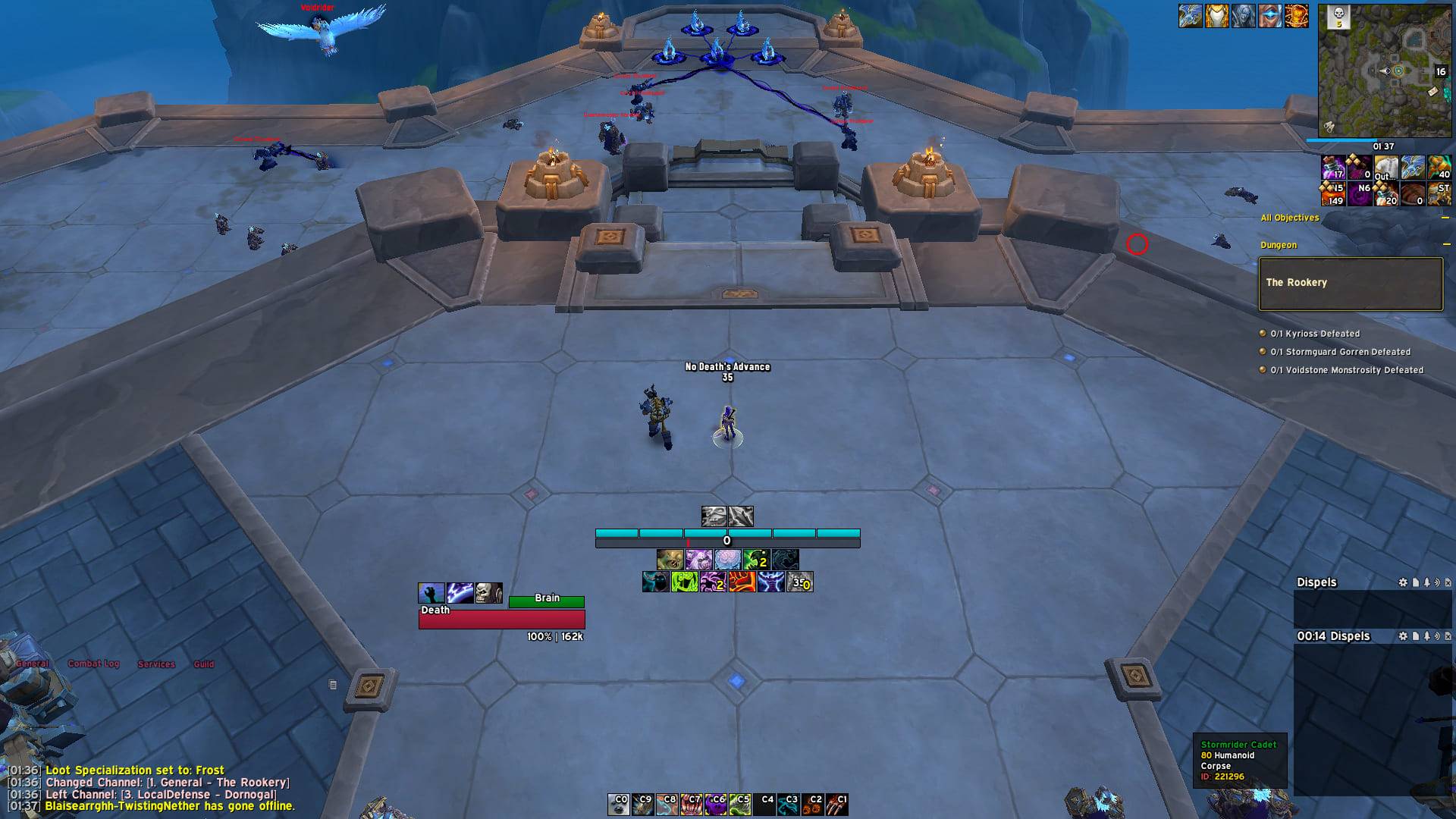
movement-alert.jpg
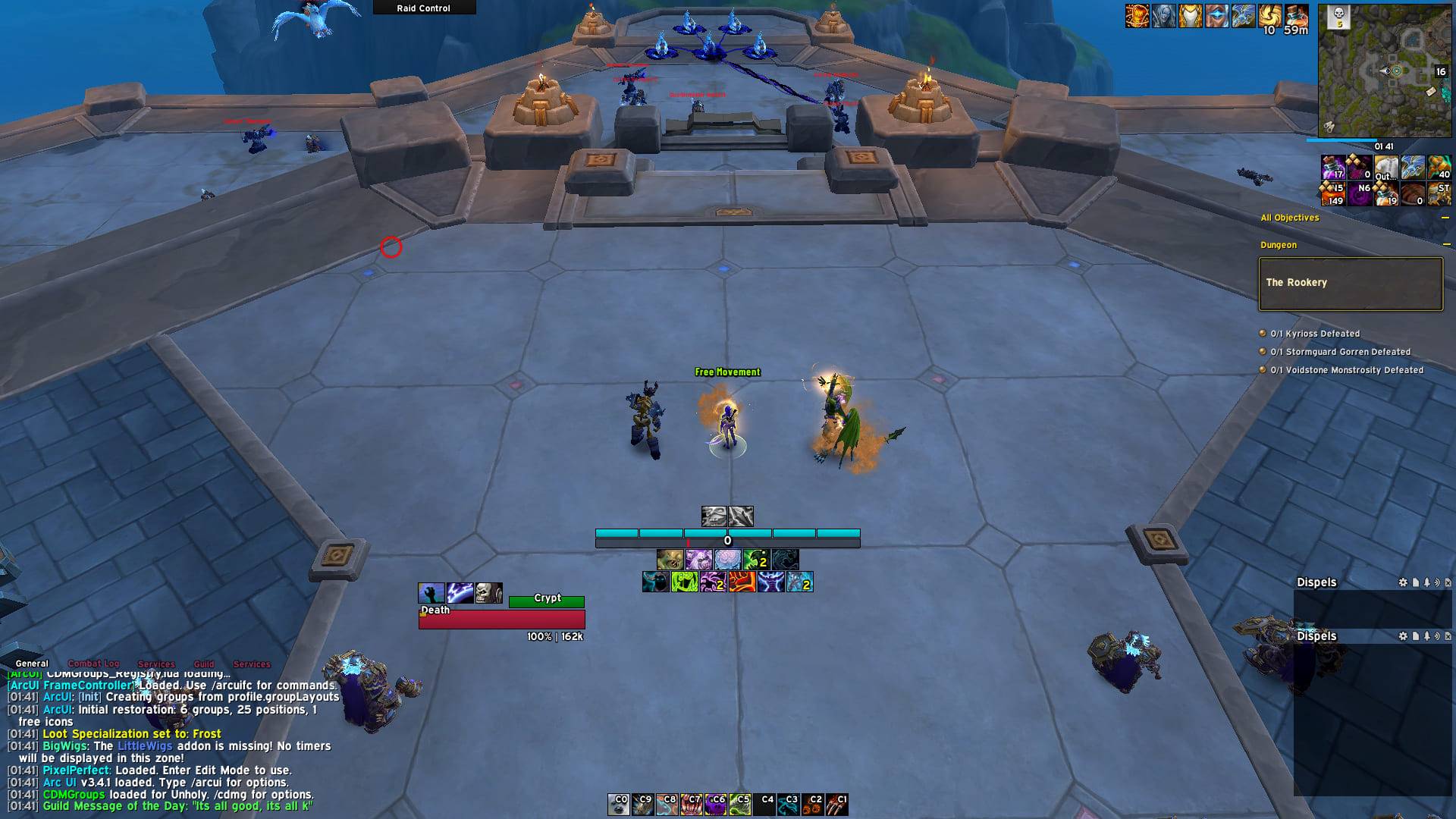
movement-alert-timespiral.jpg
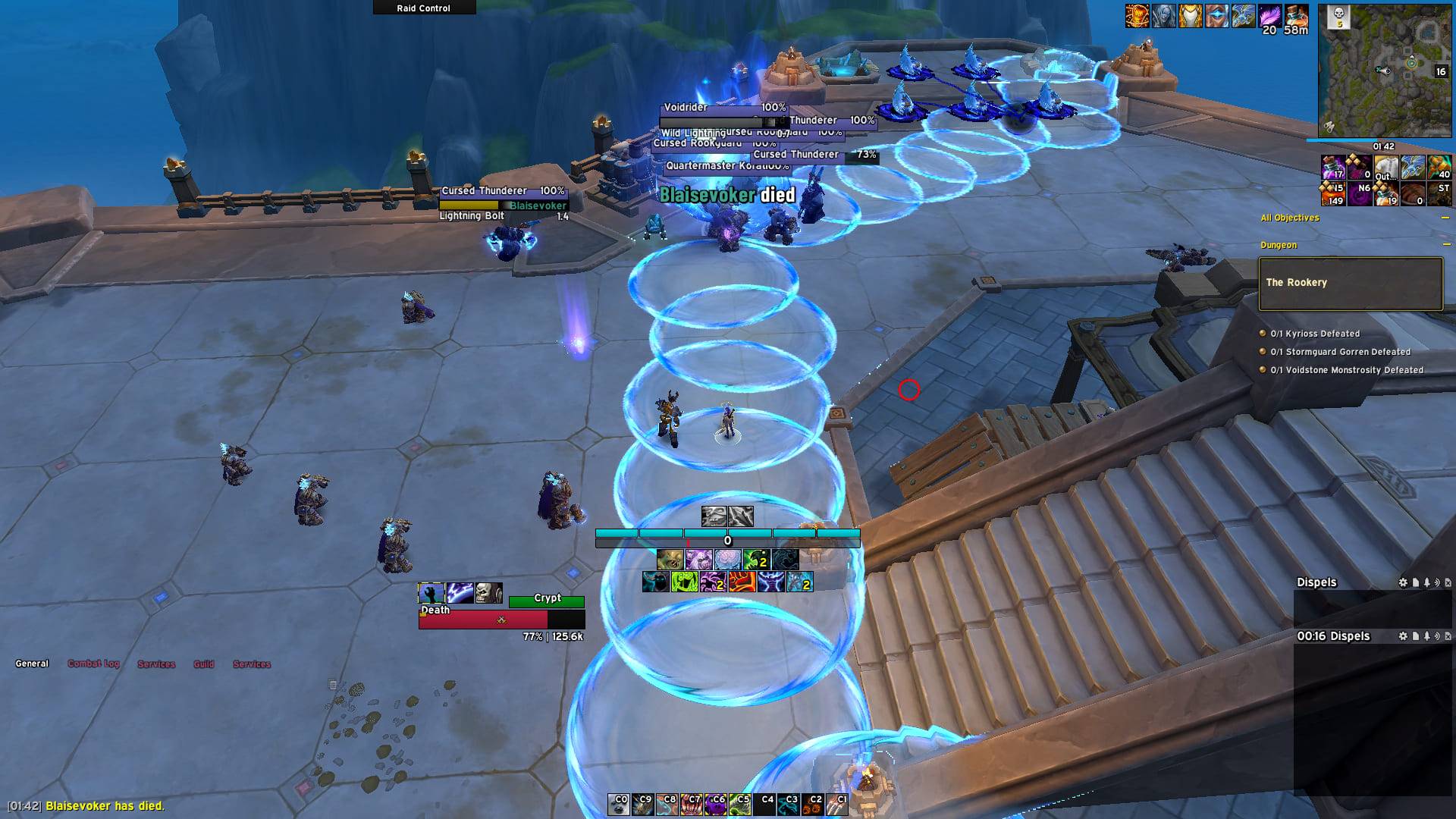
death-alert.jpg
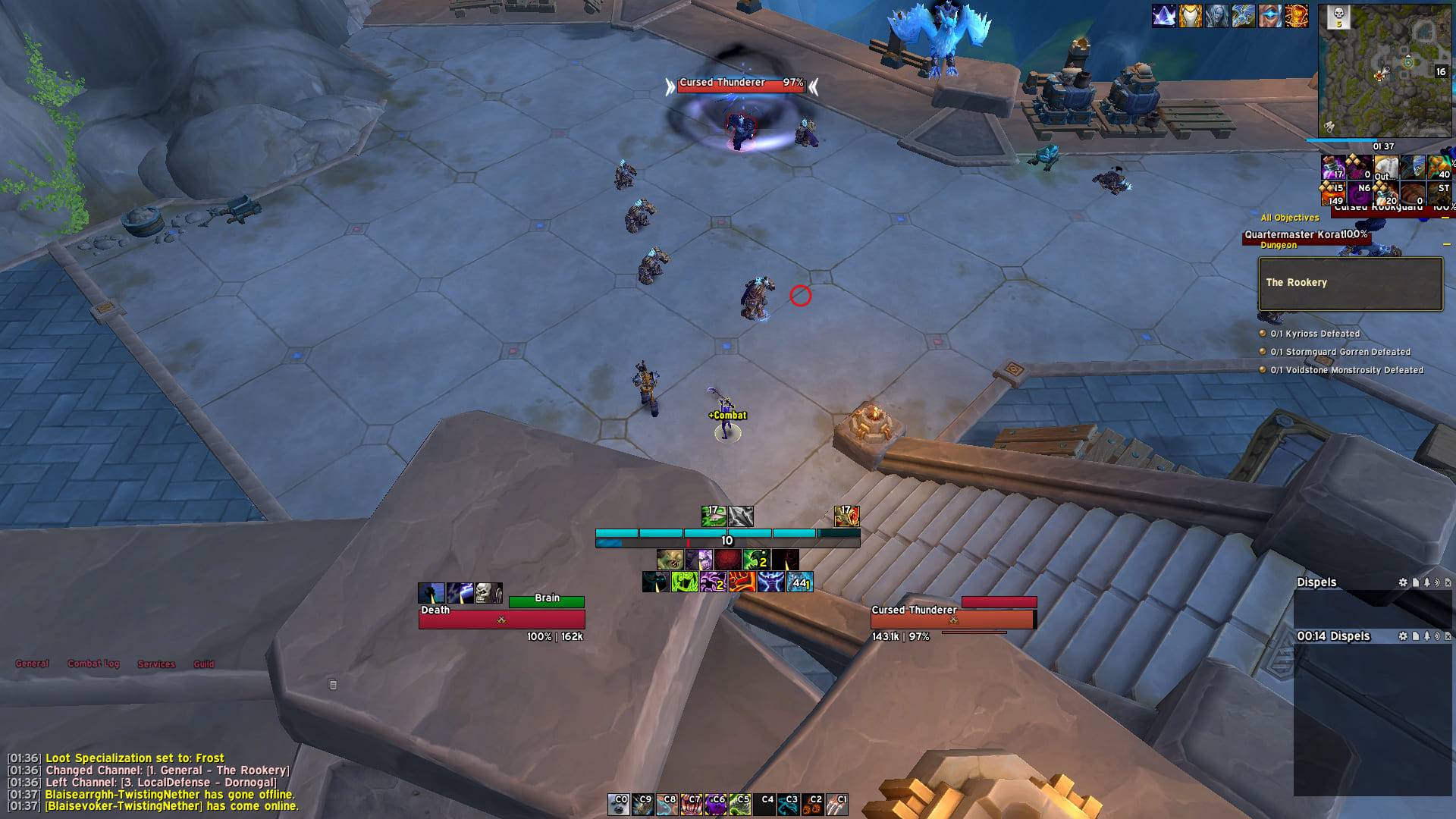
combat-alert.jpg
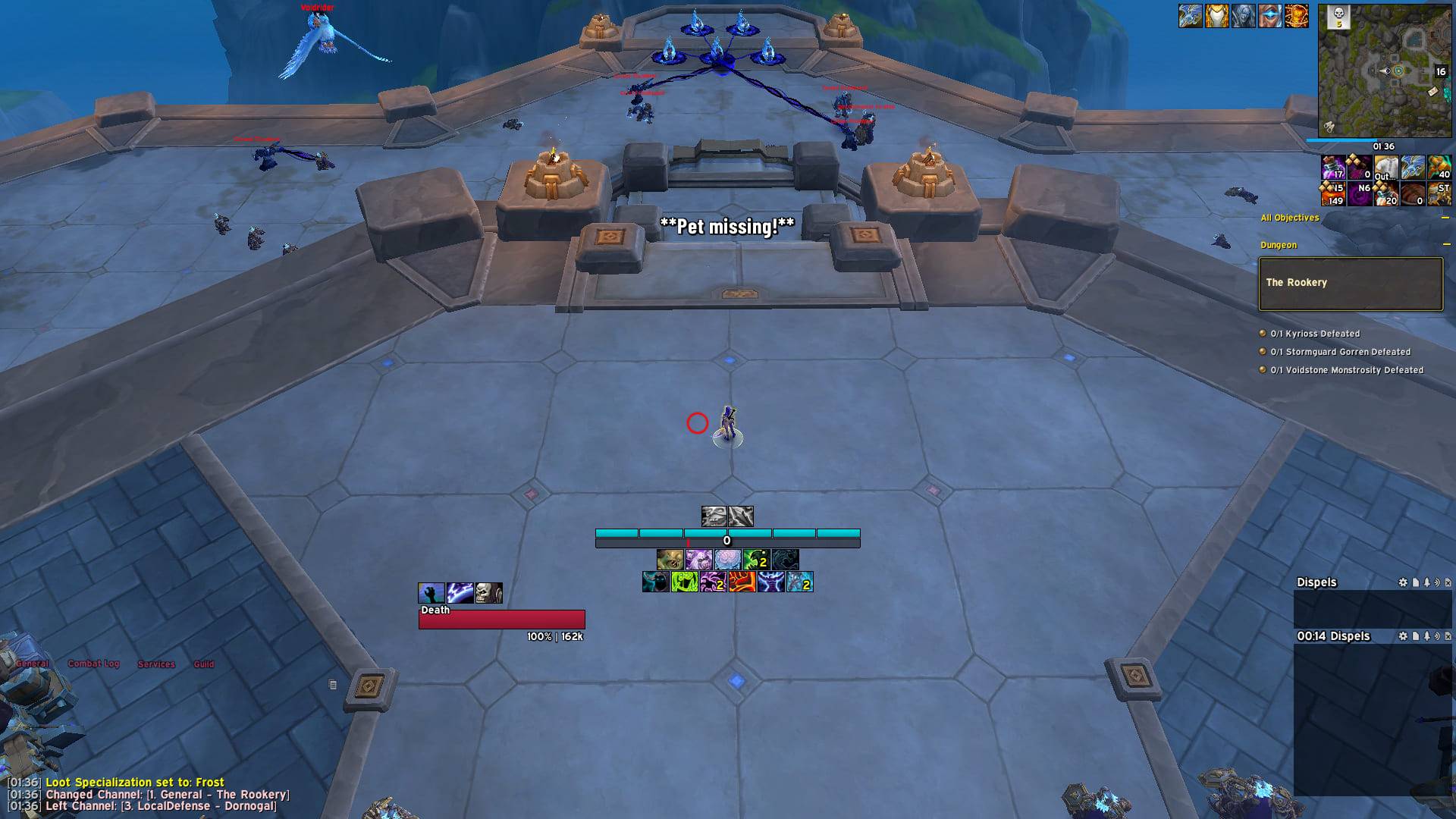
pet-missing.jpg
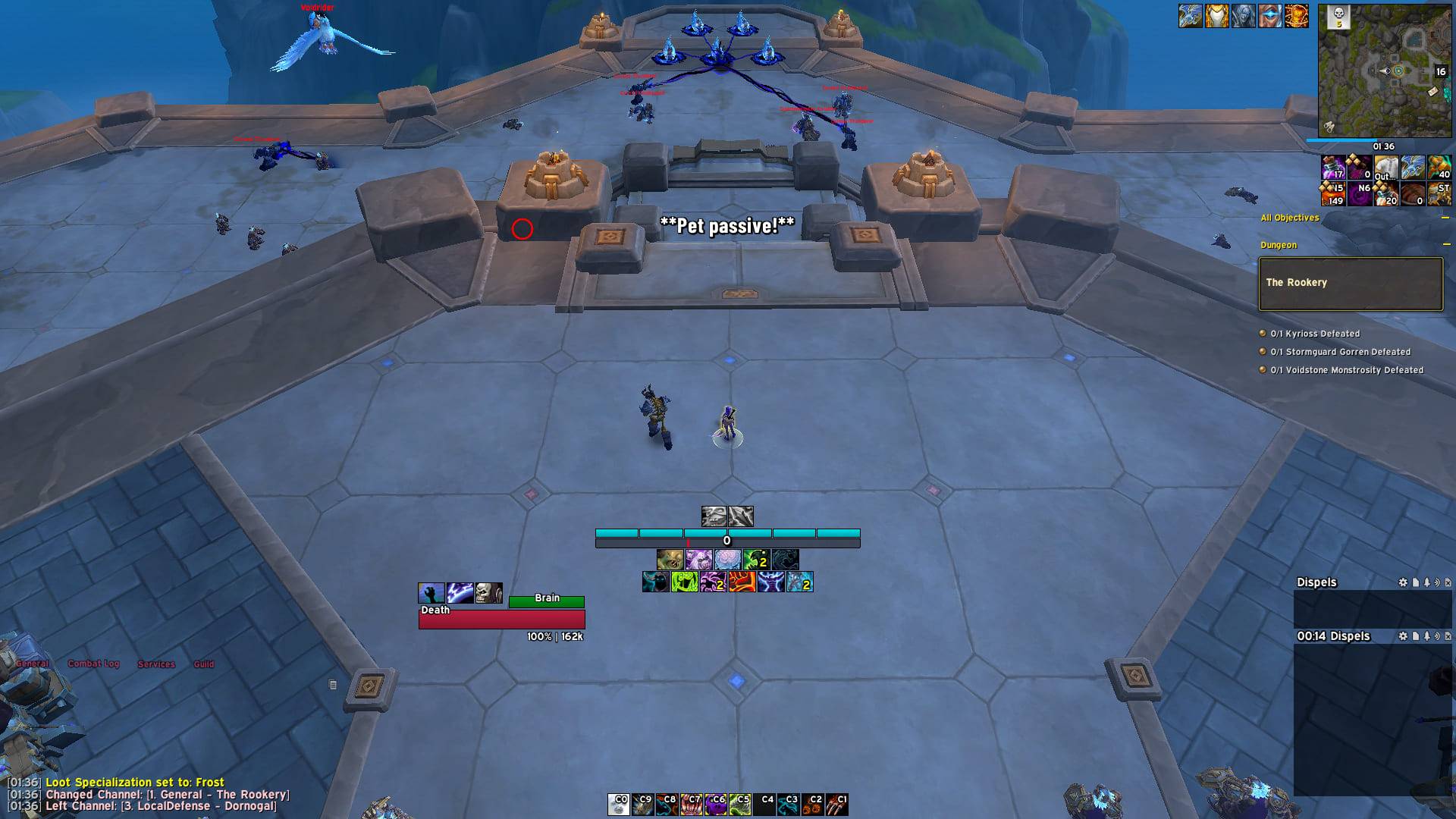
pet-passive.jpg
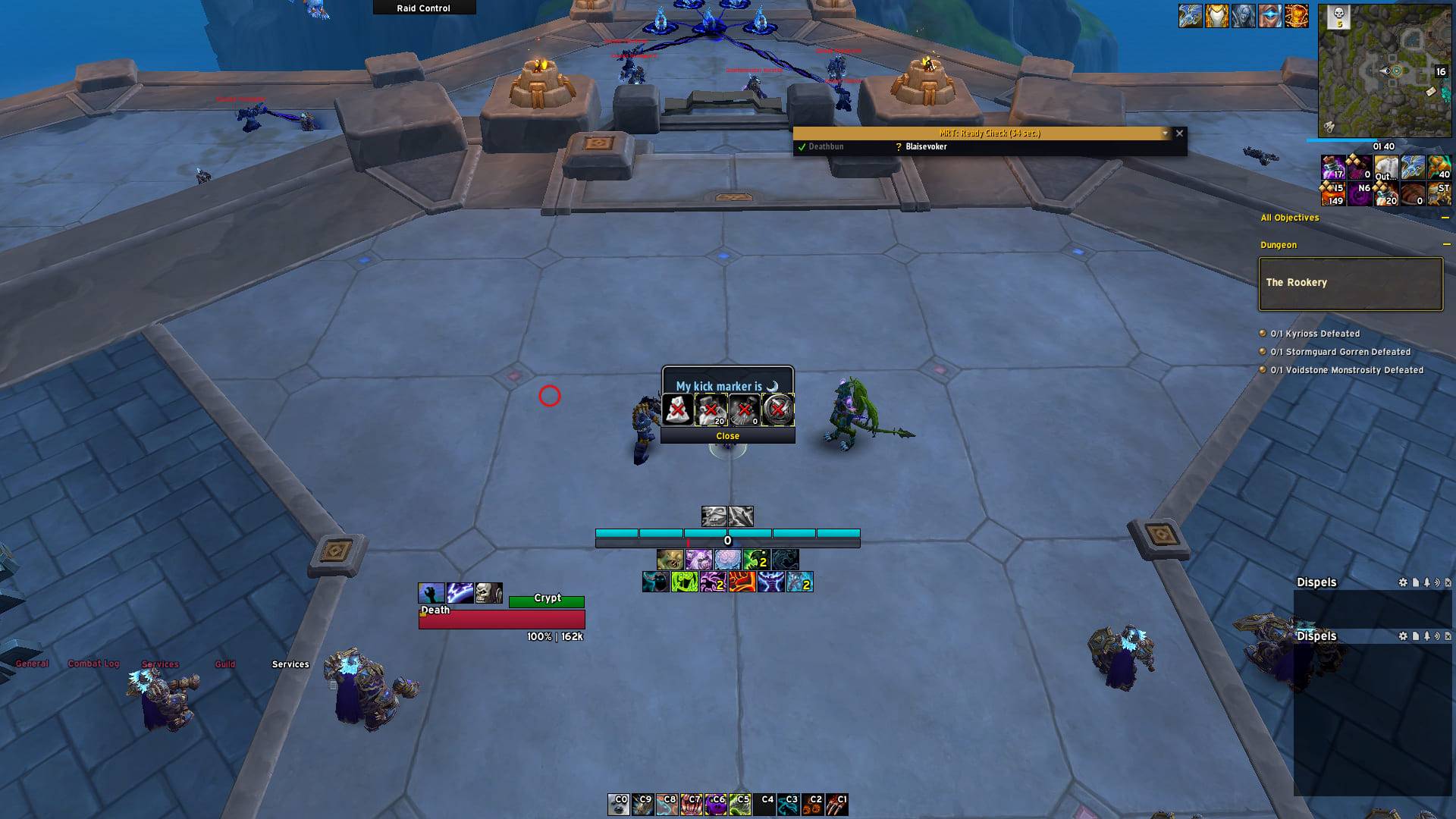
focus-raid-marker.jpg
Description
Itrulia QoL
Collection of my past weakauras as a standalone addon
Features
Combat related:
- Display an out of melee indicator for melee specs
- Display an indicator to show where your player model is (disabled by default)
- Notify you when someone in your party/raid has died
- Notify you when your pet is on passive or missing
- Notify you when you are out of movement abilities or time spiral is active
- Notify you when your focus is casting & it is interruptible & you have your kick available
- Notify you when you enter & leave combat
- Creates a mouseover/target focus macro & sets a raid marker
- Displays a combat timer (disabled by default)
- Display if you are currently stealthed (disabled by default)
- Display healer mana (disabled by default)
- Display if you are missing a target (disabled by default)
- Display a reminder if you have potion ready (disabled by default)
- Display a reminder if you have to repair (disabled by default)
- Disable release unless you hold down control (disabled by default)
Non combat related:
- Turn your mythic+ season best dungeons into clickable teleport buttons
- List any keystone in your group with a movable button, then set the title yourself since only Blizzard's group finder may write it (disabled by default)
- Make the cooldown manager accessible via
/cd,/cdmor/wa - Automatically accept role calls when signing up to a group
- Remind you what m+ group you joined
- Automatically set your dungeon & raid difficulty when leaving an instance or reaching max level (disabled by default)
- Replace the Blizzard raid frame manager with a movable bar of group actions and your own pull timers (disabled by default)
- Display a circle around your cursor (disabled by default)
- Dragonriding bar (disabled by default)
Integrations into UI suites:
- EllesmereUI (Unlocker & Settings)
- ElvUI (Movers & Settings)
Modules can be enabled and disabled at will.
Configure
- If ElvUI is enabled you can access the addon configuration in the ElvUI options
- If Ellesmere is enabled you can access the addon configuration in the Ellesmere options
- Else you can find the configuration in Esc -> Options -> AddOns -> Itrulia QoL
Alternative you can also use the slash command /itrulia and it will take you to the correct place.
You can also ask for a specific panel:
/itrulia elvui- the ElvUI options/itrulia eui- the EllesmereUI options/itrulia standalone- the standalone options
If the requested UI isn't installed, the standalone options open instead.
AI Use
There's a limited amount of AI used in the code. Such as porting Ace3 configs to Ellesmere, EllesmereUI integration, spell checking and writing documentation.
ItruliaQoL Team