


ItemSim Era
- By
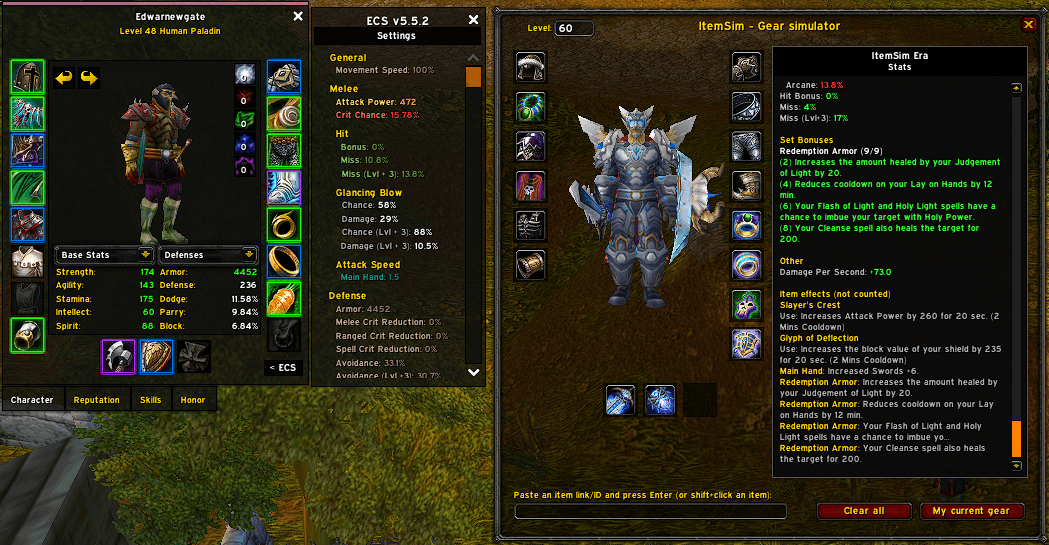
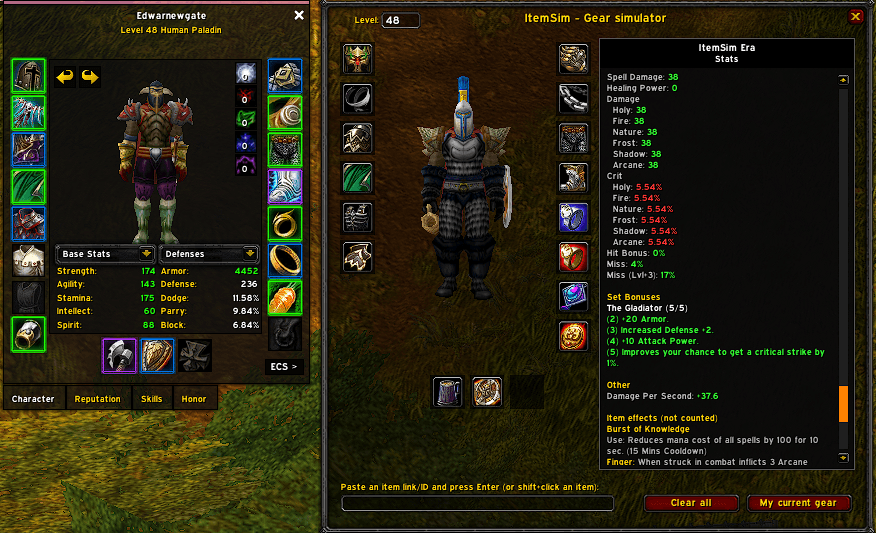
foto5.png
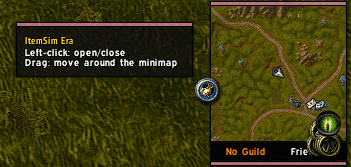
foto4.png
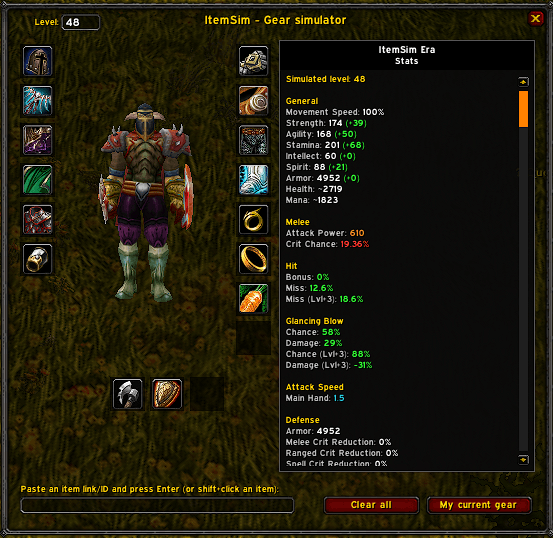
foto1.png
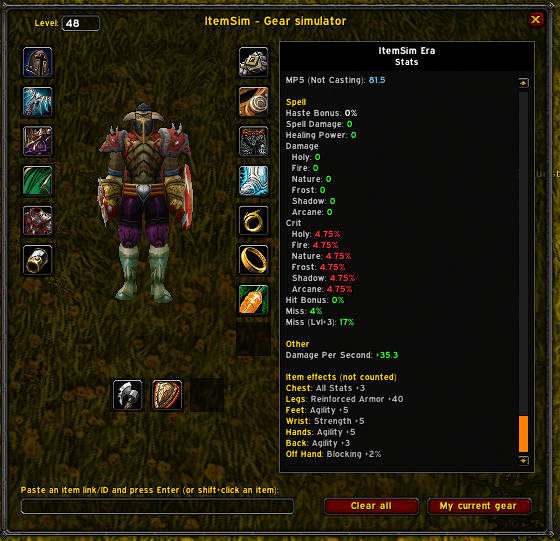
foto2.png
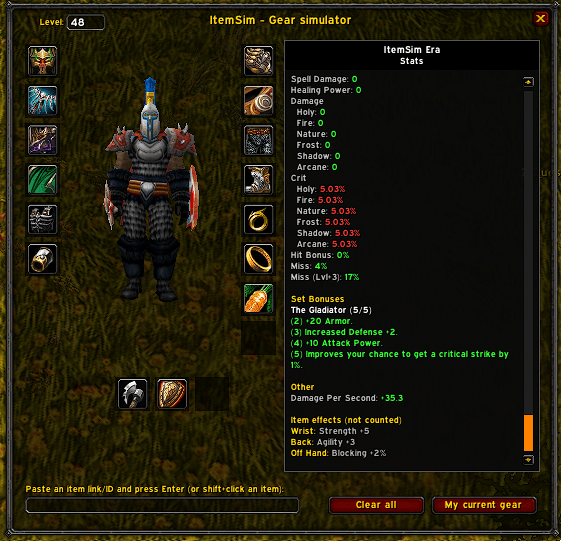
foto3.png
Description
## What is ItemSim?
ItemSim opens a character-sheet-style window where you can **put on any item, even ones you can't equip yet**, and see how your stats would change. Pick a level, drop in gear from any dungeon, and compare before you ever step inside. (atlasloot, ah, or linked items)
It is built for **Classic Era and Hardcore** realms (interface 1.15.x).
> **Status: Beta.** Please report anything that looks wrong so it can be fixed.
---
## Features
- **Dress-up model** — your character is shown wearing the simulated items, and you can rotate it with the mouse.
- **Any item, any dungeon** — shift+click an item link (chat, Wowhead, AtlasLoot...) or paste an item link/ID.
- **Simulated level** — choose a level and the base stats are estimated for it.
- **ECS-style stats panel with scrolling**, organised in sections:
- **General:** movement speed, health, mana
- **Melee:** attack power, crit chance, hit bonus and miss chances, glancing blows, attack speed
- **Defense:** armor, crit reduction, avoidance, block chance and value, parry, dodge
- **Mana:** MP5 from items, spirit, buffs, casting / not casting
- **Spell:** spell damage, healing power, damage and crit per school, spell hit, haste
- **Set bonuses** — active set bonuses are detected and counted.
- **Enchants** — enchant bonuses are read from the item tooltip when the link carries one.
- **Item effects (not counted)** — effects the addon can't turn into numbers are listed **with the piece they come from** (Chest, Hands, Shield...), so nothing is hidden from you.
- **"My current gear" button** — reset to what you are wearing right now.
- **Minimap button** and key binding.
- **Localized** — English and Spanish; other clients fall back to English.
---
## How to use
1. Open the window with `/isim`, the minimap button, or the key binding (*Options → Key Bindings → AddOns → ItemSim*).
2. **Shift+click** an item, or paste an item link/ID into the box at the bottom and press **Enter**. It goes into the right slot automatically.
3. **Right-click** a slot to remove its item. **Clear all** empties every slot; **My current gear** restores your equipment.
4. Type a **level** at the top and press Enter to simulate another level.
5. Scroll the stats panel with the mouse wheel.
### Commands
| Command | What it does |
|---|---|
| `/isim` or `/itemsim` | Open / close the window |
| `/isim minimap` | Show / hide the minimap button |
The ItemSim Era Team
