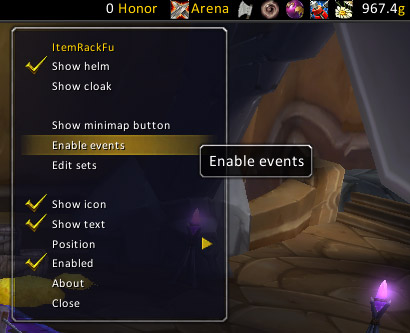
Shows the options menu.
(Keep in mind, the icon depends on which set you choose.)
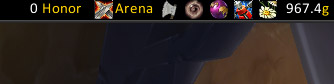
This is what it looks like. ;)
(Keep in mind, the icon depends on which set you choose.)
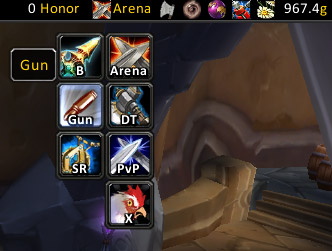
The most important part. :D
(Keep in mind, the icon depends on which set you choose.)
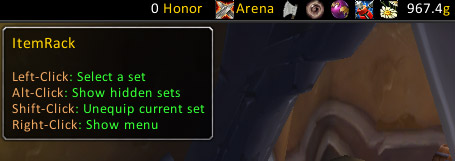
Shows the tooltip when you hover over it.
Also shows which kind of click does what.
(Keep in mind, the icon depends on which set you choose.)
Description
This is just a simple FuBar plugin that duplicates the functionality of the ItemRack minimap button, i.e. switching sets quickly right from your FuBar.
It will also change its icon and text according to the current set.
Also allows you to toggle:
- Showing your helm
- Showing your cloak
- ItemRack events
- The ItemRack minimap button
Designed to work with ItemRack 2.2 and newer.
Rewritten to reduce cruft and fix some issues that arose from the ongoing process of keeping alive versions based on Kyahx's original ItemRackFu.
Many kudos to Gello for what is still the best Gear switching addon out there. :)
(ItemRack can be found here: http://www.curse.com/downloads/details/1482/ )
FuBar_ItemRackFu Team

Owner