ItemFYI
- By
ITEMFYI
Openables & Learnables, Without the Bag Diving
"That coffer from three dungeons ago? Still in your bags."




⭐ Follow this project to hear about updates. Following is the only way CurseForge tells you when a new version ships.
🎒 About the Addon
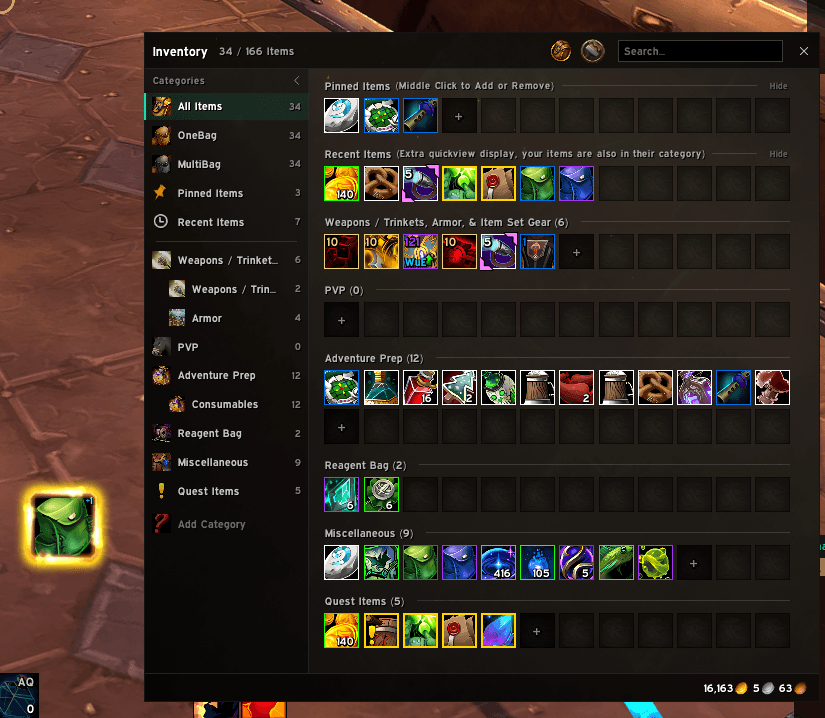
ItemFYI watches your bags and shows a single button whenever you're carrying something you can open, learn, or use: a cache, a mount you never clicked, a new recipe, a toy, or a quest starter. Click it to handle the item, and the button moves on to the next one.
It's lightweight, it never does anything without a click, and it works alongside whatever bag addon you already use.
🎯 What It Finds
| 📦 Openables | 🐎 Collections | 🎨 Appearances & Home |
|---|---|---|
| • Caches, coffers & loot bags • Stacks ready to combine • Holiday treat bags |
• Uncollected mounts • Toys you don't have • Battle pets (with owned count) |
• Appearance tokens & costumes • Unlearned class glyphs • Housing decor for your House Chest |
| 📜 Professions | 🏆 Progression | ❗ Quests & Delves |
|---|---|---|
| • Unlearned recipes • Profession knowledge • Items ready to process |
• Reputation tokens • Garrison & progression items • Permanent power unlocks |
• Items that start a quest • Companion Curios for Delves |
Items you can't use yet (too low level, missing a skill or reputation) and anything you already know are left out. Each category can be switched off in settings.
🖱️ Controls
| Action | What it does |
|---|---|
| Left-click | Use or open the item |
| Right-click | Skip it for this session |
| Ctrl-right-click | Ignore it permanently |
| Alt-drag | Move the button (or place it in Edit Mode) |
| Keybinding | Options → Keybindings → ItemFYI uses the current item |
💡 Tip: A cooldown sweep shows when the item is on cooldown, and the icon turns grey in combat if its action has to wait until combat ends.
🛡️ Safe by Design
- Nothing is automatic. ItemFYI never opens, learns, or uses anything unless you click.
- It hides at vendors, banks, mailboxes, the auction house, trade, and the scrapper, so a click can never sell, deposit, or mail an item by accident. It comes back when you close the window.
- It doesn't scan your bank or touch locked boxes.
🎛️ Slash Commands
| Command | Description |
|---|---|
/ifyi |
Open settings (also in Options → AddOns and the minimap Addon Compartment) |
/ifyi scan |
Clear skips and rescan your bags |
/ifyi list |
List everything currently detected |
/ifyi ignored |
Show your ignore list |
/ifyi unignore <key> |
Restore an ignored item |
/ifyi reset |
Reset the button position |
/ifyi help |
Show all commands |
🧩 Compatibility
- World of Warcraft Retail and WoW: Forever. On Forever, categories tied to systems that game doesn't have, such as housing or Delves, simply won't find anything.
- Doesn't replace or change your bag addon; it just reads what's in your bags
- Matches ElvUI and EllesmereUI styling automatically when they're installed
- Works best on English clients. Other languages use the game's collection data and translated tooltip text, so most items are detected, but a few item-specific checks are English-only.
🐛 Found Something It Missed?
Spotted an item ItemFYI should show, or one it shouldn't? Open an issue on GitHub with the item name or a Wowhead link. That's much easier to track than CurseForge comments.
ItemFYI Team