copypasta3_01-png.png
copypasta3_02-png.png
Description
iPaste
If you have used Paste, CopyPasta, or CopyPasta2 in the past, this is the modern, maintained version you need to keep your workflows running smoothly.Why use iPaste?
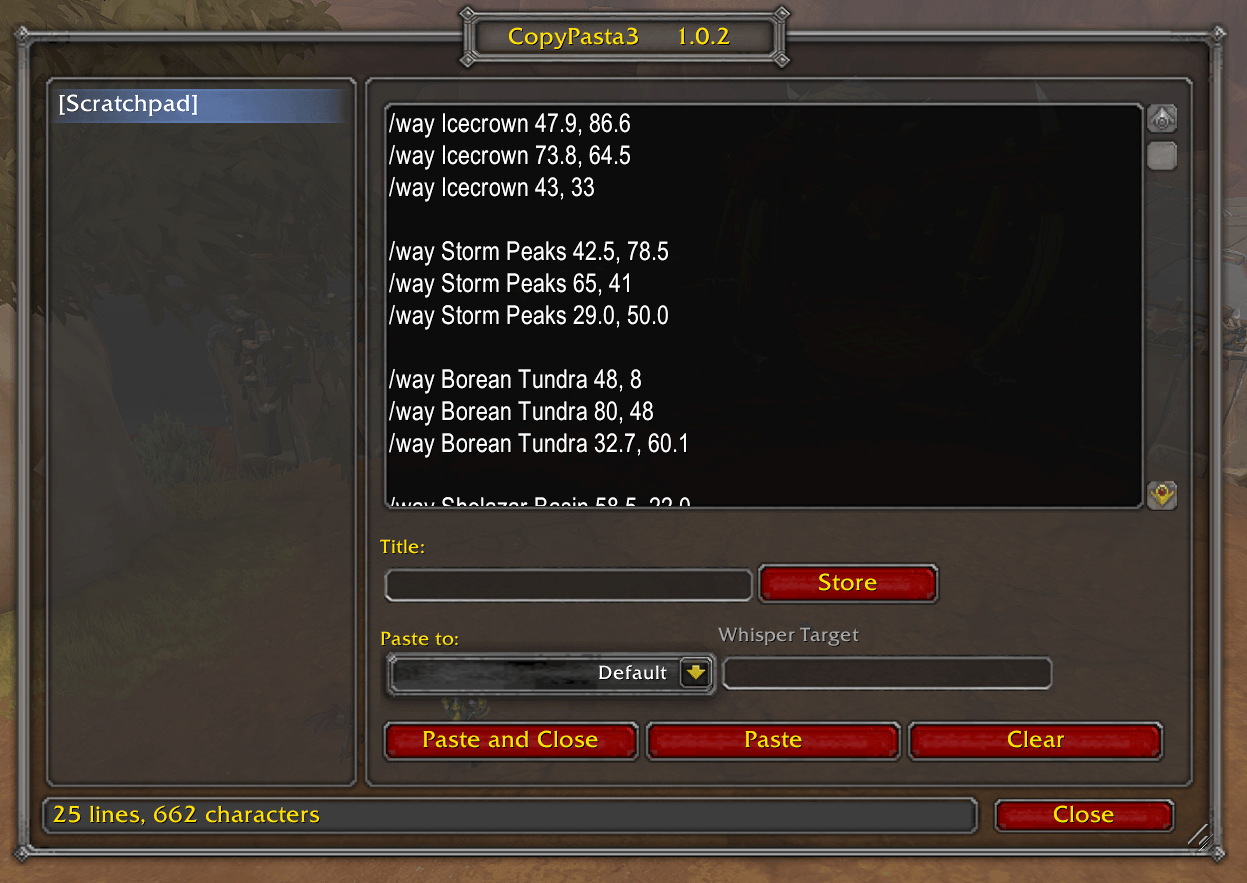
If you've ever tried to paste a paragraph of text or a list of slash commands into WoW, you've probably noticed that newlines are stripped and anything over 255 characters is silently truncated. iPaste solves this problem. It is perfect for:- Pasting long lists of TomTom /way commands.
- Sharing long guides or snippets in chat.
- Executing multiple slash commands at once.
- Avoiding the frustration of the 255-character limit.
Usage
- Open the window: Use the minimap icon, a set keybind, LDB, or simply type
/paste show. - Paste your text: Click into the box and press
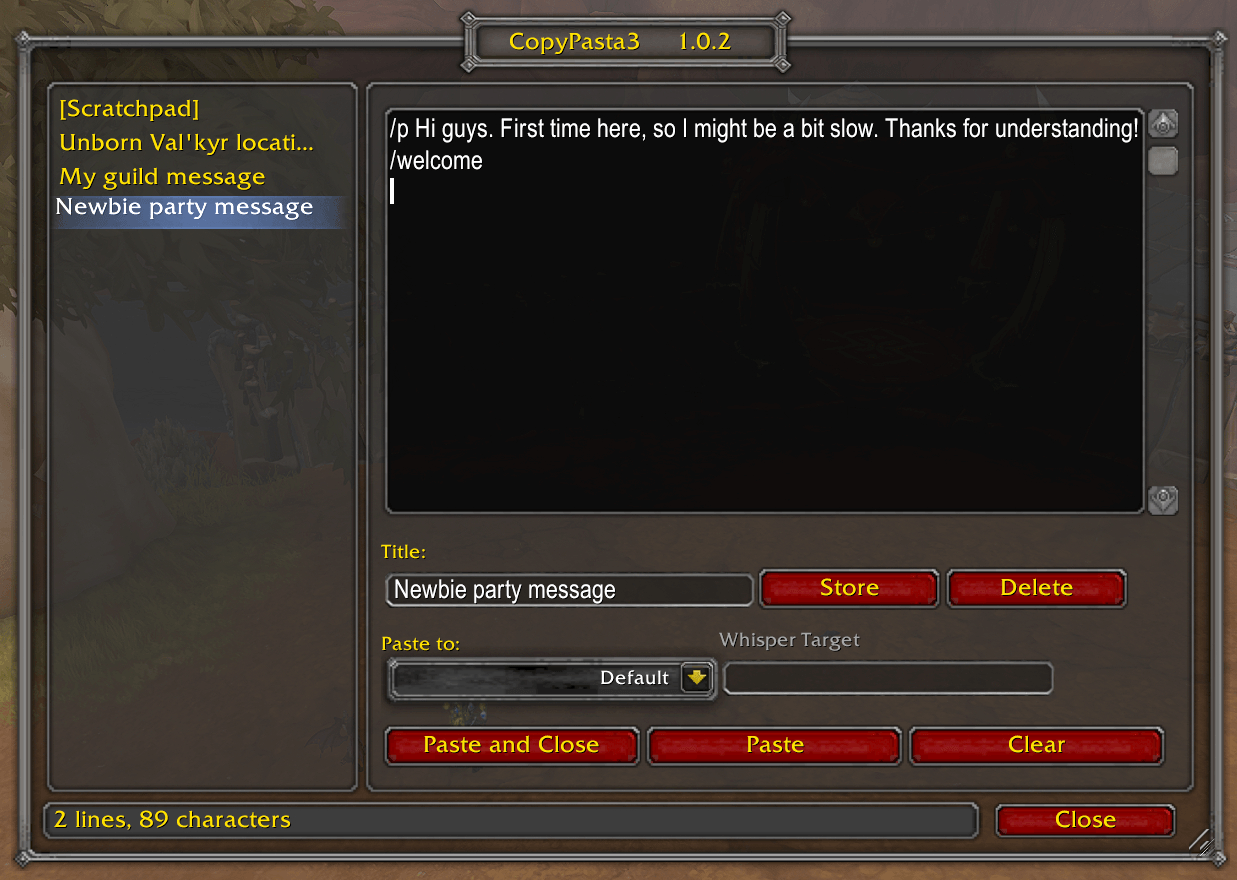
Ctrl+V(Windows) orCmd+V(Mac). - Send it: Press the "Paste" button. The entire content will be sent to your selected channel, one message per line. Long lines are automatically split to fit within WoW's limits.
- Commands: Use the "Default" channel to execute a list of slash commands.
- Configuration: Type
/paste configto adjust your settings.
The iPaste Team


Owner