
Inventorium
- By

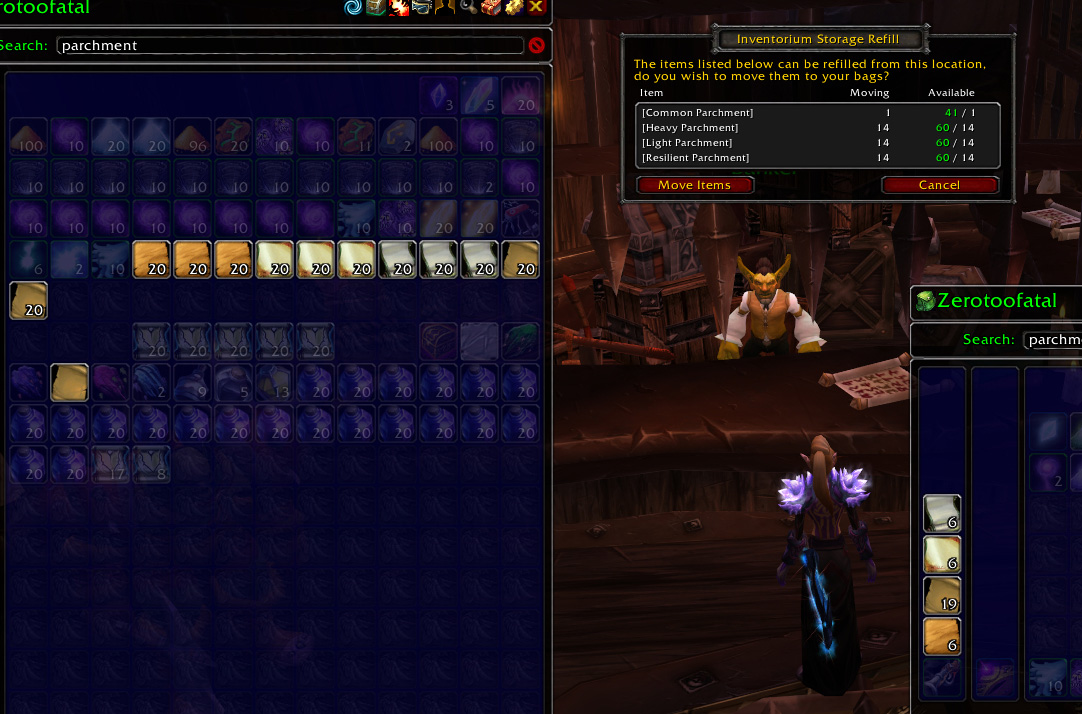
Whenever you have selected you want to have an x amount of items with you (in your bags) at all times, Inventorium can check your storage (bank, guild bank or mailbox) and suggest moving items to refill your stacks.
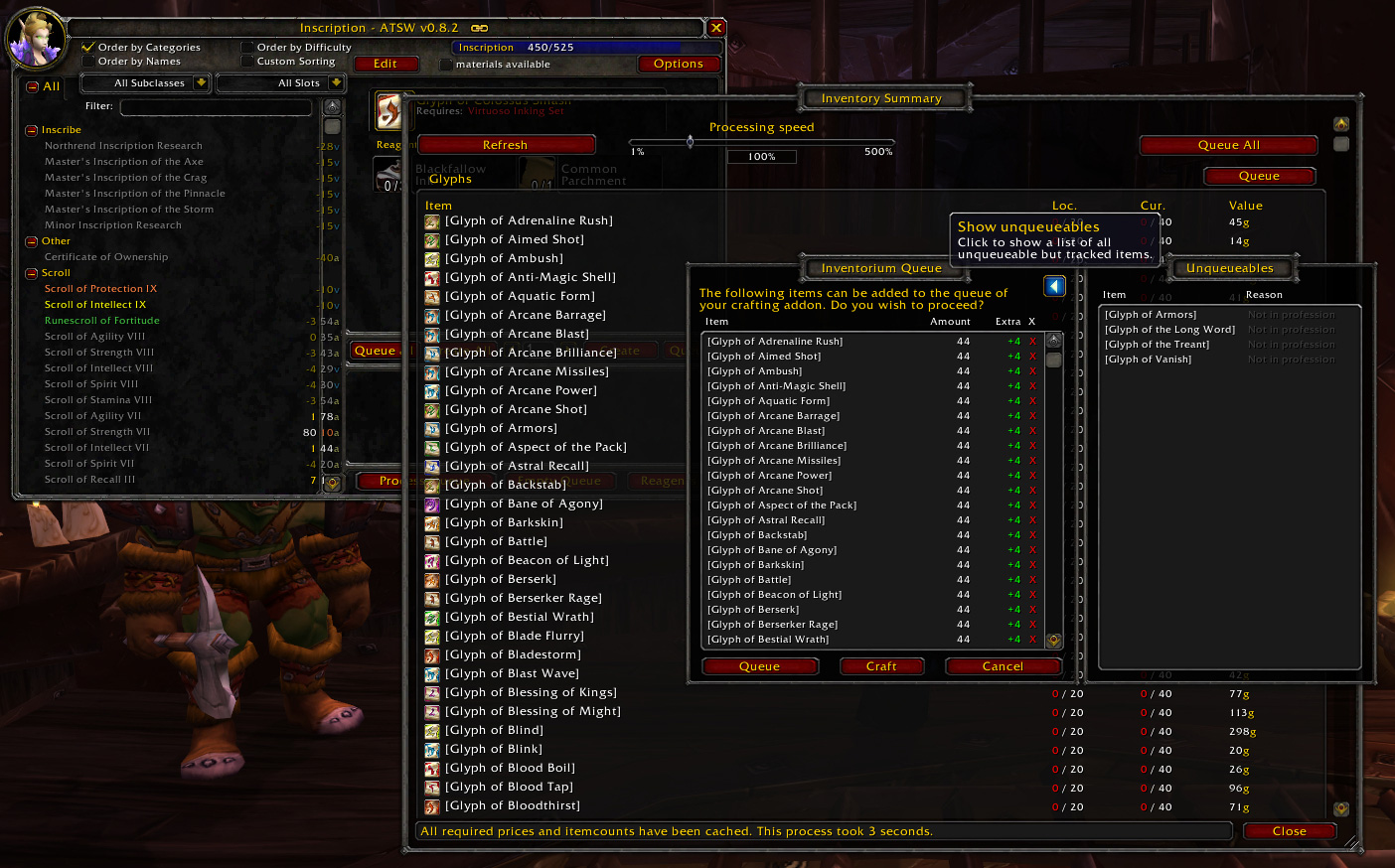
You can also queue craftable items. Upon hitting the "Queue" button in the summary (or writing /im q), this window will appear showing a list of all craftable items.
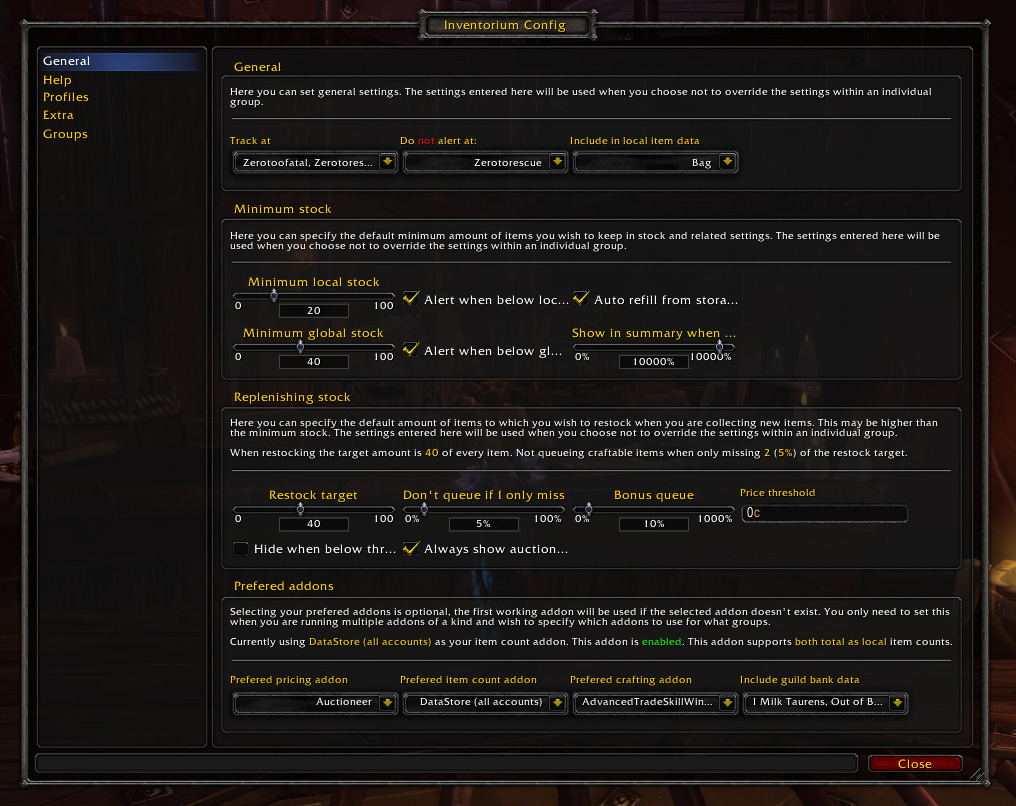
The general category of the config window showing some of the options available.
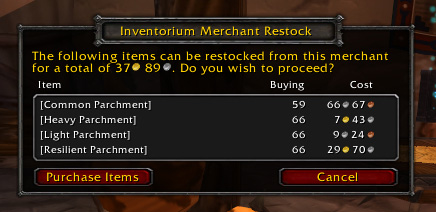
The popup displayed when you can restock items from the selected merchant. Clicking "Purchase Items" will instantly purchase everything in the list.
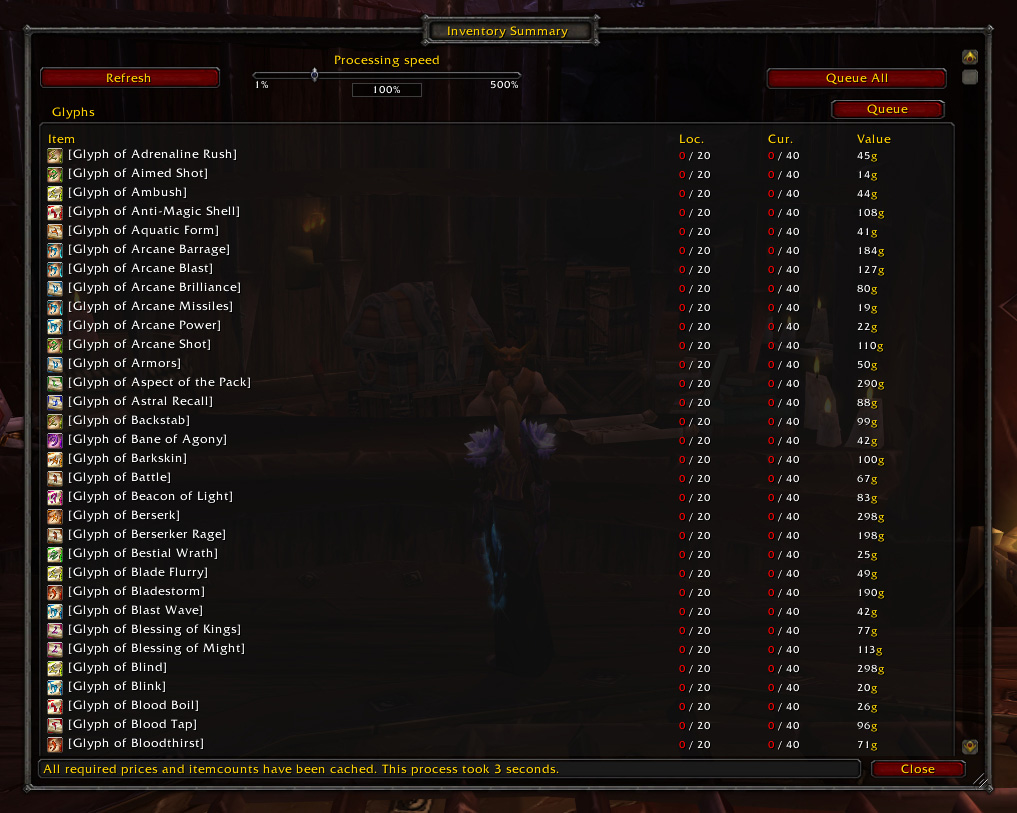
Screenshot of the summary window. In this window you can get a list of all tracked items allowing you to see what needs restocking and what not.
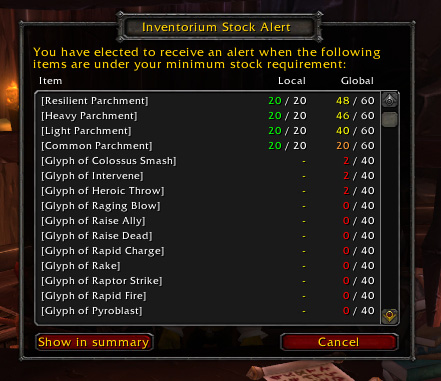
When items get below your selected threshold, you can elect to be noticed by a stock alert. This alert will popup automatically after logging in.