
InstanceNotes
- By
Keep personal notes for dungeons: mythic+ enemy forces breakpoints, talent tweaks, common bloodlust usage, etc.
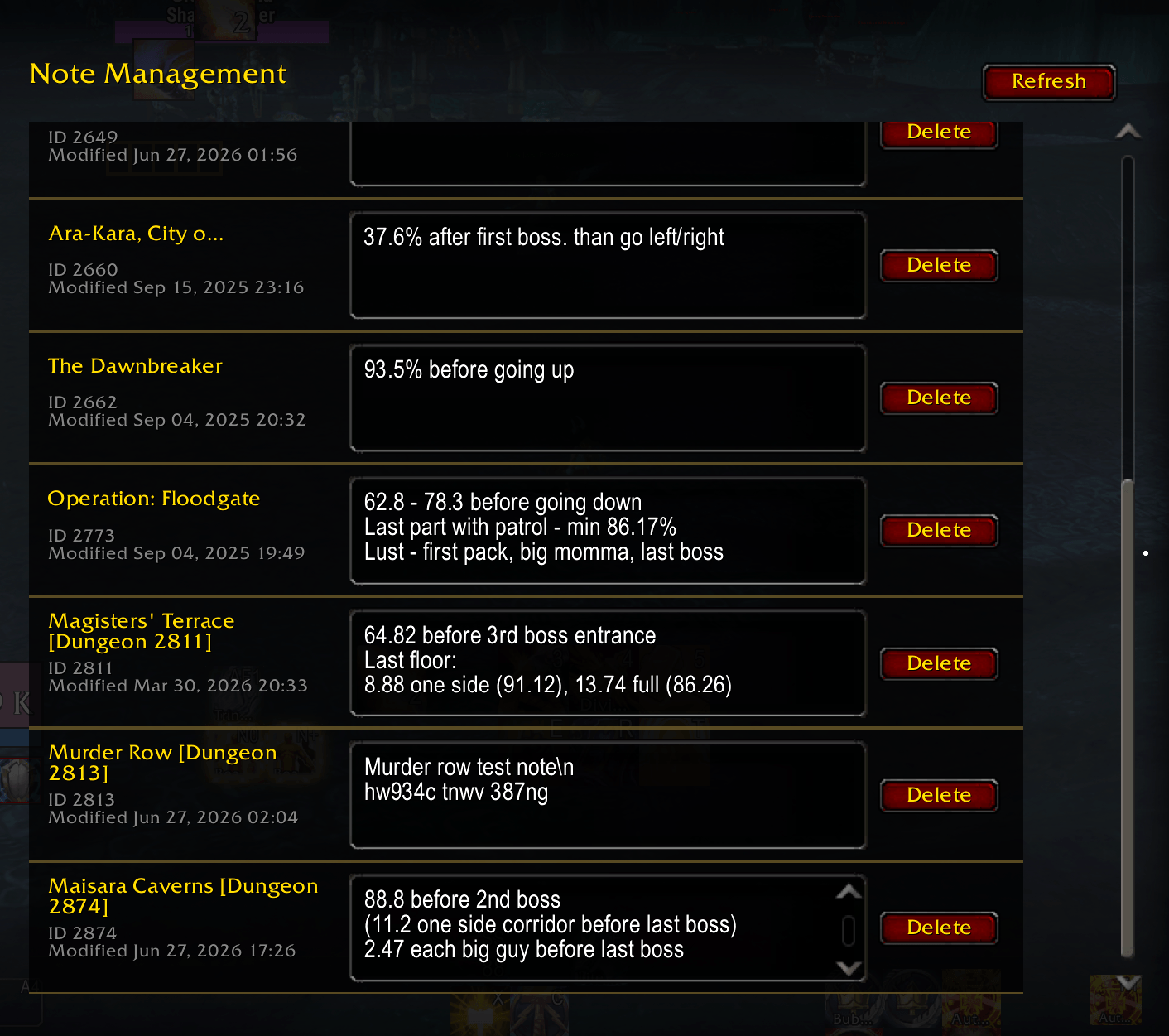
Screenshot 2026-06-27 203949.png
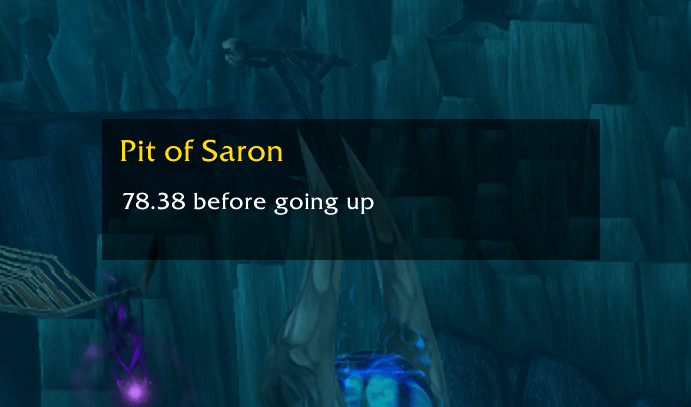
Screenshot 2026-06-27 203843.png
Description
InstanceNotes helps you remember your important notes about each dungeon: Mythic+ enemy forces breakpoints, talent choices, common Bloodlust points, route reminders, boss notes, skip warnings, or any other details you want to see at glance next time you are in this dungeon.
When you enter an instance, your saved note appears automatically in a simple on-screen panel, so the information is visible without opening extra menus.
You can create and edit notes per dungeon, making it easy to keep different reminders for different instances.
There's also an option to post the current instance note to chat - only for you or for party - by pressing hotkey, if you don't want note panel to be always on screen.
I mostly use it to save important enemy forces breakpoints for Mythic+ dungeons.
For example:
Pit of Saron - “78.38% before going up”
Adding and Viewing Notes
Enter a dungeon or raid, show the InstanceNotes window with /inote, then click the text area and type your note. Notes are saved automatically.
Current-season Mythic+ dungeons are always available for editing under Options → AddOns → InstanceNotes → Note Management, even before you have saved a note for them.
Use /inote show or /inote hide to control the window. Enable Automatic Visibility in the InstanceNotes options to show notes when entering an instance and hide them when leaving.
To configure hotkeys, open Options → Keybindings → InstanceNotes. You can assign keys to toggle the Note Window, print the current note in your system chat, or post it to party chat.
InstanceNotes Team

