
ImbueTrax
- By
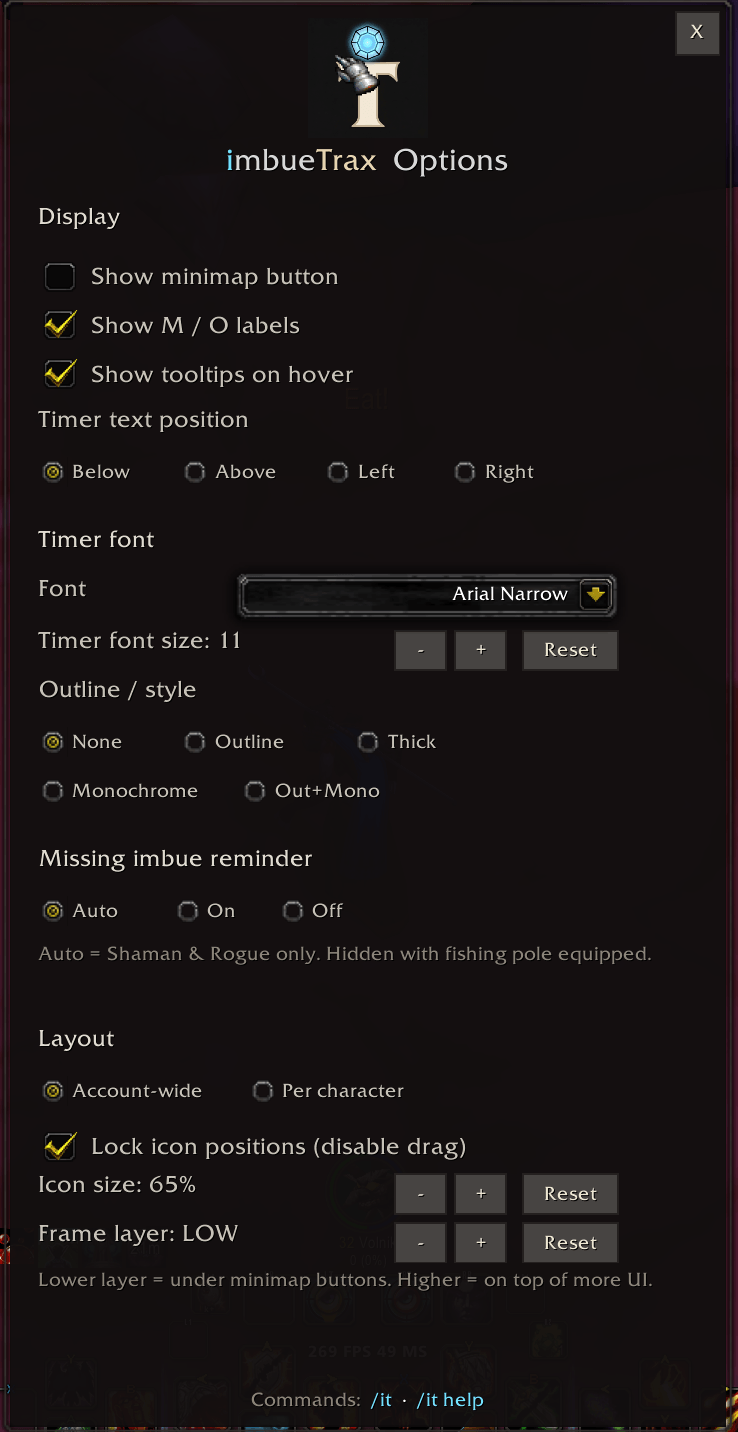
ImbueTrax options window

ImbueTrax minimap icon (optional)
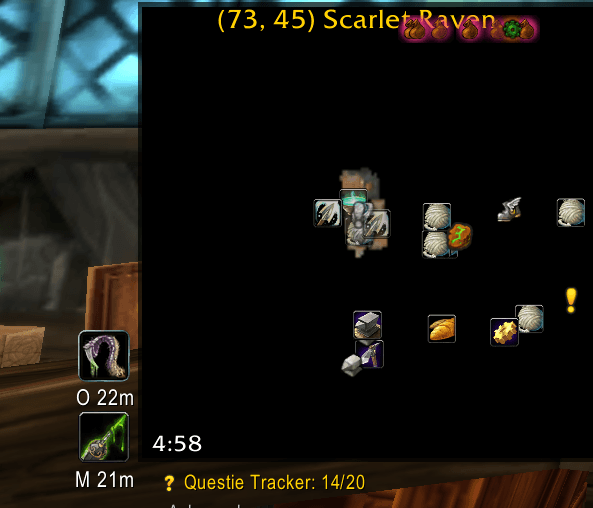
ImbueTrax main- and offhand display with rogue poisons
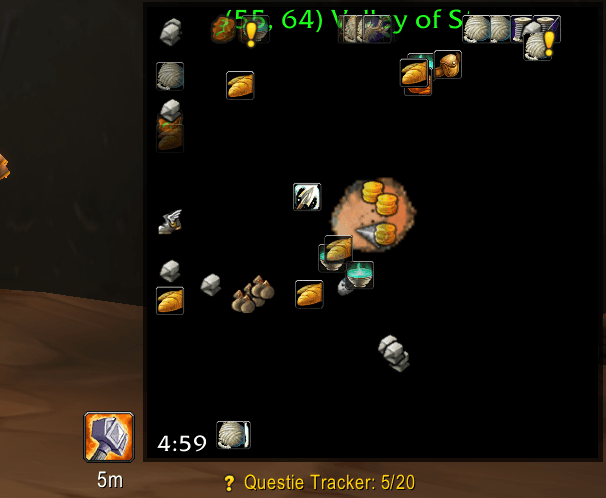
ImbueTrax main hand display with shaman weapon buff
Description
ImbueTrax shows what is on each weapon, how long it lasts, and optional reminders when an imbue is missing — without digging through buff bars or guessing from memory.
Features
- Dual-slot tracking — separate main-hand (M) and off-hand (O) frames with live countdown timers
- Class-aware display — Shaman imbues and Rogue poisons when relevant; sharpening stones, weightstones, wizard/mana oils, and fishing lures for any class when active
- Missing-imbue reminder — optional red-tinted placeholder when a hand should have an imbue but does not (Auto: Shaman & Rogue only; hidden with a fishing pole equipped)
- Smart timer colors — white above 70% remaining, yellow between 10–70%, red in the last 10% (or last 30 seconds if duration is unknown)
- Tooltips — hover a frame for item/spell details and time remaining (uses your default tooltip anchor)
- Movable & lockable — drag frames into place; lock to prevent accidental moves
- Account-wide or per-character layout — position and scale can follow the account or each character
- Frame layer control — step through strata from BACKGROUND to DIALOG so icons sit above or below other UI elements
- Minimap button (optional) — drag to reposition; left-click opens options
- Customizable timer text — font, size, outline, and position (above/below/left/right of icon)
Supported imbues
Built-in icon mappings include:
| Category | Examples |
|---|---|
| Shaman | Rockbiter, Flametongue, Frostbrand, Windfury |
| Rogue | Instant, Deadly, Crippling, Mind-Numbing poisons |
| Blacksmithing | Sharpening stones, Weightstones |
| Enchanting | wizard oils, mana oils |
| Fishing | Lures on a fishing pole (main hand) |
Unknown enchant IDs still track time; use /it dump to see the raw ID and /itadd to register a custom icon (saved account-wide).
Alpha note: Instant and Crippling poisons are verified on Classic Era 1.15.x. Other poison tiers and alt IDs are mapped from datamining — please report mismatches on Discord — run /it dump in-game while the imbue is active and share the output.
Slash commands
| Command | Description |
|---|---|
/it |
Open options |
/it help |
Show in-game help |
/it layout account / character |
Account-wide vs per-character layout |
/it size [percent|+/-n|reset] |
Icon scale (e.g. /it size 75, /it size +10) |
/it lock |
Toggle frame lock |
/it warn auto / on / off |
Missing-imbue reminder mode |
/it dump |
Print current MH/OH enchant IDs (debug) |
/it add ID IconName |
Map an unknown enchant ID to an icon (e.g. /it add 999 Spell_Nature_RockBiter) |
Legacy aliases (/itoptions, /ithelp, /itwarn, /itsize, /itdump, /itadd, etc.) also work.
Minimap button
Enable Show minimap button in options.
| Click | Action |
|---|---|
| Left | Open options |
| Right | Toggle frame lock |
| Middle | Cycle missing-imbue reminder (Auto → On → Off) |
| Drag | Reposition around the minimap |
Settings overview
Open with /it. Options include display toggles, timer font, missing-imbue reminder, layout mode, icon size, frame layer, and minimap button visibility. Settings persist across sessions.
Requirements
- WoW Classic Era or Hardcore (Interface 11508 / 1.15.x)
- Standalone — no required dependencies
(Optional: LibDBIcon-1.0 / LibDataBroker-1.1 if present)
Feedback
This is 0.2.0-alpha. Timers and layout are the priority; icon mappings will improve with community reports. If something looks wrong, run /it dump while the imbue is active and share the enchant ID on Discord.
ImbueTrax — know what’s on your weapons before it runs out.
ImbueTrax Team
