HypeRaid
- By
hyperate_hyperaid_world_of_warcraft_addon_portrait_1.jpg
hyperate_hyphyperate_hyperaid_world_of_warcraft_addon_group_2.jpg
hyperate_hyperaid_world_of_warcraft_addon_records_3.jpg
hyperate_hyperaid_world_of_warcraft_addon_settings_4.jpg
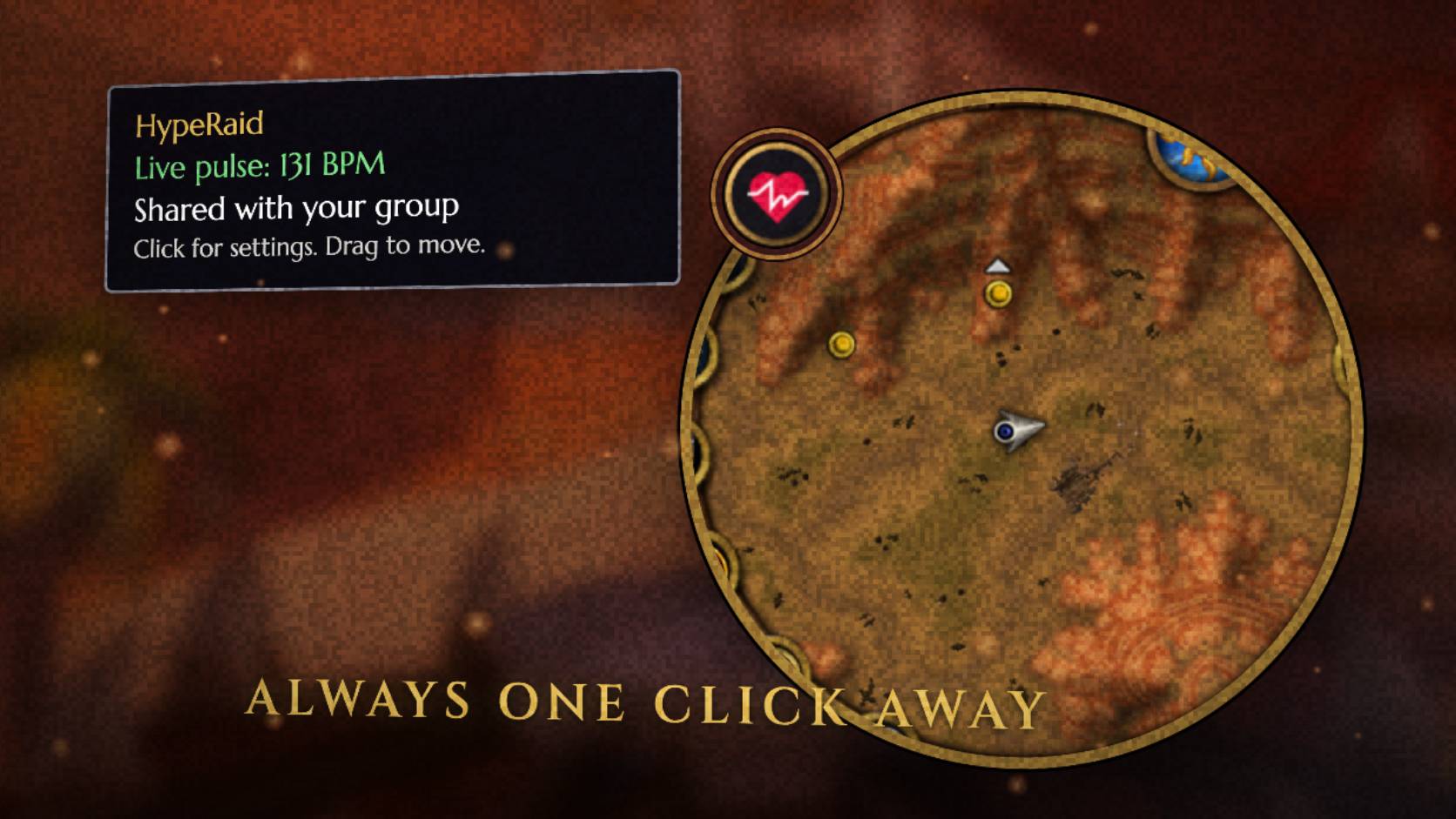
hyperate_hyperaid_world_of_warcraft_addon_minimap_5.jpg

Description
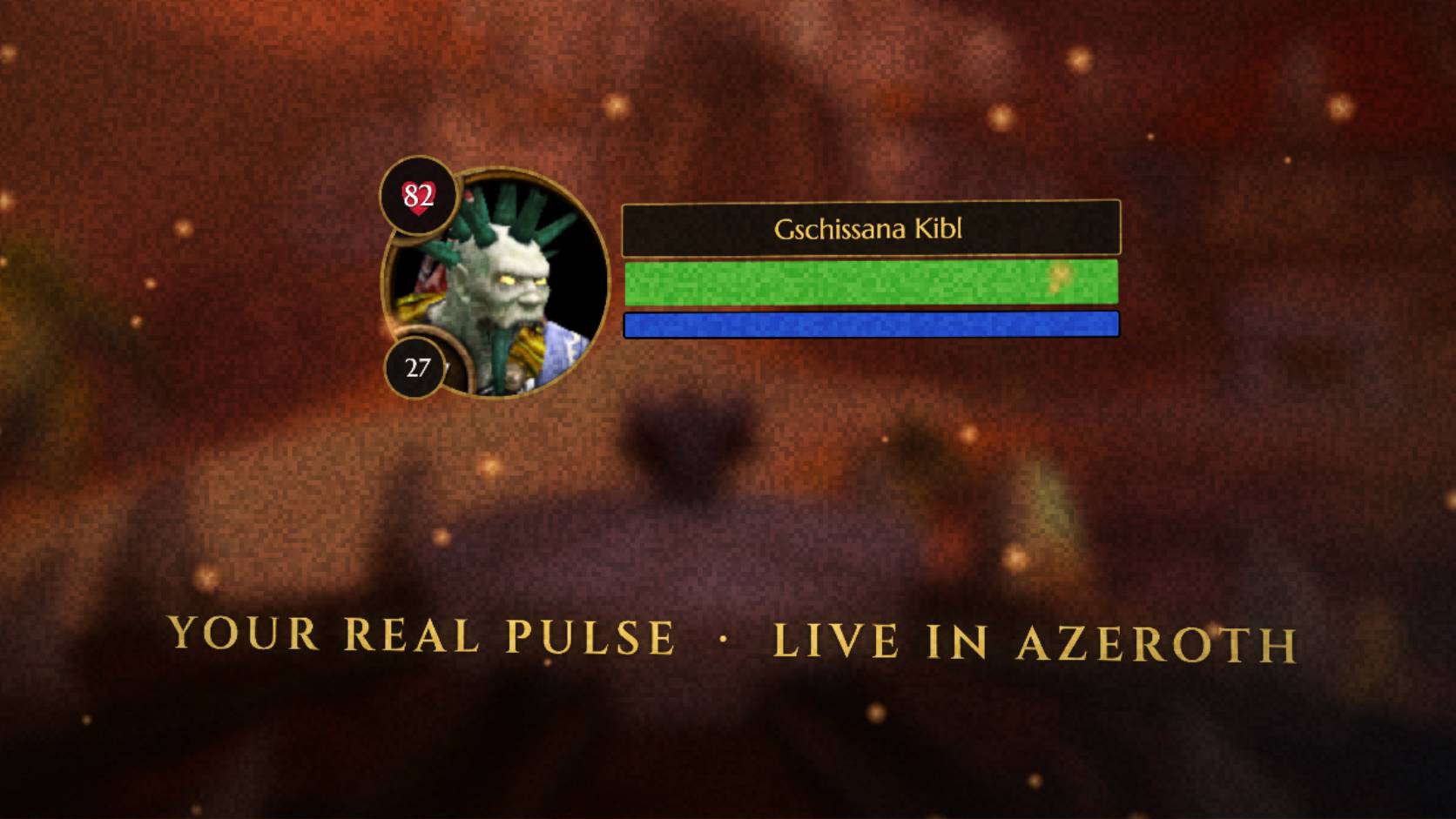
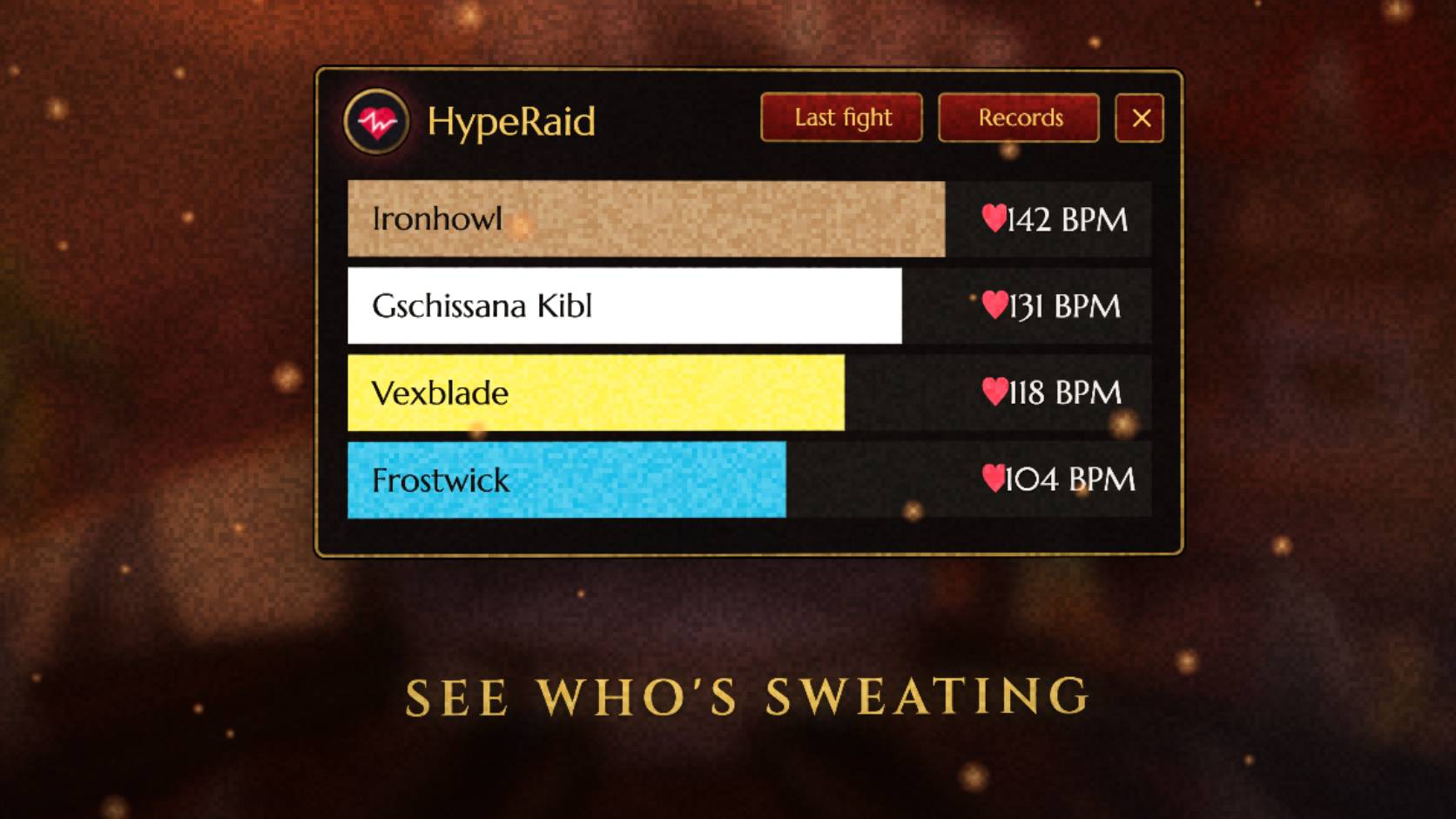
HypeRaid displays live heart rates shared by members of your party or raid in World of Warcraft: Forever.
Features
- See shared BPM on supported group portraits or in a movable party meter.
- Switch the meter from bars to a graph of recent readings.
- Show your own BPM on your portrait.
- Use
[hyperaid]or[hyperaidbpm]in compatible versions of EllesmereUI Unit Frames and Shadowed Unit Frames.
Get started
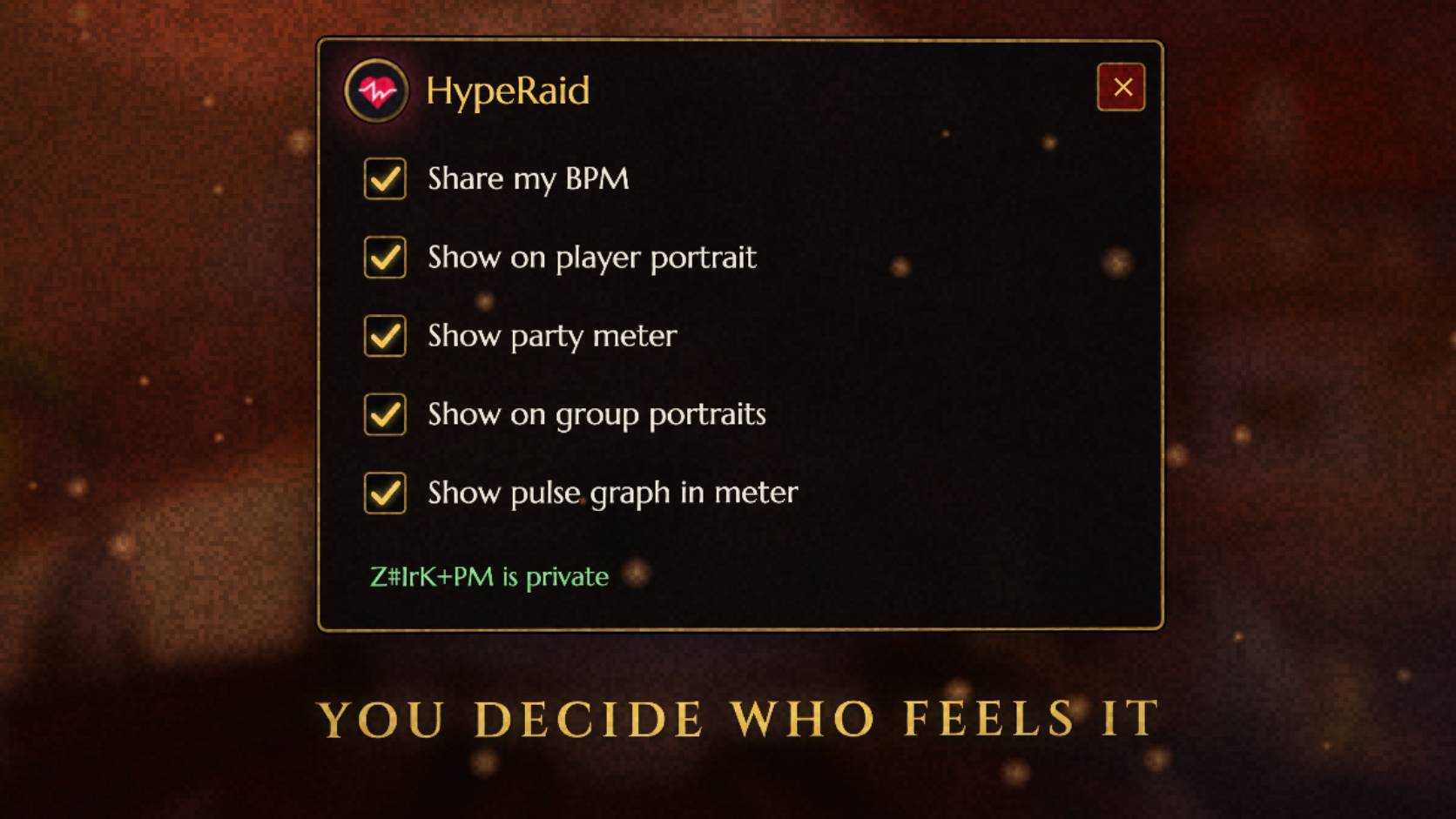
Enable HypeRaid, then click the minimap heart or type /hyperaid to open the settings. You only need the addon to view readings shared by your group.
To display or share your own live BPM, connect a heart-rate source in HypeRate Desktop and set up HypeRaid under World of Warcraft in the desktop app. To share with your group, enable Share my BPM in the addon. Sharing is off by default.
This file is for WoW Forever 1.60.1.
HypeRaid Team