


Housing Codex
- By
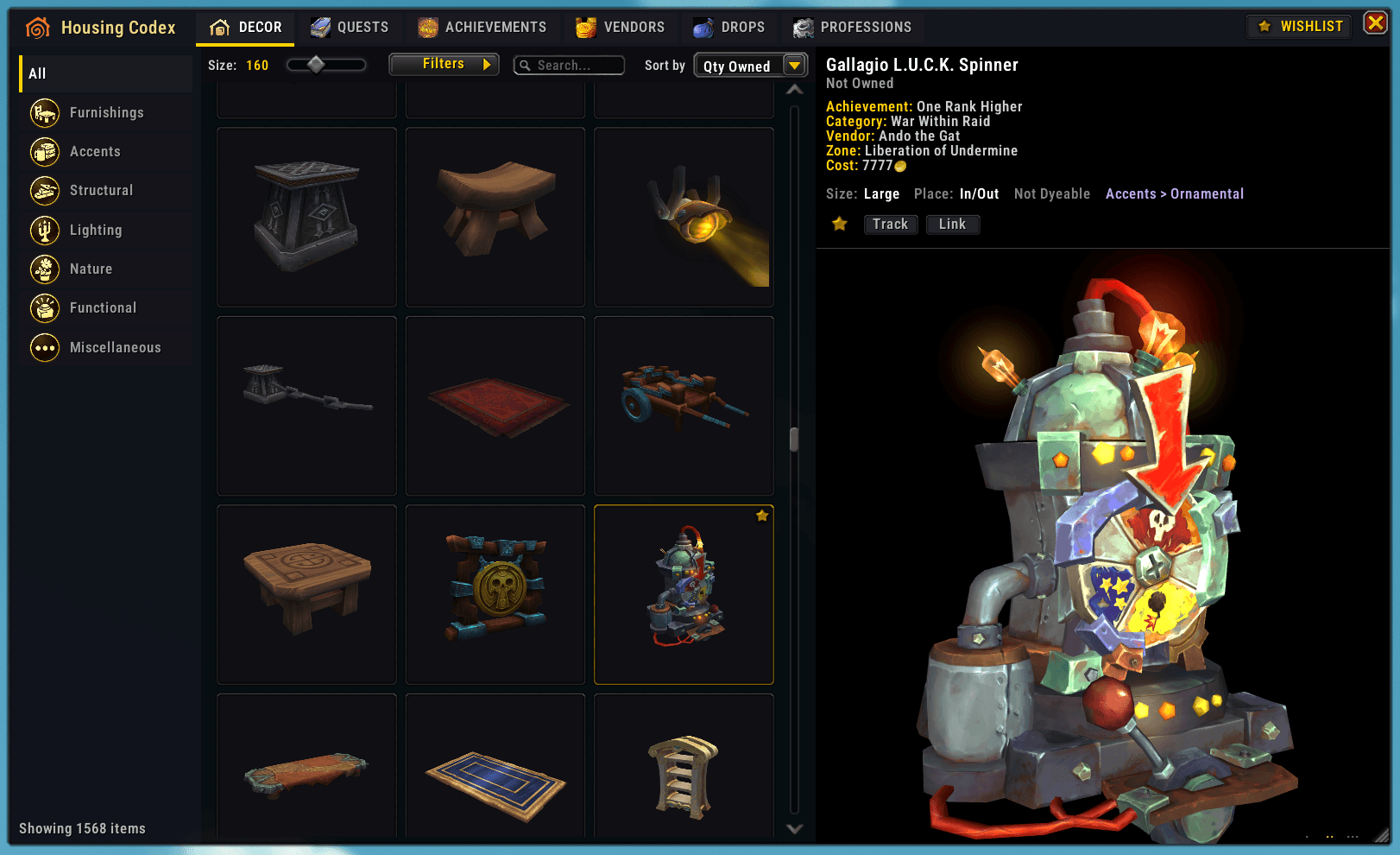
Main UI - Decor tab
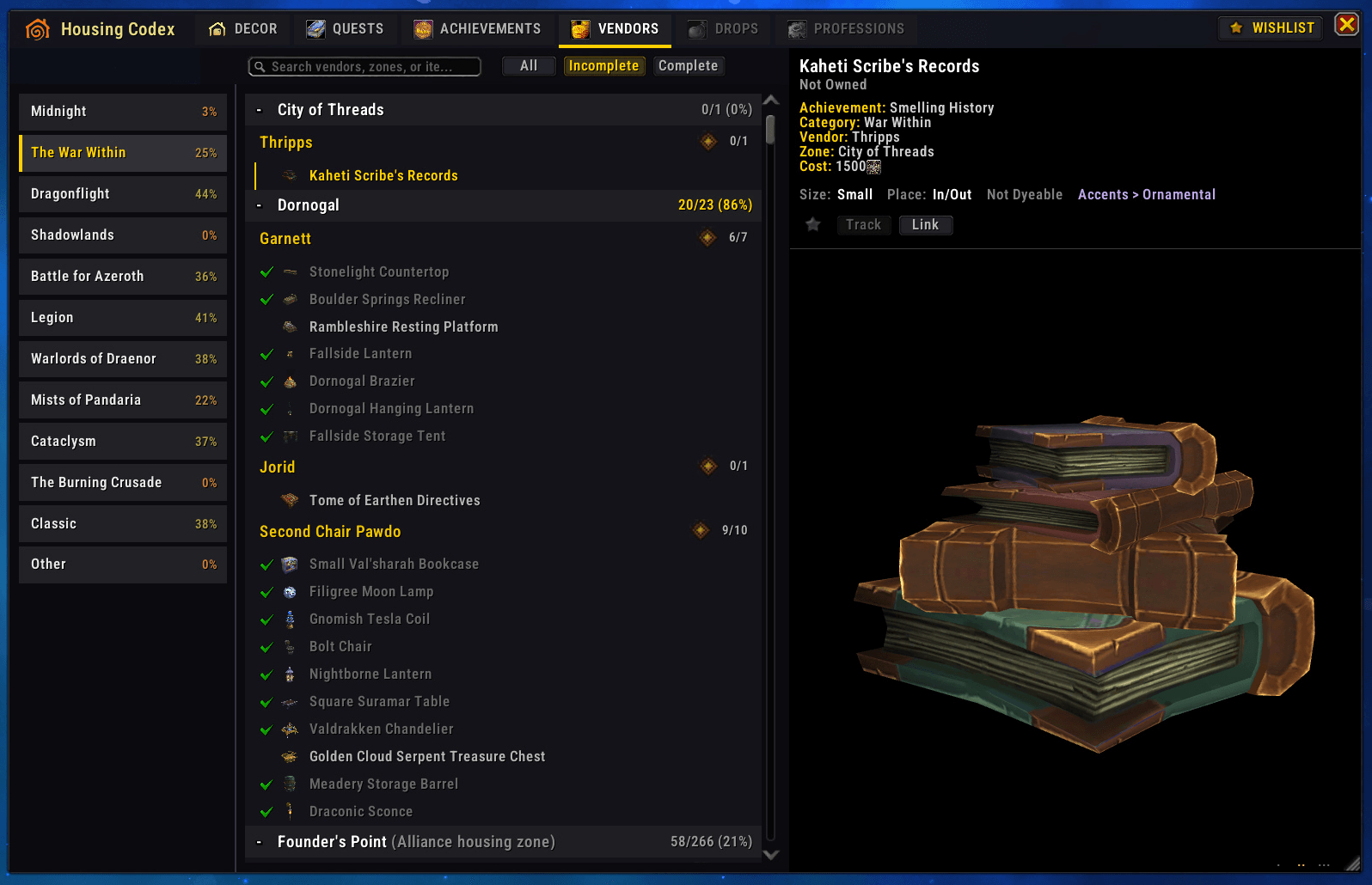
Vendors tab
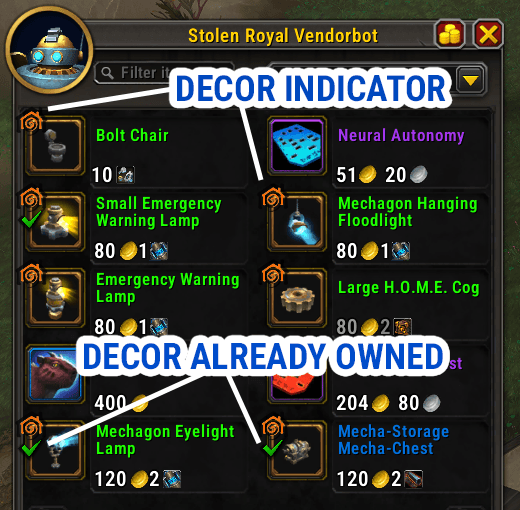
Decor indicators at vendor UI
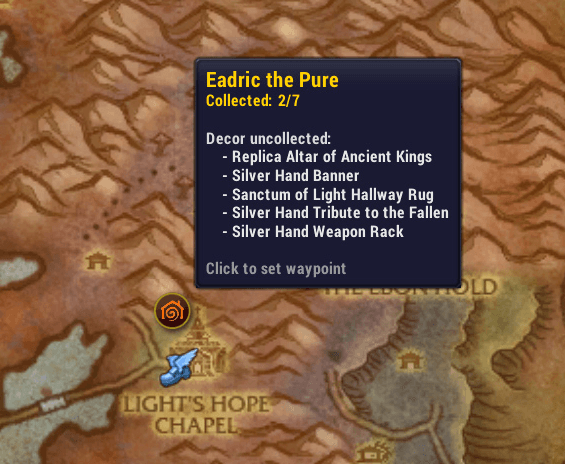
Decor vendor on zone map
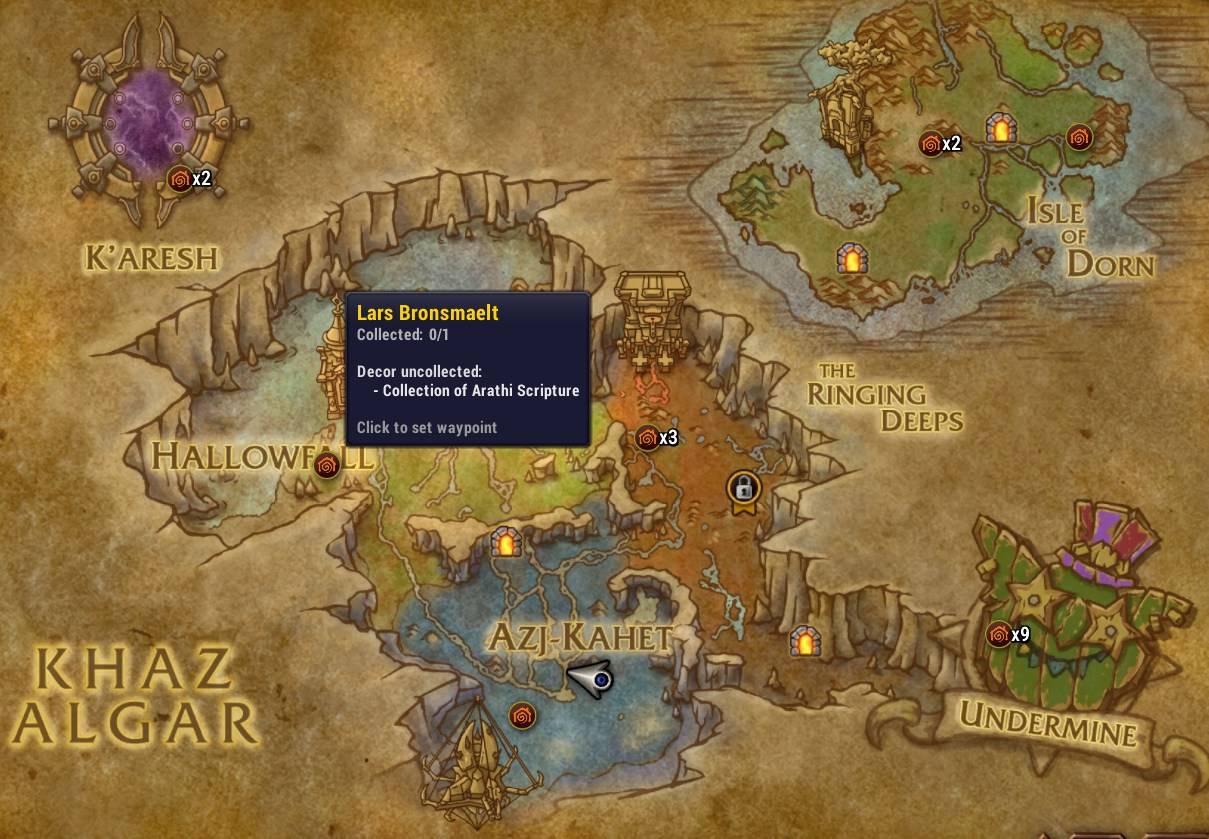
Decor vendors on world map
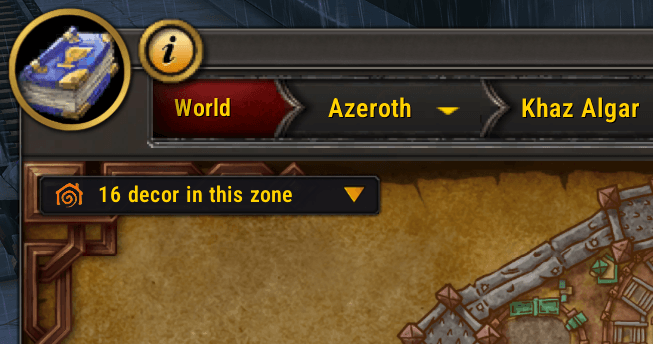
Uncollected decor overlay on map
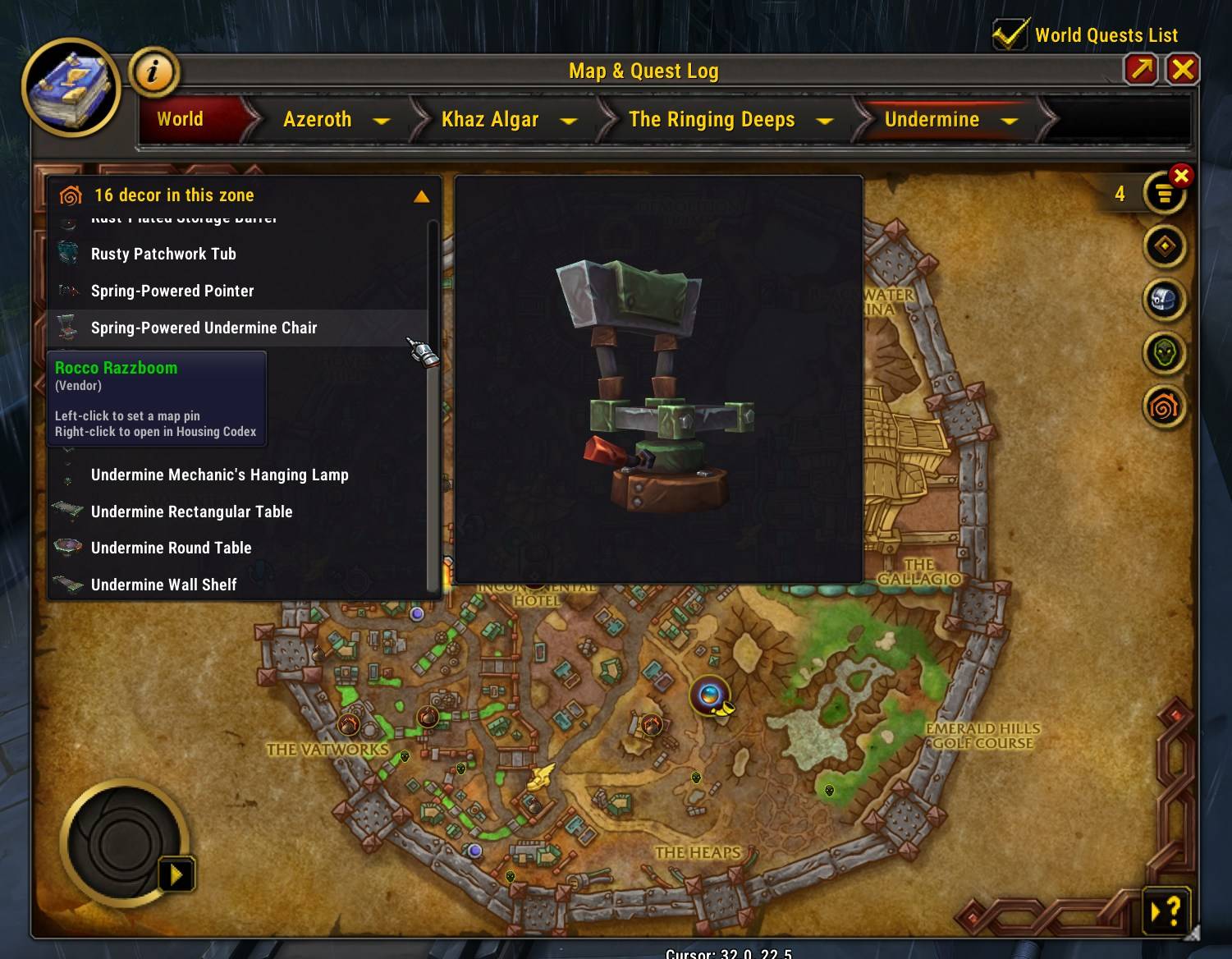
Uncollected decor overlay on map - expanded view
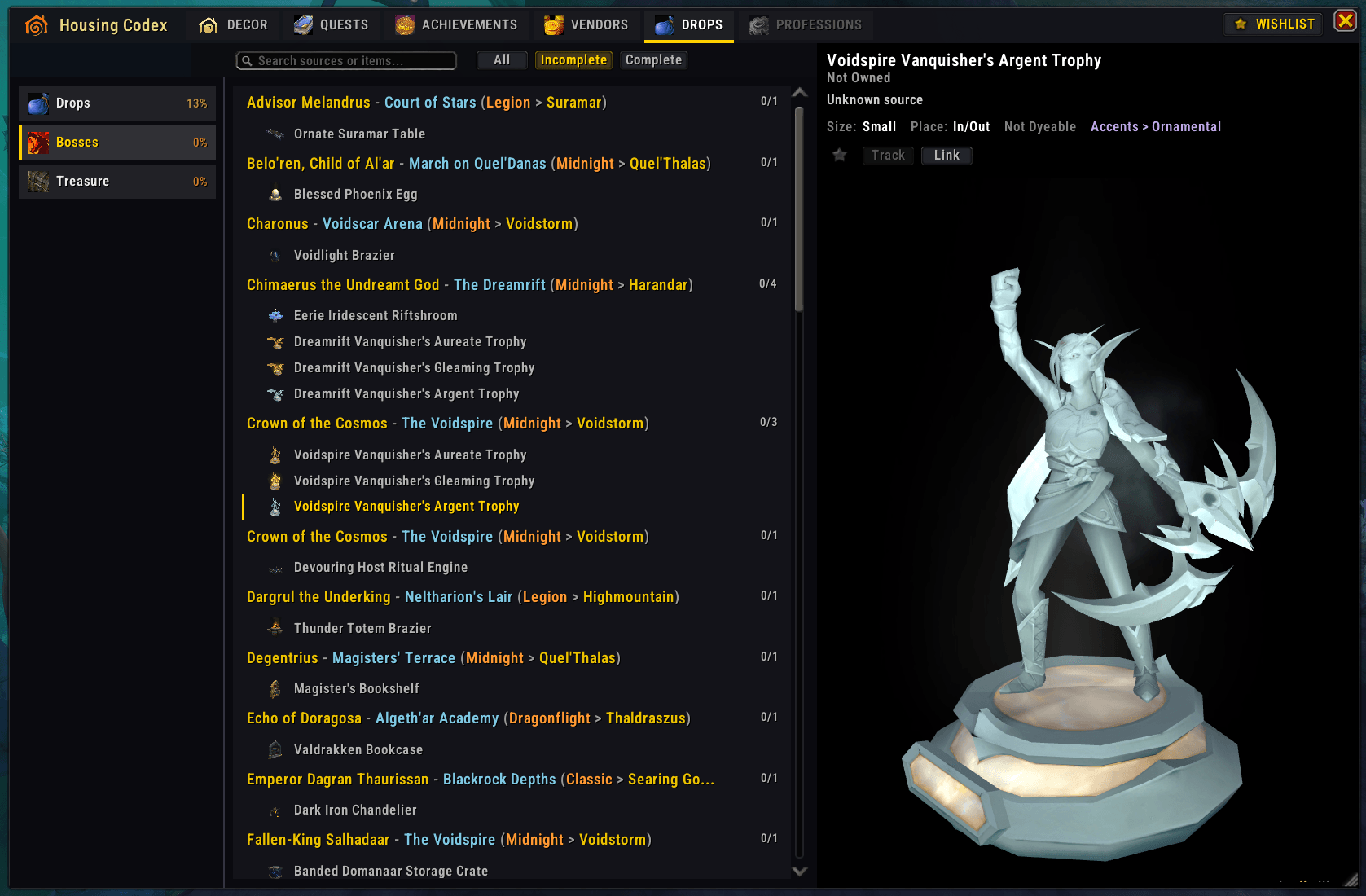
Drops tab
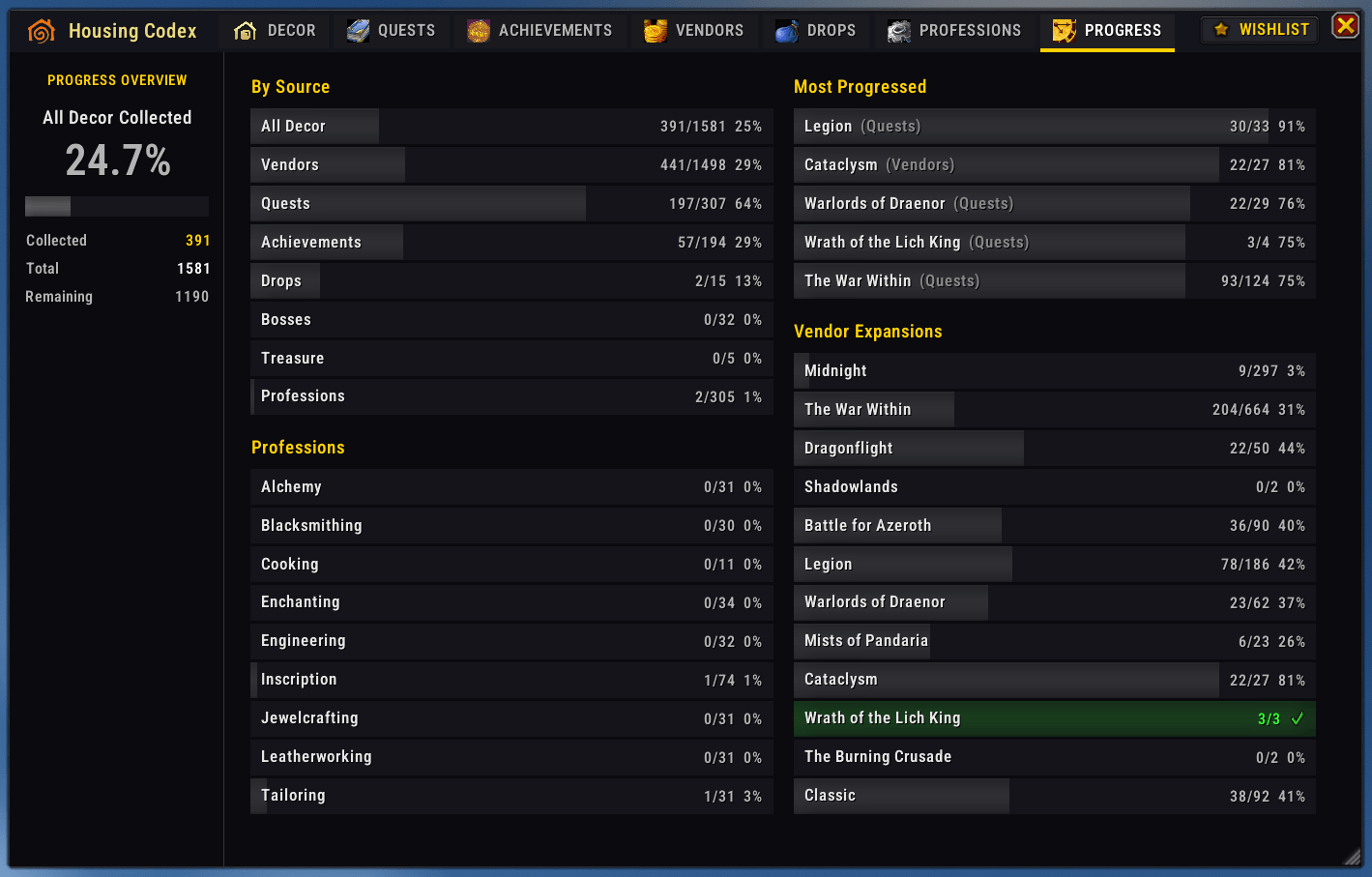
Progress tab
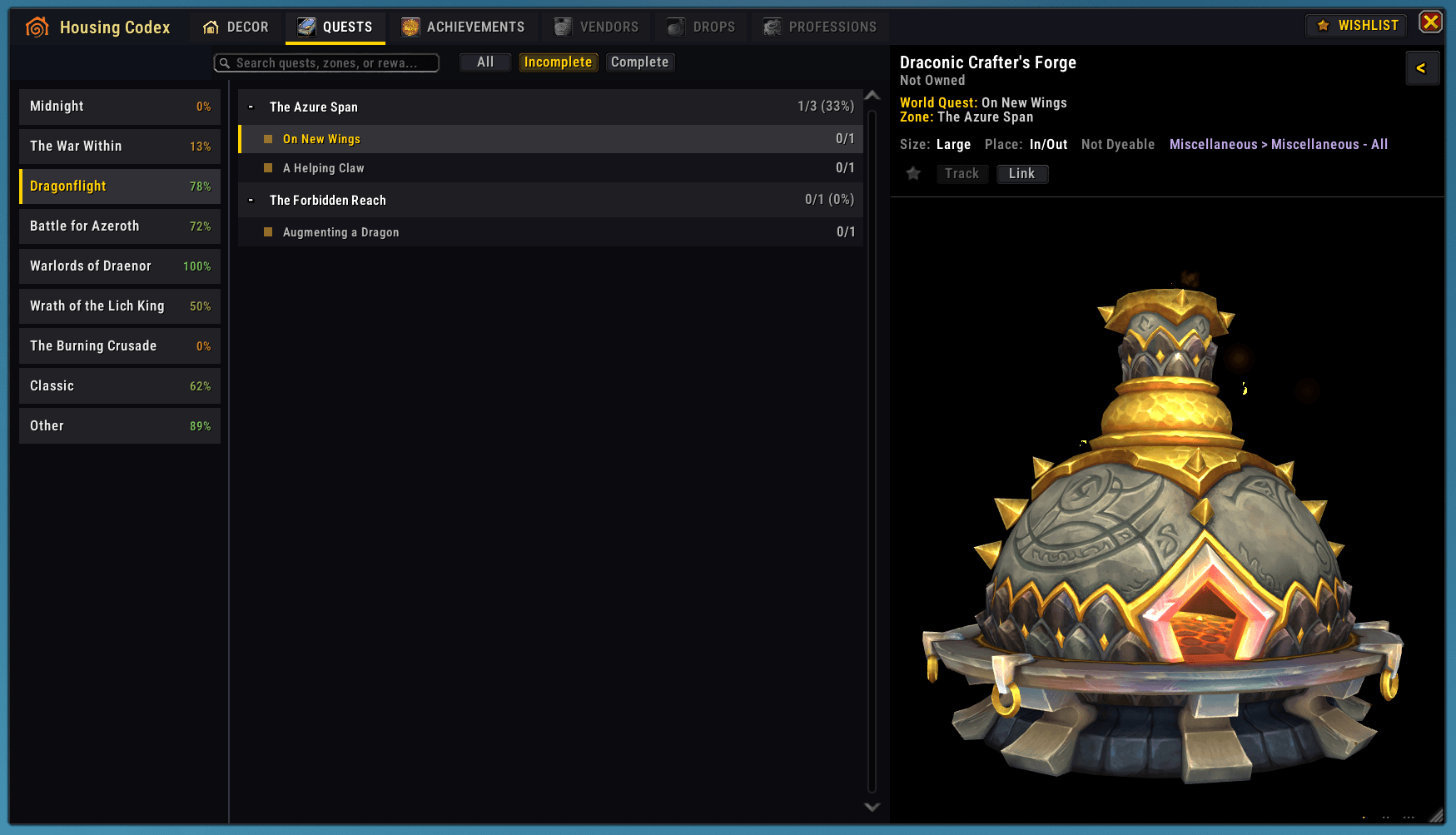
Quests tab
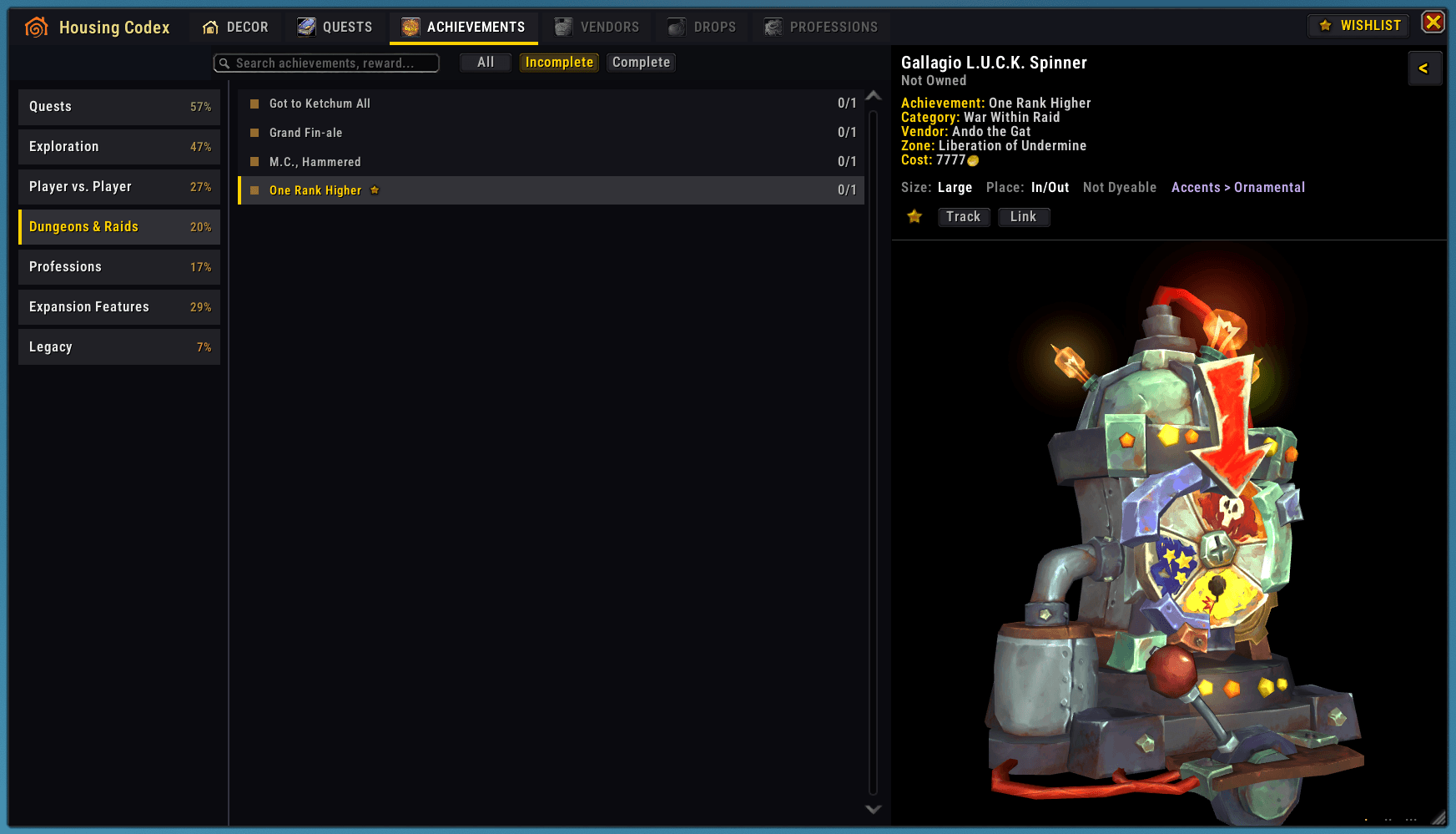
Achievements tab
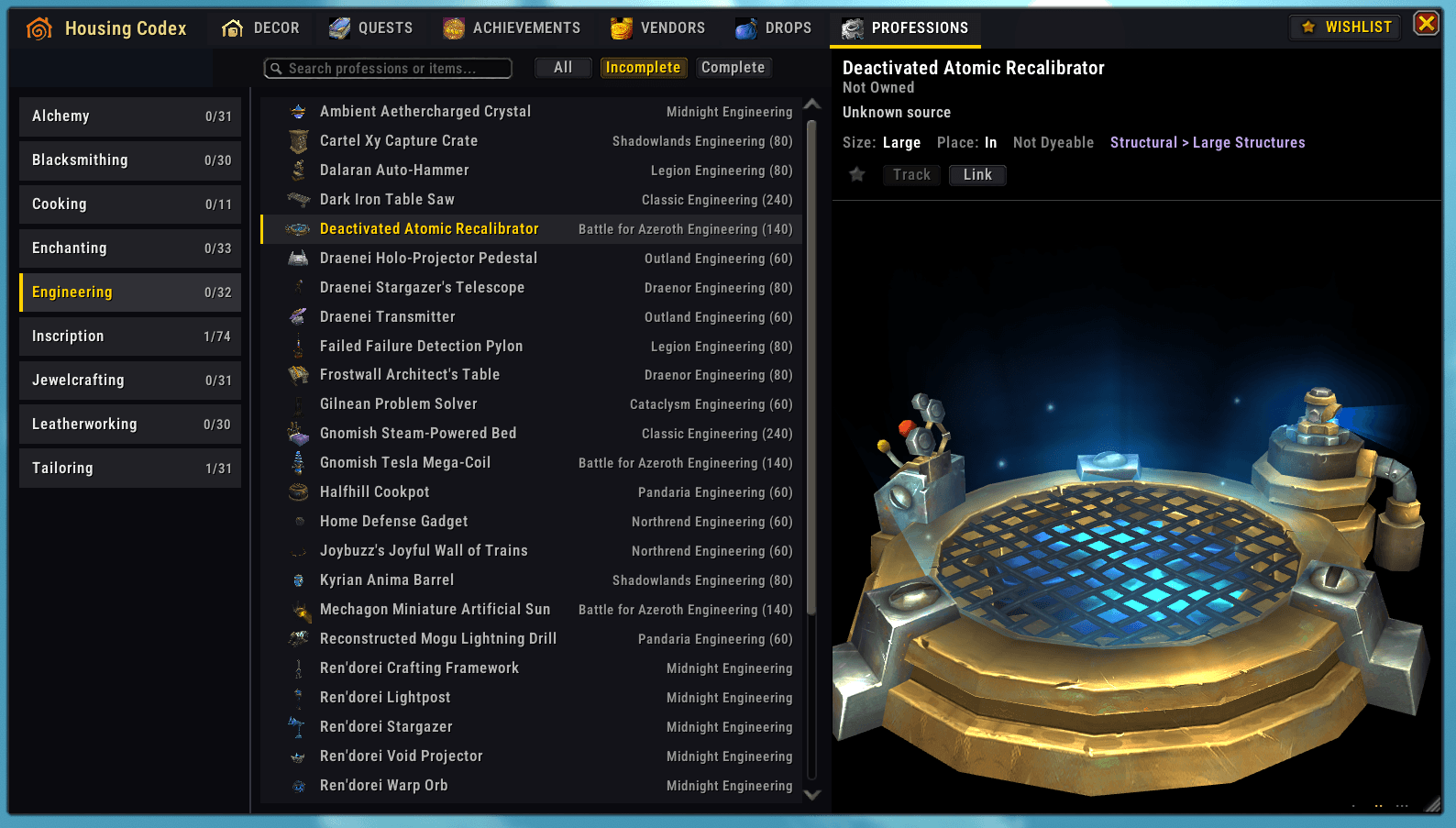
Professions tab
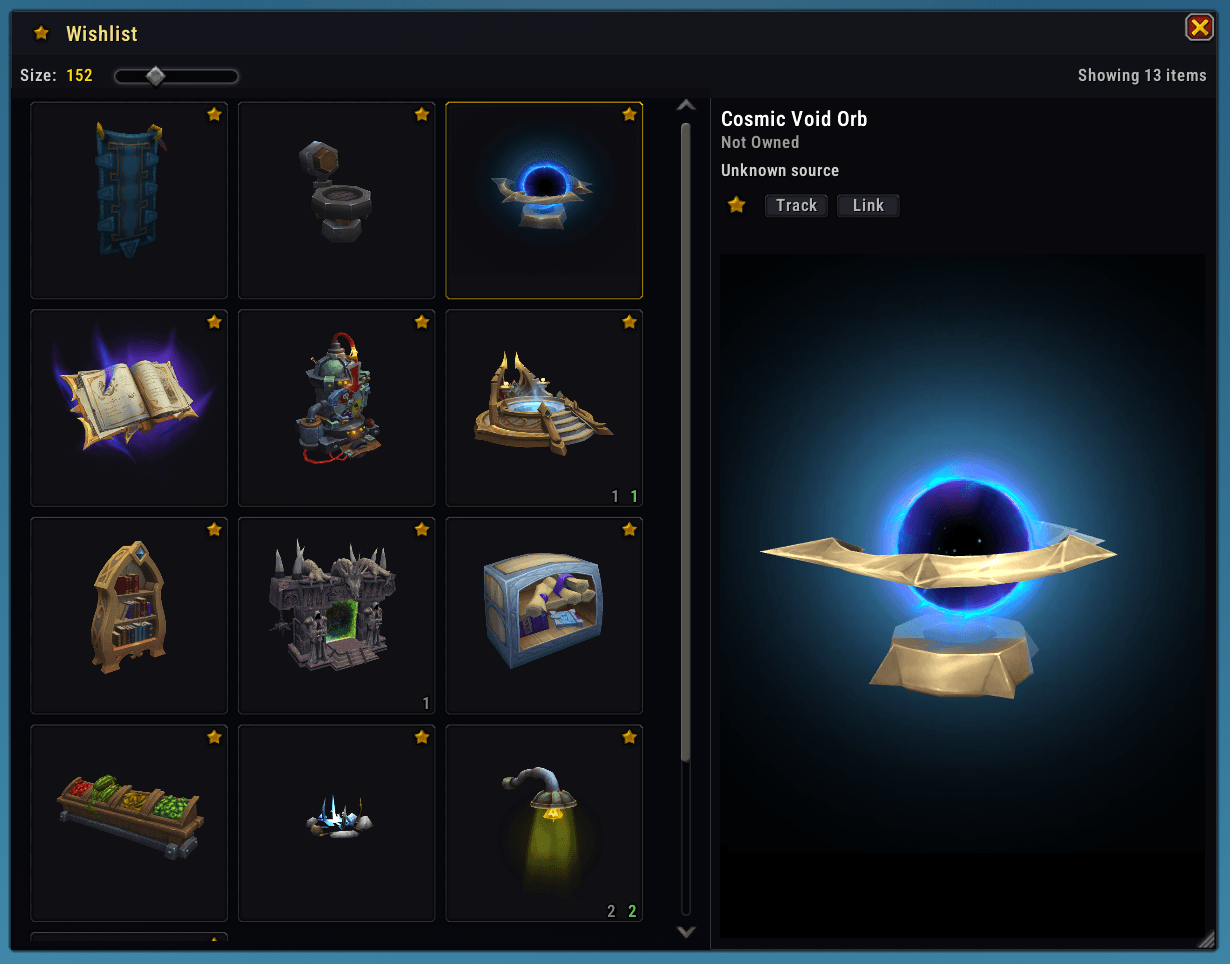
Wishlist UI
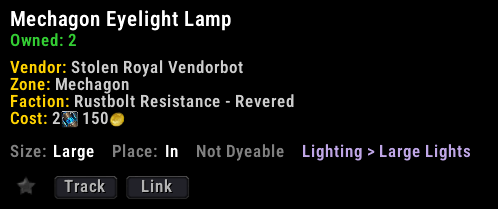
Decor details panel
Description
Your companion for exploring WoW's housing decor
WoW's built-in catalog is functional, but Housing Codex gives you a better way to browse every decoration in a searchable grid with a big interactive 3D preview, see exactly where each piece comes from - vendors, quests, achievements, drops, professions, reputation, PvP. Find decor vendors right on your map, and watch your collection grow on a dedicated progress dashboard.
- Full decor catalog - search by anything, rich filters, sorting, adjustable tile sizes
- Big interactive 3D preview with source, cost, patch, size & dye details
- Seven source tabs: Quests, Achievements, Vendors, Drops, Professions, Renown, PvP
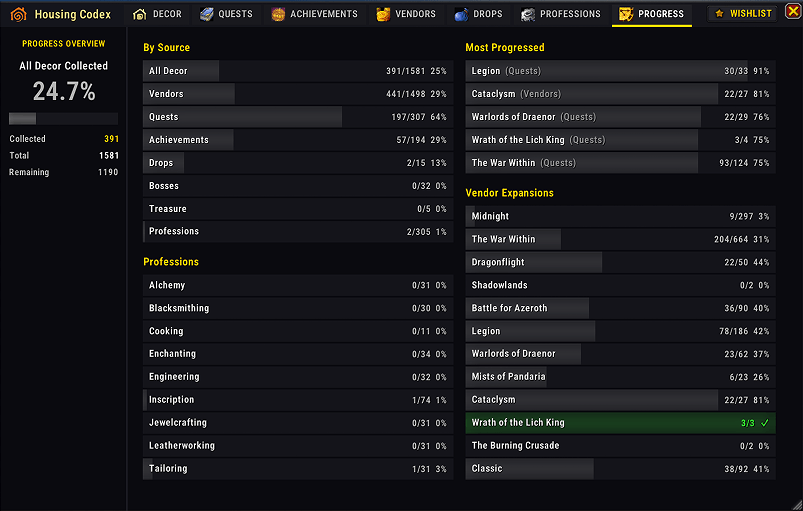
- Progress dashboard with plot decor budgets and a 15-day collection graph
- Wishlist, hidden-items manager, shop filter, and native map tracking
- Vendor pins on zone & continent maps + uncollected-decor overlay per zone
- Decor markers at vendors, in bags & banks, and on vendor tooltips
- Treasure Hunt waypoints and a Neighborhood Endeavors panel
Getting Started
Type /hc to open the window, or you can also set a keybind to directly access Housing Codex (recommended).
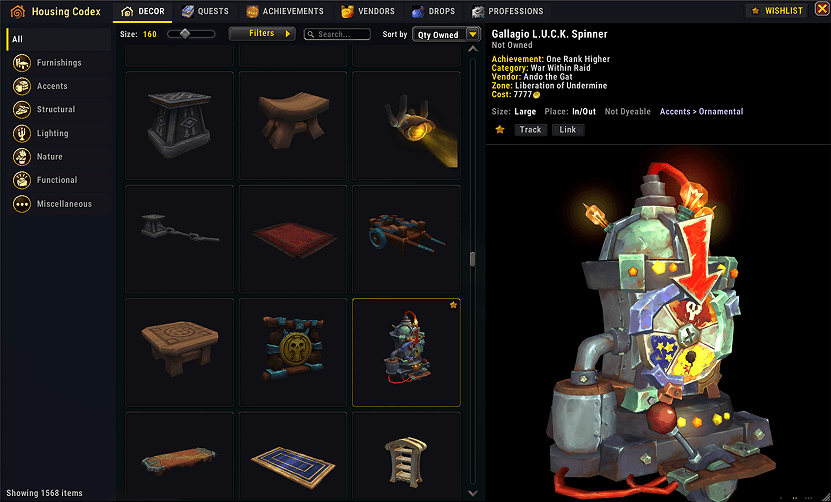
Main UI - Decor tab
Features
Browse Everything - A searchable grid of every decor in the game. Search across everything at once - names, sources, locations, NPC names, currencies or even patch numbers (try "12.0.7").
Filters that find things - Filter by collected / uncollected, wishlist, promotional decor, "Added in patch…", currency, trackable, indoor/outdoor, dyeable, first-acquisition bonus, and catalog tags - or hide Shop items everywhere with one persistent checkbox. If you so wish, you can hide all the Shop decor throughout the addon.
Big 3D Preview - Click any item to see it in 3D in a big preview panel. You'll see the interactive model (smoother zoom than in default UI viewer) plus details like source info, category, size, and dye options.
 Three width presets to adjust the 3D preview panel to your liking (small/medium/large)
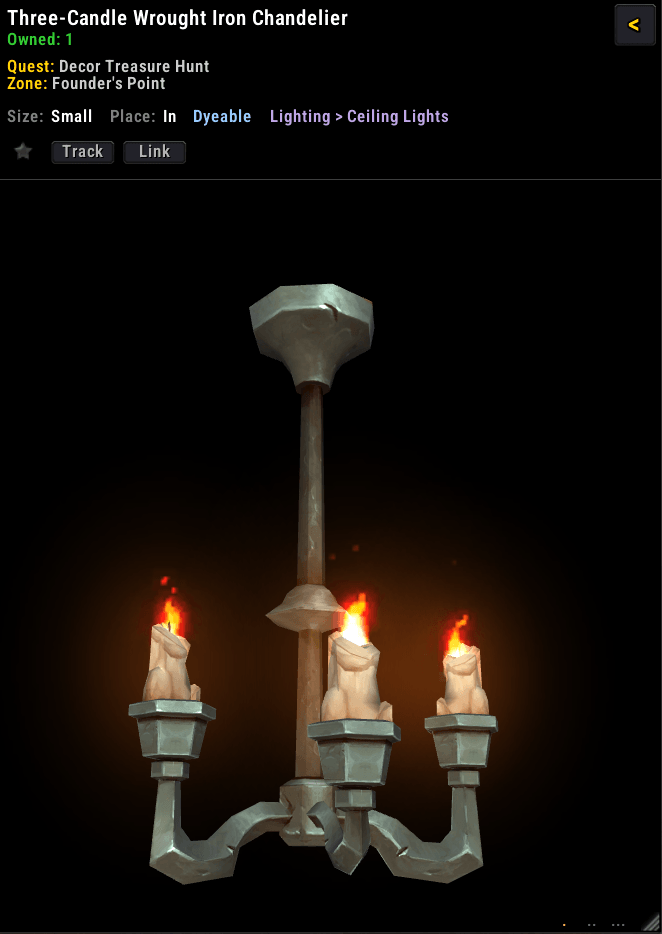
3D preview area (interactive)
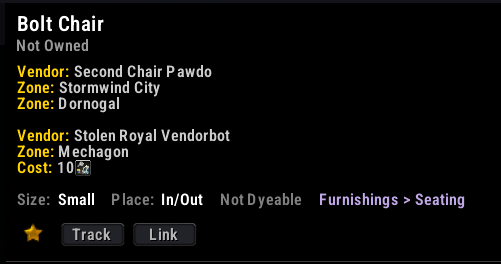 Decor details panel
Wishlist UI - Star items to wishlist them, view all wishlisted items in a dedicated window with preview
Switch to the Wishlist UI
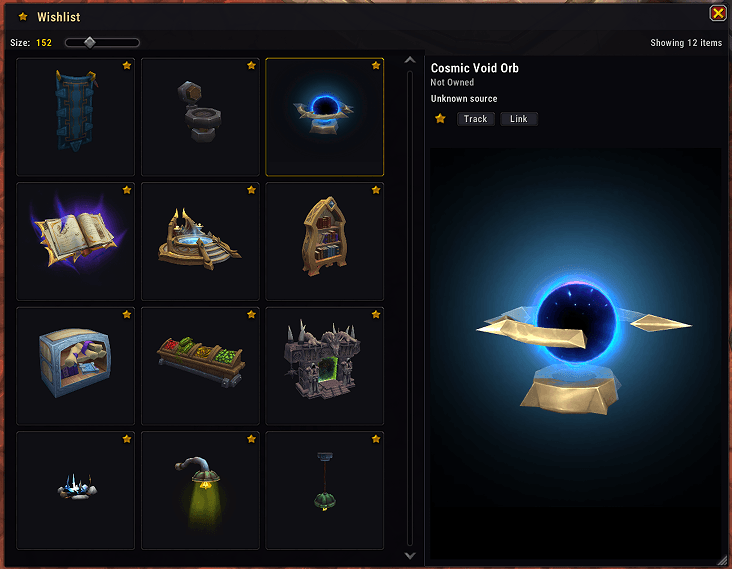
Wishlist UI
Vendor decor indicators - icon indicator for decor items at vendors and checkmark indicator for decor owned items
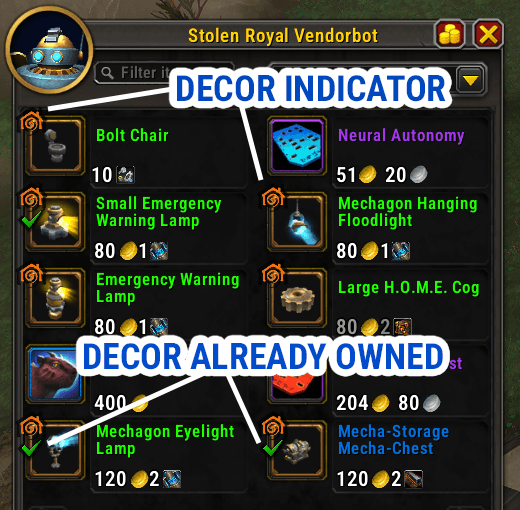
Instantly see which decor items you have not collected from each vendor
Decor vendors on world map - See the location of decor vendors on the zone map and world map, click to set a waypoint to the exact vendor location.
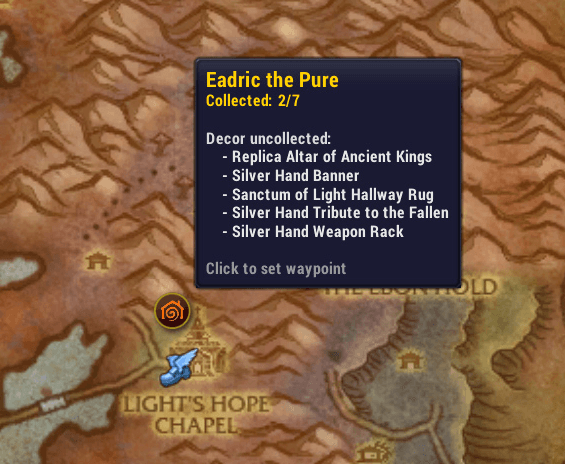
Decor vendors showing decor items not yet collected (zone map)
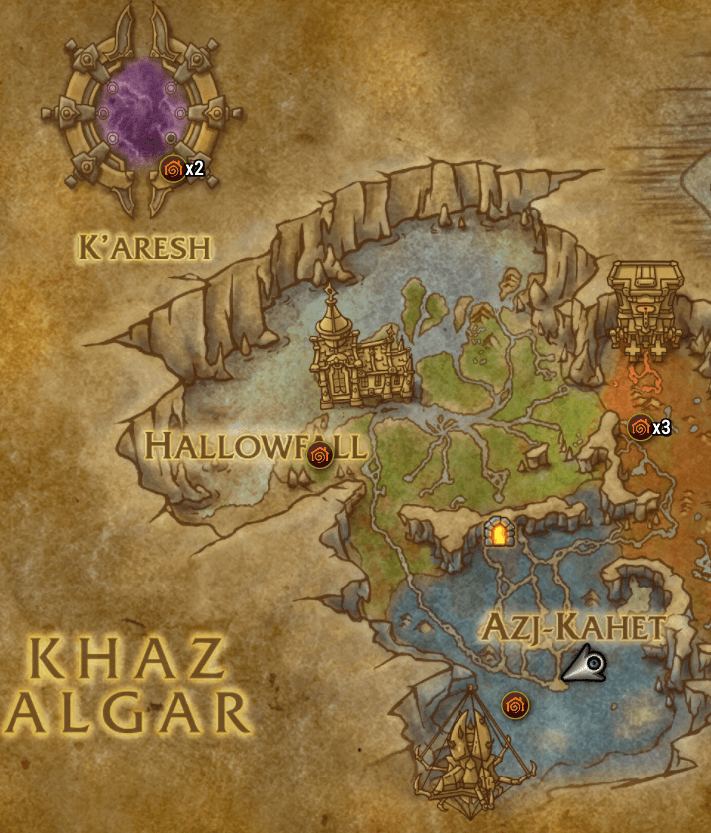
Decor vendors visible on continent map
Decor pieces uncollected in each zone shown on map - shows the amount of decor items not collected in the current zone, expandable
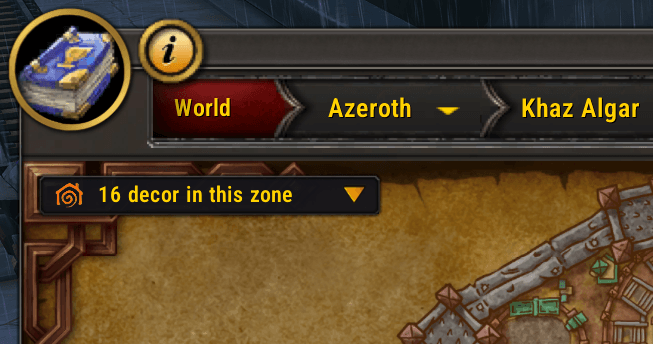 Overlay on the map showing how many uncollected decor items from the current zone
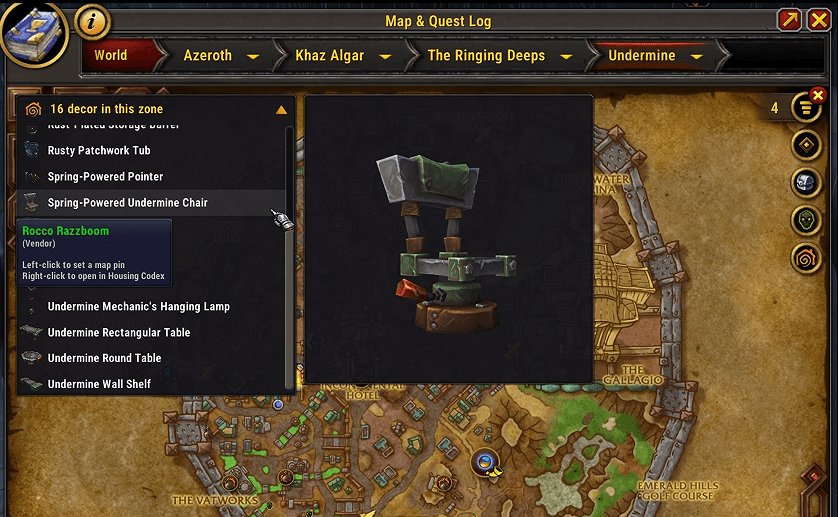 Expanded overlay on map showing the uncollected decor items from the current zone, plus medium sized 3D preview
Vendor tooltips - Mouseover the vendor NPCs to see if there are uncollected decor items for sale
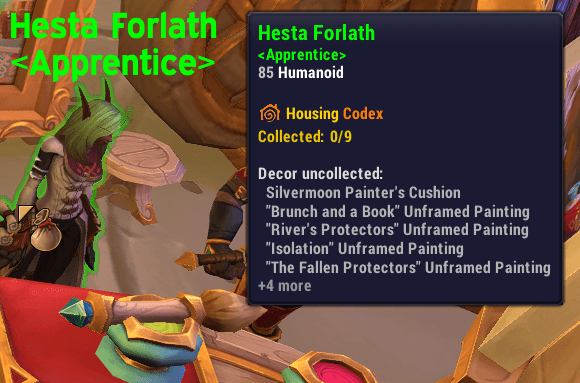
When you mouseover a decor vendor NPC you can see at a glance the amount of collected/uncollected decor items
Search inside item description - Search inside item description, source, location, NPC name (unlike the default UI which only searches in the item name).
Browse decor by source
- Quests tab
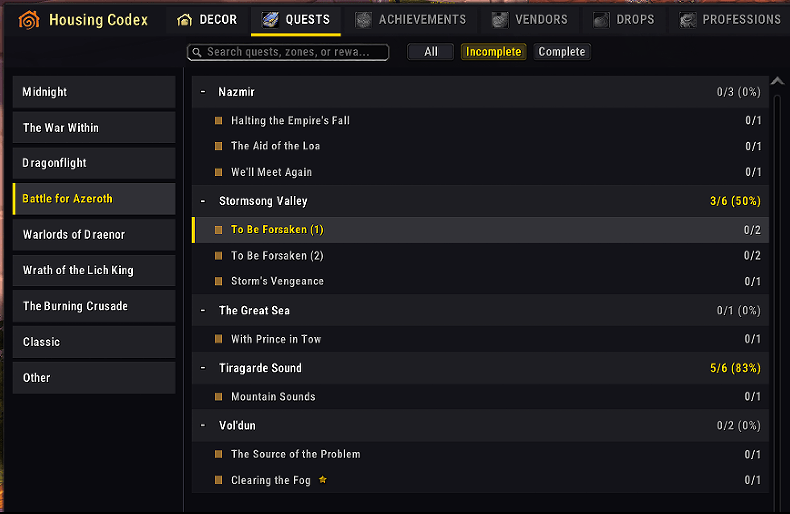
- Achievements tab
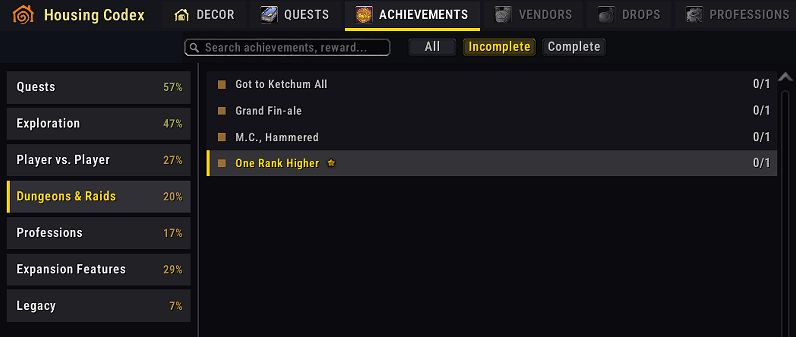
- Vendors tab
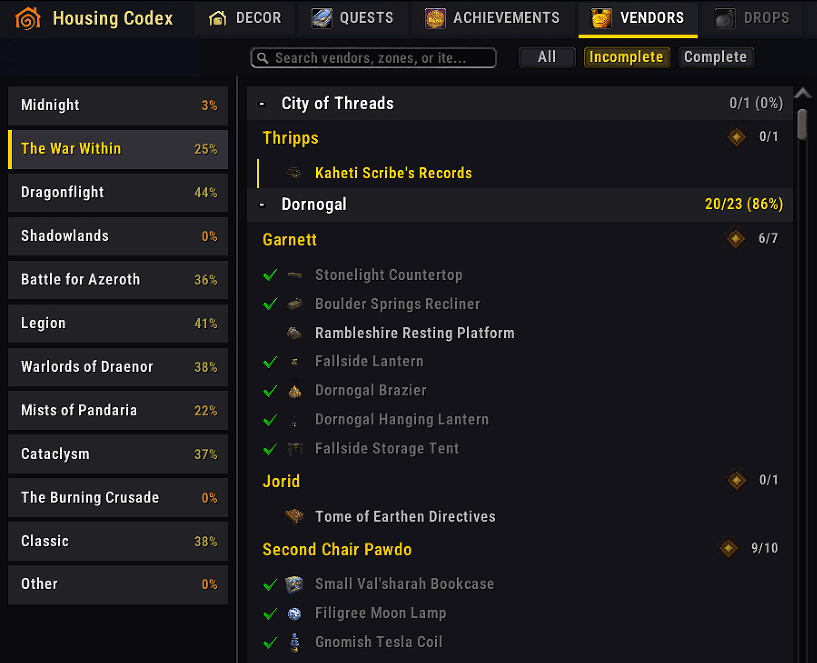
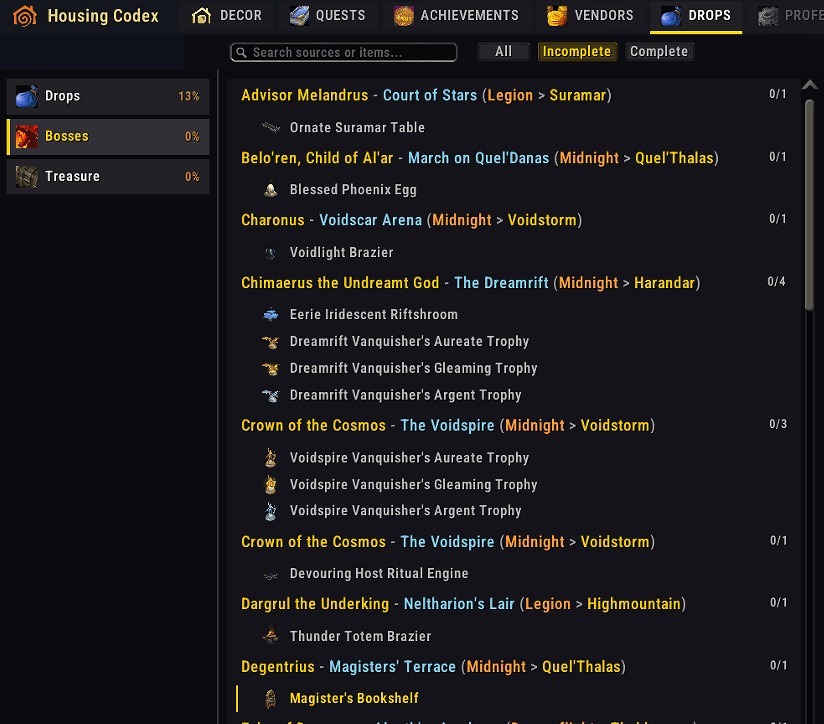
- Drops tab
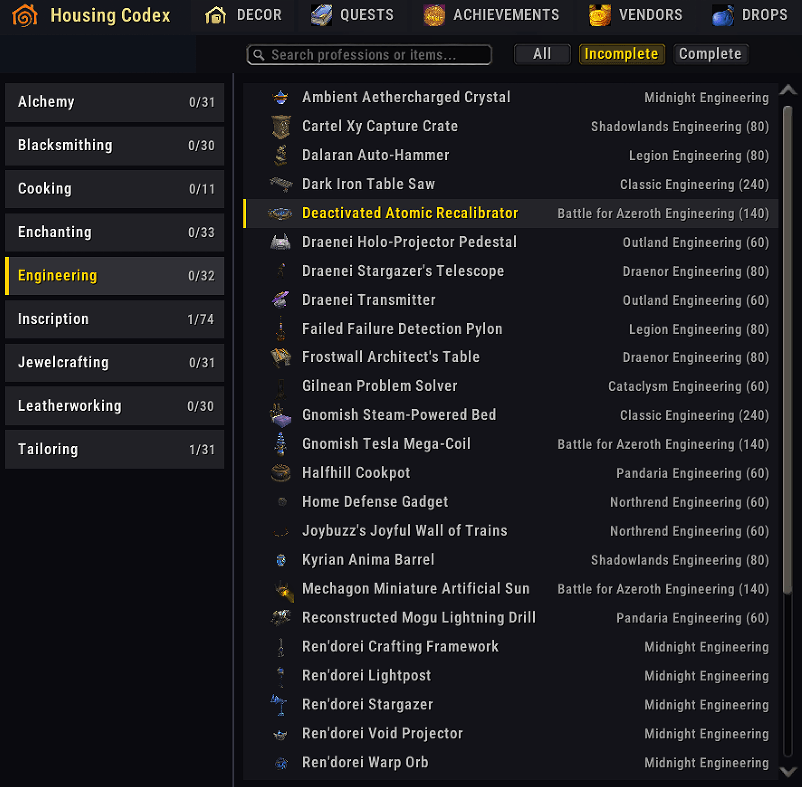
- Professions tab
- Progress tab
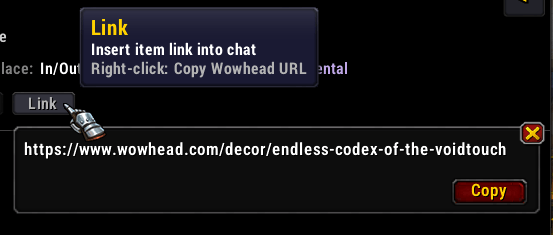
Links - Right-click items for Wowhead links, left-click to link in chat.
Ongoing, active development
The addon is being frequently updated, improved, kept up to date with the new decor items added to the game.
Feedback
Found a bug or have a feature request? Open an issue on the project repository.
Housing Codex Team

