Hitmark
- By
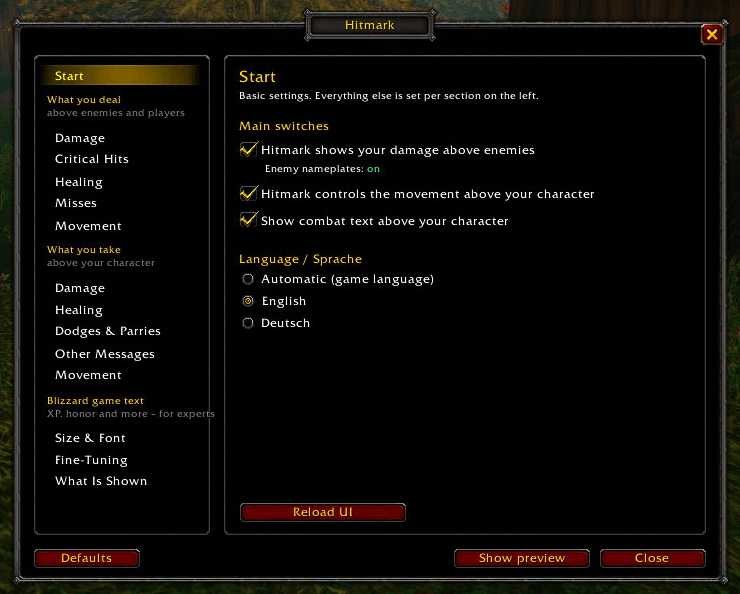
1-start-page.png
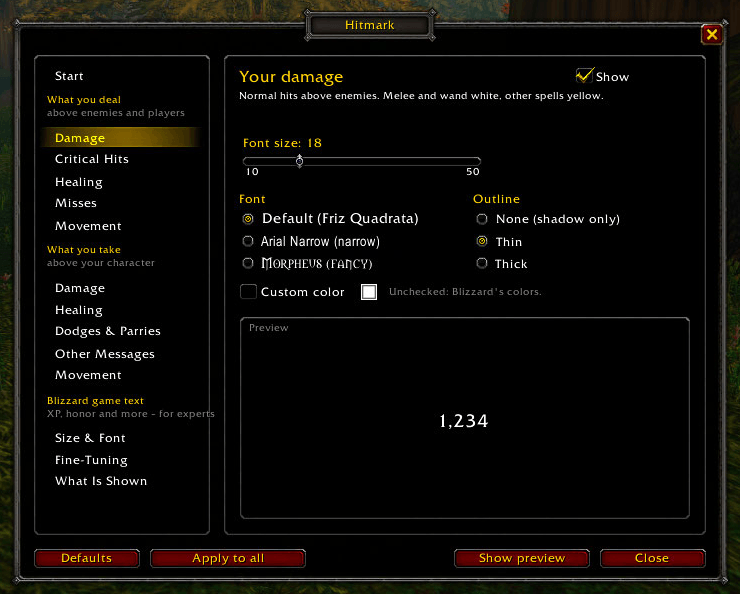
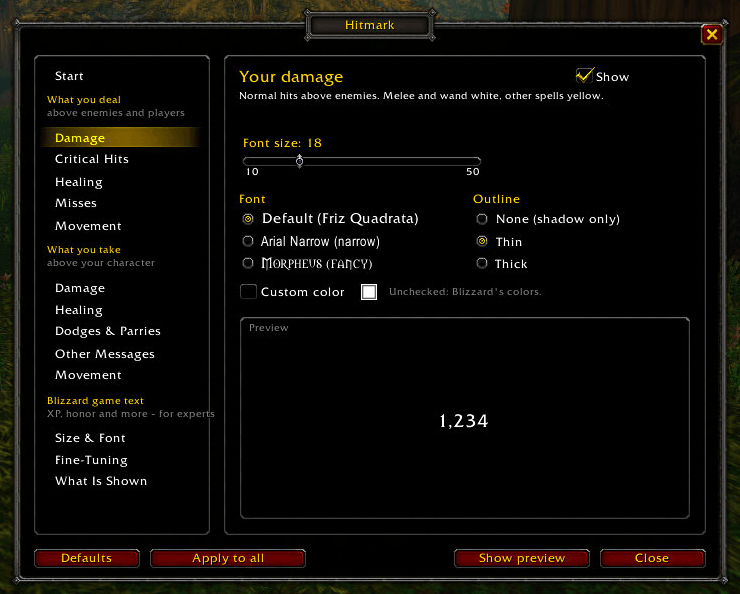
2-your-damage.png
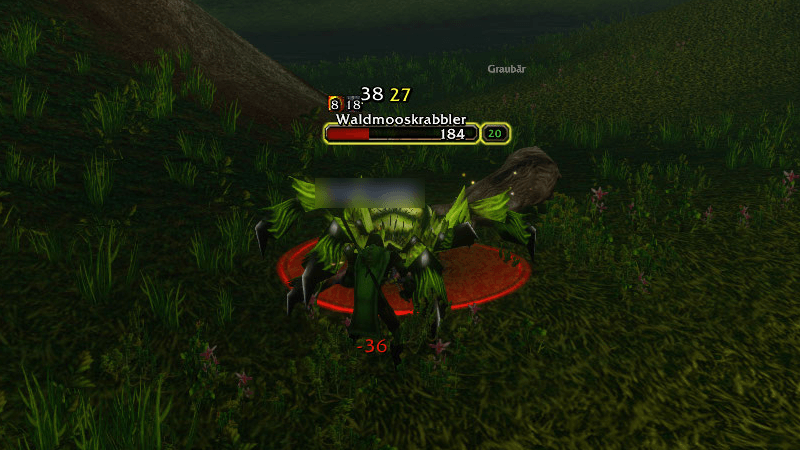
3-combat-numbers.png
4-numbers-above-you.png
5-fine-tuning.png
Description
Hitmark
Customize your combat numbers in WoW Forever – size, font, outline, color and movement, separately for every type.
Why Hitmark?
- Keeps the classic Blizzard look. No new style to get used to – your numbers simply look the way you want.
- Both sides in one addon: what you deal above enemies and what you take above your character.
- Every type has its own size, font, outline and color: damage, crits, healing, misses and more.
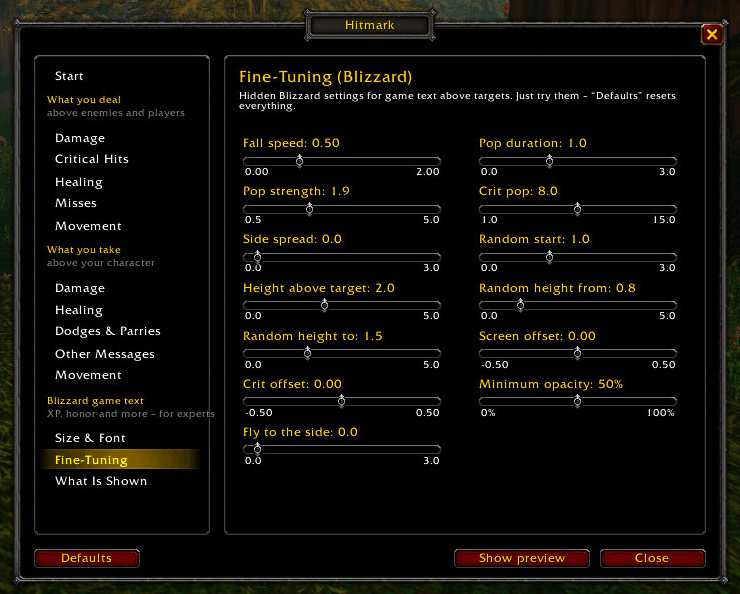
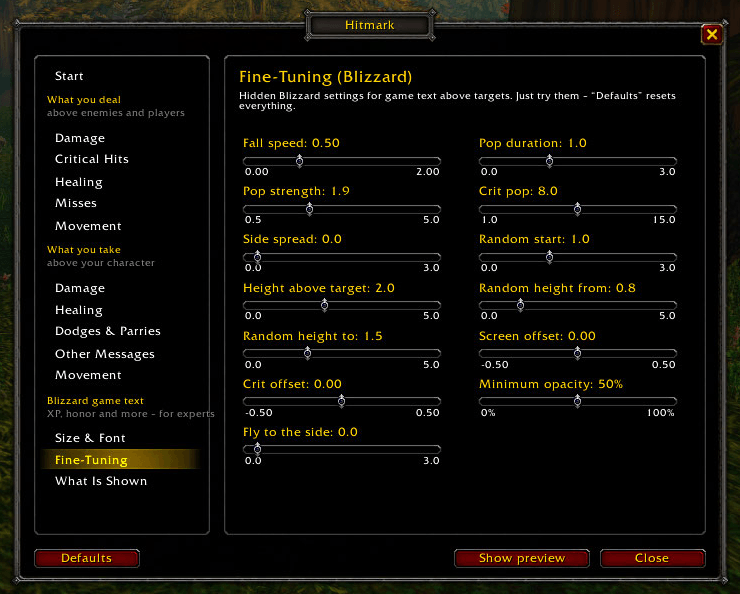
- Hidden Blizzard settings in one window: fall speed, pop effect, spread and more.
- Wand hits stay white like melee – other spells turn yellow, crits gold.
- Fully in English and German.
- Small and clean: one file, no libraries. Blizzard's damage numbers come back automatically when you log out.
What you deal – above enemies and players
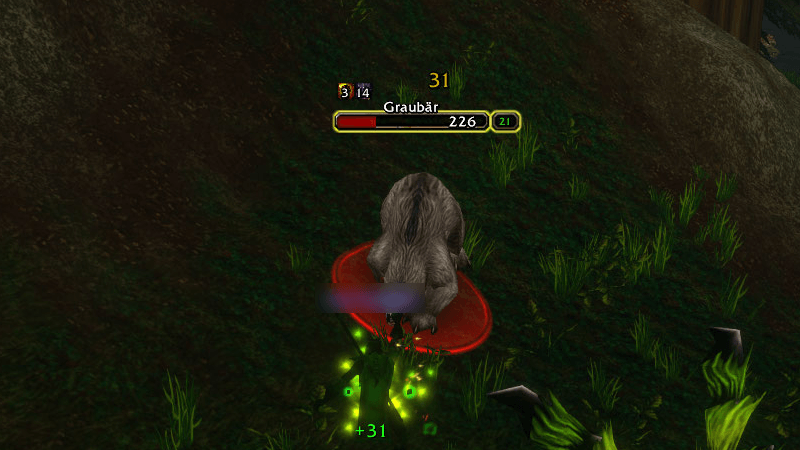
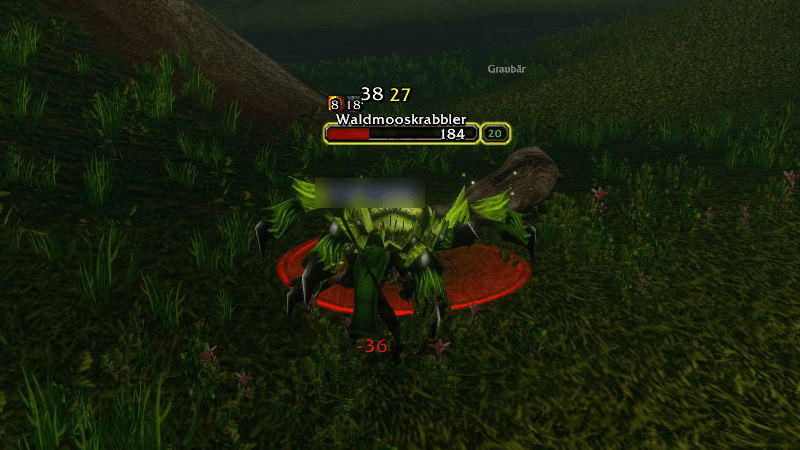
- Hitmark draws your damage, critical hits, healing and misses above nameplates itself
- Size, font, outline and color for each type – XP and other game text stay untouched
- Melee and wand hits white, other spells yellow, crits gold – or your own colors
- Duration, rise, distance to the nameplate and "only above my target"
What you take – above your character
- Separate settings for damage, healing, dodges & parries and other messages
- Your own movement: direction (up, down, arc), duration, rise, height and side offset
- Choose which messages appear (reputation, mana, buffs …)
Blizzard game text – for experts
- Size and font of everything the game writes above characters
- Hidden Blizzard settings: fall speed, pop effect, spread, height, opacity and more
- Choose which numbers the game shows
Easy to use
- Settings window in classic WoW style: type /hitmark or use the addon button at the minimap
- Start page with the main switches
- Live preview in the window and in the game
- English and German – automatic or your choice
Good to know
- Your numbers above enemies need visible enemy nameplates (V key). Without them, Blizzard shows its numbers.
- The game doesn't tell who dealt the damage, so in groups you also see other players' numbers. "Only above my target" helps.
- While Hitmark shows your damage above enemies, Blizzard's damage numbers are turned off. They come back when you log out.
Commands
- /hitmark – open the settings
- /hitmark test – preview above you
- /hitmark info – status
Hitmark Team