HideTotemNames
- By
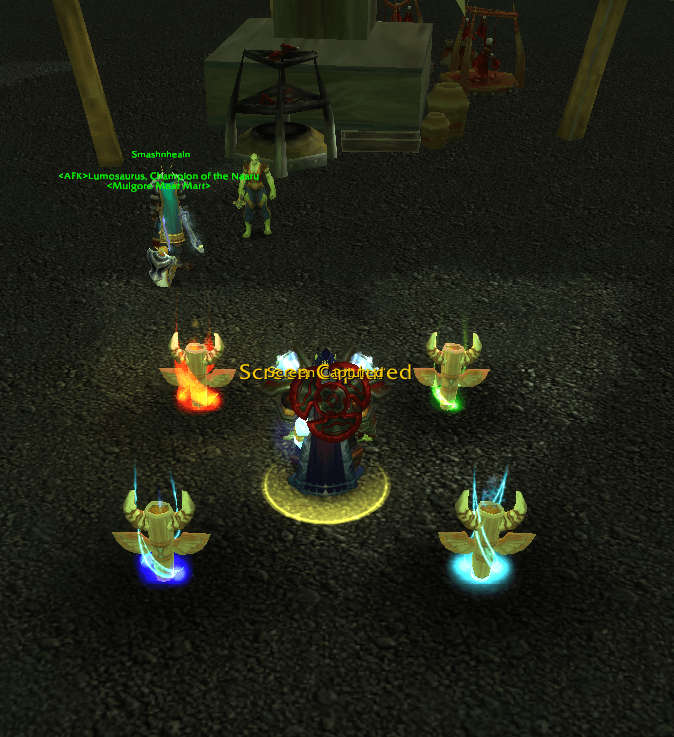
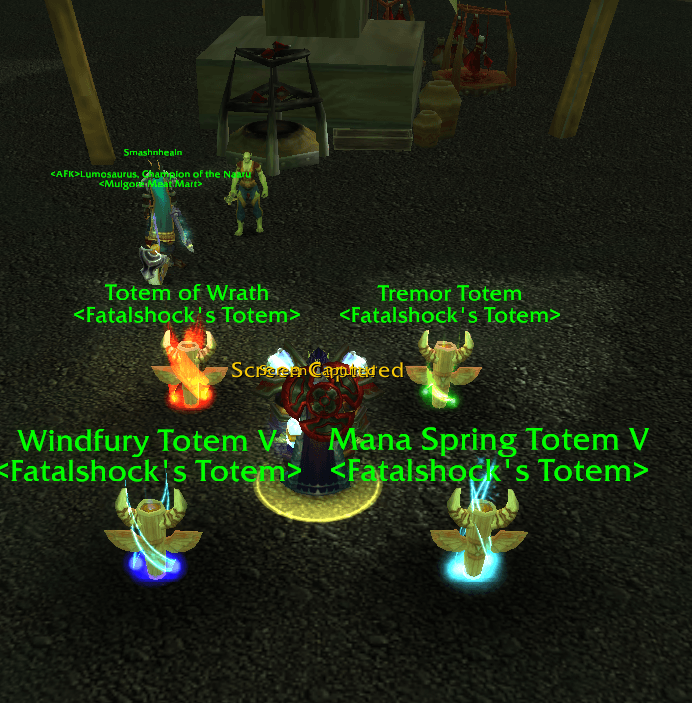
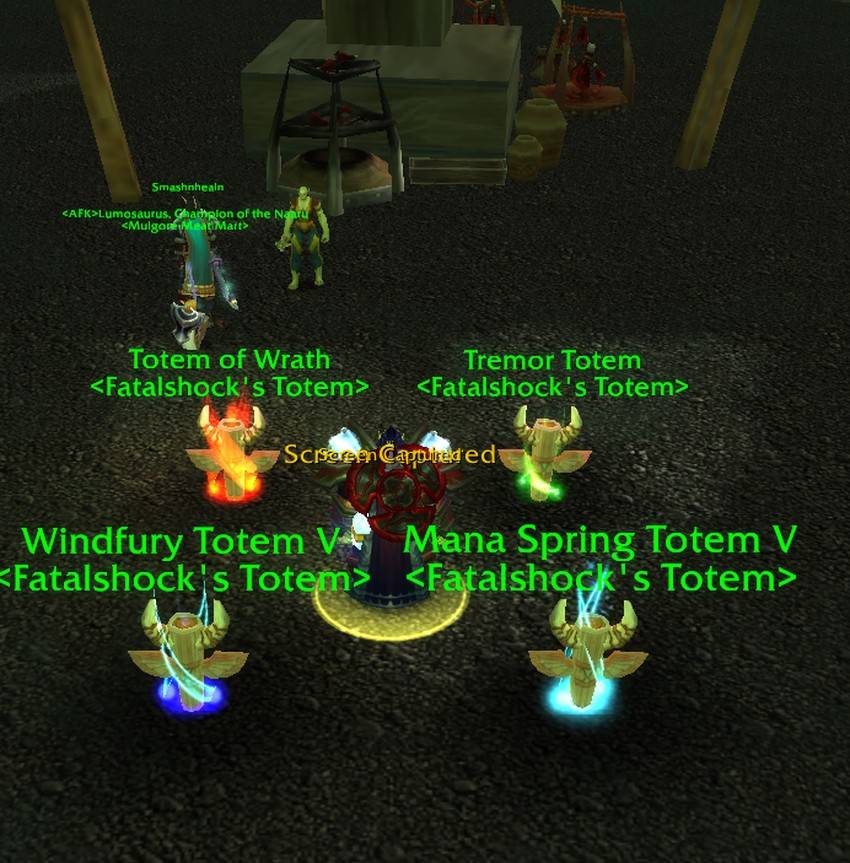
Hides totem names and totem nameplates in WoW Classic / TBC. Minimap icon toggles the addon on and off.
Screenshot 2026-07-18 122838.png
Screenshot 2026-07-18 122844.png
Description
Hide Totem Names is a lightweight addon for WoW Classic / TBC Anniversary that removes totem name clutter from the screen.
FEATURES
• Hides enemy and friendly totem name text
• Hides totem nameplates
• Minimap icon — left-click to toggle ON / OFF
• Drag the minimap icon to reposition it
• Setting is saved between sessions
• Works with combat and world totems
QUICK START
1. Install and enable Hide Totem Names
2. Find the totem icon on your minimap
3. Left-click the icon to turn hiding ON or OFF
— Full color = ON (totems hidden)
— Grey = OFF (totems shown)
COMMANDS
/htn Toggle on/off
/htn on Force hide totems
/htn off Force show totems
/htn status Show current state
/htn minimap Show or hide the minimap icon
Also works: /hidetotems /hidetotemnames
NOTES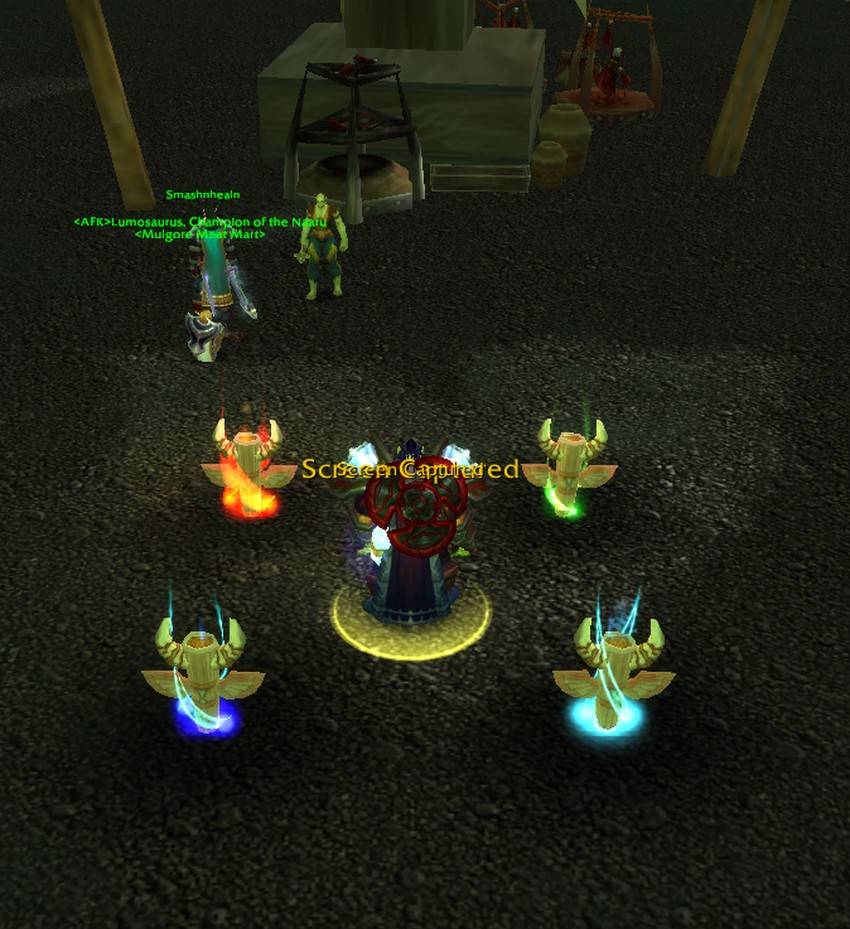
• Designed for Classic / TBC Anniversary (interface 20506)
• When turned OFF, totem names and plates are restored
• If a totem was already down while hidden, drop a new one or re-enter range after turning OFF
Feedback welcome on the CurseForge comments page.
HideTotemNames Team