Hide & Customize Assistant Arrow (HCAA)
- By
Hide or fully customize Blizzard's Single-Button Assistant Arrow with support for Blizzard UI, ElvUI and EllesmereUI.
test2.png
test3.png
test1.png
Description
HCAA – Hide & Customize Assistant Arrow
HCAA is a lightweight World of Warcraft addon that gives you full control over Blizzard's Single-Button Assistant Arrow.
Features
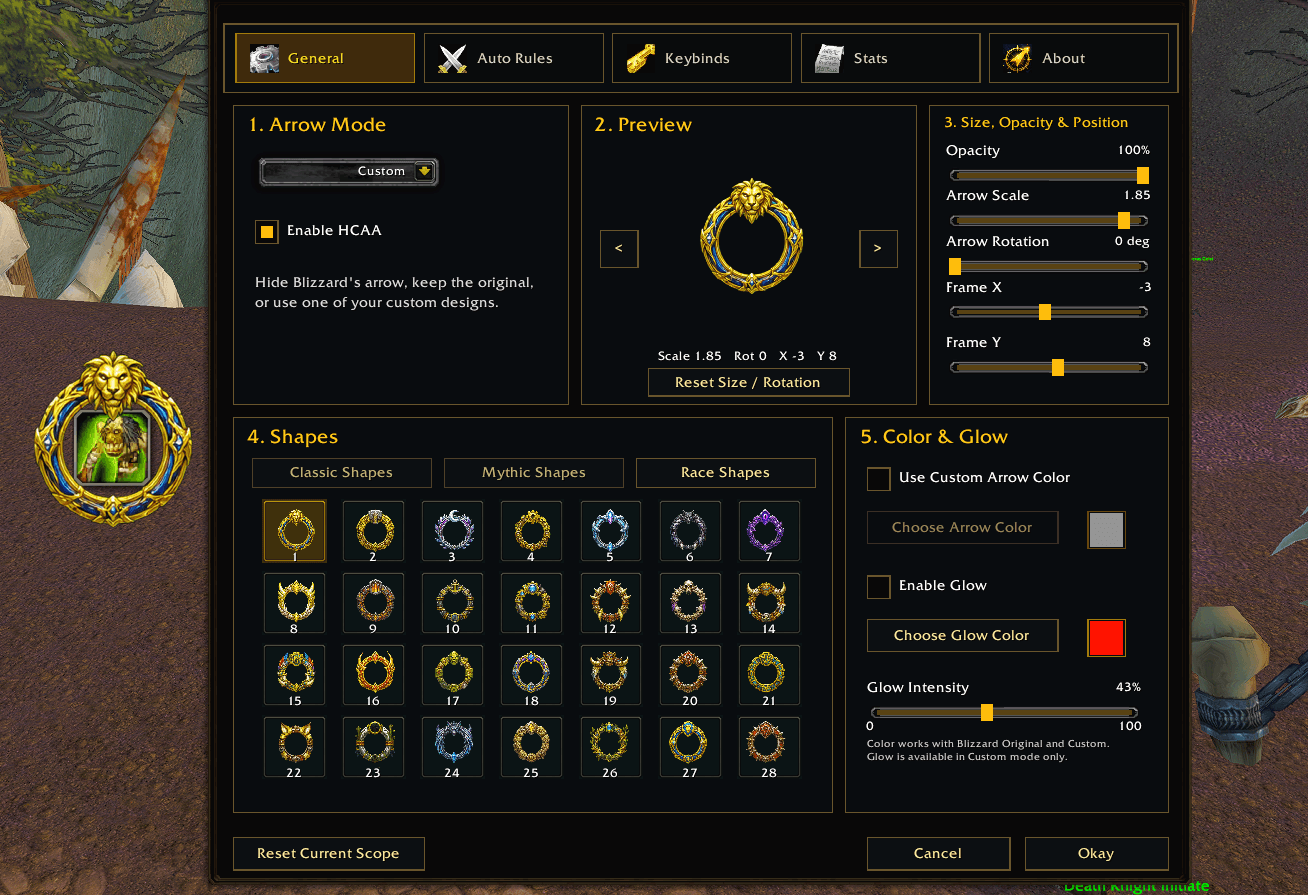
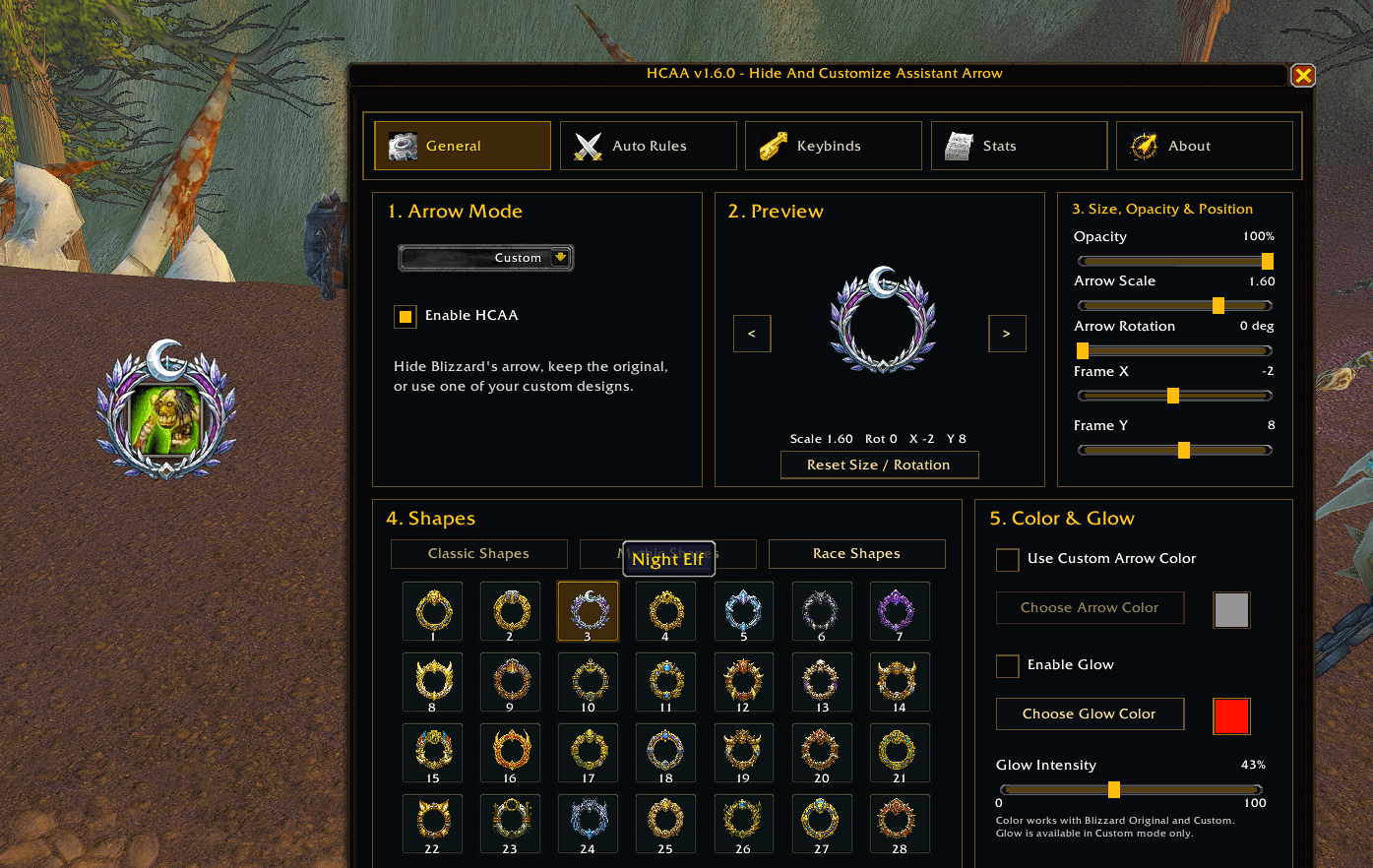
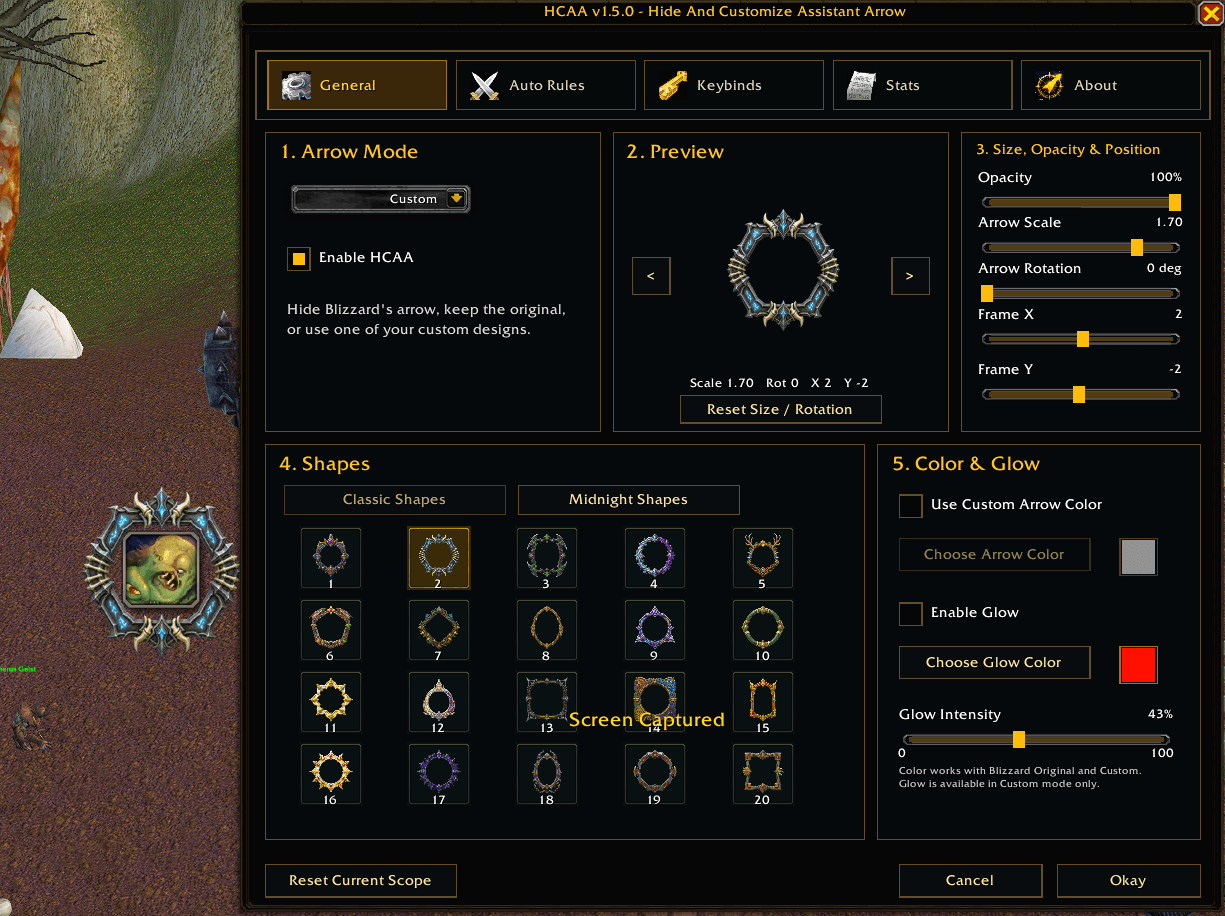
- Hide the Assistant Arrow or keep Blizzard's original arrow.
- Choose from 40 built-in custom shapes:
- 20 Classic Shapes
- 20 Midnight Shapes
- Modern Obsidian Ember settings interface.
- Custom arrow color and optional glow effect.
- Adjust opacity, scale, rotation, and X/Y position.
- Live in-game preview while changing settings.
- Combat visibility rules and allowed-zone controls.
- Account-wide, per-character, or per-specialization profiles.
- Compact 820×760 settings layout.
- Minimap button positioned cleanly on the minimap ring.
- Optional toggle keybind.
- Hidden-arrow statistics.
Minimap Controls
- Left-click: Open settings.
- Right-click: Enable or disable HCAA.
- Middle-click: Hide the arrow.
- Mouse wheel: Adjust opacity.
- Drag: Move the minimap button.
Slash Commands
/hcaa— Open settings./hcaa on— Enable HCAA./hcaa off— Disable HCAA./hcaa toggle— Toggle HCAA./hcaa opacity 0-100— Set opacity./hcaa mode hidden|original|custom— Change arrow mode./hcaa shape NAME— Select a custom shape./hcaa reset— Reset the current profile.
Hide & Customize Assistant Arrow (HCAA) Team