Hearth UI
- By

34-hud-combat-casting.jpg
40-welcome.jpg
02-escape-menu-hover.jpg
04-options-unit-frames-hud.jpg
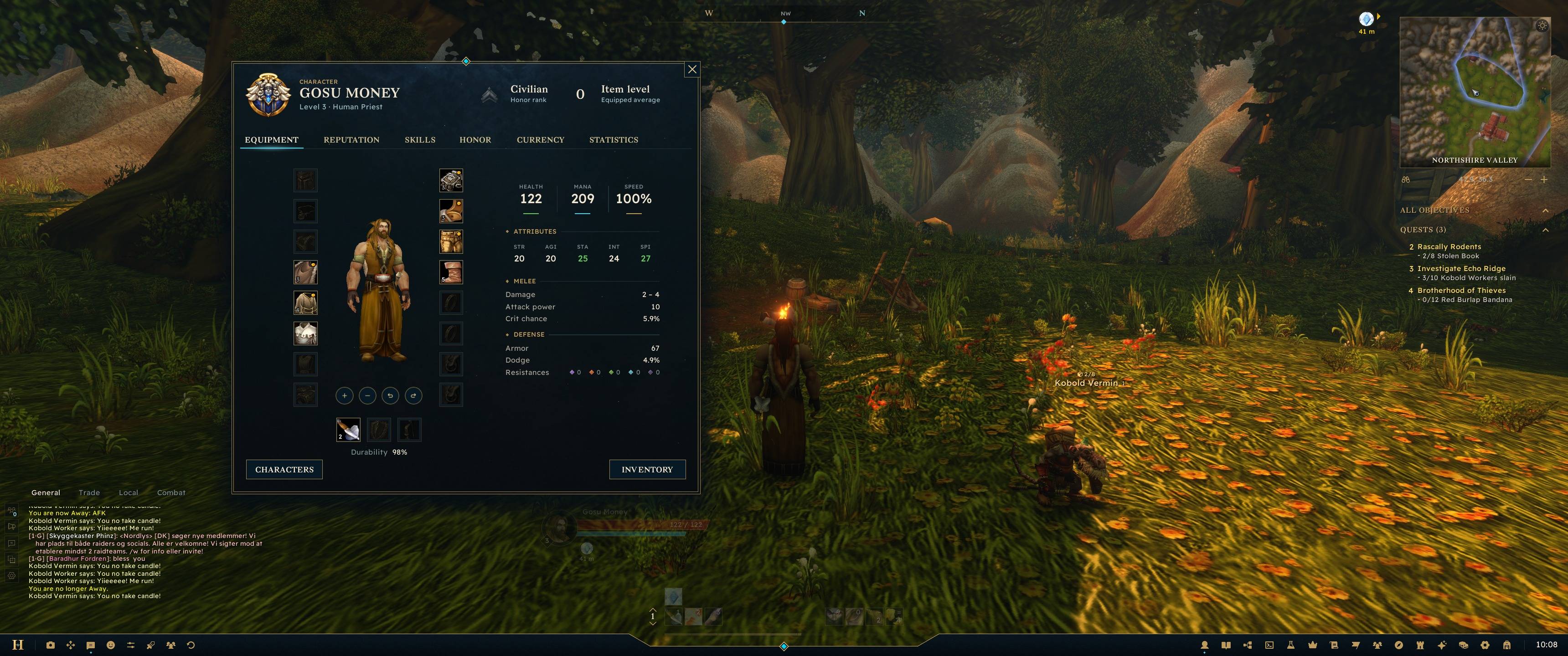
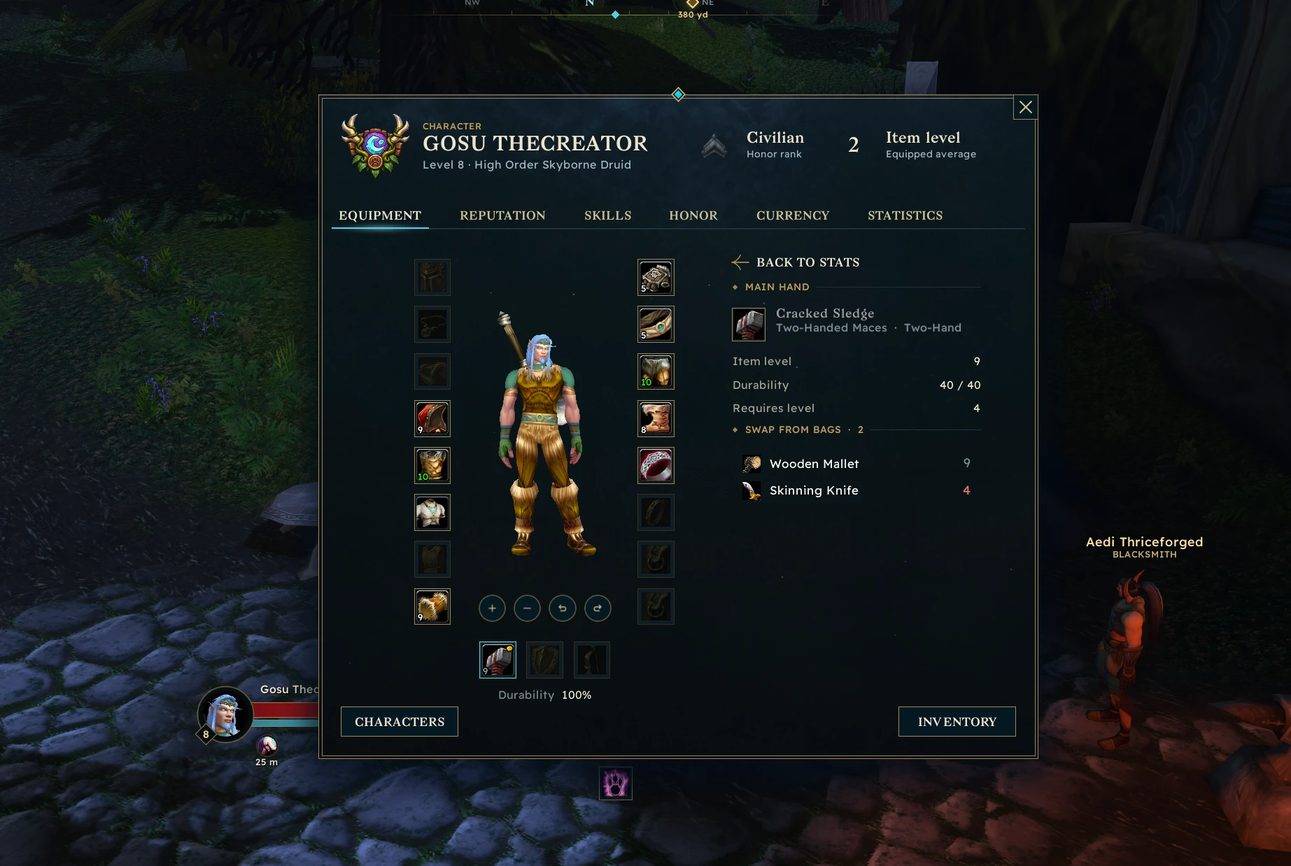
19-character-equipment.jpg
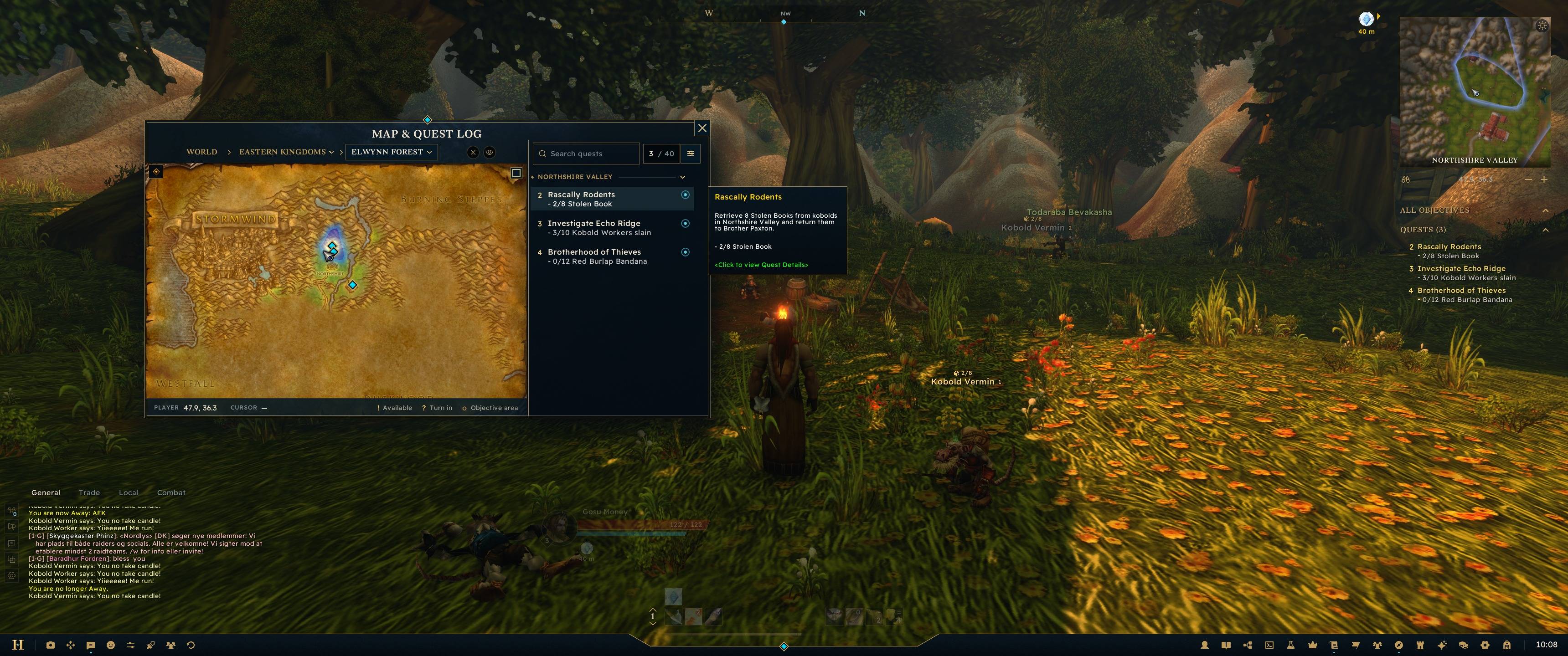
26-map-quest-log.jpg
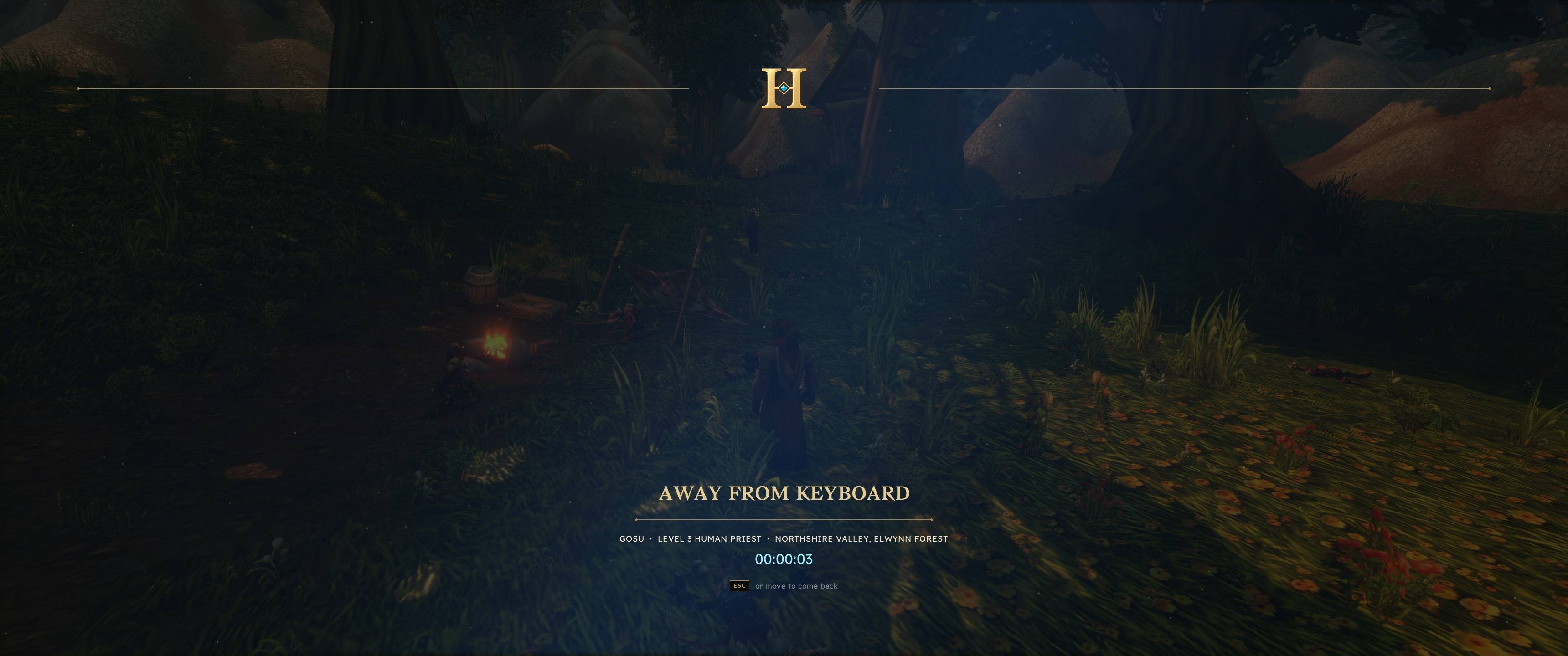
36-afk-screen.jpg
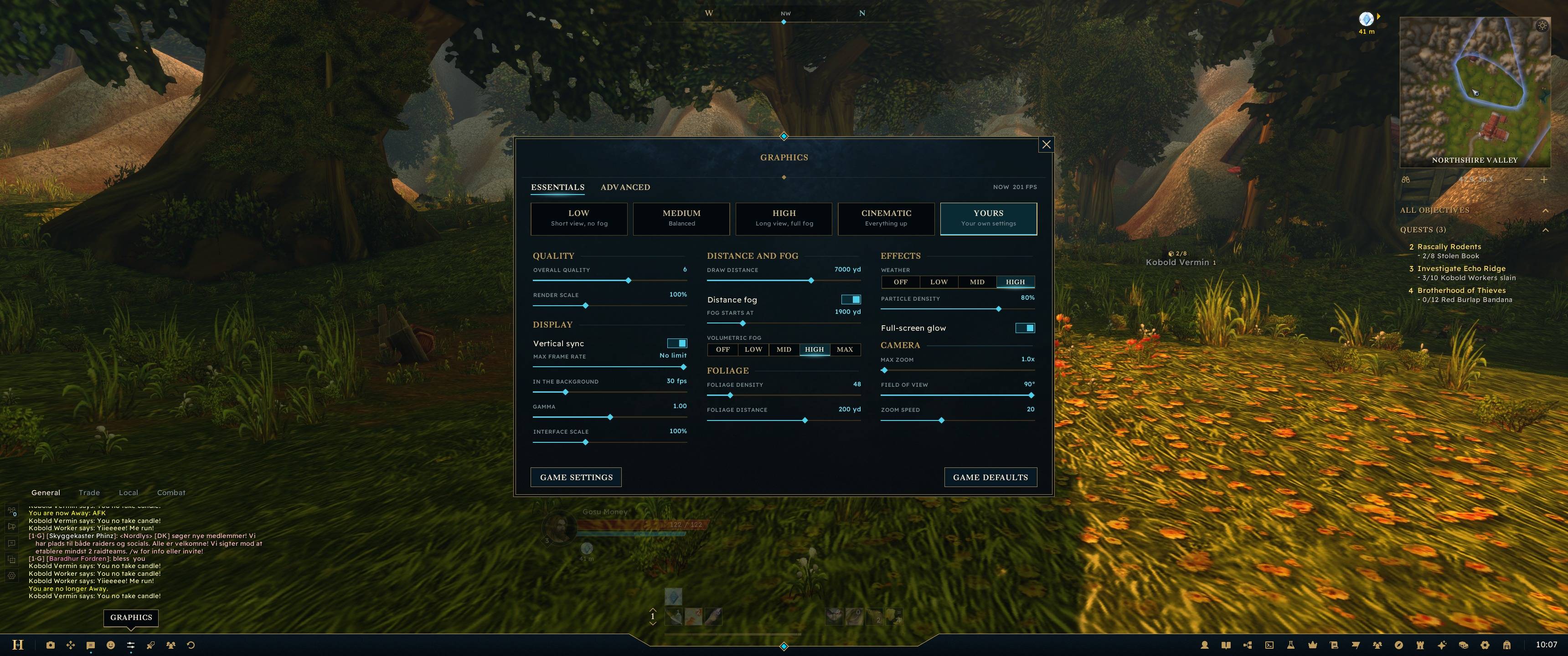
17-graphics-essentials.jpg
Description
Hearth UI
A full interface replacement for World of Warcraft: Forever.
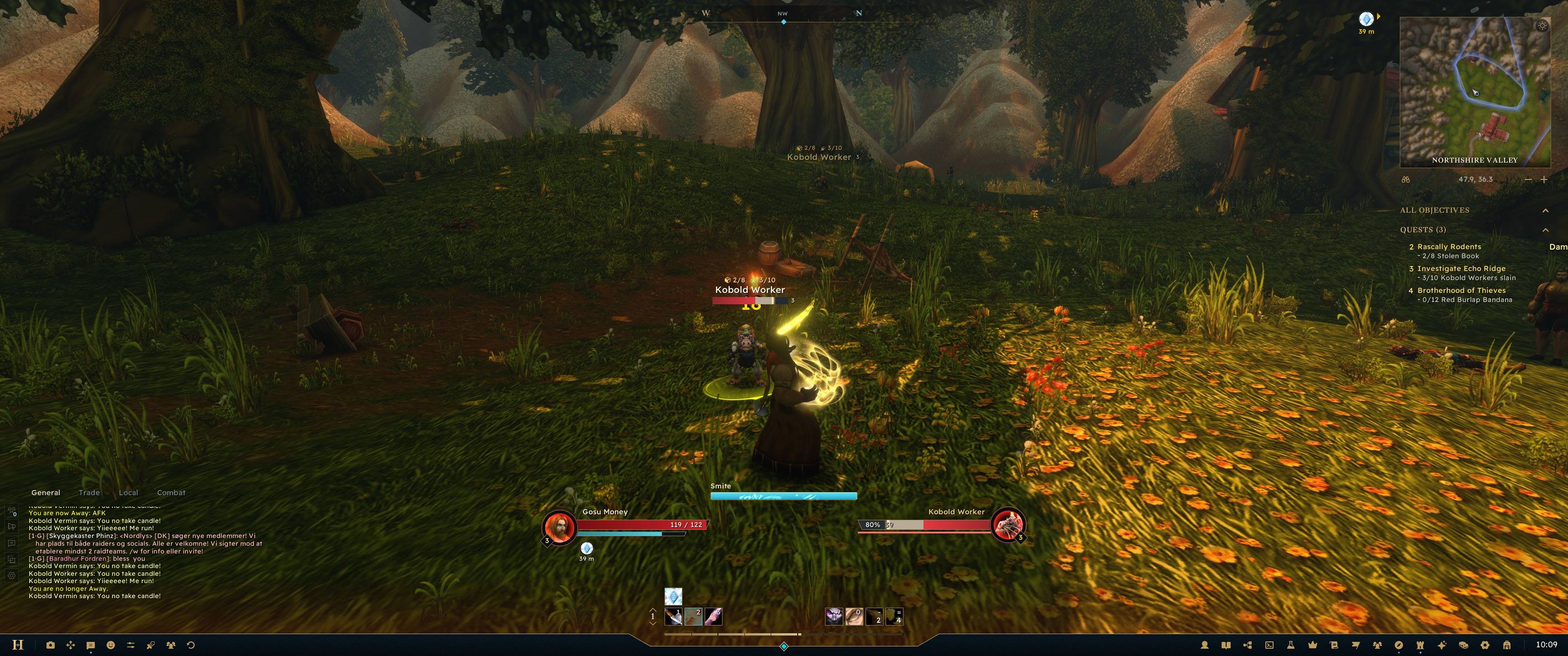
I wanted the game to look like one interface instead of twenty addons stitched together, so I spent the whole Forever beta building Hearth and testing it in game. It redraws all of it: unit frames, action bars, chat, minimap, bags, character sheet, talents, professions, map, mail, quests, guild and the menus. Dark navy, brass and gold, with cyan showing what you can click.
What's in it
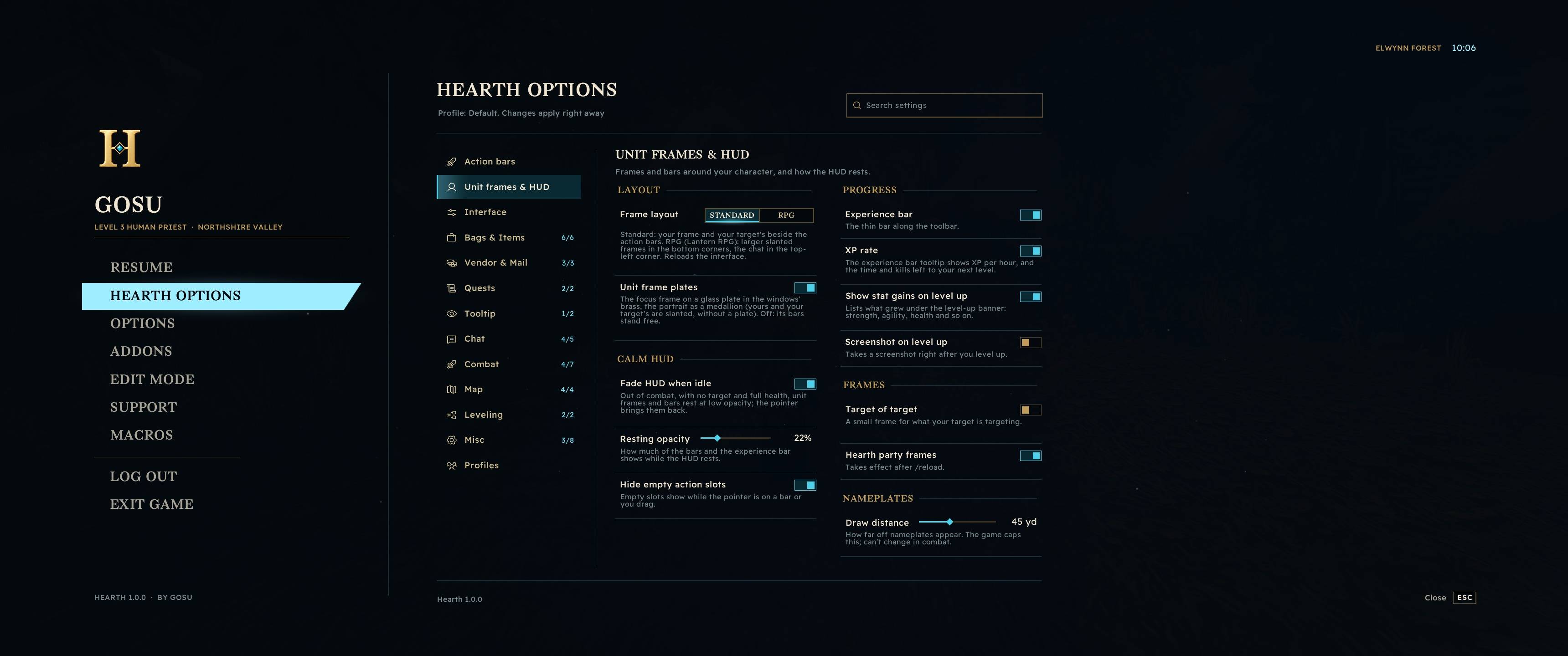
- Two frame layouts. Standard puts small frames next to the action bars. RPG puts larger frames in the bottom corners. Optional class colours on unit frames and nameplates.
- Action bars your way: buttons per bar, buttons per row, size and spacing. A utility bar at the screen's edge for pet commands, skinning, fishing and the like. Quick Keybind is one click away.
- Quest tracker under the minimap: the quest in focus on top, the rest nearest first, with distance, direction, progress bars and where to hand in. Toasts when an objective or quest is done, a quest item button, a compass and
/waywaypoints. Works alongside Questie: turn on Questie's tracker and Hearth's steps aside. - Messages. Your whispers as conversations in one window, with history, unread counts and who is online. Open it from the quill on the toolbar or
/hw. - Guild window. Roster with a member panel (rank, notes, invite, remove), guild chat with history, info and message of the day. Right-click a player to invite them to your guild, and alts can ask for an invite.
- Bags sorted by type, with search, item level, upgrade arrows and BoE marks. Alt-click an item to mark it as junk.
- Characters window with every alt's level, gold, professions, quests and items. You can search all their bags and banks at once.
- Hunters: pet care shows your pet's mood on its frame, and the reminder row offers Feed (the best food in your bags), Call Pet and Revive Pet when needed. Beast training shows training points.
- Talent planner. Plan your build ahead, and it tells you which talent is next when you level.
- Minimap you can make larger (up to 150%).
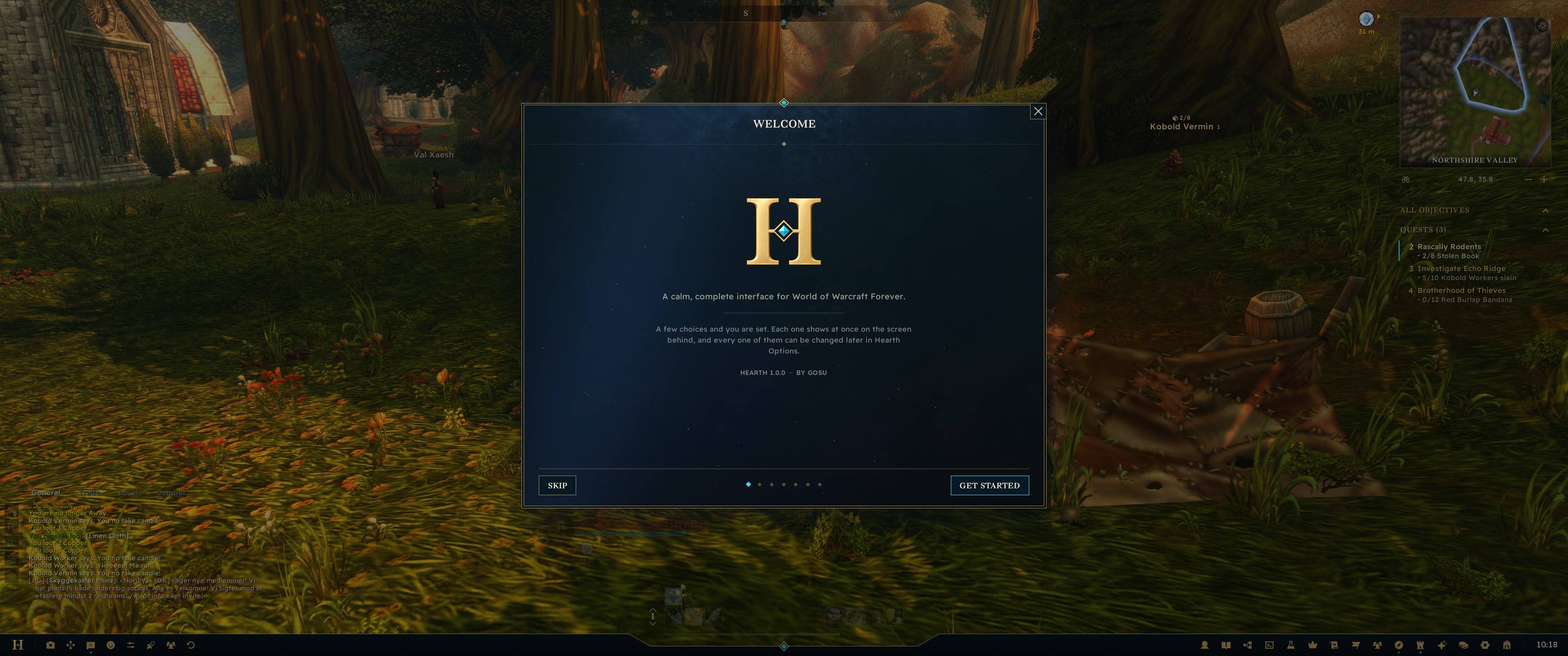
- Welcome guide on first login that walks you through the main settings.
Hearth also replaces the small addons most people end up installing. Each of these can be turned off:
Fast loot · Sell junk · Auto repair · Collect all mail · Auto accept and turn in quests · Swing timer · Energy ticker · Threat · Cooldown numbers · Buff reminders · Spell rank upgrades · XP per hour · Item counts across characters · Durability warning · Chat spam filter · Timestamps · Block duels, trades and invites · Max camera distance · Screenshot on level up
Settings
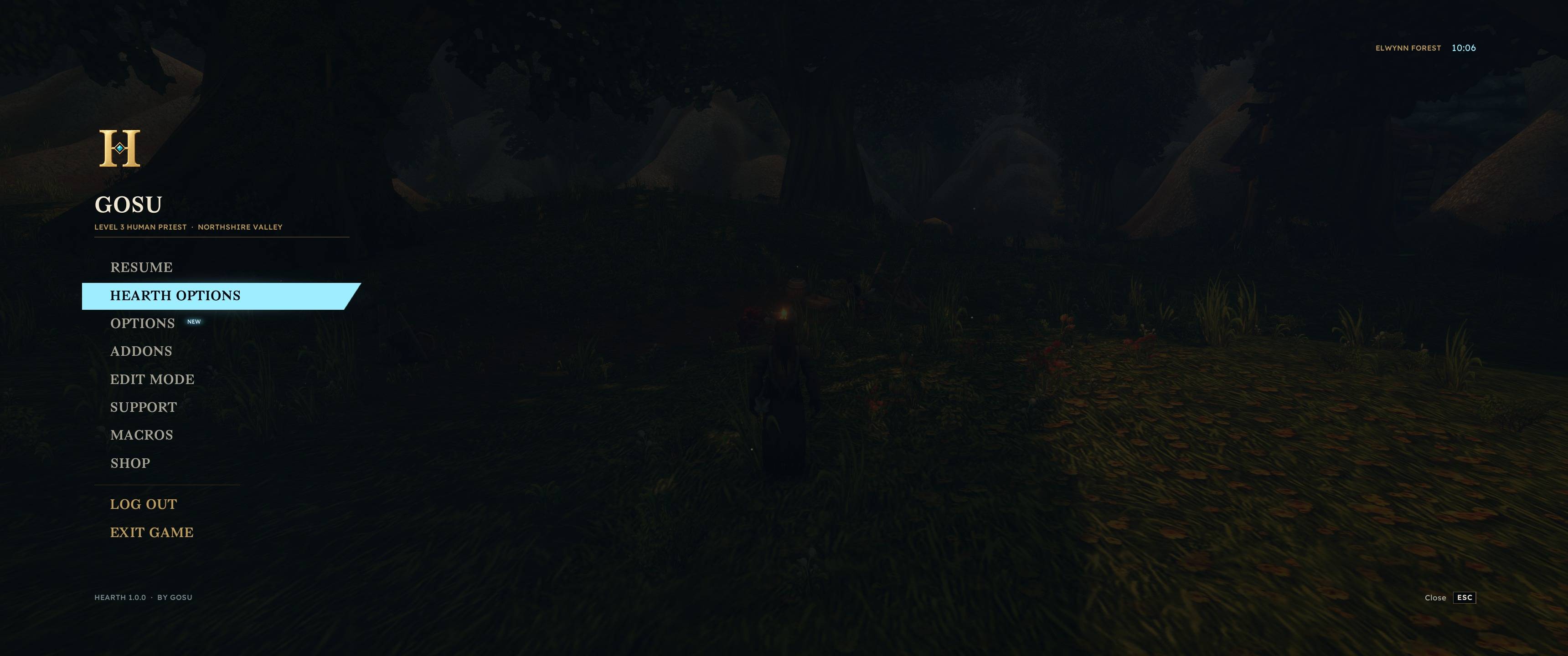
Type /hearth to open options. Settings are searchable.
Profiles. Each character has its own profile, or you can use the same one on every character. You can copy settings from another character, share a profile with friends as an export string, or reset everything to default.
You can also set UI scale (75–150%), animations (Full, Subtle or Off), colourblind colours and interface sounds. Use Move frames on the toolbar (or Edit Mode in the Esc menu) to drag anything where you want it.
/hearth help lists all commands.
Notes
- Made for WoW Forever only. It won't work on Retail or Classic Era.
- After installing or updating, restart the game once. After that,
/reloadis enough. - Nothing protected is touched in combat. Changes wait until combat ends.
- Fonts are Bagnard and Readex Pro (SIL Open Font License). All other art is original.
Bugs and suggestions
Found a bug? Leave a comment here. Paste the error text if there is one, and a screenshot link (imgur works) if you can.
Have an idea? Suggestions are very welcome, and many features in Hearth started as a comment here. Tell me what you'd like and why it would help your play, and I'll see what fits.
You can also find me on Discord @gosuthecreator
Hearth is free. If you enjoy it, you can support it on Ko-fi.
Hearth UI Team