


Description
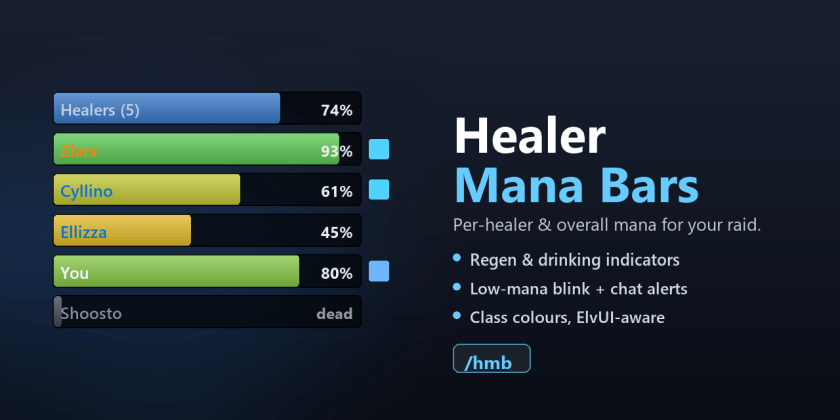
Healer Mana Bars
Lightweight mana bars for your raid healers, for WoW Classic Anniversary (TBC 2.5.x).
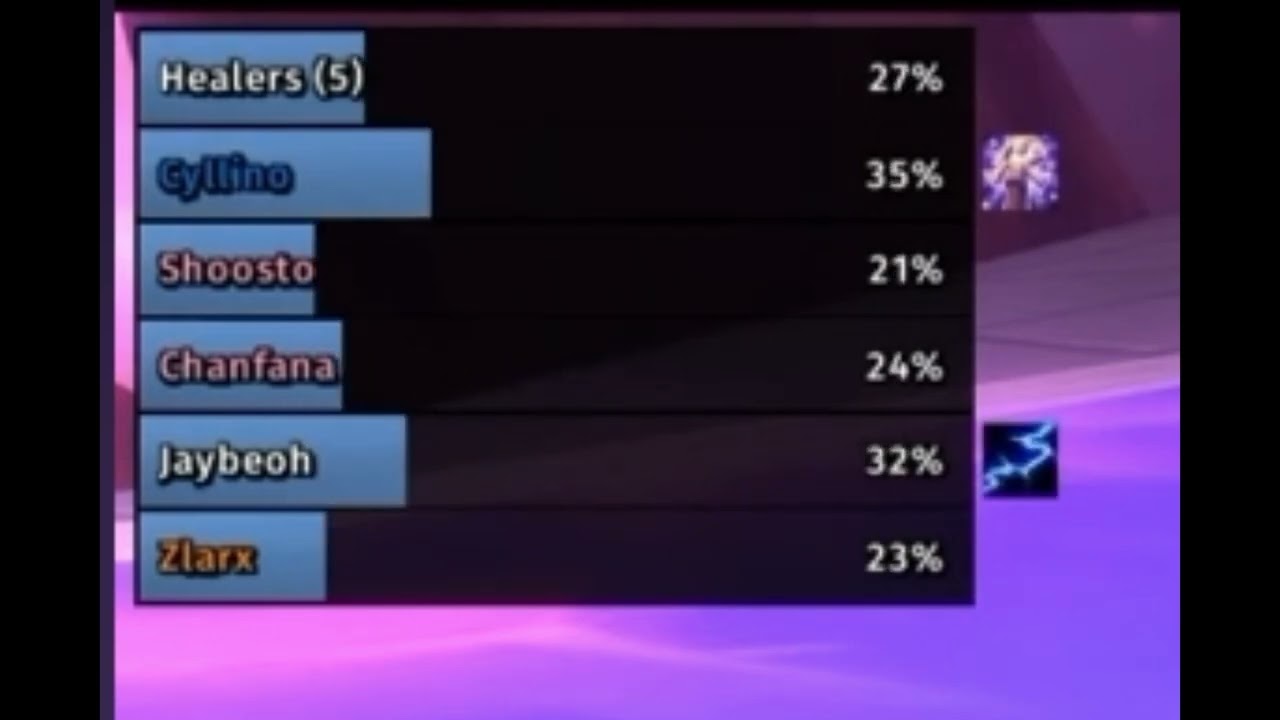
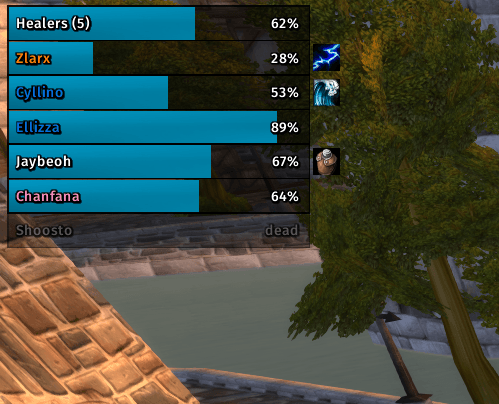
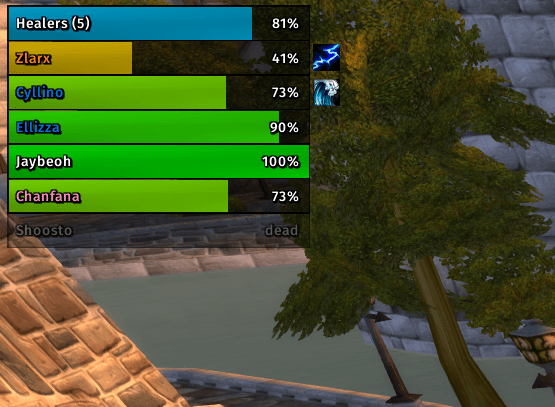
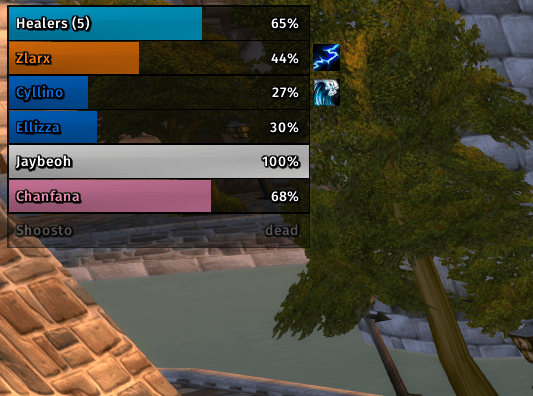
Shows one mana bar per healer plus an overall aggregate bar, so at a glance you know whether the healing core has the mana to push — or needs a breather.

Features
- Per-healer + overall bars. Healers are detected by their assigned raid role.
- Regen & drinking indicators. A small icon appears next to a healer who is under Innervate or Mana Tide Totem, or who is drinking.
- Low-mana alerts. When the overall healer mana drops below a configurable
threshold you can:
- blink the overall bar red,
- get a local raid-warning banner + sound (only you), and/or
- announce
Healer mana below X%to Say / Party / Raid / Yell / Raid Warning.
- Dead healers can be hidden or greyed out, and are kept out of the overall average either way.
- Fully configurable look. Bar colour (class / static / green→red gradient), width, height, spacing, grow direction (up/down), bar texture and font. Names are always class-coloured.
- LibSharedMedia aware — your shared textures and fonts show up in the lists.
- ElvUI option to borrow ElvUI's texture and font so the bars blend in.
- Movable — unlock to drag the cluster anywhere; it hides while you're solo (unless unlocked or in test mode).
- Test mode to tune everything solo. It even includes your own character live (real name and mana), so what you configure is what you'll see in a raid.
Usage
Open the options with /hmb (or via Interface → AddOns → Healer Mana Bars).
| Command | Action |
|---|---|
/hmb |
open the options panel |
/hmb lock / /hmb unlock |
toggle dragging |
/hmb test |
toggle test mode |
/hmb up / /hmb down |
growth direction |
/hmb reset |
reset position to the top-left |
/hmb status |
print diagnostics (handy for bug reports) |
Healer detection
Healers are read from the assigned raid role (UnitGroupRolesAssigned).
Right-click a unit frame → Role → Healer, or set roles in the raid panel.
Players without the Healer role are not shown.
Optional dependencies
- LibSharedMedia-3.0 — if present (e.g. provided by another addon), its texture and font registries replace the small built-in lists.
- ElvUI — enables the "Use ElvUI texture + font" option.
Neither is required; the addon ships no libraries and works standalone.
Notes
- Status icons sit just past the right edge of each bar, so leave a little room on that side when positioning the cluster against the screen edge.
- A bar will only update for a healer who is online and in range; out-of-range members may briefly read stale values until they come back into range.
Feedback
Bug reports and suggestions are welcome on the CurseForge project page. Please
include the output of /hmb status when reporting display issues.
License
Released under the MIT License.
The Healer Mana Bars TBC Anniversary Team
